How PantryRx turns a photo of your shelves into real advice
PantryRx starts from the food you already own. Here is what the pantry scan does, why that list is the center of the app, and what still needs a connection.
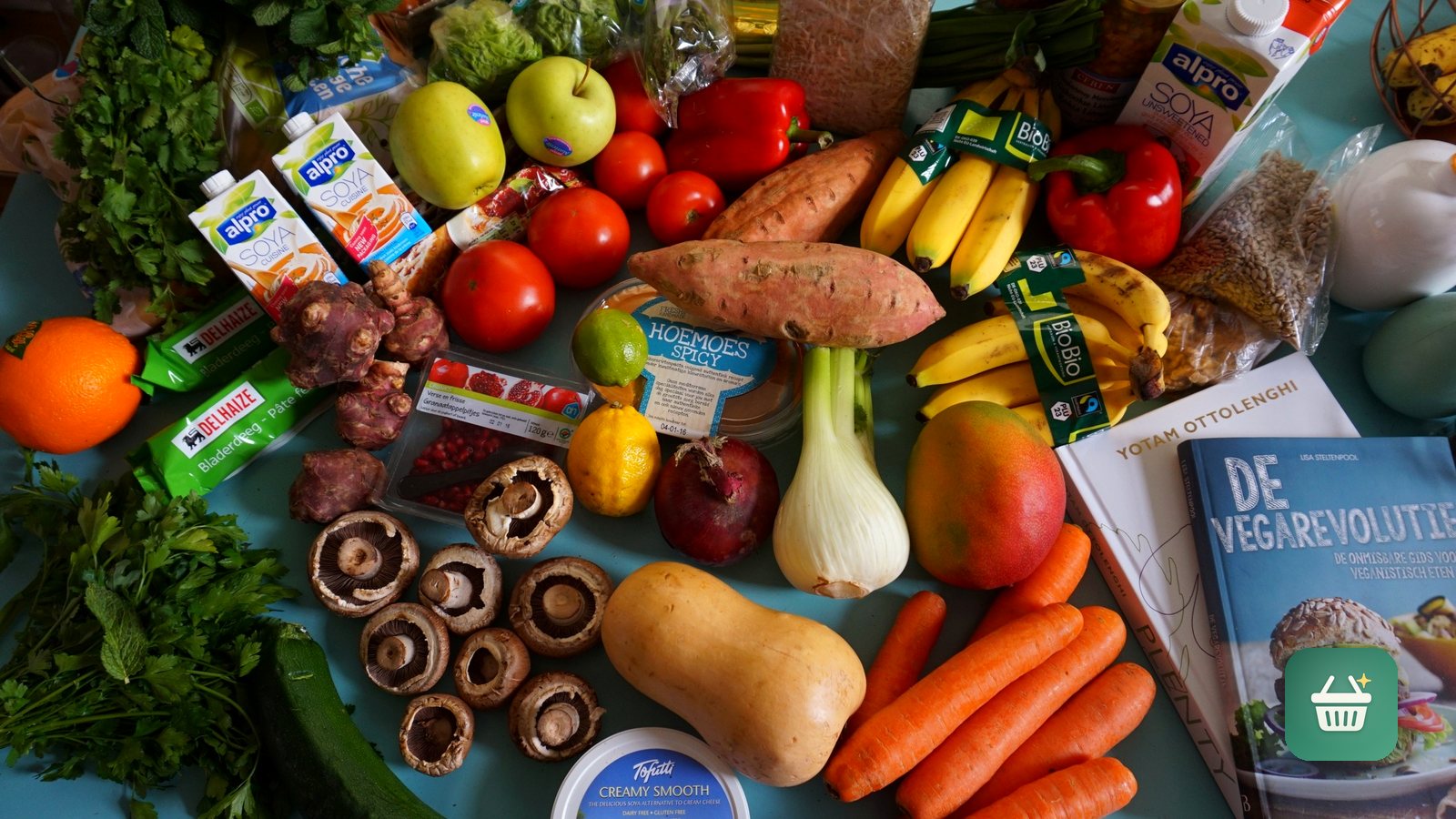
Open most nutrition apps and the first question is what you want to eat this week. That is the wrong end of the problem. The food you will actually eat is already sitting on your shelves, bought for reasons that made sense at the time. PantryRx starts there instead, and the whole design follows from that one choice.
The photo is the input
The first thing you do is take a picture of a pantry shelf, the inside of your fridge, or a grocery bag you have not put away yet. The app identifies what it sees and queues those items into your pantry. That queue is the part that matters. It is not a food diary and it is not a shopping list. It is a running picture of what you own right now.
This is why the app leads with the camera instead of a search box. Typing is where food tracking usually dies. Nobody wants to enter forty items by hand, and an app that asks for that gets abandoned in a week. A photo of a shelf carries the same information and takes three seconds.
Advice about your food, not food in general
Once the pantry exists, everything else reads from it. The insights are specific: what to use first, smart swaps for things you already have, and the gaps in your shelves. That specificity is the entire point. A suggestion you can act on before dinner is worth more than a plan that assumes a grocery trip you are not going to make tonight.
Generic nutrition advice is easy to write and easy to ignore, but advice about the jar already on your shelf is much harder to argue with.
The difference shows up in what happens after you read it. Generic guidance goes in the "someday" pile. A swap involving two things you can see from where you are standing either happens or it does not, and you find out that evening.
A human in the loop, on purpose
Software is good at looking at shelves and bad at understanding a person's history, medications, and goals. So PantryRx does not pretend otherwise. You can book and join visits with registered dietitians from inside the app, with care tracked against outcomes rather than delivered as one more generic meal plan. There is a companion site for clinic teams who work on the other side of those visits.
What runs where
Some of our apps are fully offline, and we say so plainly on their pages. PantryRx is not one of them, and it would be dishonest to imply otherwise. Recognizing what is on a shelf and meeting a dietitian both need a connection. What we can control is scope: the camera does exactly one job, which is filling your pantry, and every feature downstream reads from that list rather than from a stream of everything you do.
It is free to download on iPhone, with the web side available too. The pantry-first idea is the part we expect to age well. As on-device recognition keeps improving, more of that first step can move closer to the phone, and the rest of the app will not have to change shape to take advantage of it. If you want to see how the rest of the portfolio approaches the same tradeoff, the full app list is a good place to start.
Related posts
-
How-to
How to meal plan from what's already in your pantry
Sep 26, 2026
-
How-to
How to cut food waste at home without trying harder
Oct 04, 2026
-
Food And Drink
Mealime shutting down October 21: why, and how to save your recipes
Sep 20, 2026
Recent posts
-
How-to
How to learn a trade as an adult (electrician, plumber, HVAC, welding)
Oct 20, 2026
-
How-to
How to watch a game later without spoilers
Oct 19, 2026
-
How-to
How to photograph fall colors with your phone
Oct 19, 2026
-
How-to
How to warm up before lifting in 8 minutes (and what to skip)
Oct 18, 2026
-
How-to
How to spot a scam text before you tap
Oct 18, 2026
-
How-to
How to steam milk for a latte at home
Oct 17, 2026
0 comments
No comments yet — be the first.
Leave a reply
Sign in with Google to join the conversation. We require a quick sign-in to keep comments spam-free.
Sign in with Google to comment