What on-device AI can actually do on a phone in 2026
A grounded look at which AI tasks run well on a phone today, which still need a server, and how that split changes the way an app gets designed.
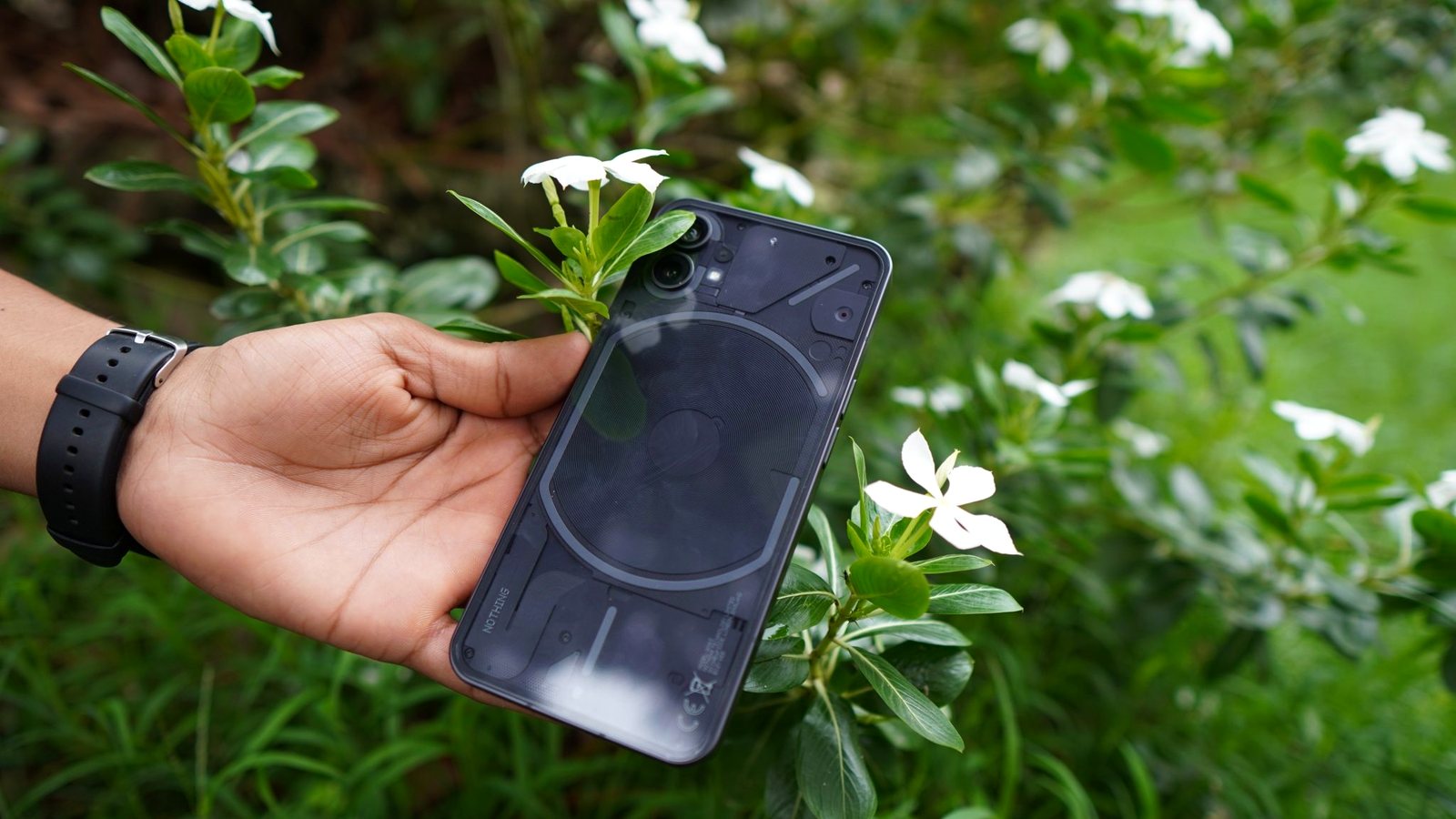
"AI in an app" usually gets pictured as a text box talking to a server somewhere. That shape is real and useful, and it is also only one option. A large amount of what people want from an app is now handled by models running entirely on the phone, with no round trip, no account, and no server that ever sees the input. Knowing which category a feature falls into is the most consequential decision in the whole design.
What the phone handles well today
Vision is the strongest category. Body pose estimation runs in real time on the phone, well enough to watch someone do a squat, count the reps, and score the joint angles as they happen. That is the engine behind Form Coach, and it works with the phone on the floor and airplane mode on. Text recognition, image classification, and object detection sit in the same bucket: narrow, well-defined tasks with a clear right answer.
Speech recognition is close behind. Dictation and short-command transcription are handled locally on modern hardware. Audio and video composition is a solved local problem too. Stitching a stack of photos into a video, mixing in a track, and writing out a file are all ordinary phone work, which is why a timelapse can finish while you are still looking at the screen.
Small language models are the newest entry and the most oversold. They are genuinely useful for narrow, bounded jobs: classifying a line of text, tidying a phrase, choosing between a handful of options. They are not a substitute for a frontier model when the task is open-ended reasoning.
What still needs a server
Anything that requires knowledge the phone does not have. Live market data, someone else's calendar, a dietitian's availability, a search across millions of documents. No amount of local compute fixes a missing fact. Genuine open-ended reasoning also still belongs to large models, and pretending otherwise produces features that demo well and fail in use.
The question worth asking is not "cloud or on-device" but whether this specific task needs general reasoning or a fast, private inference sitting next to the data it is already looking at.
What the split does to app design
Choosing on-device changes the shape of the product, not just the hosting bill. There is no per-request cost that grows with users, so nothing has to be metered. There is no outage that takes the feature down and no policy page standing in for a guarantee, because the data never moves. The feature works in a basement gym and on a plane.
The cost is discipline. You cannot paper over a weak approach by renting a bigger model, so the algorithm has to be right on the hardware you ship to. That constraint pushes you toward features that actually work rather than features that merely demo.
The gap between what needs a server and what does not keeps narrowing, and it narrows in one direction. Tasks move onto the phone and stay there. Building for that means treating the boundary as something to revisit each year rather than an architecture set once. You can see where each of our apps currently lands on that line across the full app list.
Related posts
-
AI & Trends
What the neural engine in your phone actually does all day
Sep 15, 2026
-
AI & Trends
Your phone camera is a sensor, not just a photo tool
Sep 11, 2026
-
AI & Trends
Shipping the same on-device app on iOS and Android without a cloud
Sep 22, 2026
Recent posts
-
How-to
How to cook a week of dinners from one grocery run
Oct 21, 2026
-
AI & Trends
How to tell when an AI answer is wrong
Oct 21, 2026
-
How-to
How to learn a trade as an adult (electrician, plumber, HVAC, welding)
Oct 20, 2026
-
How-to
How to watch a game later without spoilers
Oct 19, 2026
-
How-to
How to photograph fall colors with your phone
Oct 19, 2026
-
How-to
How to warm up before lifting in 8 minutes (and what to skip)
Oct 18, 2026
0 comments
No comments yet — be the first.
Leave a reply
Sign in with Google to join the conversation. We require a quick sign-in to keep comments spam-free.
Sign in with Google to comment