How to check a charity before you donate on Giving Tuesday
Giving Tuesday is December 1, 2026. Confirm a charity with the IRS search tool in two minutes, spot the red flags, and keep the receipts the new 2026 deduction needs.

On Giving Tuesday your inbox fills with matching-gift deadlines, a text asks you to "help a family tonight," and a name you half recognize asks for $50. Most of those asks are real. A few borrow a real charity's name or rush you past the questions you'd normally ask. Giving Tuesday is December 1, 2026, and checking a charity takes about as long as filling in the donation form.
Check it with the IRS in two minutes
The IRS runs a free lookup called Tax Exempt Organization Search, at irs.gov/teos.
- Search the exact name, or better, the EIN. The EIN is a nine-digit number most charities print in their website footer or on past receipts. Names repeat; EINs don't.
- Confirm it can take deductible gifts. The results show whether the group is listed as eligible to receive tax-deductible contributions (the IRS calls this Pub 78 data).
- Check it hasn't lost its status. The same tool shows the automatic revocation list. A charity that skips its annual IRS filing three years in a row loses its exemption automatically.
- Skim the Form 990. Bigger charities file a public 990 showing revenue, spending and pay for top staff. You don't need to read it all; just see that it exists and the numbers look like a real organization.
One catch: churches and some groups covered by a parent organization's ruling may not appear, and that doesn't make them ineligible. Ask them for their determination letter instead.
Red flags that mean slow down
A real charity will still want your money tomorrow; a scam needs it right now.
The FTC's advice boils down to a few patterns:
- Pressure to give immediately, especially by phone or text.
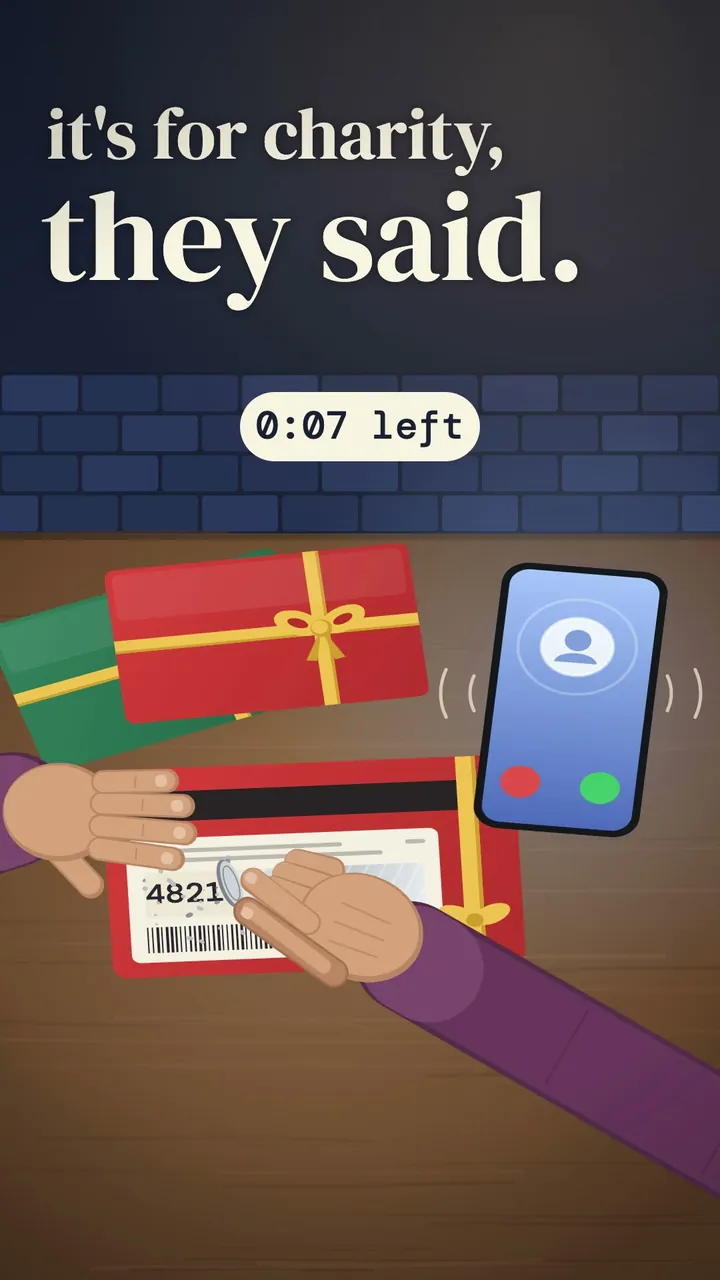
- Payment by gift card, wire transfer, cryptocurrency or cash. A credit card or check gives you a record and a way to dispute.
- A name that's almost right. Scammers pick names that sound like well-known groups. Type the charity's web address yourself instead of tapping the link in a message.
- A charity that appeared overnight around a disaster or news story.
- A caller who won't say they're a paid fundraiser or how much of your gift reaches the cause. Many states require paid fundraisers to identify themselves. If you'd rather your whole gift land, hang up and give on the charity's own site.
For a second opinion, the BBB Wise Giving Alliance, Charity Navigator and CharityWatch publish reviews, and the National Association of State Charity Officials (nasconet.org) lists the office in your state where charities register. Suspect a fake? Report it at ReportFraud.ftc.gov. The same tricks show up in other messages too; our guide to spotting a scam text before you tap walks through them.
Keep the paperwork (it matters more in 2026)
Starting with 2026 gifts, people who take the standard deduction can deduct up to $1,000 of cash gifts to qualifying charities, or $2,000 on a joint return, according to the IRS. Gifts to donor-advised funds don't count. Itemizers have a new floor: the first 0.5% of adjusted gross income in gifts isn't deductible.
Either way, records decide what you can claim:
- Every gift of money: keep a bank or card record, or a receipt from the charity.
- $250 or more in one gift: you need a written acknowledgment from the charity before you file.
- Over $75 with something in return, like a gala dinner: the charity must tell you how much of your payment is deductible.
- Crowdfunding for a specific person is generally a gift, not a deduction, even when it's a good cause.
IRS Publication 526 has the details, and a tax professional can apply them to your situation.
Those thank-you emails and paper letters scatter fast. Scanrock scans them on your phone, reads the text on-device so a search for the charity's name finds the receipt in April, lets you tag them "donations" and exports a PDF for your tax preparer. It's free to try in your browser, with no subscription and no account.
Check once, give with confidence, and next December the receipts will already be in one place.
Videos
Watch this post as a reel
Related posts
-
How-to
How to spot a fake Black Friday deal before you pay
Nov 15, 2026
-
How-to
How to warm up before lifting in 8 minutes (and what to skip)
Oct 18, 2026
-
AI & Trends
How to spot fake AI-written product reviews before Black Friday
Nov 16, 2026
Recent posts
-
AI & Trends
How to scale a recipe for a crowd with AI (and catch the math it gets wrong)
Nov 21, 2026
-
How-to
How long will a generator run in a power outage (and how much gas to keep)
Nov 20, 2026
-
How-to
How to buy a TV without overpaying this Black Friday
Nov 19, 2026
-
How-to
What Thanksgiving foods dogs shouldn't eat (a fridge-door list)
Nov 18, 2026
-
How-to
Why your tire pressure light comes on when it's cold (and what to do)
Nov 17, 2026
-
AI & Trends
How to spot fake AI-written product reviews before Black Friday
Nov 16, 2026
0 comments
No comments yet — be the first.
Leave a reply
Sign in with Google to join the conversation. We require a quick sign-in to keep comments spam-free.
Sign in with Google to comment