How to make a photo-a-day timelapse of your kid growing up
Same spot, same framing, the right cadence and a plan for missed days. How to shoot a growing-up timelapse that plays smoothly years from now.
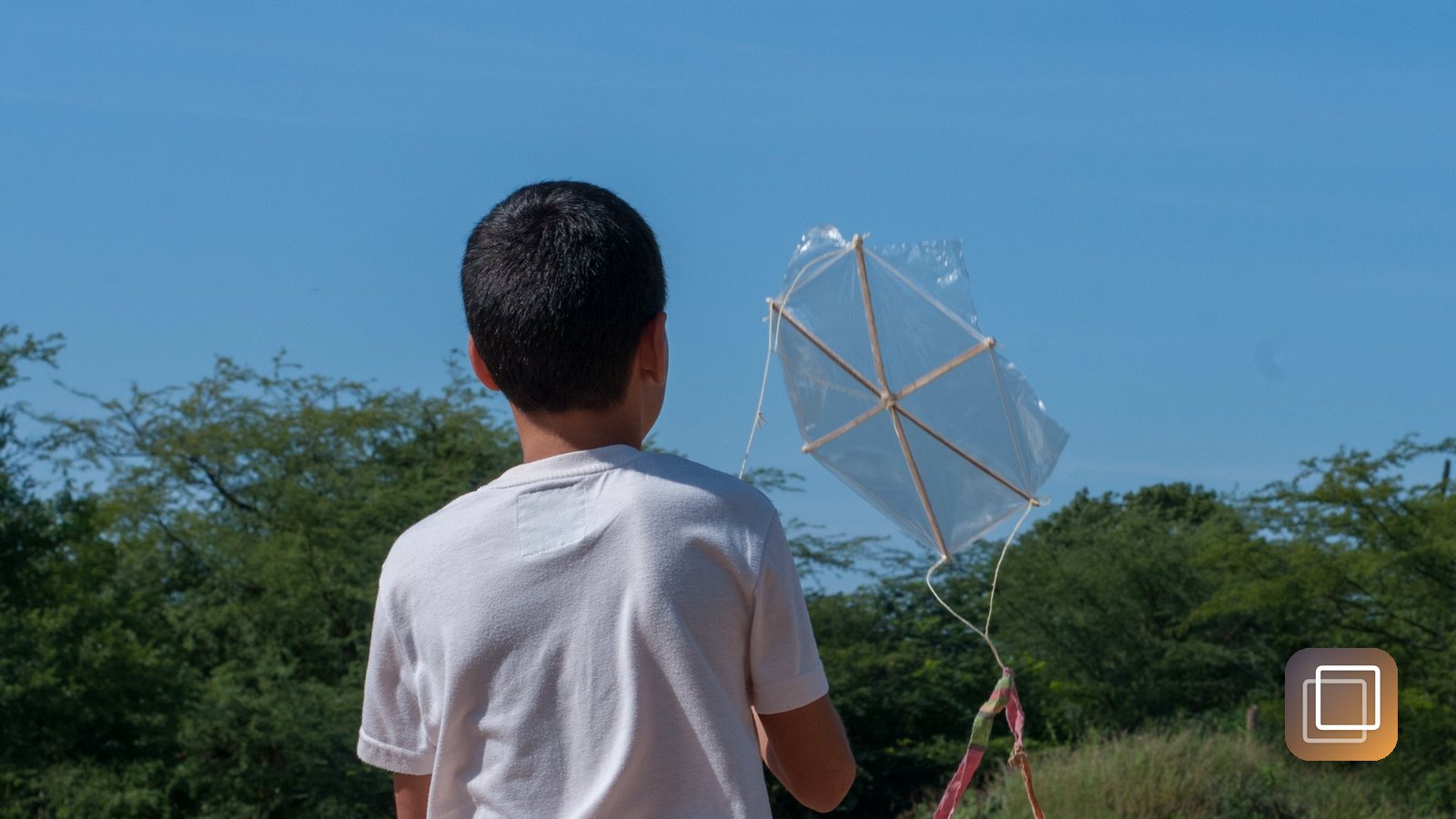
A year of daily photos played at 12 frames per second lasts about thirty seconds. In those thirty seconds a newborn turns into a toddler, and it is one of the most affecting things a phone can make. The catch is that it only works if the frames line up. Scroll through a year of casual phone photos of your kid and you'll have thousands of pictures but no timelapse, because every one is from a different height, angle and distance.
Pick the spot, the framing and the cadence once
Decide three things before the first photo and then stop deciding.
The spot. Somewhere that won't change for years: a particular wall, a doorframe, the same corner of the couch. A plain background works best, because a changing background pulls attention from your child. A doorframe has a bonus: it gives you a fixed reference for height.
The framing. Head and shoulders is easiest with babies and gives the most dramatic face changes. Full body shows growth better but gets harder once they're walking and won't stand still. Choose one and keep it.
The cadence. Be honest about what your life can hold.
- Daily gives the smoothest film and suits the first year, when change is fastest.
- Weekly is sustainable for years. A weekly photo from birth to 18 comes to about 936 frames, roughly 80 seconds at 12 frames per second.
- Birthday only is the lightest option and still powerful, especially paired with a height mark on that doorframe.
Many parents start daily and switch to weekly after the first birthday. That's fine: just keep each stretch at a consistent rhythm.
Use the ghost overlay to match yesterday
Drift is what kills these projects. Each day's shot is a little higher or further back, you never notice, and a year later the face bounces around the screen. The fix is an onion-skin overlay: show the previous photo faintly over the live camera, then line your child's eyes and shoulders up with the ghost.
Hold the phone at the same height every time. Your own eye level while standing or sitting is easy to repeat. Match the eyes first, then the scale. With babies, lying them on the same blanket and shooting straight down makes alignment far easier than chasing a wriggling toddler.
You're not taking a good photo every day, you're taking the same photo every day, and the good part happens when you press play.
Light it the same and forgive the gaps
Lighting. Shoot at roughly the same time of day, by the same window, with the overhead lights either always on or always off. Avoid a bright window behind your child, which turns them into a silhouette. Consistent, even light matters more than beautiful light.
Missed days. You will miss days. Illness, travel, a kid who refuses. Don't try to make them up by shooting twice, and don't abandon the project. At a dozen frames per second, a missing day is a twelfth of a second of film. Nobody watching will notice. The only thing that ruins the timelapse is stopping. For the habit side of this, we wrote about building a photo-a-day habit that survives past January.
Wriggling. Take a quick burst and keep the frame where the eyes are open and the head is square. A favorite toy held just above the lens buys you about two seconds of attention.
Turn it into a film, and keep it private
When it's time to watch, frame rate is your main dial. Around 8 to 12 frames per second feels calm and lets each face register. Faster rates look smoother but race through the changes. Try both and pick what makes you feel something.
These are photos of a child, so think about where they live. GhostFrame keeps every photo on your phone: nothing uploads, there's no account, and it works in airplane mode. It fades the previous photo over the live camera at an opacity you set from 10 to 60 percent, shows every shot in a timeline with its day number, sends one reminder a day at the time you pick, and exports the timelapse as an MP4 on the device at 4 to 60 frames per second, with optional music, straight to your photo library. It's free to start, with no subscription.
Take today's frame, even if the light is wrong. In ten years, nobody will care about the light.
Recent posts
-
How-to
How to appeal a denied health insurance claim
Oct 02, 2026
-
How-to
How to settle up money after a poker or card night, fairly and fast
Oct 01, 2026
-
How-to
How to plan a national park road trip that isn't all driving
Oct 01, 2026
-
How-to
How to start strength training at home with no equipment
Sep 30, 2026
-
AI & Trends
How to tell if an app is selling your data
Sep 30, 2026
-
How-to
Why your espresso tastes sour or bitter, and the one change to make
Sep 29, 2026
0 comments
No comments yet — be the first.
Leave a reply
Sign in with Google to join the conversation. We require a quick sign-in to keep comments spam-free.
Sign in with Google to comment