How Tableside keeps score and settles up at the end of the night
Inside Tableside: two scoring modes, a contacts-first roster, a fewest-transfers settle-up, and why none of it needs an account or a network.
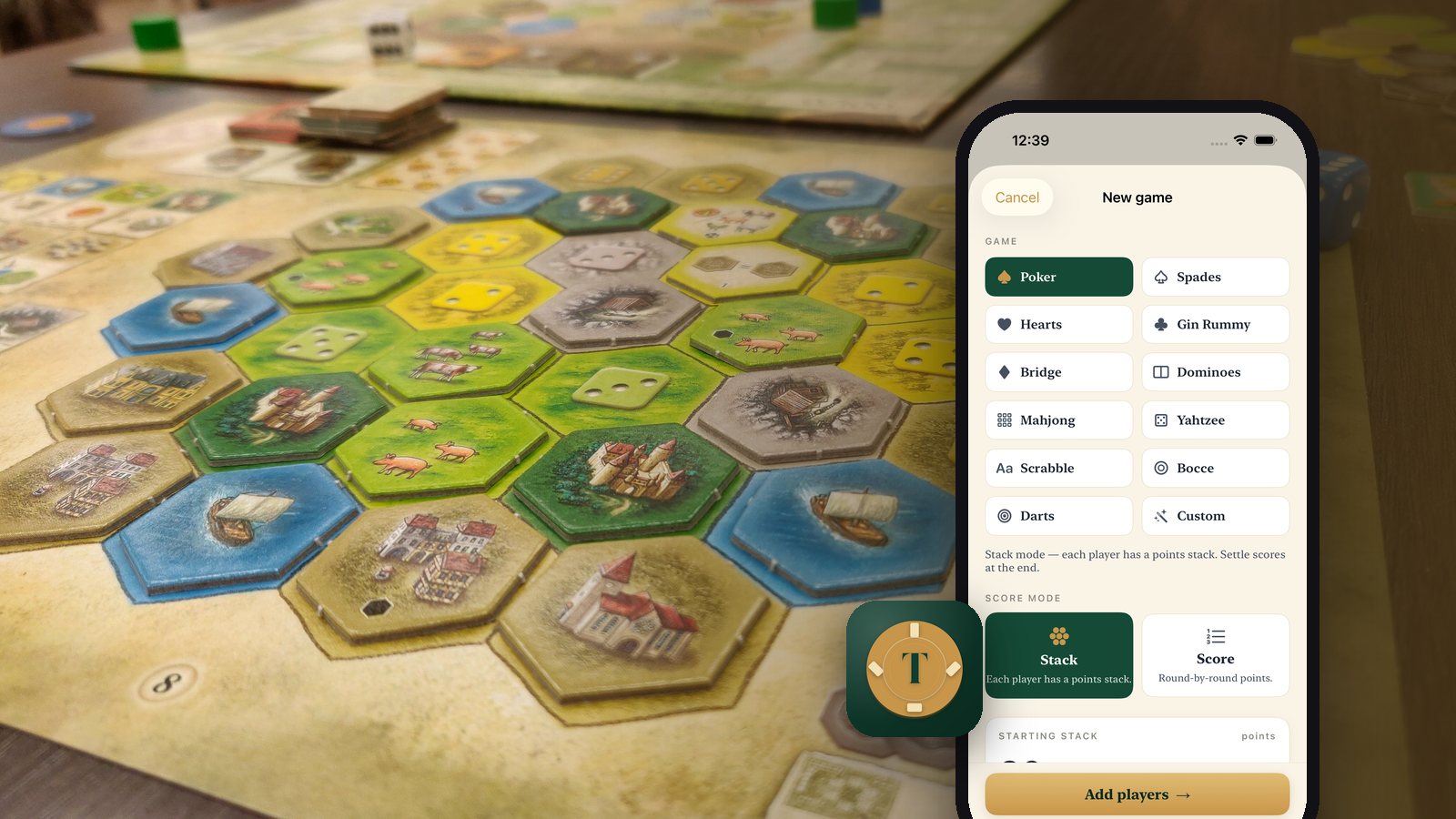
Every group of friends has a scorekeeper, and being the scorekeeper is a small tax on the fun. You are the one holding the pencil, redoing the running totals when someone questions them, and at the end of the night working out who owes what to whom while everyone else puts their coats on. Tableside is built to make that job take no attention at all.
Two kinds of scorekeeping, one app
Games split cleanly into two shapes, and most scorekeepers only handle one of them.
Round-by-round games want a scoreboard. Score mode gives you a clean grid with running totals, quick buttons for common increments plus any number you type, and a setting for whether high score or low score wins.
Games where each player has a running stack of points want something else entirely. Stack mode tracks per-player stacks, lets you top anyone up mid-game, and at the end takes each player's final count and works out who is up, who is down, and the fewest possible transfers to even everyone out. That last calculation is the one that always goes wrong on paper.
Tableside is unit-less on purpose. Every value is just points, and what a point means is yours to decide. Beads, chips, cookies, leaves from the backyard. There is no currency anywhere in the app and it does not track money.
The roster is the first action
The first thing you do at a real table is decide who is playing, so that is the first thing the app asks. Tap a few faces in the system contact picker, pull in a saved friend group with checkboxes, or just type names.
The contact picker matters technically as well as socially. It hands the app only the names you actually tapped. Tableside never asks for full address book permission unless you tap Search, and even then the address book never leaves the phone.
A scorekeeper that needs a sign-in has already failed, because the moment it is needed is the moment four people are waiting for you to deal.
Why it feels instant
There is no account, no sync, and no third-party analytics, so launching the app puts you at the table instead of at a login screen. Everything is local, which is also what makes editing painless: tap any player's row to fix an entry, swipe to delete a wrong number, use whole numbers or decimals as the game requires. Add a late player mid-game.
Some nights you do not want a record at all, so a game can be marked disappearing and deletes itself when you finish. The ones you keep feed a stats tab with per-player leaderboards, best single-game performances, win rates, and games played by type. At the end, share pulls out a clean image card or plain text for the group chat.
It is free, with no subscriptions, ever, and there are no ads or purchase gates anywhere in it.
The best in-person game tools disappear into the table. If you finish a night and cannot remember opening the app, it did its job.
Tableside is on iPhone; everything else we make is on the apps index.
Recent posts
-
How-to
How to make a photo-a-day timelapse of your kid growing up
Oct 03, 2026
-
How-to
How to appeal a denied health insurance claim
Oct 02, 2026
-
How-to
How to settle up money after a poker or card night, fairly and fast
Oct 01, 2026
-
How-to
How to plan a national park road trip that isn't all driving
Oct 01, 2026
-
How-to
How to start strength training at home with no equipment
Sep 30, 2026
-
AI & Trends
How to tell if an app is selling your data
Sep 30, 2026
0 comments
No comments yet — be the first.
Leave a reply
Sign in with Google to join the conversation. We require a quick sign-in to keep comments spam-free.
Sign in with Google to comment