Meet Wayfare — Day-by-day trip planner, offline
Wayfare is the calm, offline itinerary planner built for real travel.

Travel
Wayfare
Day-by-day trip planner, offline
Every feature, from the first launch.
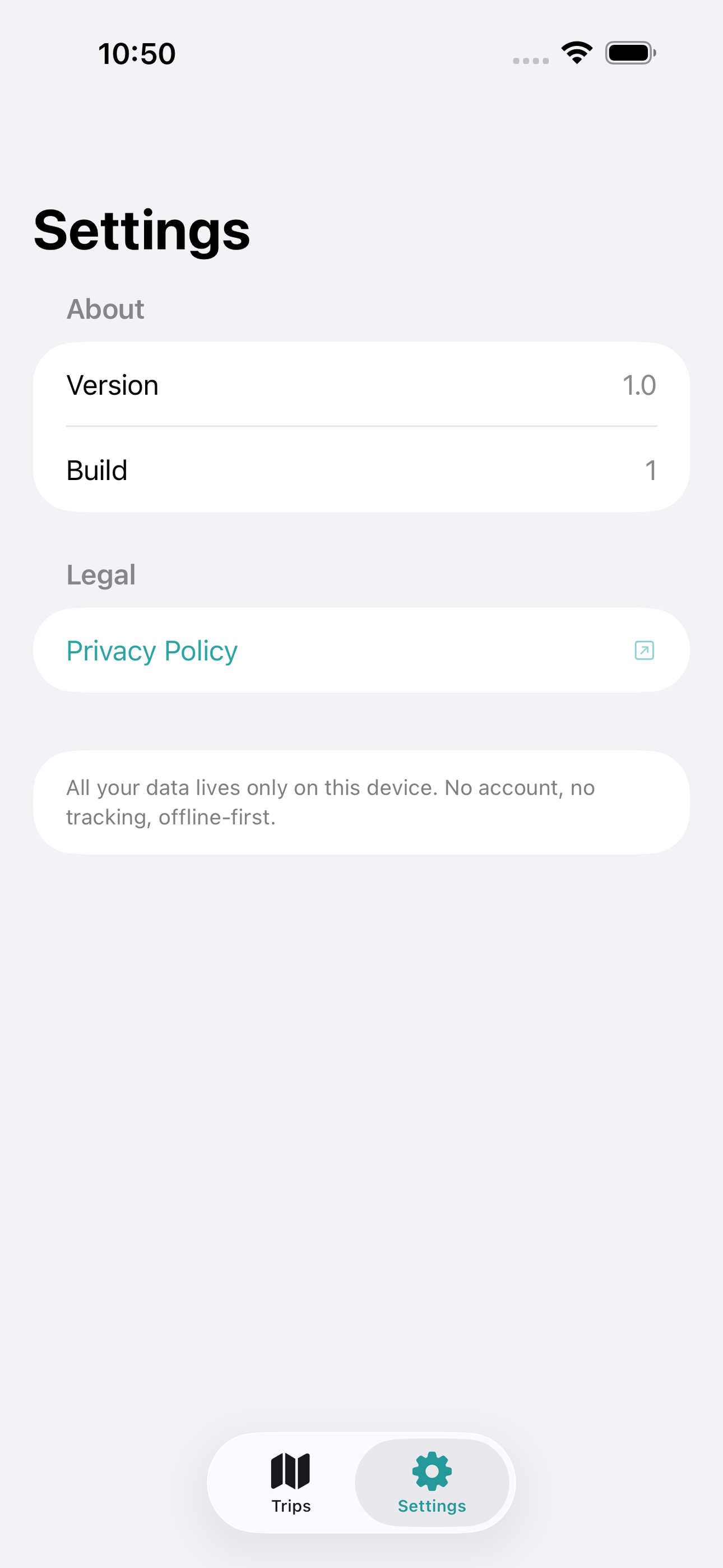
No account, no login, no cloud. Everything runs on your device and works fully offline — nothing in this post is hidden behind a wall.
What Wayfare does
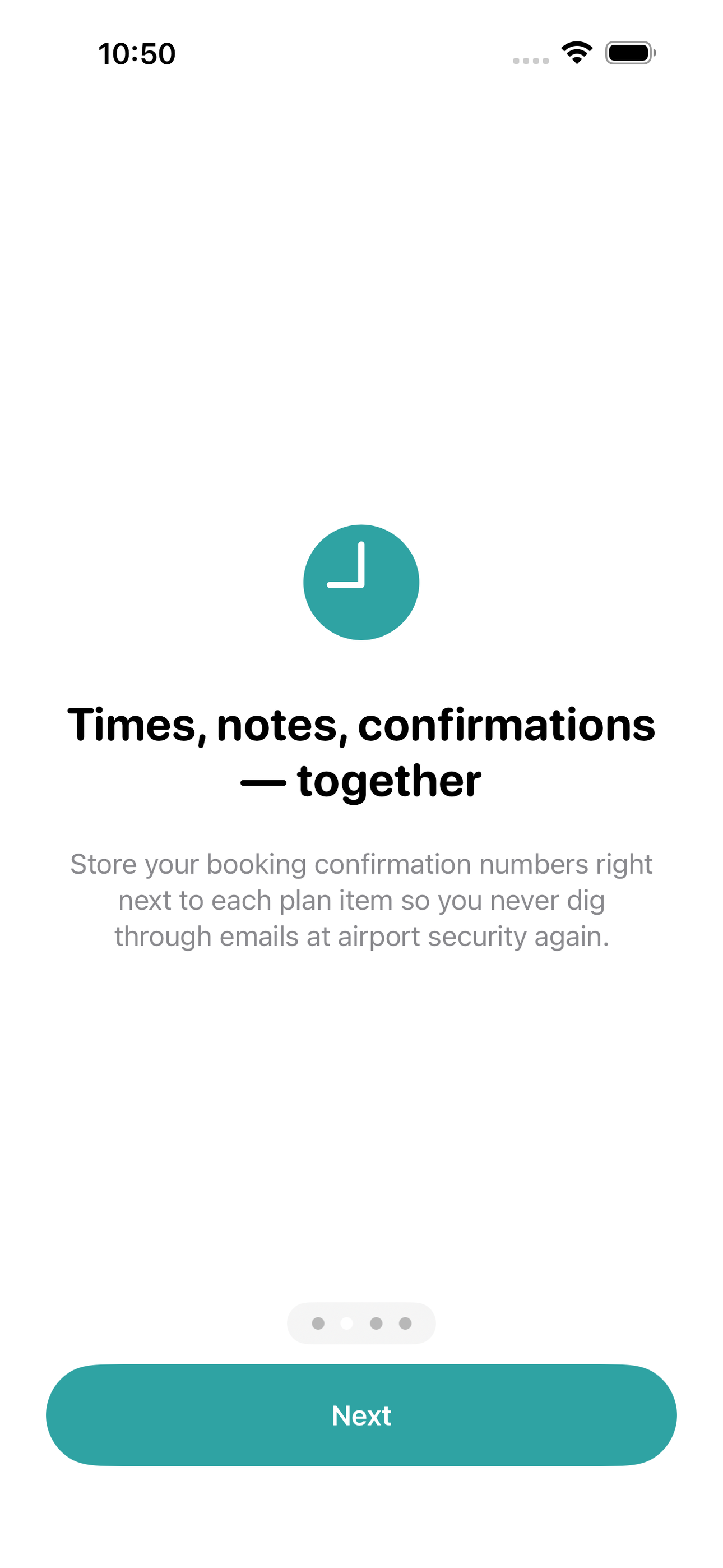
Wayfare is the calm, offline itinerary planner built for real travel. Create a trip, add your days, and drop in every flight, hotel check-in, restaurant reservation, and activity — each with a time, location note, and confirmation number. A clean day-by-day timeline shows exactly what comes next so you stay relaxed instead of scavenging through email threads.
No account required. No internet required — ever. Everything lives on your device, safe and instant even when roaming costs are sky-high or the hotel Wi-Fi is nowhere to be found.
• Day-by-day timeline view per trip • Plan items: flights, stays, food, activities — each with time, note, and confirmation • Countdown on the home screen so anticipation builds • Packing checklist attached to every trip • Multiple trips stored simultaneously • Fully offline — SwiftData on-device, zero network calls
A look inside

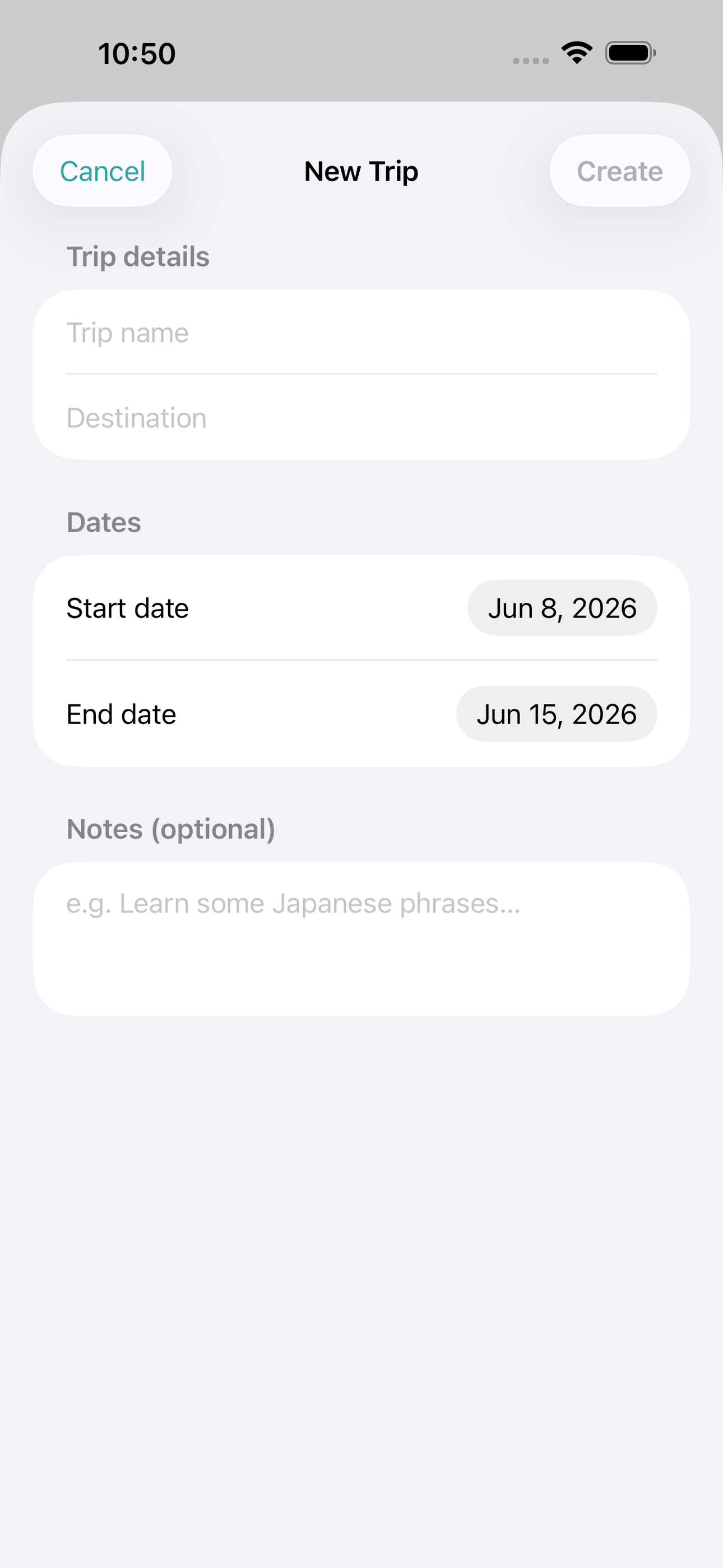
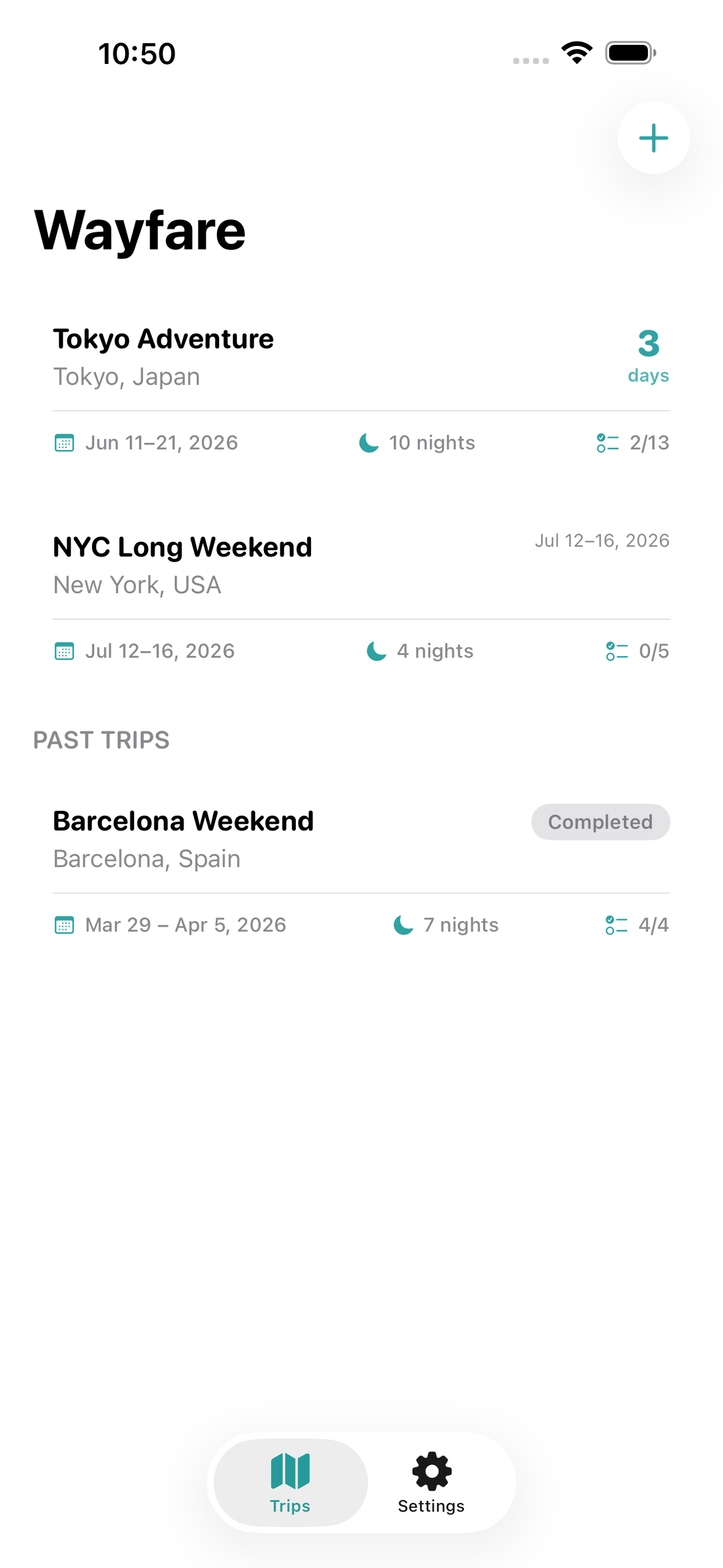
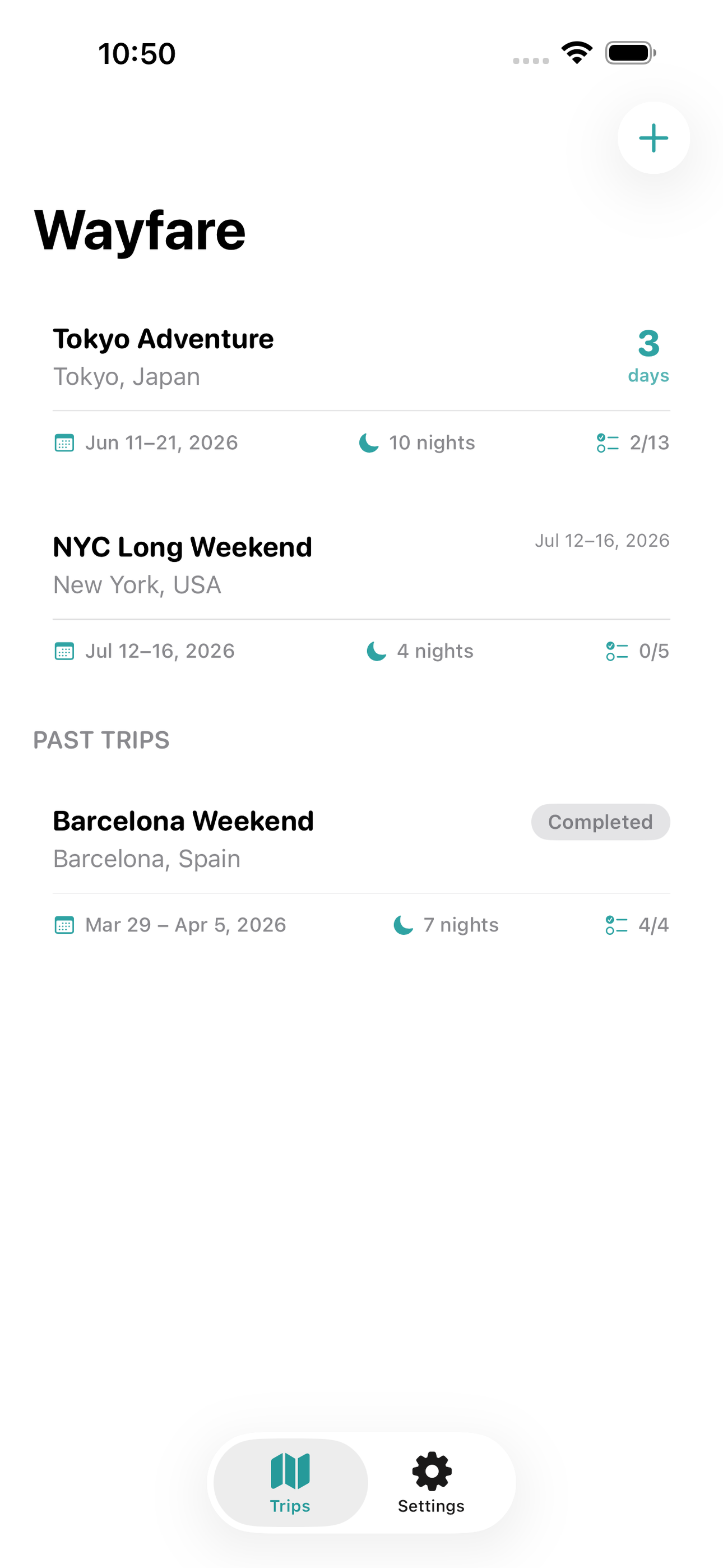
Tap any screenshot to open the full-resolution version.
What's inside
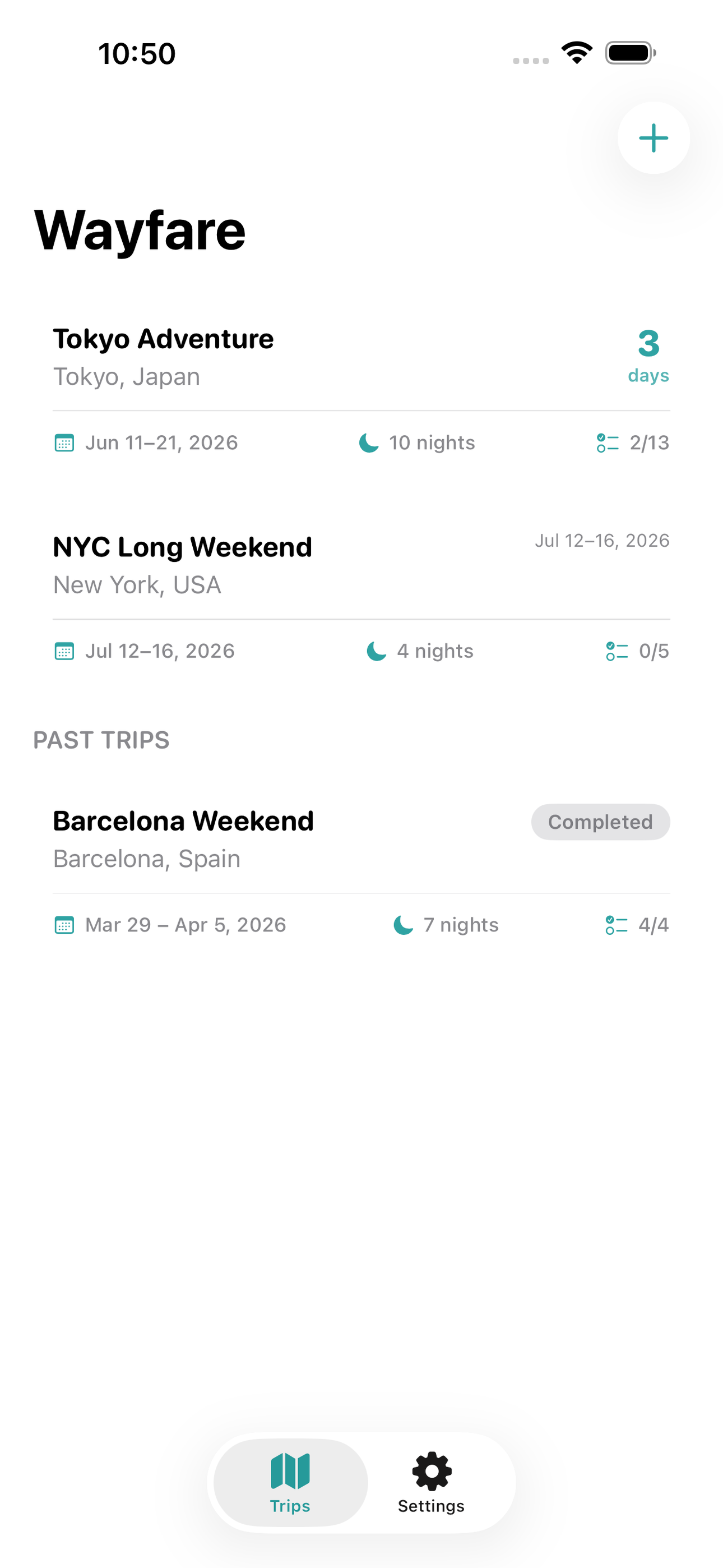
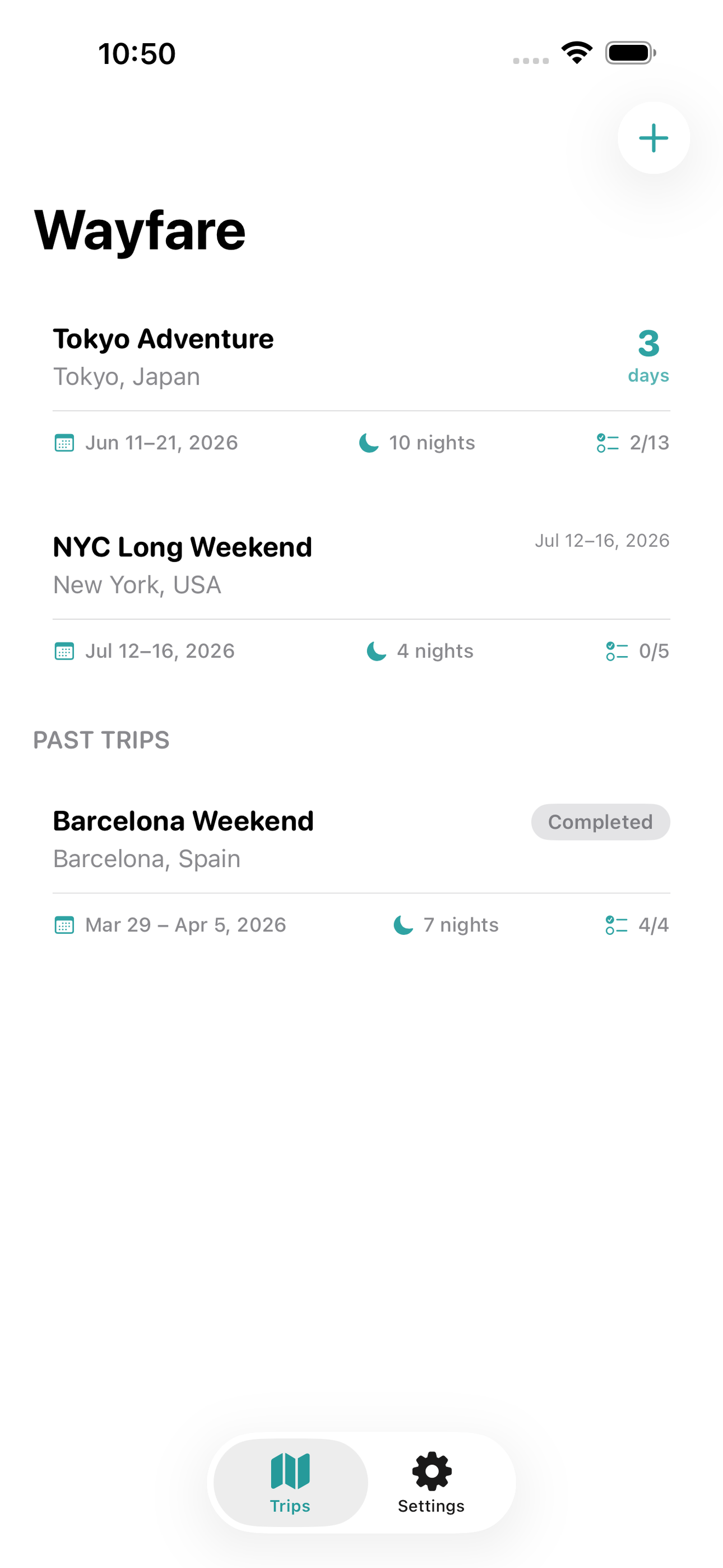
- Trip home with countdown — Home screen lists all saved trips with destination, date range, and a live countdown of days until departure — creating a delightful sense of anticipation.
- Day-by-day timeline — Each trip opens to a horizontal day-tab navigator; selecting a day reveals a chronological timeline of PlanItems with type icon, time, title, location, and confirmation number at a glance.
- Add / edit plan item sheet — A bottom sheet for creating or editing any item: choose type (flight, stay, food, activity), pick a time, type a location, add a note, and paste a confirmation number — saved instantly to SwiftData.
- Packing checklist — A per-trip checklist of packing items with category grouping; items persist between trips as templates and can be checked off as bags are packed.
Why we built it
Travelers piece together their itineraries across emails, calendar apps, note pads, and screenshot folders, then find themselves offline at the exact moment they need a confirmation number or the day's schedule — because popular trip planners require an account, a subscription, and a live internet connection.
What makes it different
A fully offline, no-account itinerary planner that pairs a day-by-day timeline with per-item confirmation number storage and a built-in packing checklist — unlike TripIt, Wanderlog, or Sygic Travel, which all require accounts and network access to function; Wayfare is always available, even in flight or in a foreign c…
Who it's for
Built for anyone who values fast, private, on-device software with a calm, focused UX.
In one line: Day-by-day trip planner, offline
Try it
See the Day-by-day trip planner, offline for the full feature list, the info table, and support links.
Use Wayfare, found a bug, or have a feature request? Comments are open below — anonymous is fine.
0 comments
No comments yet — be the first.
Leave a reply
Sign in with Google to join the conversation. We require a quick sign-in to keep comments spam-free.
Sign in with Google to comment