Meet Relay — Run Shortcuts on a schedule
Relay turns a spare iPhone or iPad into a hands-free Shortcuts trigger.

Productivity
Relay
Run Shortcuts on a schedule
Every feature, from the first launch.
No account, no login, no cloud. Everything runs on your device and works fully offline — nothing in this post is hidden behind a wall.
What Relay does
Relay turns a spare iPhone or iPad into a hands-free Shortcuts trigger. Run any Shortcut on a repeating interval or at specific times of day, or fire it from another device on your Wi-Fi with a simple, token-protected local web request.
No subscription. No account. No cloud. Everything runs on your device and your local network.
WHY RELAY Some automations only work when a device actively opens an app or runs a Shortcut — showing a camera dashboard every few minutes, rotating a status display, kicking off a sync, opening a kiosk app on a timer. iOS only allows an app to launch Shortcuts while it is in the foreground, so Relay is built to be exactly that: a reliable foreground scheduler you leave running on a dedicated device.
SCHEDULER • Unlimited rules, each with its own Shortcut, interval (from 1 minute) or list of exact times • Optional active window per rule (e.g. only 8:00–17:00), overnight windows supported • Wall-clock scheduling: if a fire time passes while the schedule was paused, Relay catches up the moment it becomes active again • Live countdown to the next trigger, per rule and overall
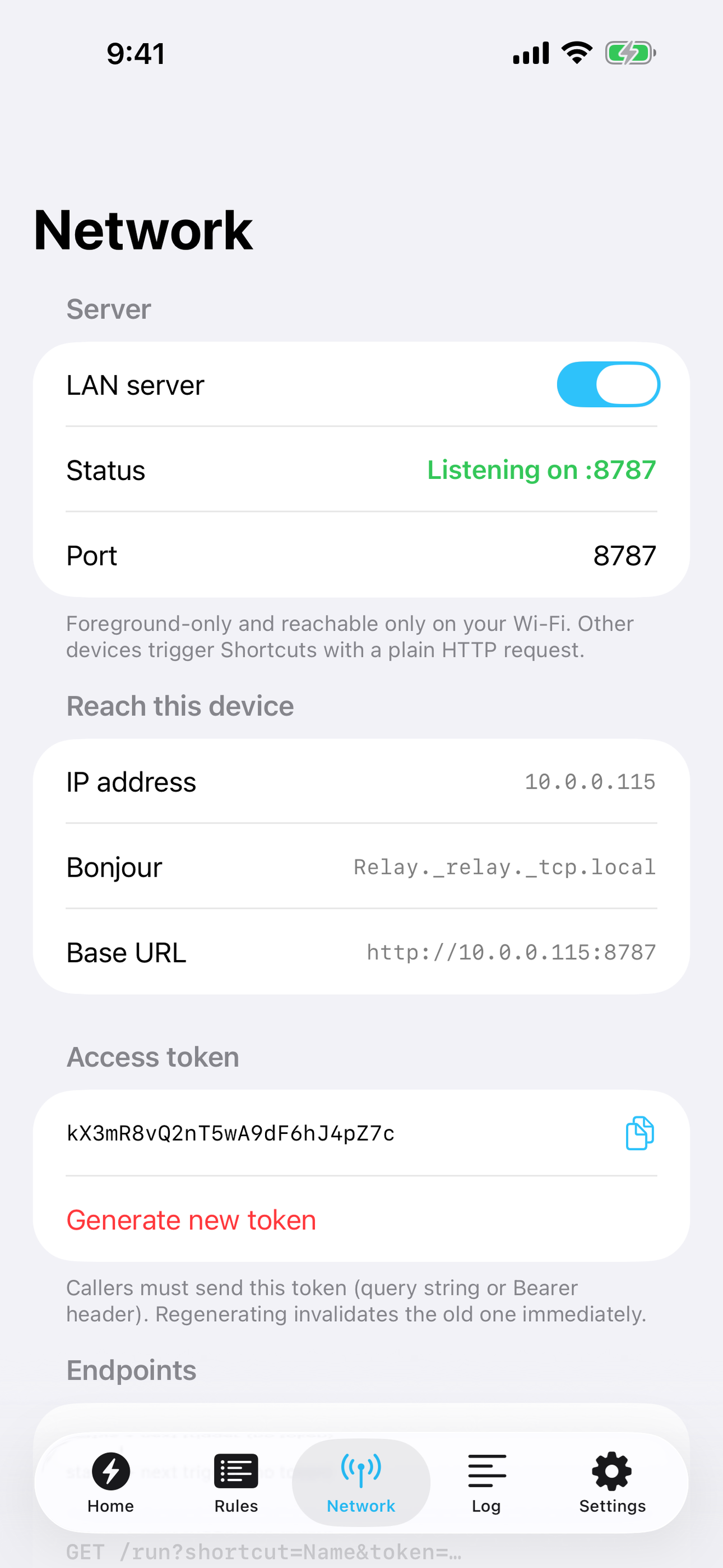
LOCAL NETWORK TRIGGER • Built-in HTTP endpoint on your Wi-Fi: GET /run?shortcut=Name — from a laptop, home server, Raspberry Pi, or any browser • Token-protected (query token or Bearer header), with one-tap token generation • Bonjour advertising (_relay._tcp) so other devices find the phone even when its IP changes • /health and /next endpoints for monitoring and scripting, plus a built-in status web page • Foreground-only and LAN-only by design — nothing is ever exposed to the internet
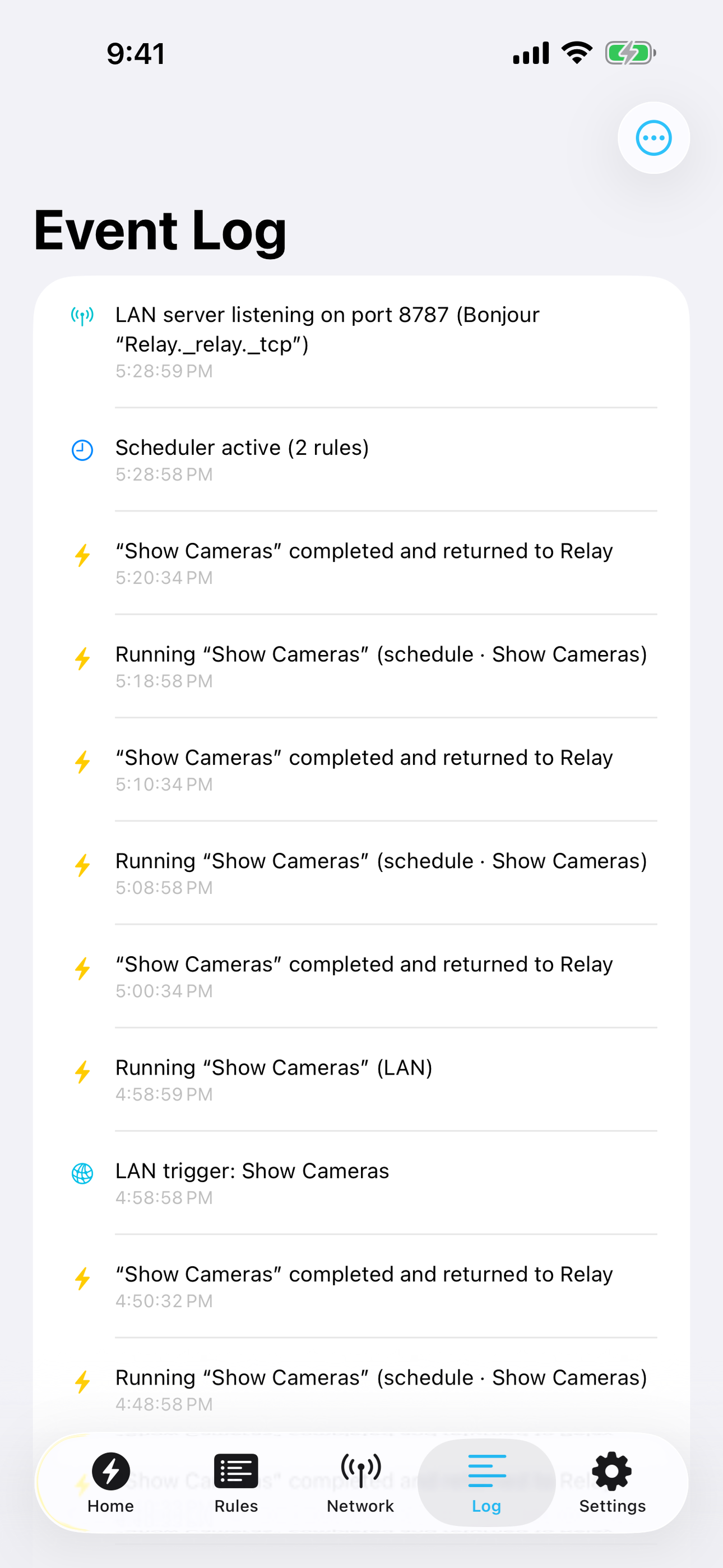
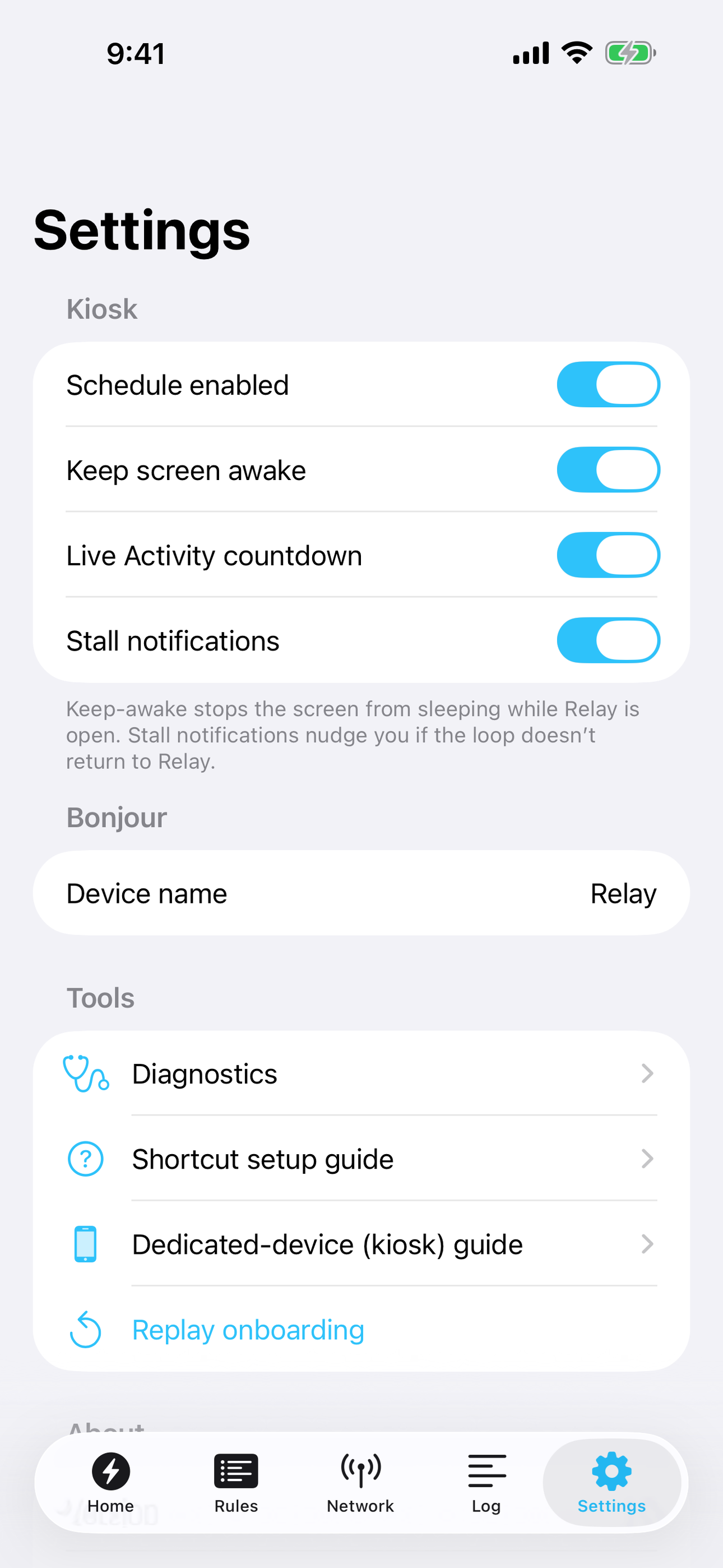
KIOSK ESSENTIALS • Keep-awake (never lets the screen sleep) while active • Stall detection: if another app kept focus and the loop stopped, Relay shows a one-tap resume banner and can notify you • Battery level and charging state on screen, with Guided Access guidance for true kiosk setups • Live event log of every trigger, request, and state change
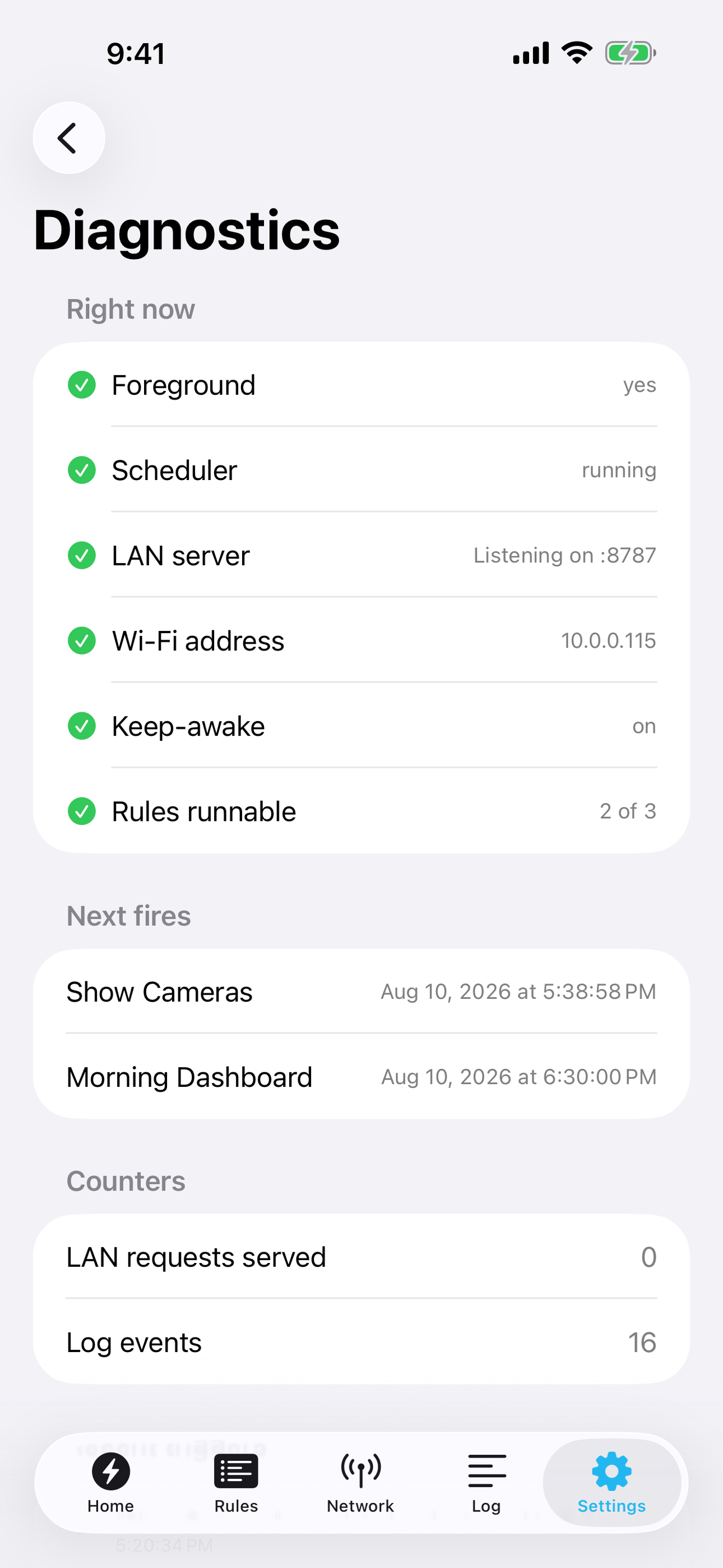
EXTRAS • Home-screen widget with the next trigger and last run • Live Activity countdown in the Dynamic Island while the schedule runs • Diagnostics page: foreground state, listener state, address, recent triggers • Step-by-step onboarding that builds your first automation loop with you
Relay is 100% free — every feature, forever. It runs the Shortcuts you created, and it never collects any data.
A look inside
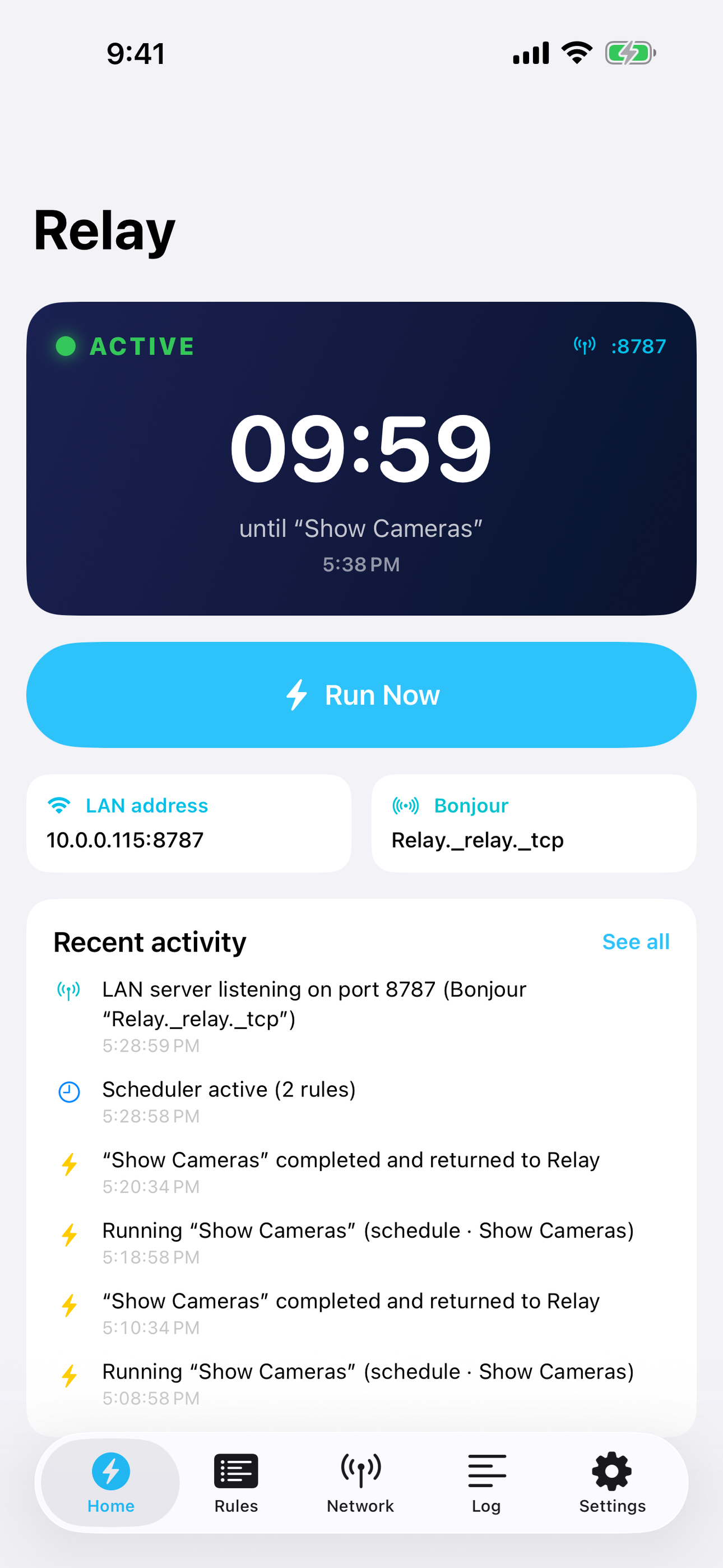
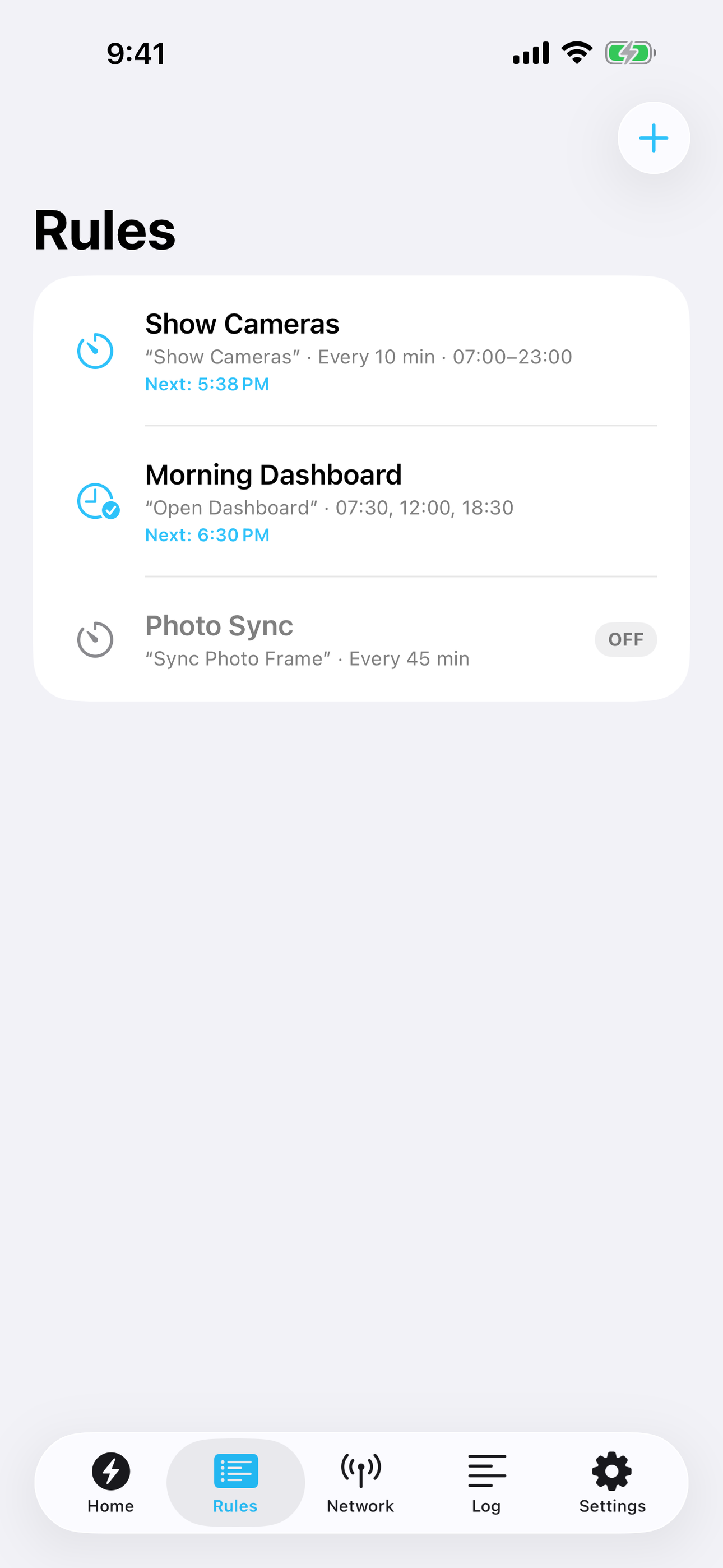
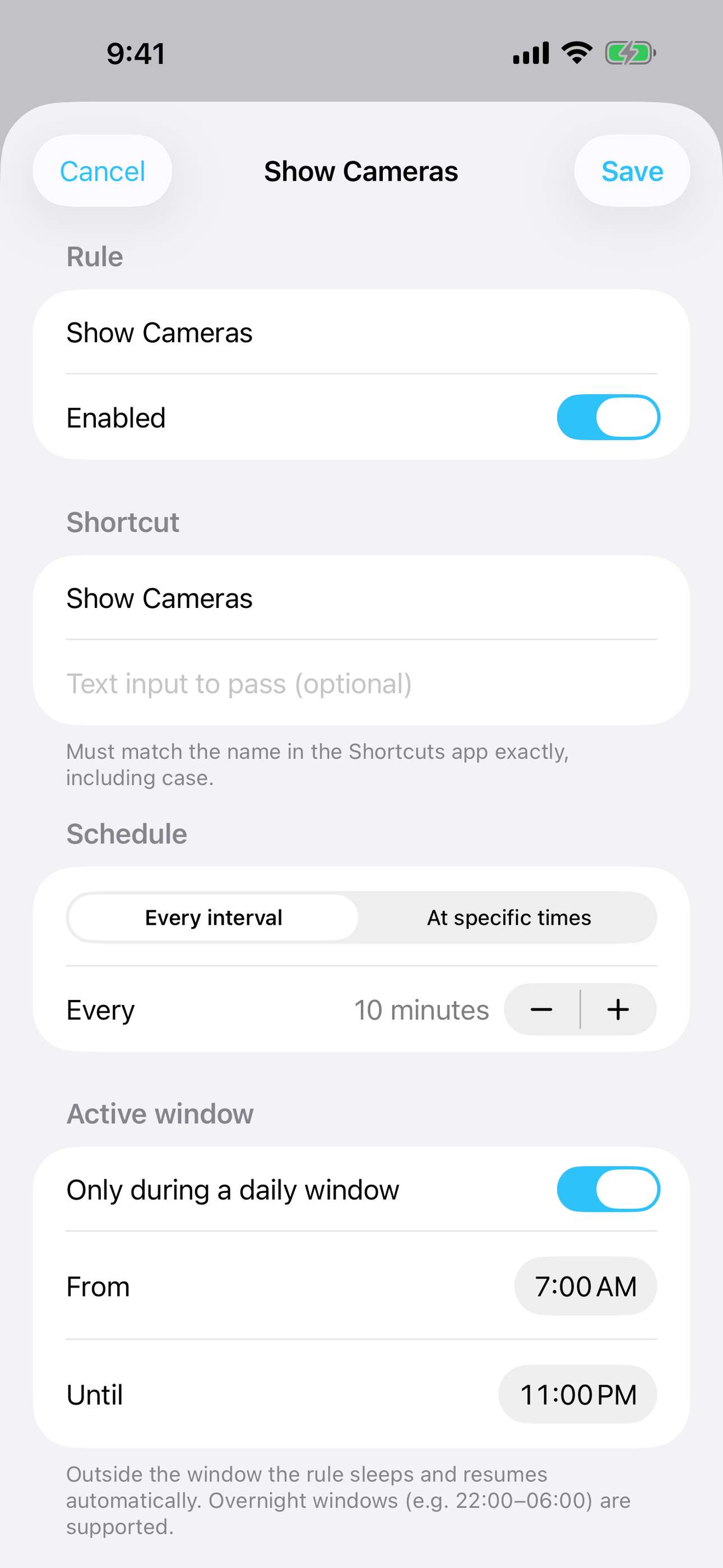
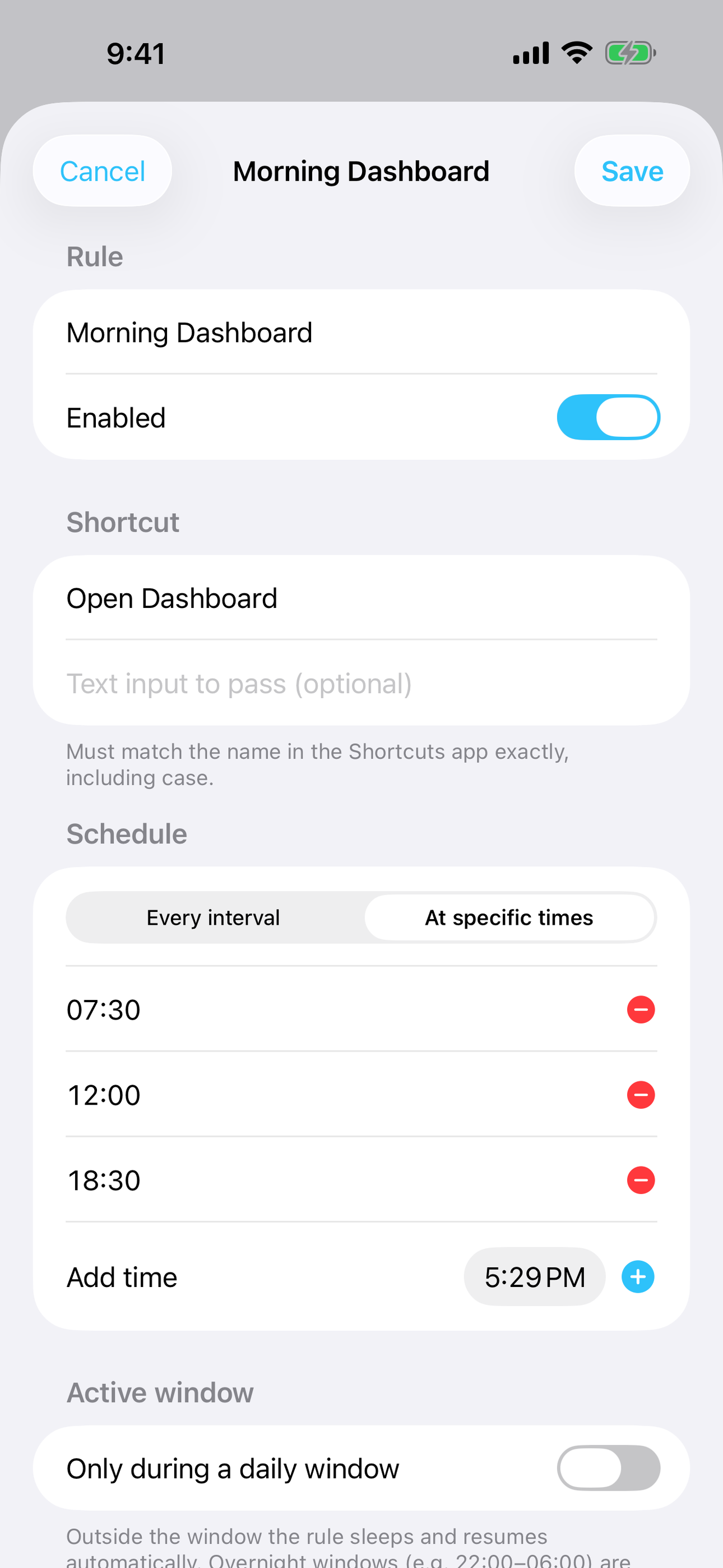
Tap any screenshot to open the full-resolution version.
Who it's for
People who have tried every productivity app and bounced off the noise. If you want something calm, fast, and private, this is for you.
In one line: Run Shortcuts on a schedule
Try it
See the Run Shortcuts on a schedule for the full feature list, the info table, and support links.
Use Relay, found a bug, or have a feature request? Comments are open below — anonymous is fine.
0 comments
No comments yet — be the first.
Leave a reply
Sign in with Google to join the conversation. We require a quick sign-in to keep comments spam-free.
Sign in with Google to comment