Meet SubDay — Sub teaching day & pay ledger
You worked the day.

Finance
SubDay
Sub teaching day & pay ledger
Every feature, from the first launch.
No account, no login, no cloud. Everything runs on your device and works fully offline — nothing in this post is hidden behind a wall.
What SubDay does
You worked the day. Now make sure you get paid for it. SubDay is the pay ledger substitute teachers actually own — a fast, private log of every assignment you take across every district and agency, with the math to catch a shorted paycheck before the dispute window closes.
District systems keep the records, not you. If a job never lands in Frontline with a confirming number, many districts simply will not pay it — and some give you as little as two days after payday to flag a discrepancy and get a supplemental check. When you sub across two, three, or four districts, each with different half-day and full-day rates and different pay calendars, reconstructing a month of work from memory is how money quietly disappears.
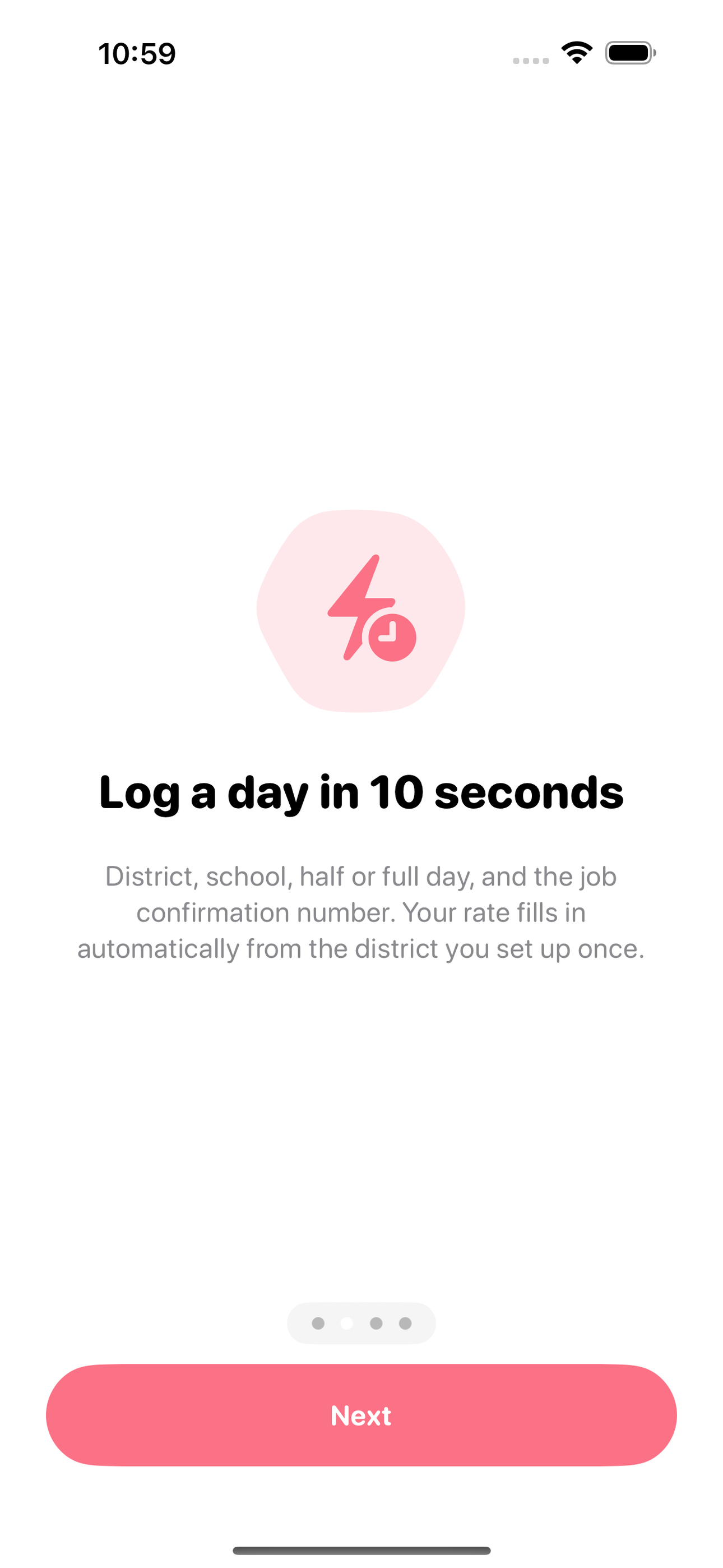
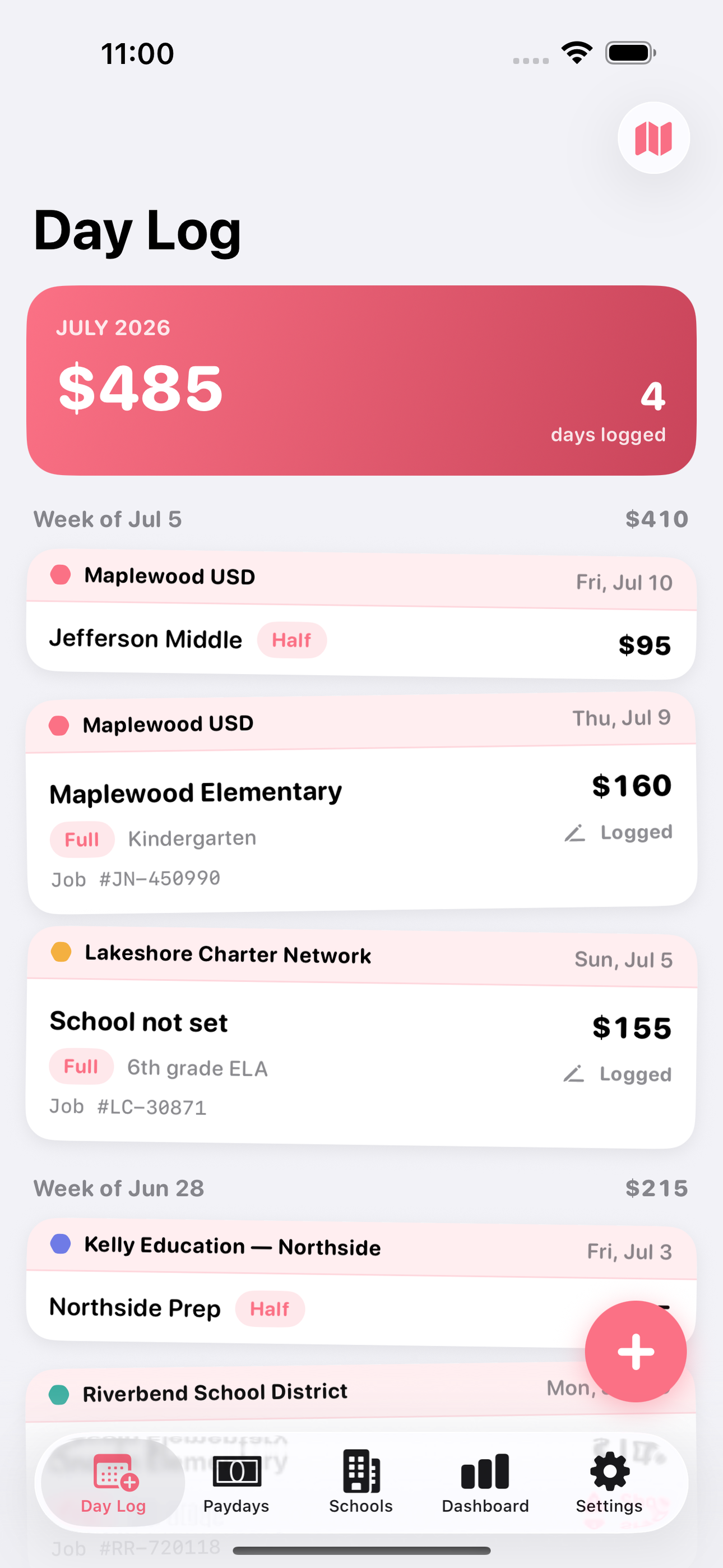
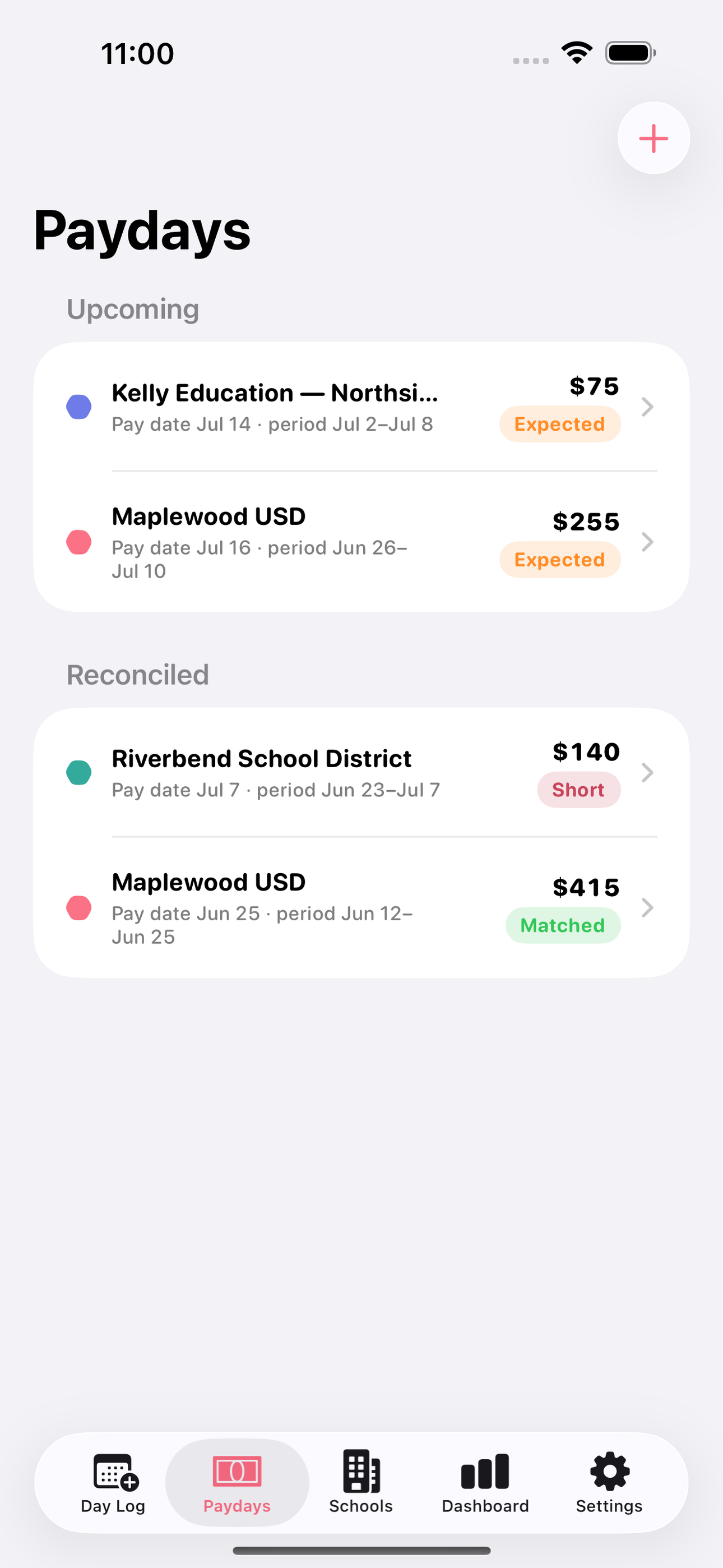
SubDay fixes that in ten seconds a day. After each assignment, log the district, school, class, half or full day, and the job confirmation number. Your rate is applied automatically from the district profile you set up once. On payday, enter the check amount and SubDay shows expected versus received for that district's pay period, assignment by assignment, so a missing day jumps out while there is still time to dispute it.
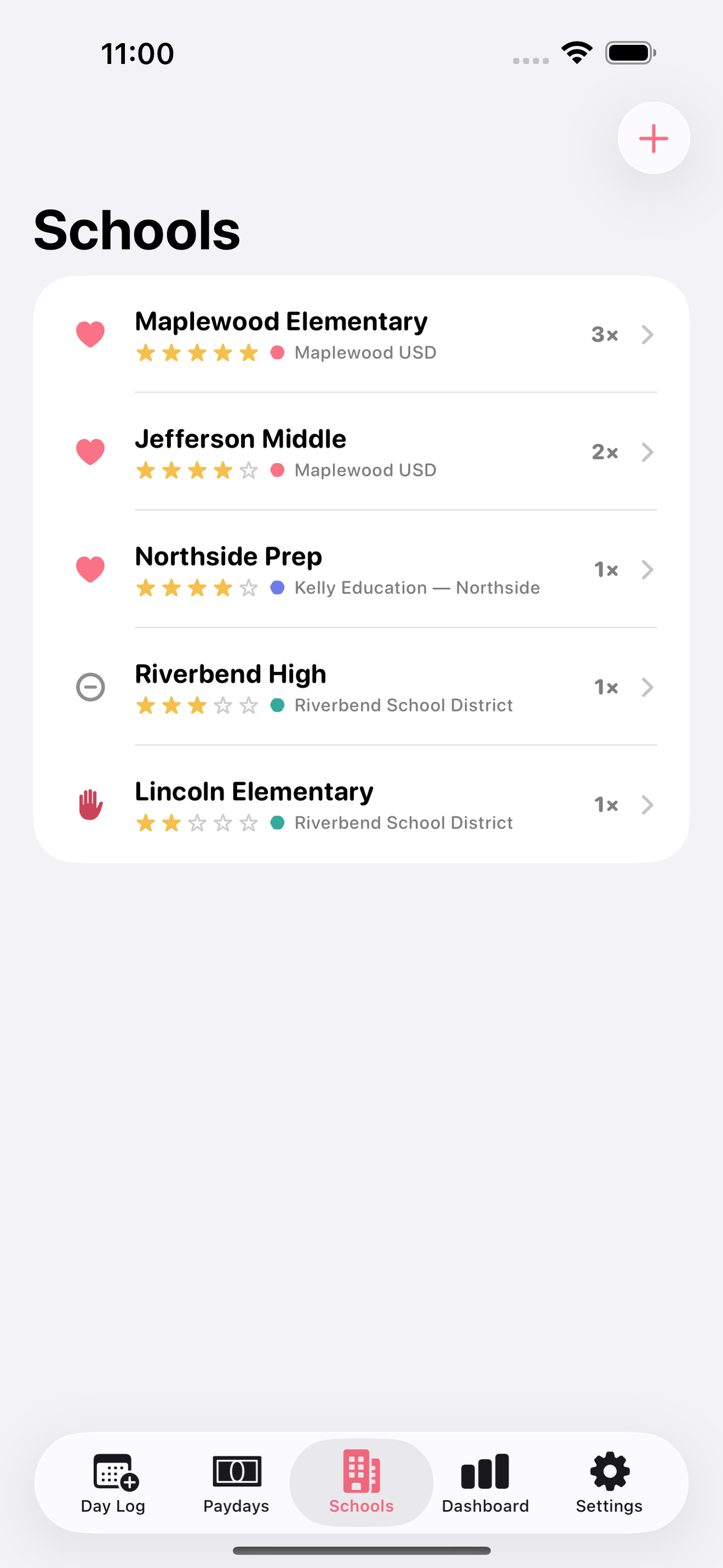
It also remembers what the booking systems never will: which schools you loved, which you avoid, where to park, how check-in works, and who to ask for at the front office. Rate every school privately, mark favorites, and stop accepting the jobs you regret.
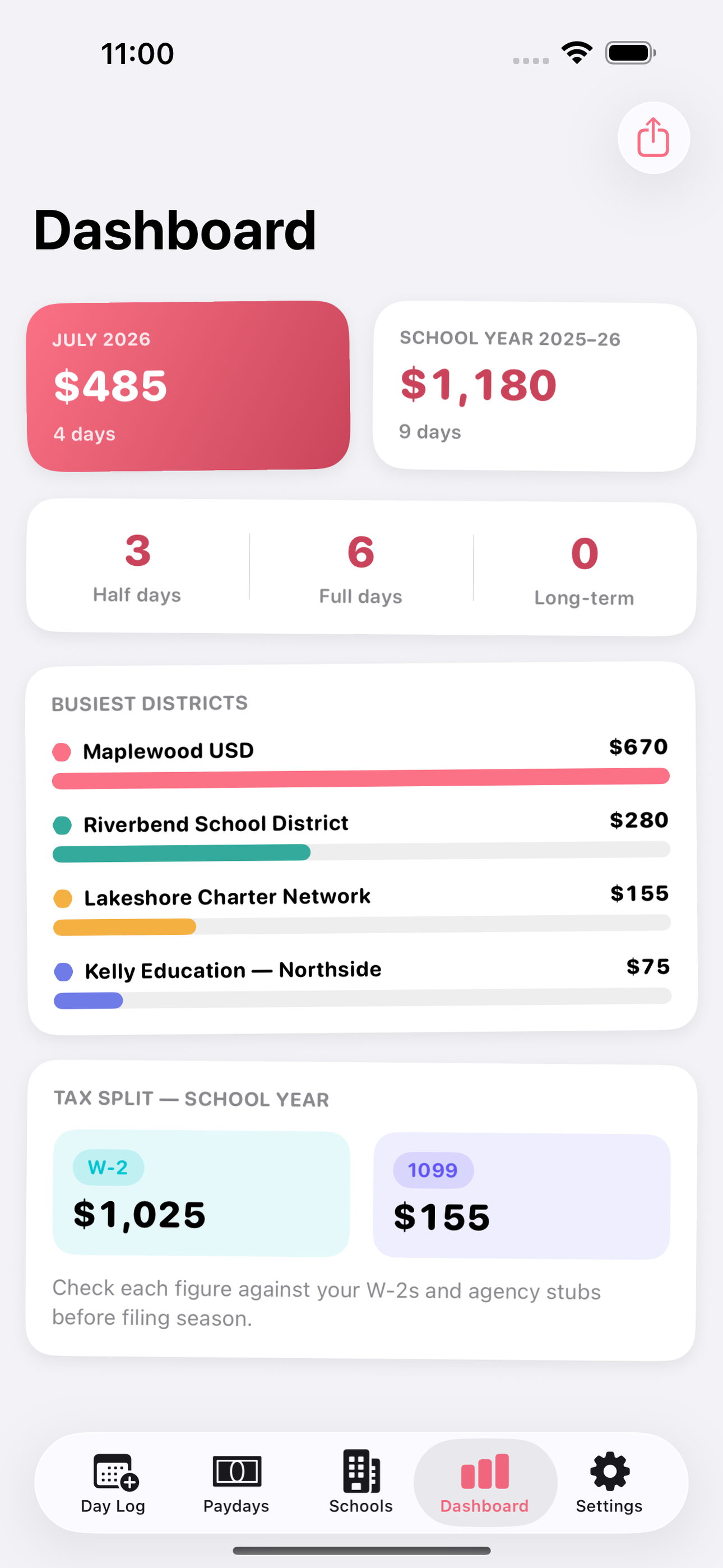
Working for an agency like Kelly or ESS alongside direct district jobs? Tag each district profile as W-2 or 1099 and SubDay keeps your year-end totals separated, ready to check against every stub before filing season.
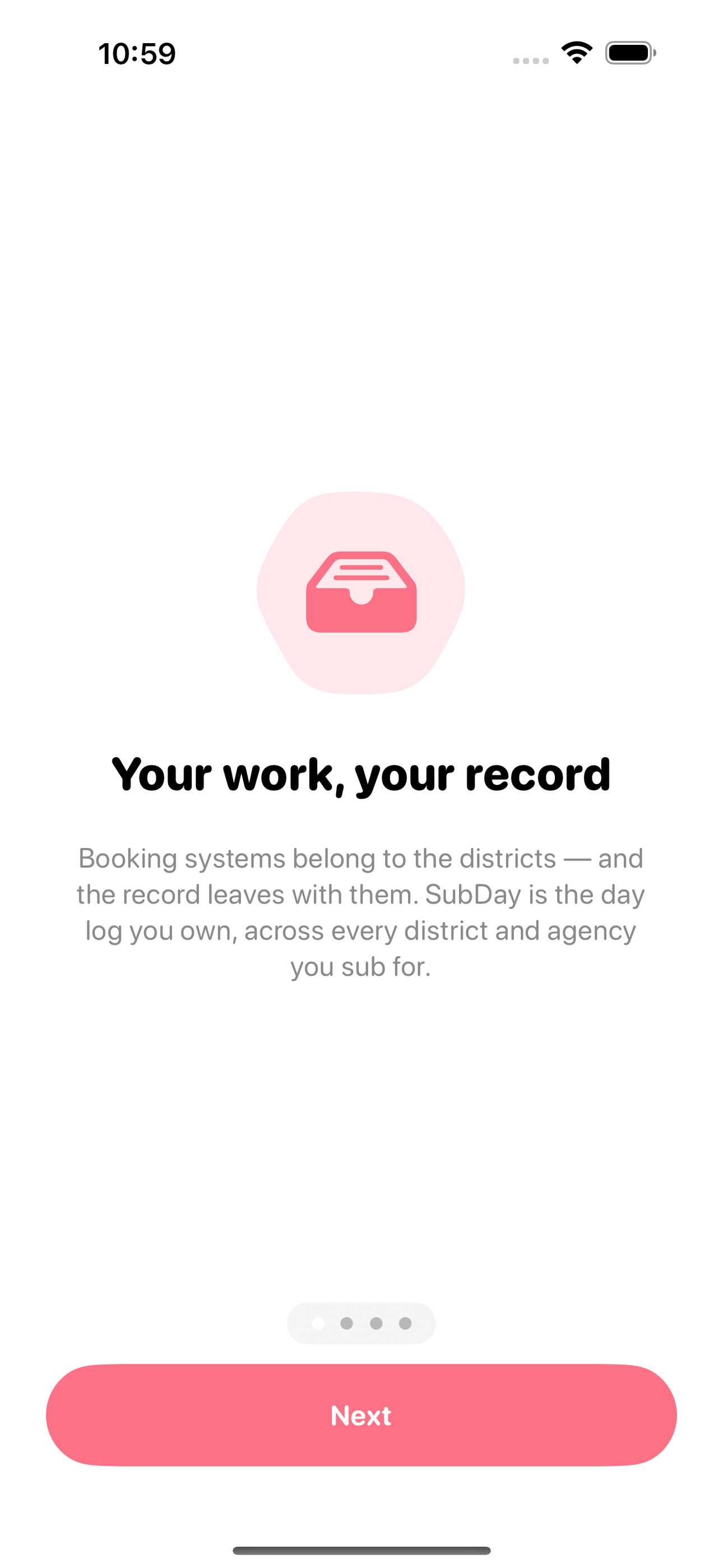
Everything stays on your device. No Frontline credentials, no account, no server — this is your record of your work, and it leaves the district with you.
• Ten-second assignment log with job confirmation numbers • Per-district and agency profiles with half, full, and long-term day rates • Payday reconciliation showing expected versus received, day by day • Private school notes with ratings, favorites, and check-in details • School-year and monthly earnings totals with W-2 and 1099 tagging • Year-end CSV and PDF summaries for tax time • Fully offline, no account, no district login required
A look inside
Tap any screenshot to open the full-resolution version.
What's inside
- Day Log — Log an assignment in ten seconds: pick the district, school, class or grade, half or full day, and paste the Frontline/AESOP job confirmation number. The rate fills in automatically from the district profile.
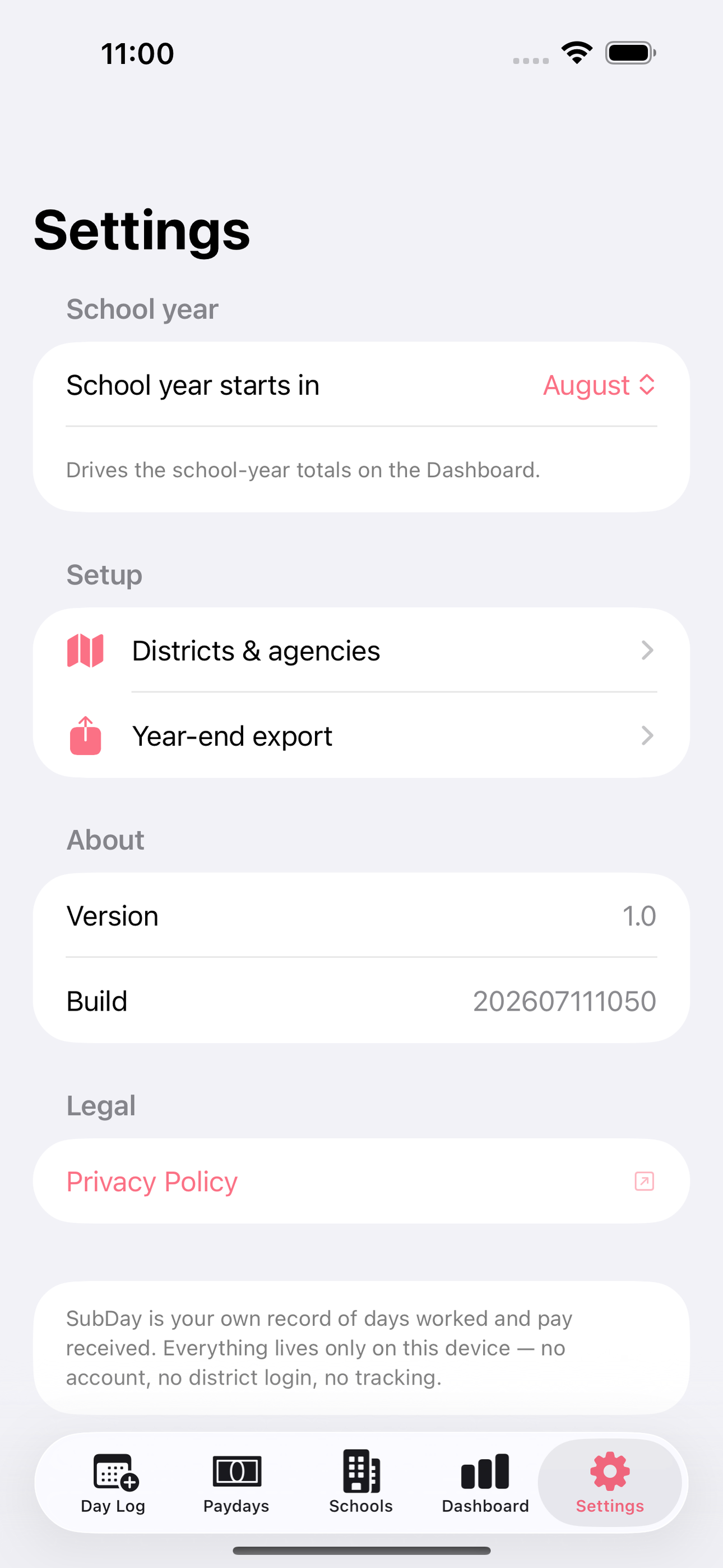
- Districts & Rates — One-time setup per district or agency: half-day, full-day, and long-term rates, W-2 or 1099 status, and the pay calendar (weekly, biweekly, semimonthly, or custom dates) that drives reconciliation.
- Payday Reconciliation — On each pay date, enter the check amount and see expected versus received for that district's period with every logged day listed — a shorted check surfaces immediately, inside the short dispute window districts allow.
- School Notes — A private book of every school you've worked: star rating, favorite or avoid flag, parking, check-in procedure, and free-form notes, so you accept the right jobs at 5:45 AM.
- Earnings Dashboard — Month and school-year totals across all districts with half/full-day counts, W-2 vs 1099 split, and a busiest-districts breakdown that survives summers and district switches.
- Year-End Export — One tap builds a CSV or PDF summary per district and per tax status for the calendar year, ready to check against W-2s and agency stubs before filing.
Why we built it
Subs have no record of their own work: districts only pay jobs with a confirming Frontline job number, give as little as 2 days to dispute a short paycheck, and every district has different half/full-day rates and pay calendars — so subs reconstruct months of work from memory or paper printables when a check comes up…
What makes it different
Frontline/AESOP, Red Rover, and willSub are district-owned booking systems: no cross-district view, and the sub loses the data when they leave the district. SubSidekick and SubAlert are paid job-alert companions that require Frontline credentials and have no day log, rate math, or pay reconciliation. TpT printable pay…
Who it's for
Freelancers, contractors, and small-business owners who want their numbers right at tax time without renting a SaaS to do it.
In one line: Sub teaching day & pay ledger
Try it
See the Sub teaching day & pay ledger for the full feature list, the info table, and support links.
Use SubDay, found a bug, or have a feature request? Comments are open below — anonymous is fine.
0 comments
No comments yet — be the first.
Leave a reply
Sign in with Google to join the conversation. We require a quick sign-in to keep comments spam-free.
Sign in with Google to comment