Meet Decant — Your cellar. Your notes. Offline
Decant is the private, offline cellar manager and tasting journal for wine enthusiasts who take their collection seriously.

Food And Drink
Decant
Your cellar. Your notes. Offline.
Every feature, from the first launch.
No account, no login, no cloud. Everything runs on your device and works fully offline — nothing in this post is hidden behind a wall.
What Decant does
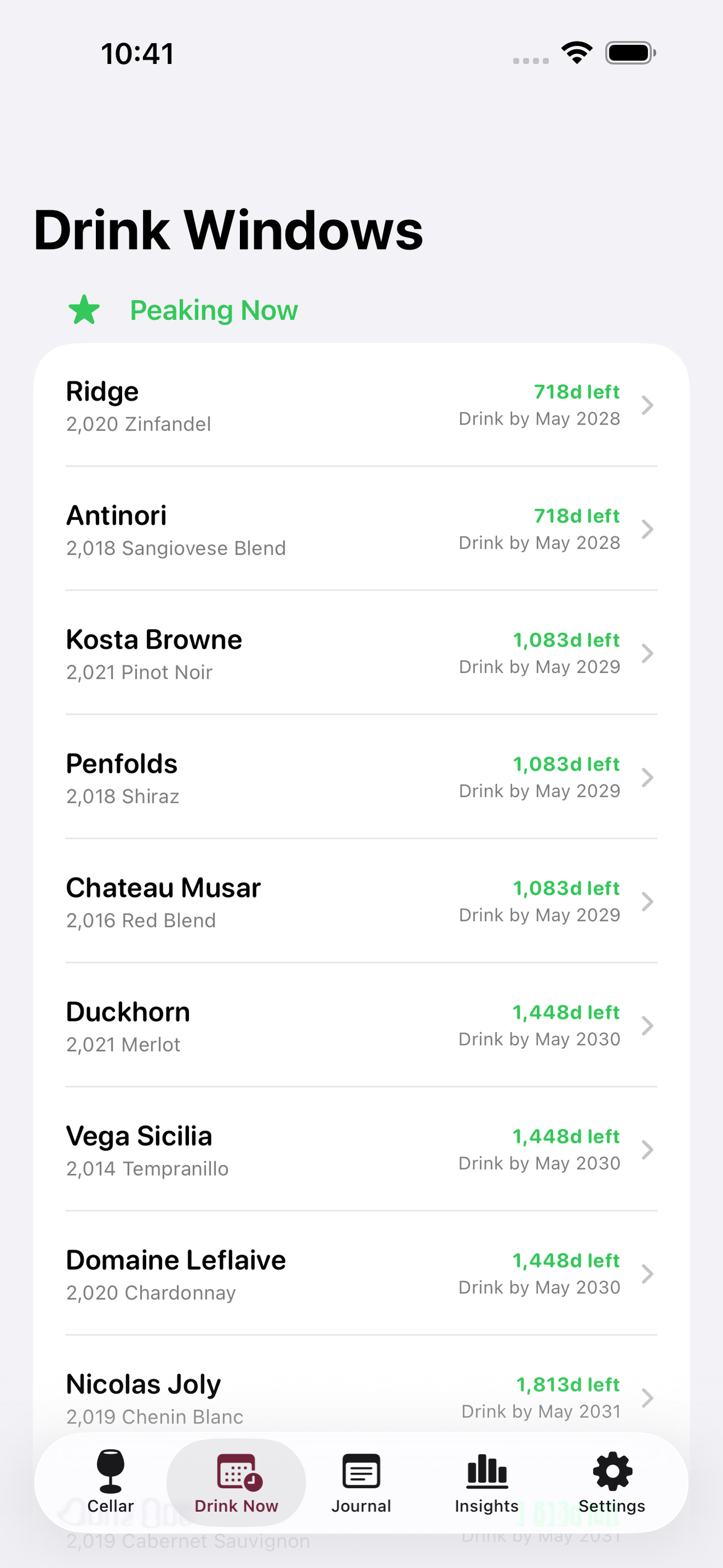
Decant is the private, offline cellar manager and tasting journal for wine enthusiasts who take their collection seriously. Add every bottle you own — producer, varietal, region, vintage, quantity, purchase price, and storage location — then set a drink-from and drink-by window so Decant can surface what’s peaking today and flag bottles approaching the end of their ideal window.
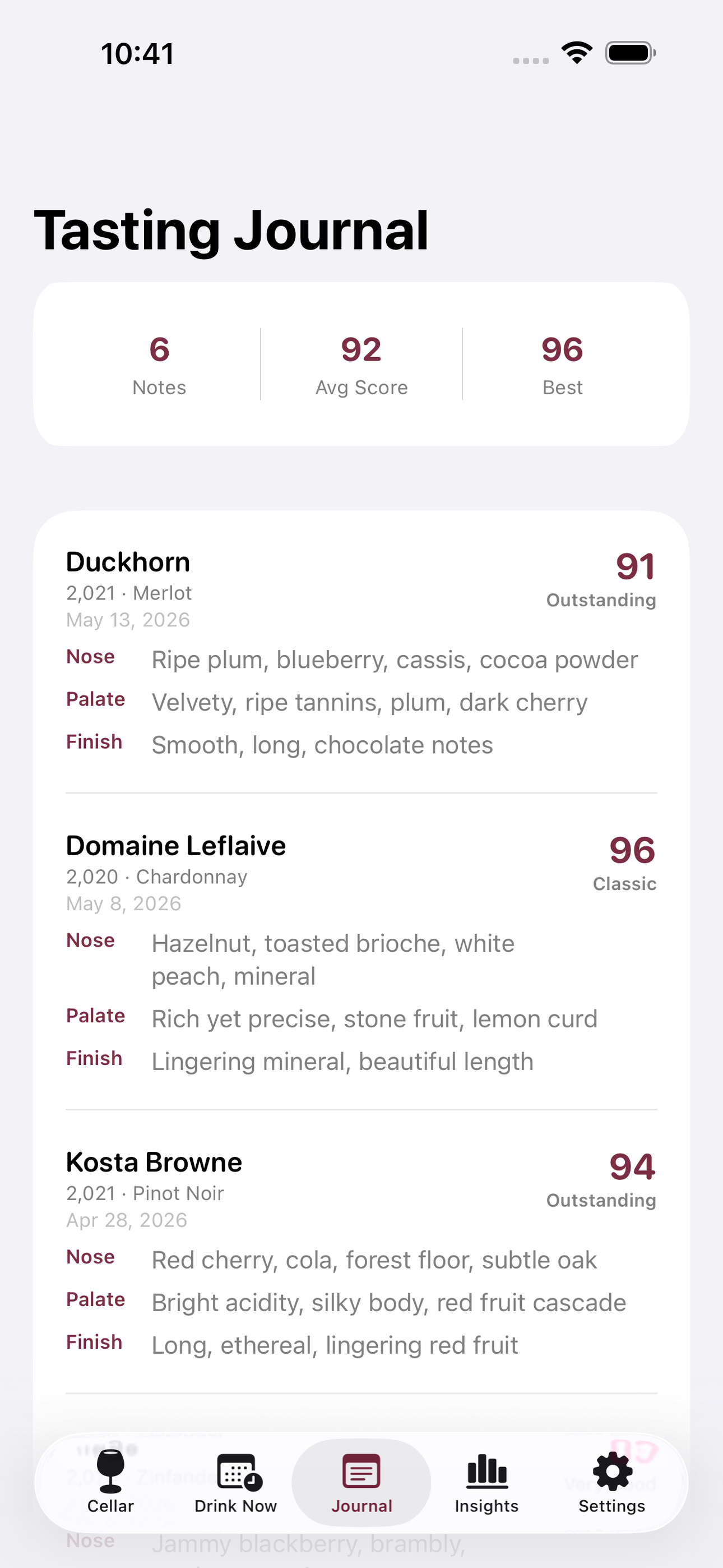
After each pour, open a tasting sheet and capture nose, palate, and finish notes alongside a 100-point score. Browse your personal history to watch your palate develop, revisit a favourite producer, or settle a dinner-table debate about a vintage.
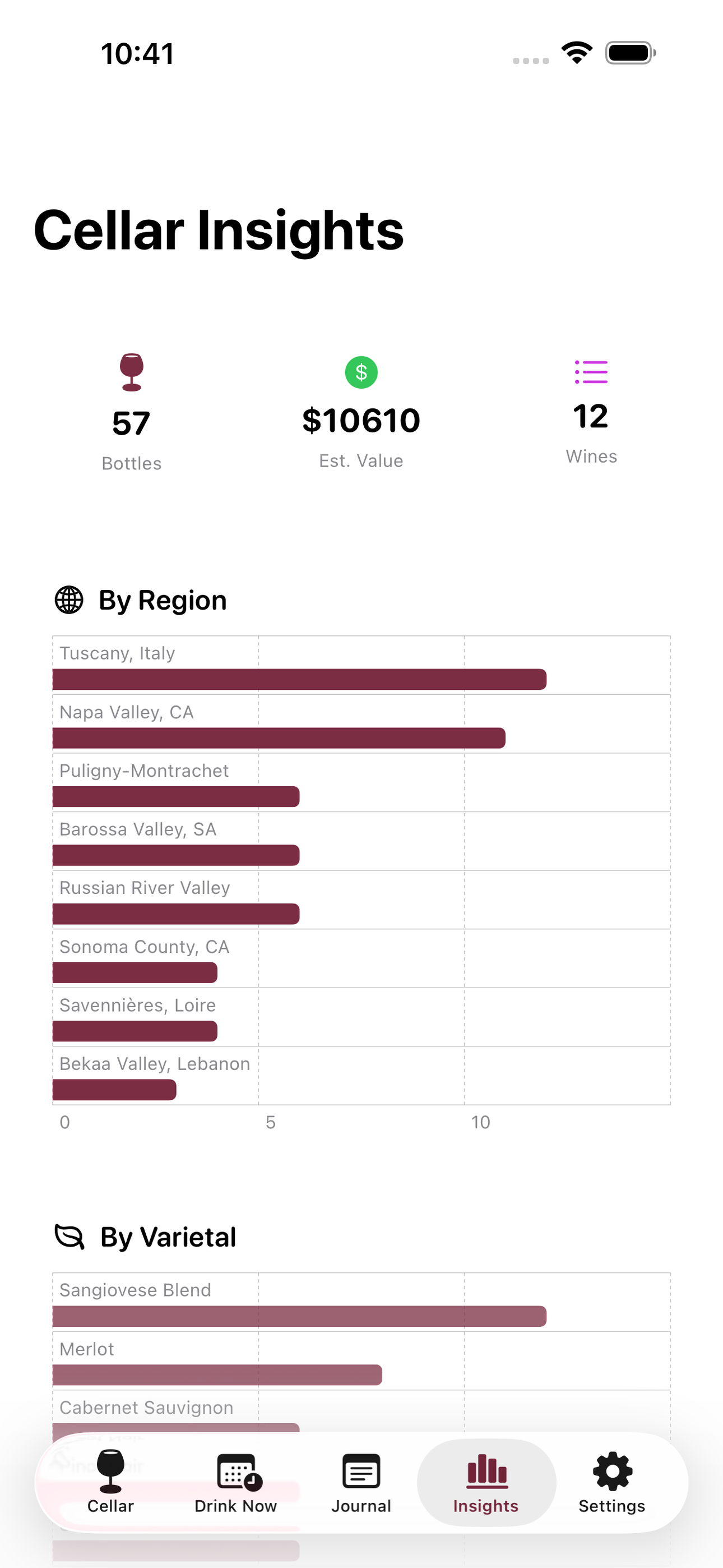
A Cellar Insights view breaks your collection down by region, varietal, and estimated value so you can spot gaps, over-concentrations, and your average cost per bottle at a glance.
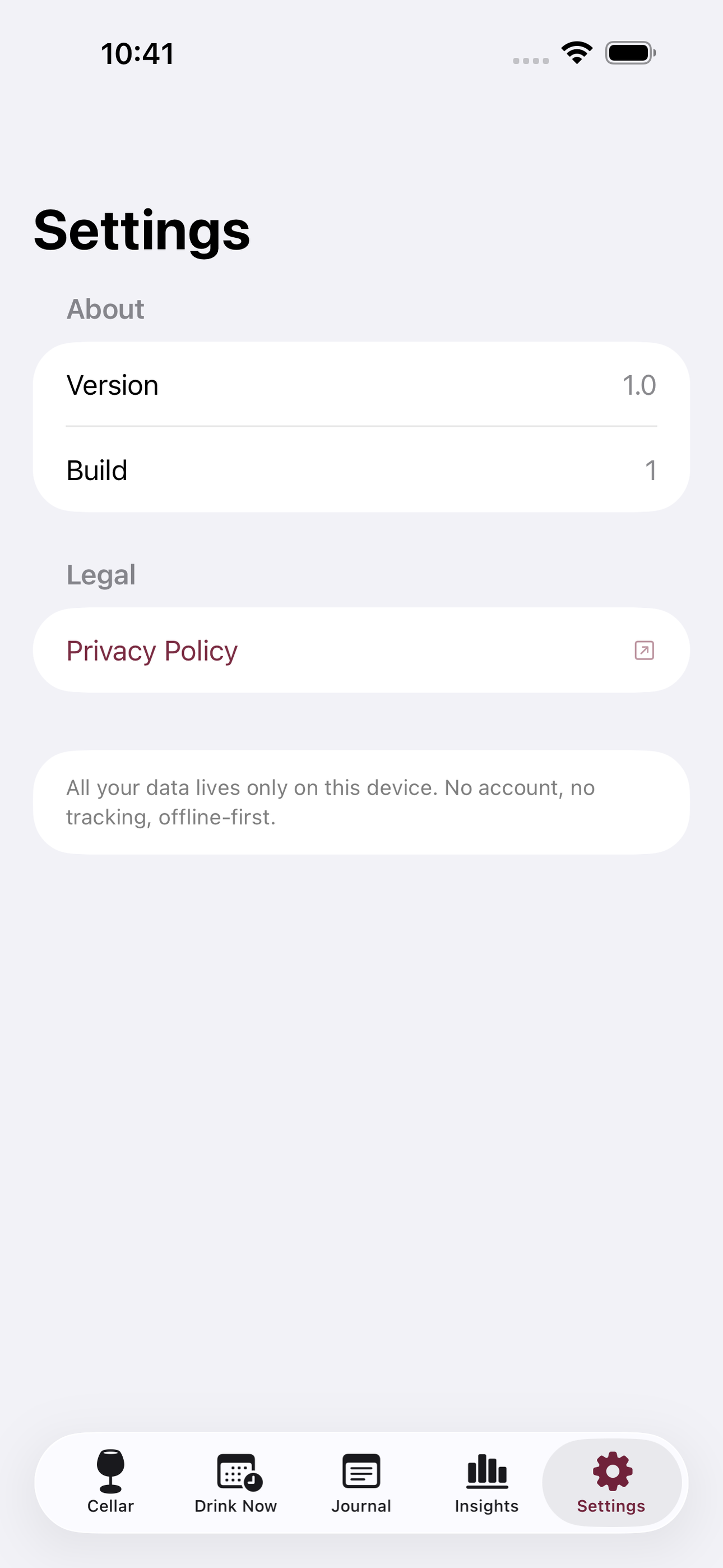
No account. No subscription. No network required. Your collection data never leaves your device.
• Full bottle inventory with varietal, region, vintage, qty, price, and bin location • Drink-now vs hold guidance with peaking and expiring alerts • Tasting journal with 100-pt scoring, nose, palate, and finish fields • Cellar insights by region, varietal, and portfolio value • 100% offline, SwiftData on-device storage
A look inside
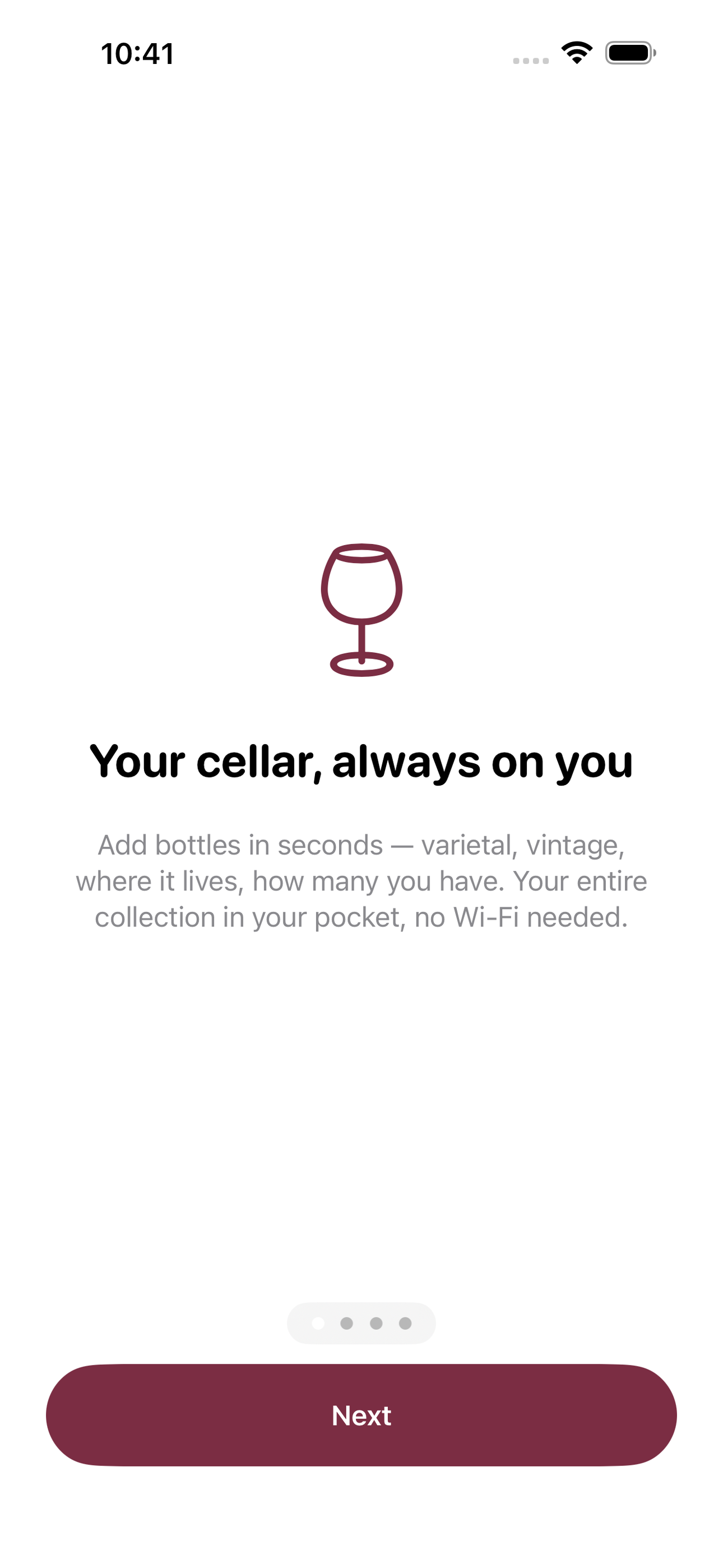
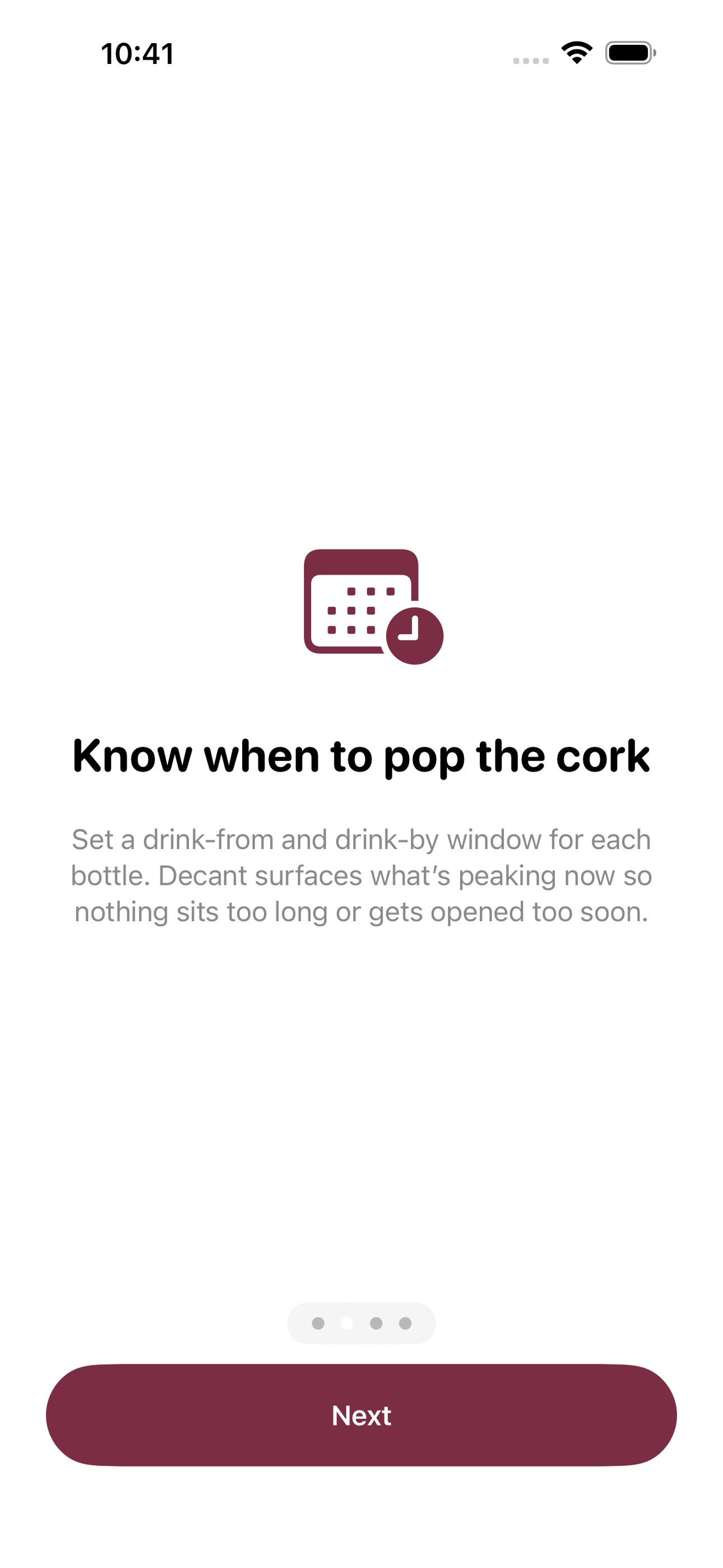
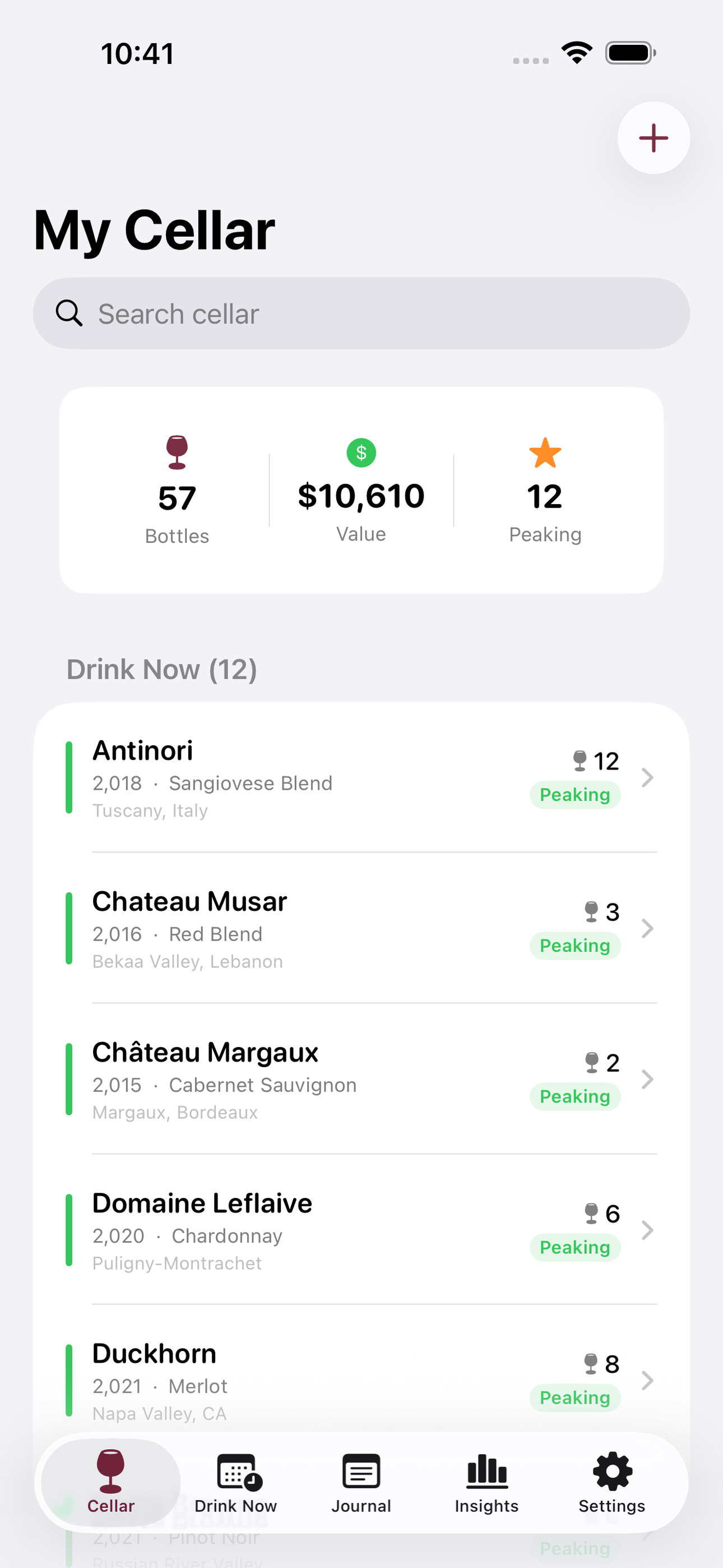
Tap any screenshot to open the full-resolution version.
What's inside
- Cellar inventory — Add and manage every bottle with producer, varietal, region, vintage, quantity, purchase price, bin/rack location, and a drink-from to drink-by window. Edit quantity in place as you drink or restock.
- Drink-now vs hold view — A dedicated section surfaces bottles that are currently in their peak drinking window and highlights those whose drink-by date is within 90 days, prompting timely opens before a wine fades.
- Tasting journal — After opening a bottle, log the date, nose notes, palate notes, finish notes, and a 100-point score. Each tasting entry is linked to its bottle so you can see all notes for a producer or vintage in one place.
- Cellar insights — Visual breakdown of the collection by region, varietal, and estimated total value. Shows average bottle price, bottles per region, and a timeline of when inventory will peak, helping enthusiasts spot what to add next.
Why we built it
Wine collectors track bottles in spreadsheets, paper lists, or cloud apps that lock useful features behind monthly fees and require an account to access basic inventory. There is no delightful offline-first option that pairs a proper cellar inventory with a personal tasting journal and actionable drink-window guidance.
What makes it different
Decant is the only no-account, no-subscription, fully offline cellar manager that combines true inventory management (qty, bin, price, drink windows) with a personal 100-point tasting journal in one polished SwiftData app — unlike Vivino (social/cloud) or CellarTracker (web-only) it is private by design and works with…
Who it's for
Built for anyone who values fast, private, on-device software with a calm, focused UX.
In one line: Your cellar. Your notes. Offline.
Try it
See the Your cellar. Your notes. Offline for the full feature list, the info table, and support links.
Use Decant, found a bug, or have a feature request? Comments are open below — anonymous is fine.
0 comments
No comments yet — be the first.
Leave a reply
Sign in with Google to join the conversation. We require a quick sign-in to keep comments spam-free.
Sign in with Google to comment