Meet Afterschool — Academy hub for busy families
Afterschool is the family command centre for parents navigating hagwons, tuition centres, and enrichment academies across multiple children.

Education
Afterschool
Academy hub for busy families
Every feature, from the first launch.
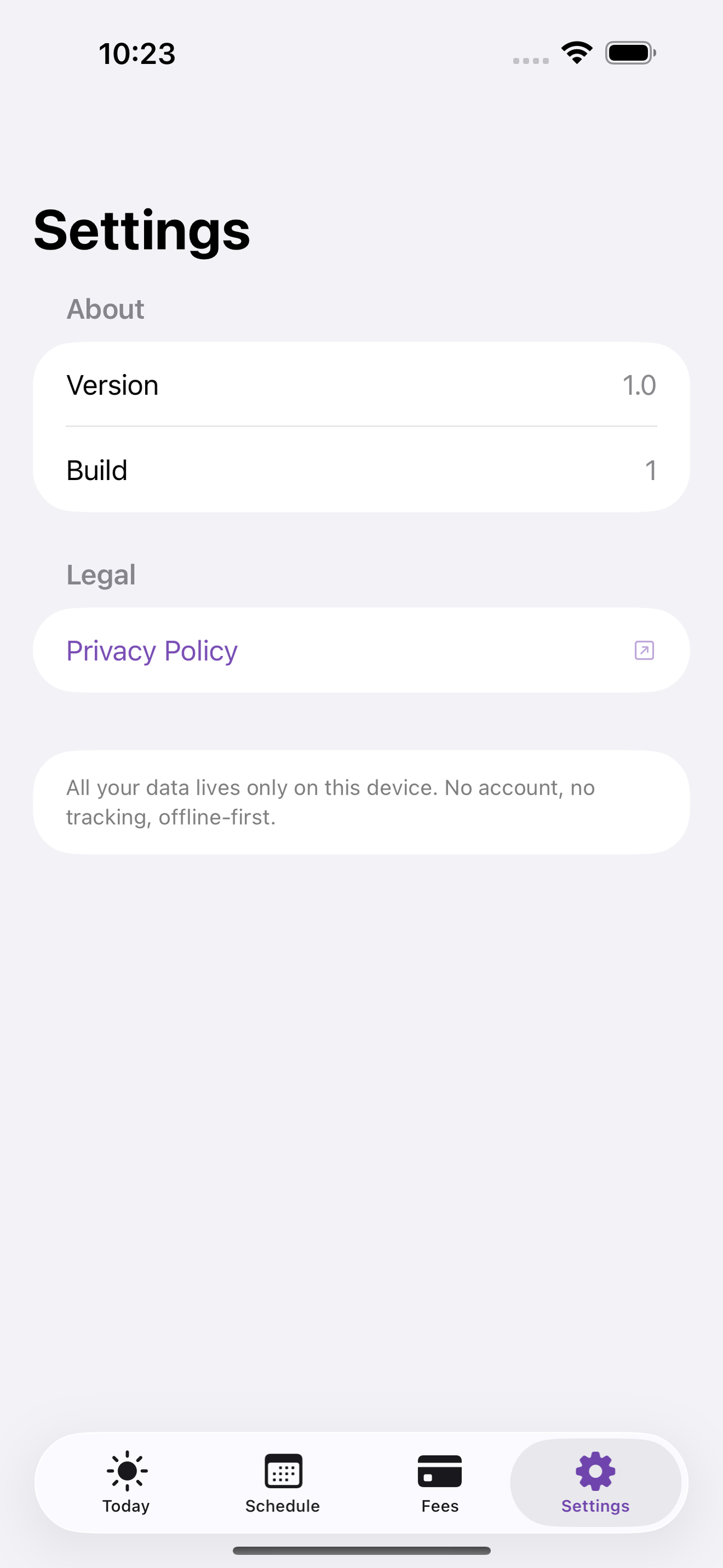
No account, no login, no cloud. Everything runs on your device and works fully offline — nothing in this post is hidden behind a wall.
What Afterschool does
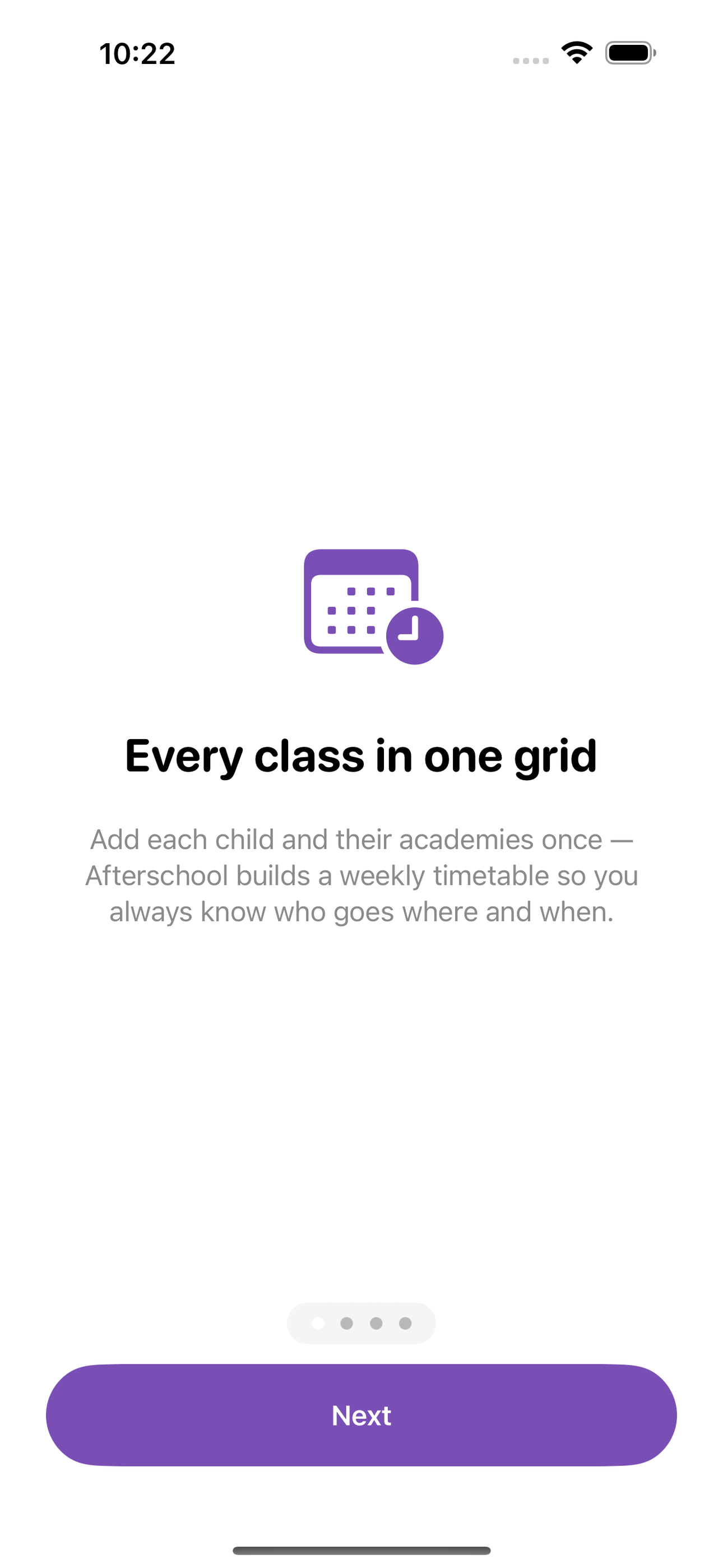
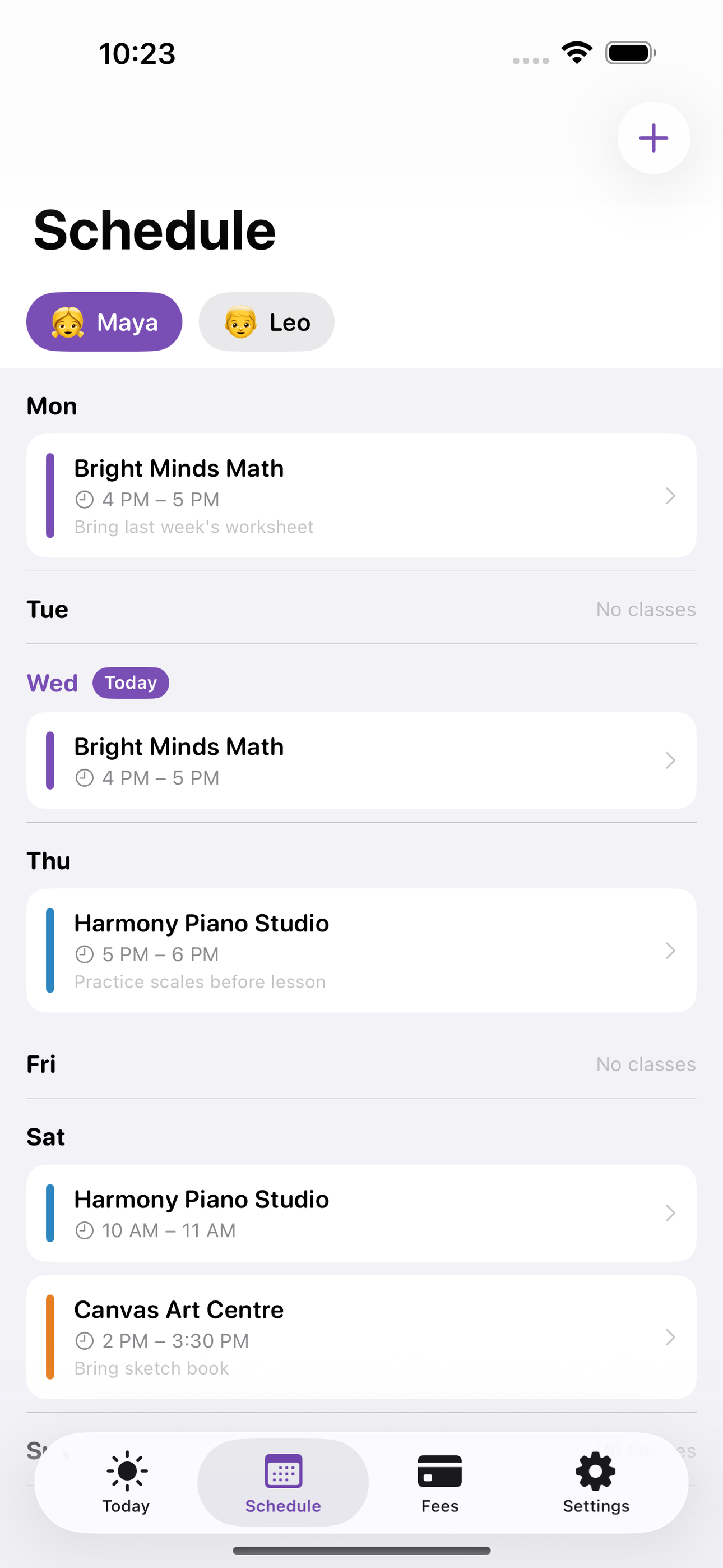
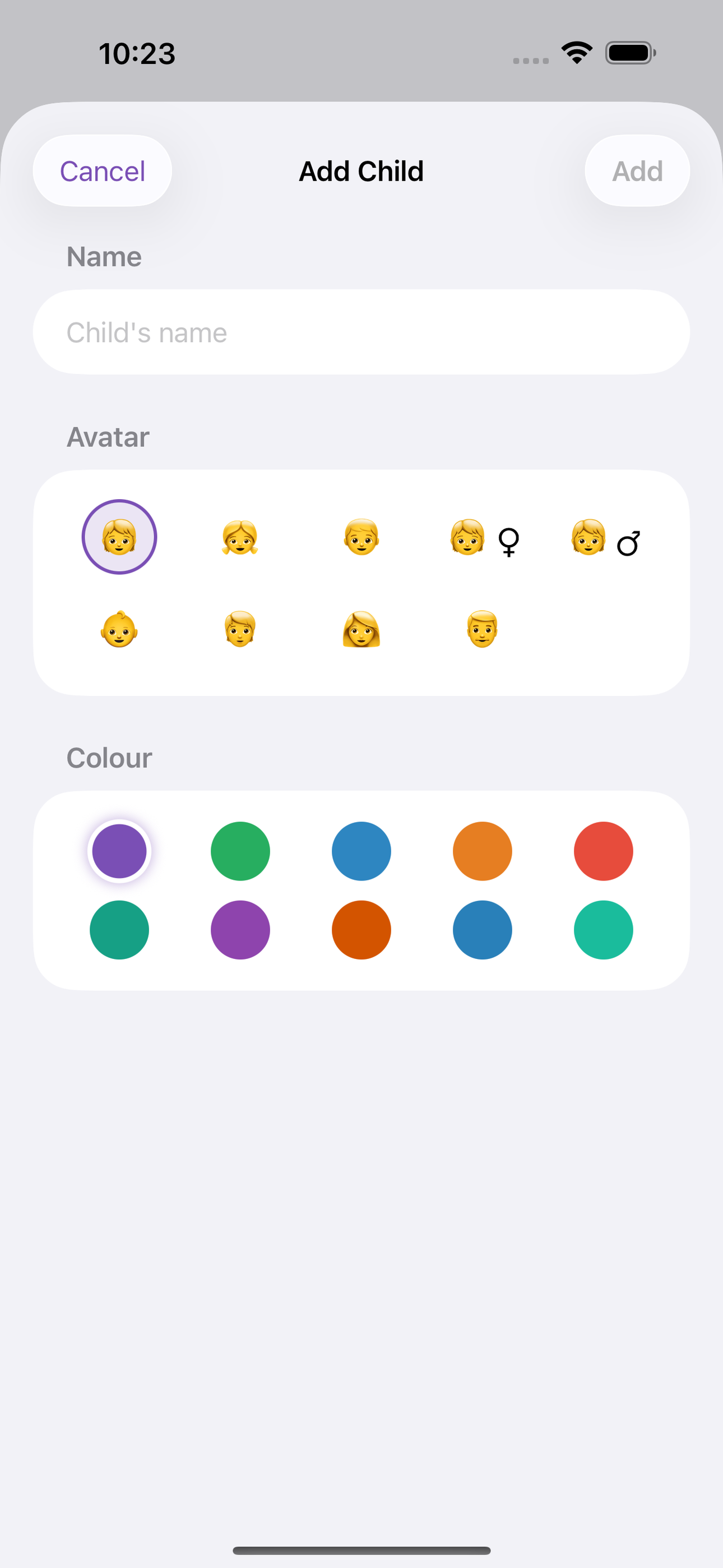
Afterschool is the family command centre for parents navigating hagwons, tuition centres, and enrichment academies across multiple children. Add each child, then build their weekly timetable — maths on Monday, piano on Thursday — and Afterschool draws a clean grid so pick-up conflicts are obvious before they happen.
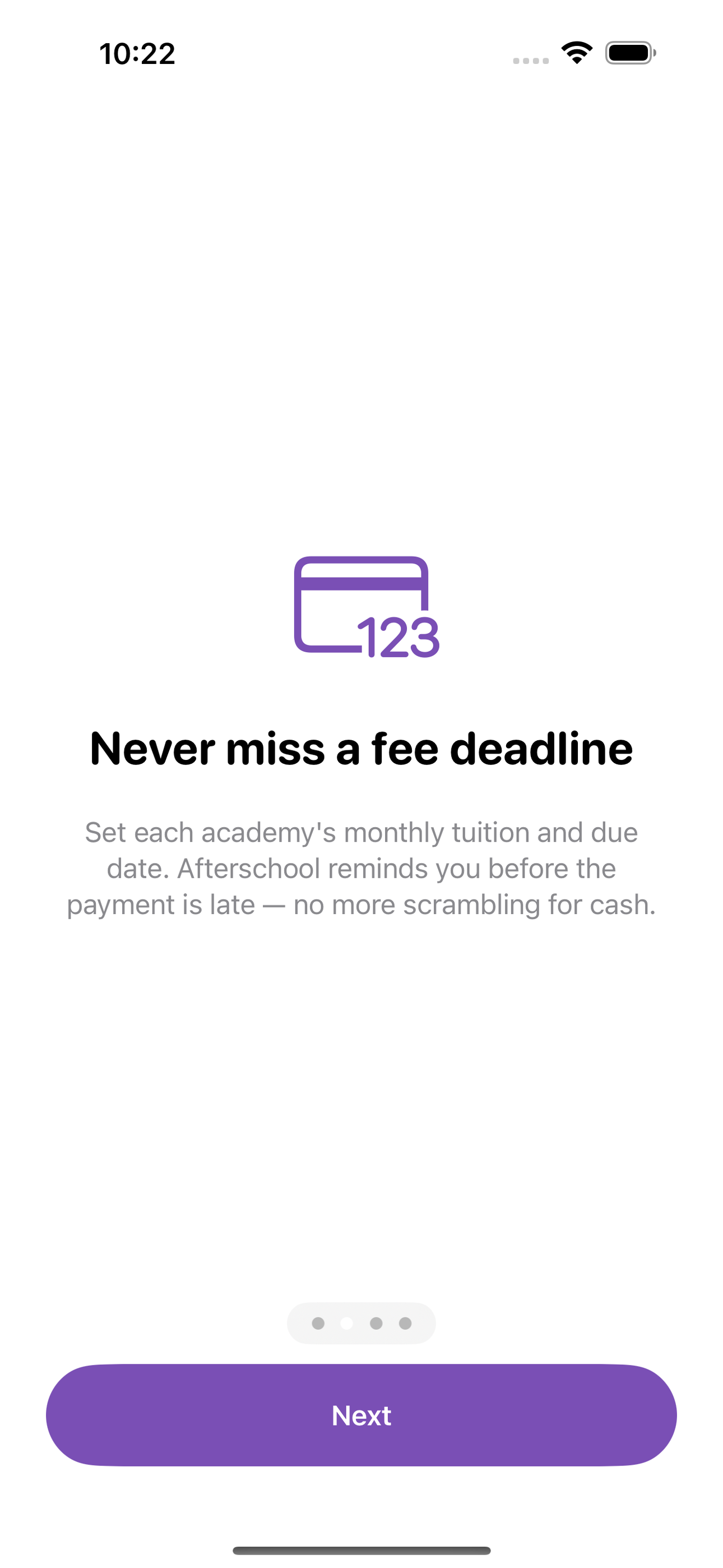
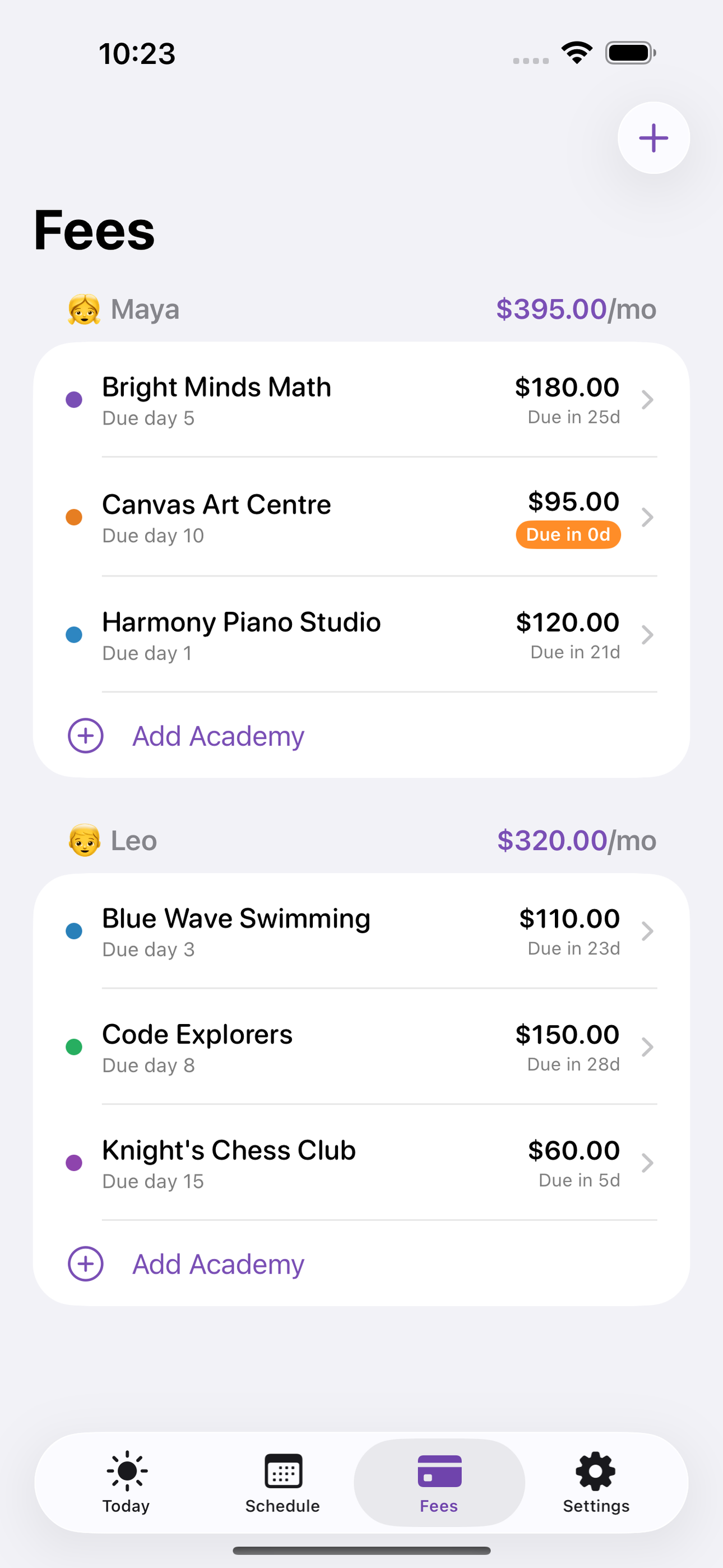
For every academy you log the monthly fee, the due date, and the teacher's contact note. When payment day approaches, Afterschool sends a reminder. Tap through to see the full fee history: what was paid, when, and how much.
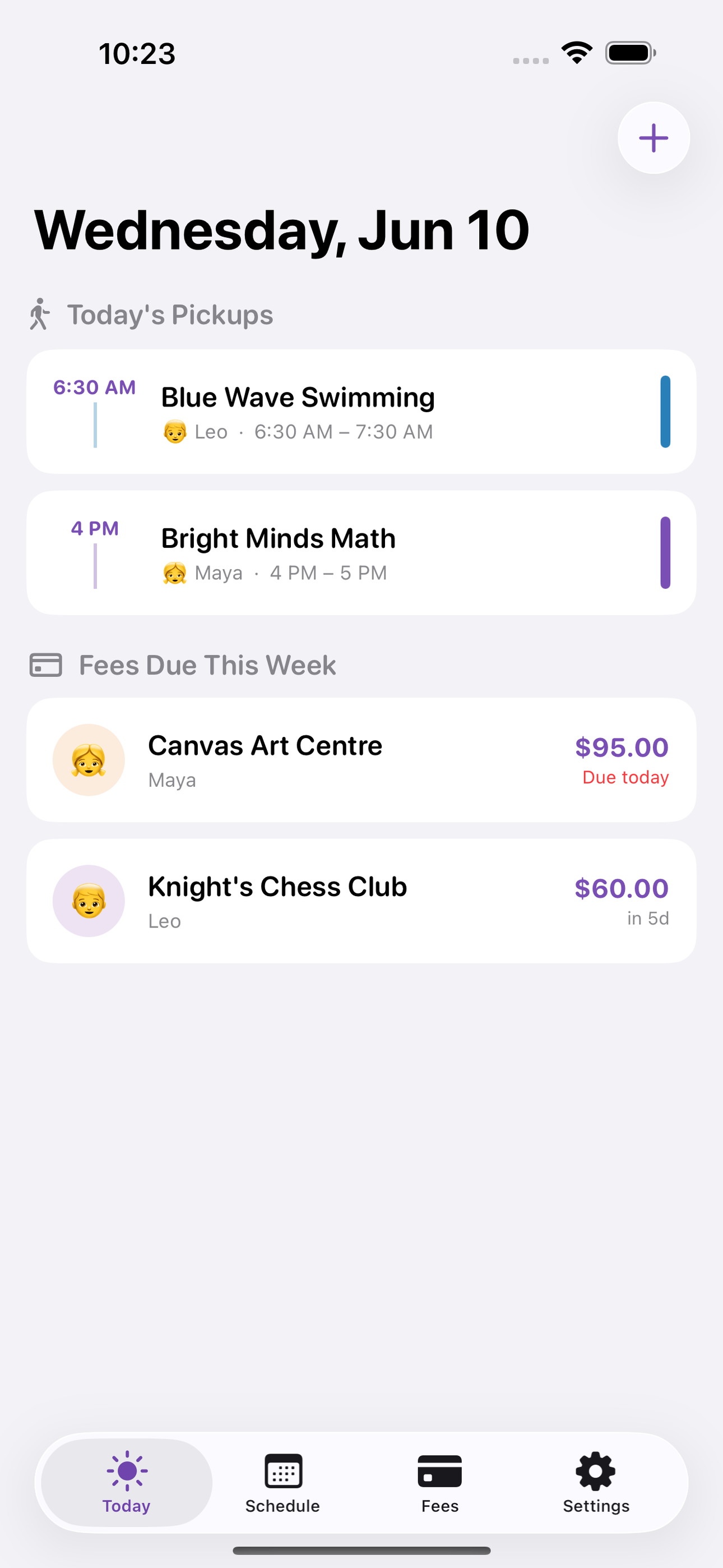
Today's home screen shows exactly who needs to be where in the next few hours and which fees are coming due this week — one glance instead of three WhatsApp groups and a spreadsheet.
• Per-child weekly class grid • Monthly fee tracker with due-date reminders • Teacher contact notes per academy • Today view: pickups + fees at a glance • Full payment history per academy • 100% offline — SwiftData, no account needed
A look inside
Tap any screenshot to open the full-resolution version.
What's inside
- Weekly class grid — A per-child or family-wide timetable grid (weekday x time slots) showing every ClassSlot with academy name and pick-up time.
- Fee tracker with reminders — Log each academy's monthly fee amount and due day; receive a local notification before the deadline; mark as paid to record the payment date.
- Today home screen — At-a-glance daily view listing today's pickups in chronological order and any fees due within 7 days — the first screen every parent sees.
- Academy detail with fee history — Per-academy page showing teacher contact note, class schedule, and a scrollable list of all past FeePayment records.
Why we built it
Families with multiple children in multiple academies carry the cognitive load of overlapping weekly timetables, varying monthly fee due dates per academy, and scattered teacher contact details across chat apps and paper — leading to missed pickups, late fees, and daily anxiety that no existing consumer app solves for…
What makes it different
Afterschool is a parent-side, fully offline family academy manager — unlike tutor-facing platforms (ClassMitra, Tuition Tracker) that serve the institute, and unlike generic school apps (ClassMobi, CampusCare) tied to a single institution's portal. It combines a per-child weekly class grid, per-academy fee tracker wit…
Who it's for
Students, parents helping with homework, and adults who just want a fast answer without an upsell.
In one line: Academy hub for busy families
Try it
See the Academy hub for busy families for the full feature list, the info table, and support links.
Use Afterschool, found a bug, or have a feature request? Comments are open below — anonymous is fine.
0 comments
No comments yet — be the first.
Leave a reply
Sign in with Google to join the conversation. We require a quick sign-in to keep comments spam-free.
Sign in with Google to comment