Meet Strand — One second a day. A year in three minutes
Strand is the calmest way to keep a one-second-a-day video journal — no subscription, no ads, no account, no upload. Tap once.

Lifestyle
Strand
One second a day. A year in three minutes.
Every feature, from the first launch.
No account, no login, no cloud. Everything runs on your device and works fully offline — nothing in this post is hidden behind a wall.
What Strand does
Strand is the calmest way to keep a one-second-a-day video journal — no subscription, no ads, no account, no upload.
Tap once. Record a second of your life. Tomorrow, do it again. At any moment, hit 'Compile my reel' and Strand stitches every saved second into a single continuous video — a recap of your week, your month, your year.
Unlike 1 Second Everyday ($49.99/year for Pro), Strand is free. Forever. No paywall on length, no paywall on compilation, no paywall on backup.
— Tap-to-record: one tap on the camera button captures exactly one second. No long-press, no fiddling. A thin ring fills as the second elapses, then you're done. — Import from Photos: pick a longer clip you already shot, trim it down to one second visually. — Calendar grid: every day is a square. Filled squares show a thumbnail of that day's clip. Tap to play. — Compile your reel: pick a range — last 7 days, last 30 days, this year, all-time — and Strand exports a single MP4 to your Photos. Share via system sheet. — Daily reminder (optional): one gentle notification, at the time you choose. No streak shame. — Local-only: video files live on your device, in this app's sandbox. We do not have a server. Use iCloud Photos if you want backup; we're not in the loop. — Privacy by default: no account, no email, no analytics SDK, no third-party tracker.
Strand is free because we're building user base in Year 1; we'll consider monetization once we have traction. The core capture + compile experience will always be free.
A look inside

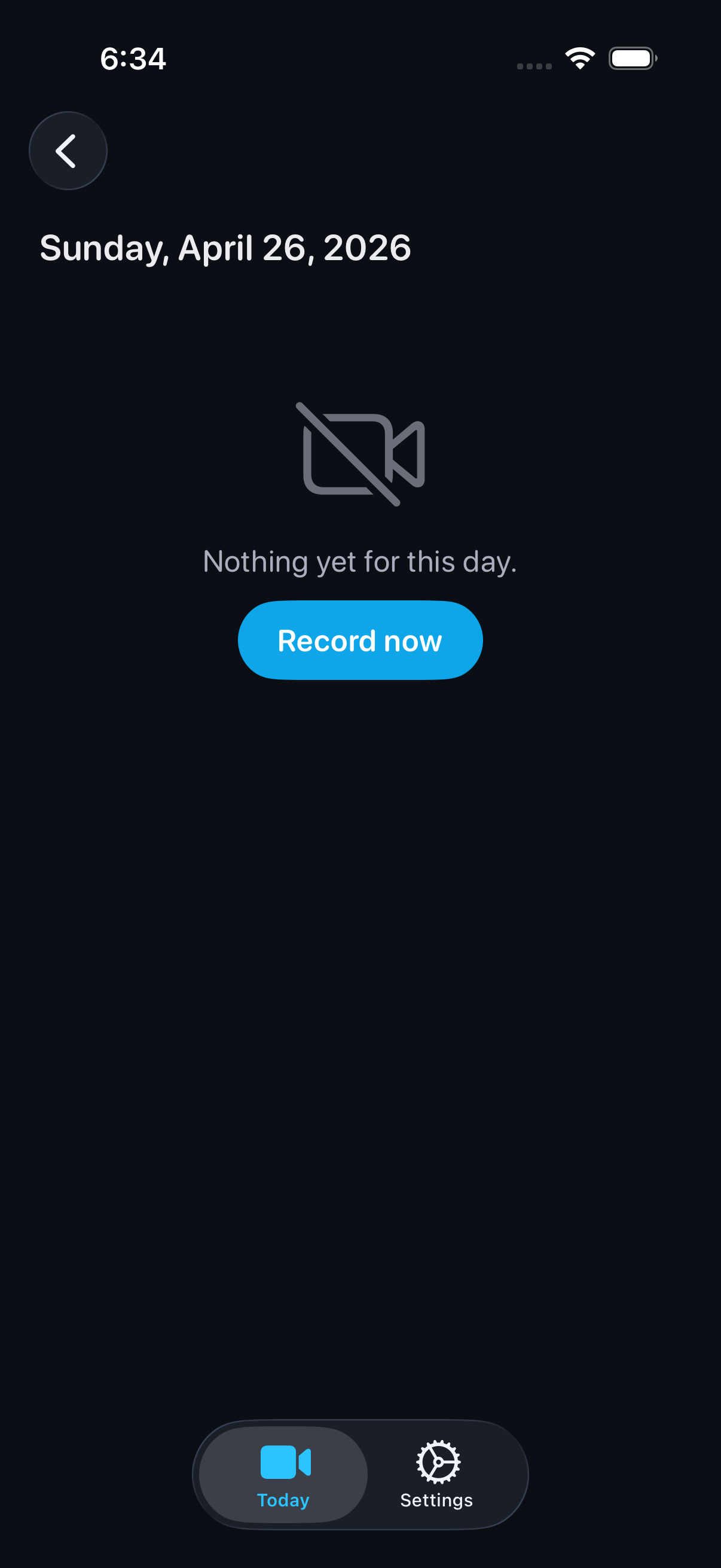


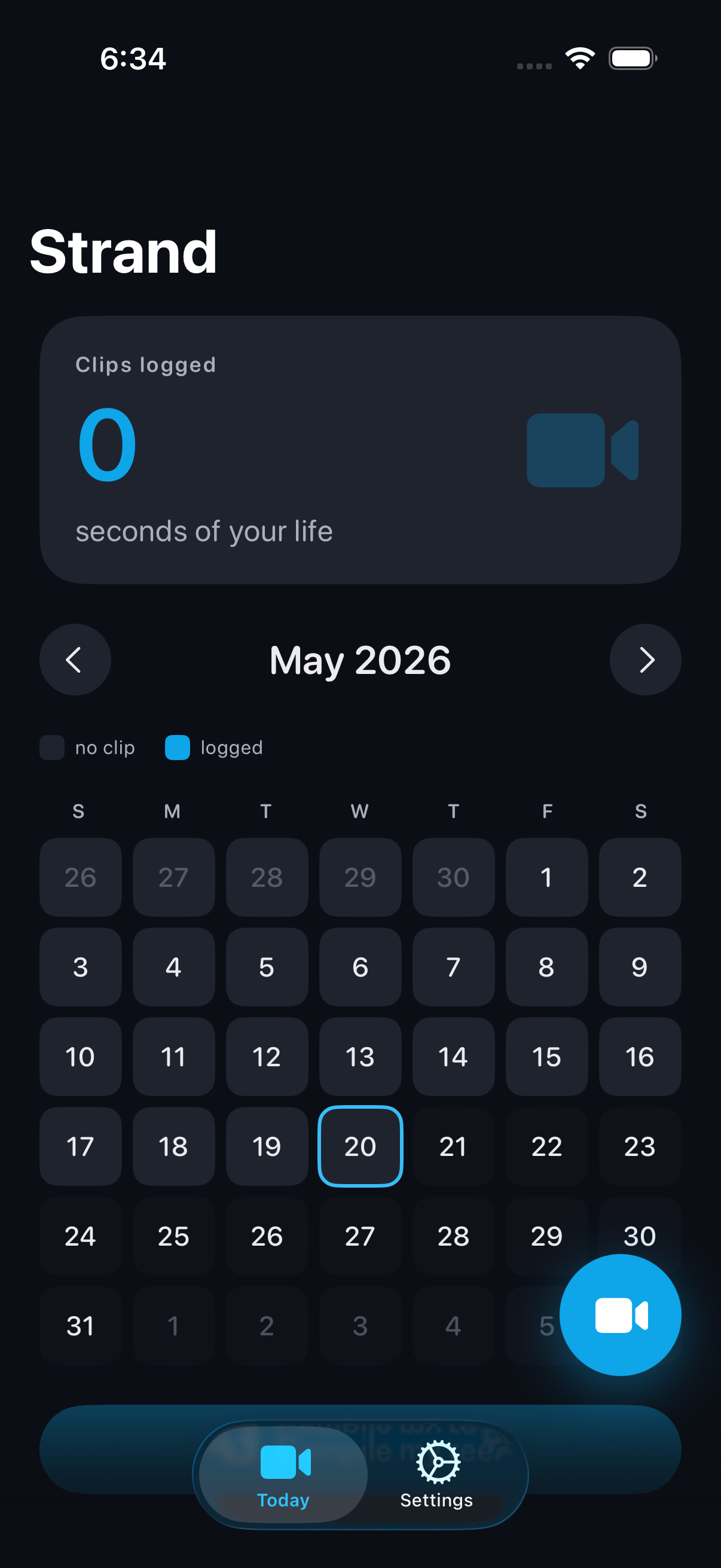
Tap any screenshot to open the full-resolution version.
What's inside
- Tap-to-record one second — Single tap on the shutter triggers a 1.0-second AVCaptureSession recording. A ring fills around the shutter to indicate progress. Auto-stops at 1.0s; no need to hold.
- Import + trim from Photos — Open the Photos picker, choose a video, scrub a 1-second window in a custom trimmer view, hit Save.
- Calendar grid — Month-grid where every filled day shows a thumbnail of that day's clip. Tap to play; tap a blank day to record it now.
- Compile reel — Pick a range (last 7 days / last 30 days / this year / all). AVAssetExportSession stitches every clip in chronological order into a single MP4. Save to Photos or share.
- Gentle daily reminder — Optional UNCalendarNotificationTrigger fires once daily at your chosen time. One notification, never spammy. Off by default.
- Privacy by default — No account, no email, no analytics SDK, no third-party tracker. Video files live in the app's Documents directory. SwiftData stores file URLs only. We do not have a server.
Why we built it
1 Second Everyday is the category leader but paywalls long-term use at $49.99/year. Smaller free alternatives are poorly designed with ads + IAPs. There is no iOS app today that is (a) beautifully crafted, (b) fully free with no subscription/no ads/no IAPs, (c) on-device only, and (d) iOS-native.
What makes it different
Strand is the only 1-second-a-day video journal on iOS that is fully free with no subscription, no ads, no IAPs, no account, and runs entirely on-device. 1SE Pro is $49.99/yr. Other free competitors are ad-supported with poor design. Strand competes on craft + the promise of staying free.
Who it's for
Hobbyists who want a tool that respects their time, their gear, and their offline life.
In one line: One second a day. A year in three minutes.
Try it
See the 1 Second a Day Video Journal for the full feature list, the info table, and support links.
Use Strand, found a bug, or have a feature request? Comments are open below — anonymous is fine.
0 comments
No comments yet — be the first.
Leave a reply
Sign in with Google to join the conversation. We require a quick sign-in to keep comments spam-free.
Sign in with Google to comment