Meet Splitcheck — Split the bill, not the mood
Splitcheck is the fastest way to divide a restaurant bill at the table — no fuss, no account, no network required.

Finance
Splitcheck
Split the bill, not the mood
Every feature, from the first launch.
No account, no login, no cloud. Everything runs on your device and works fully offline — nothing in this post is hidden behind a wall.
What Splitcheck does
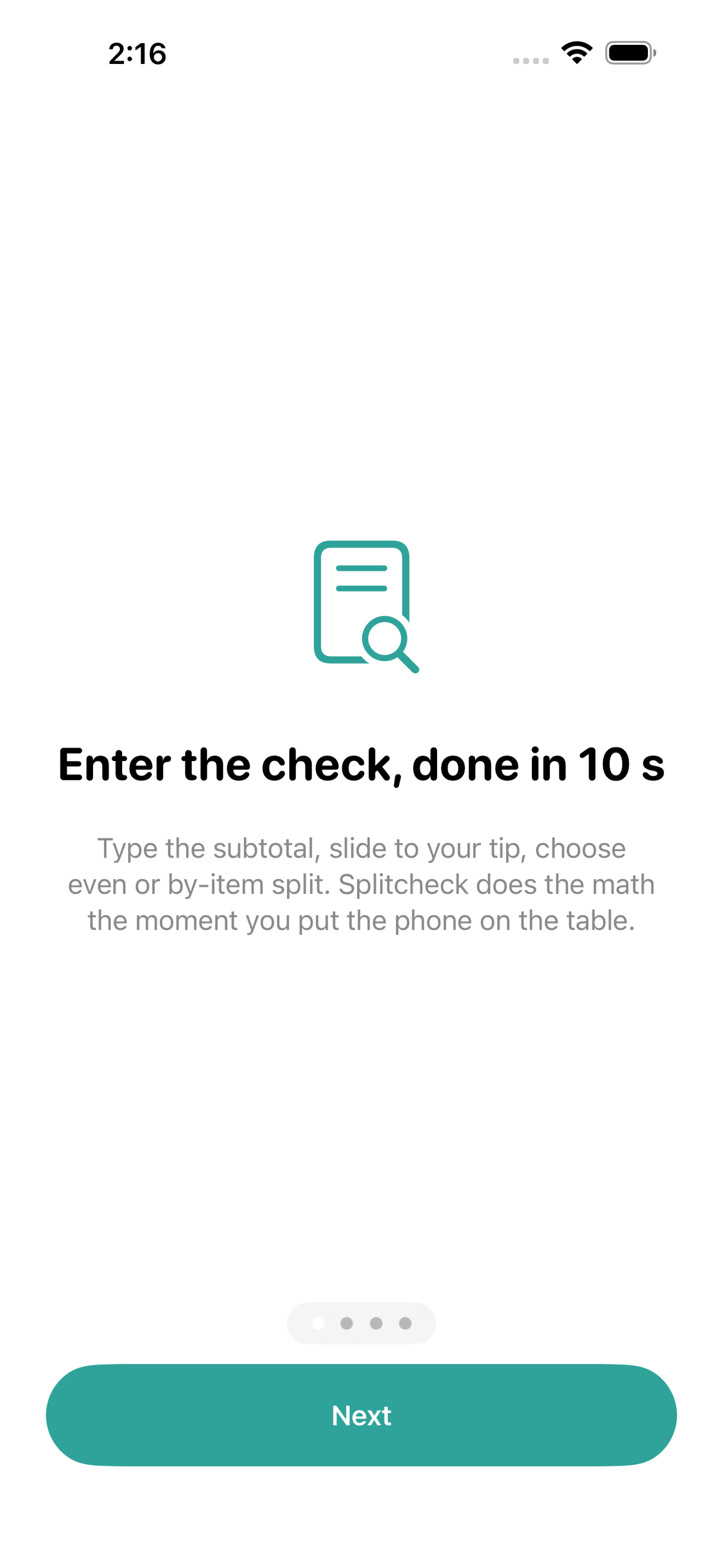
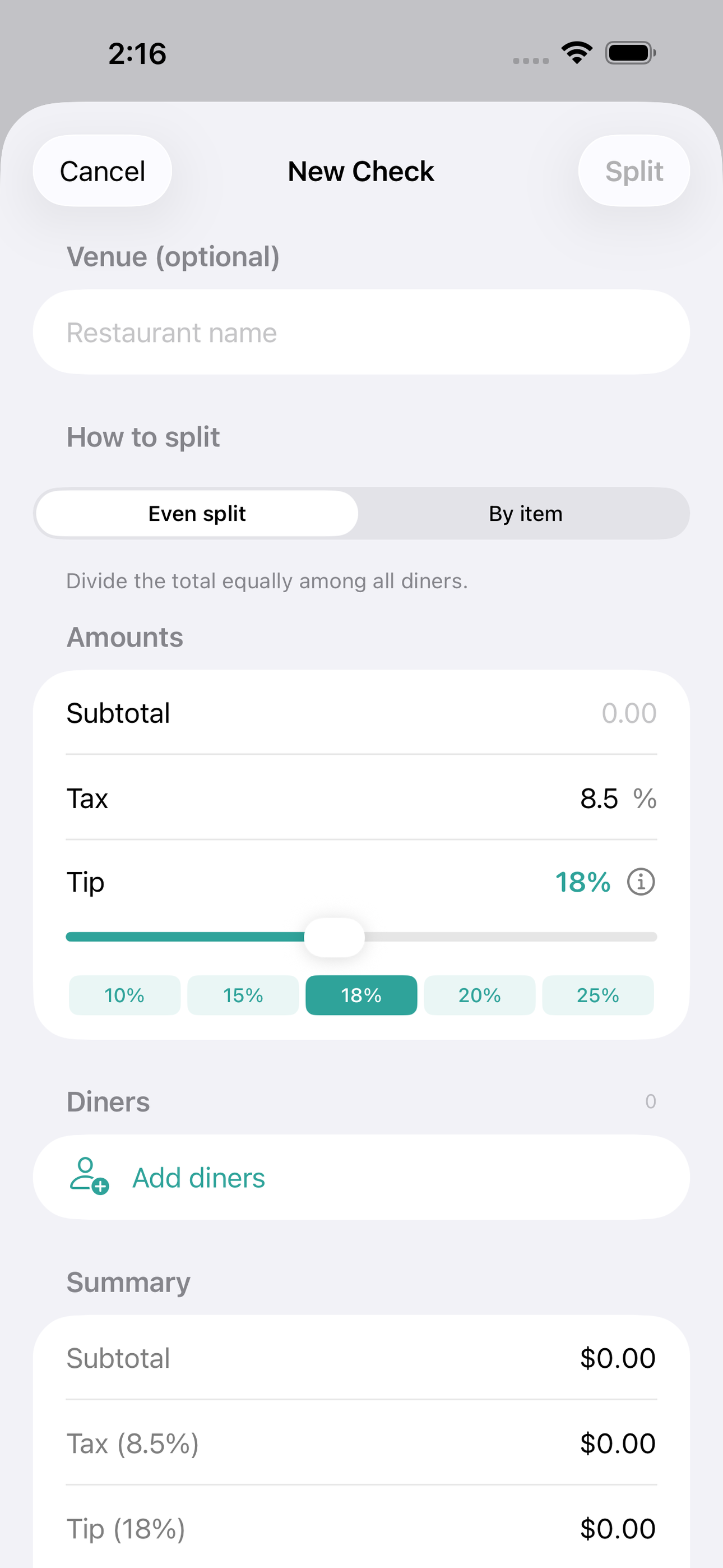
Splitcheck is the fastest way to divide a restaurant bill at the table — no fuss, no account, no network required. Enter the subtotal, set tax, drag the tip slider, then choose even split or by-item so each person pays exactly what they ordered.
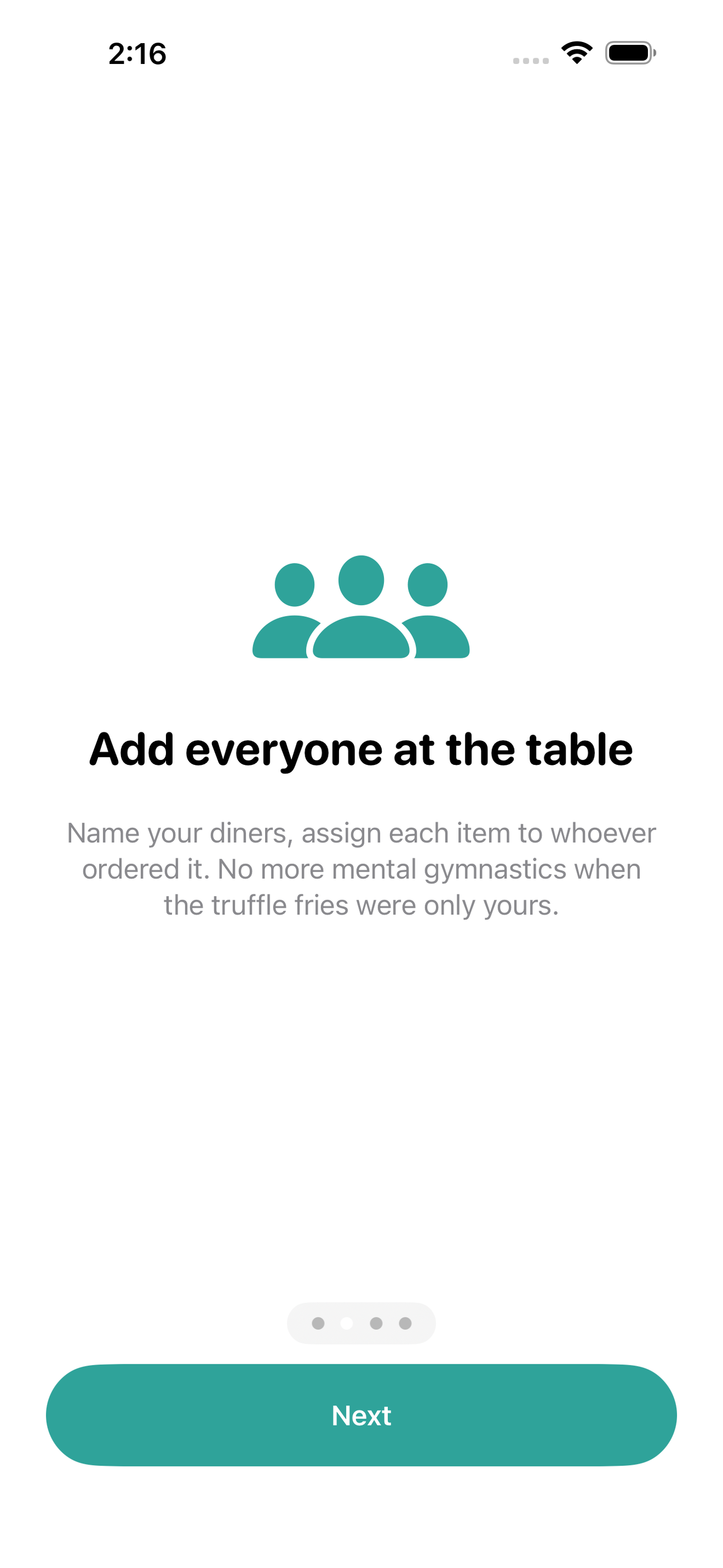
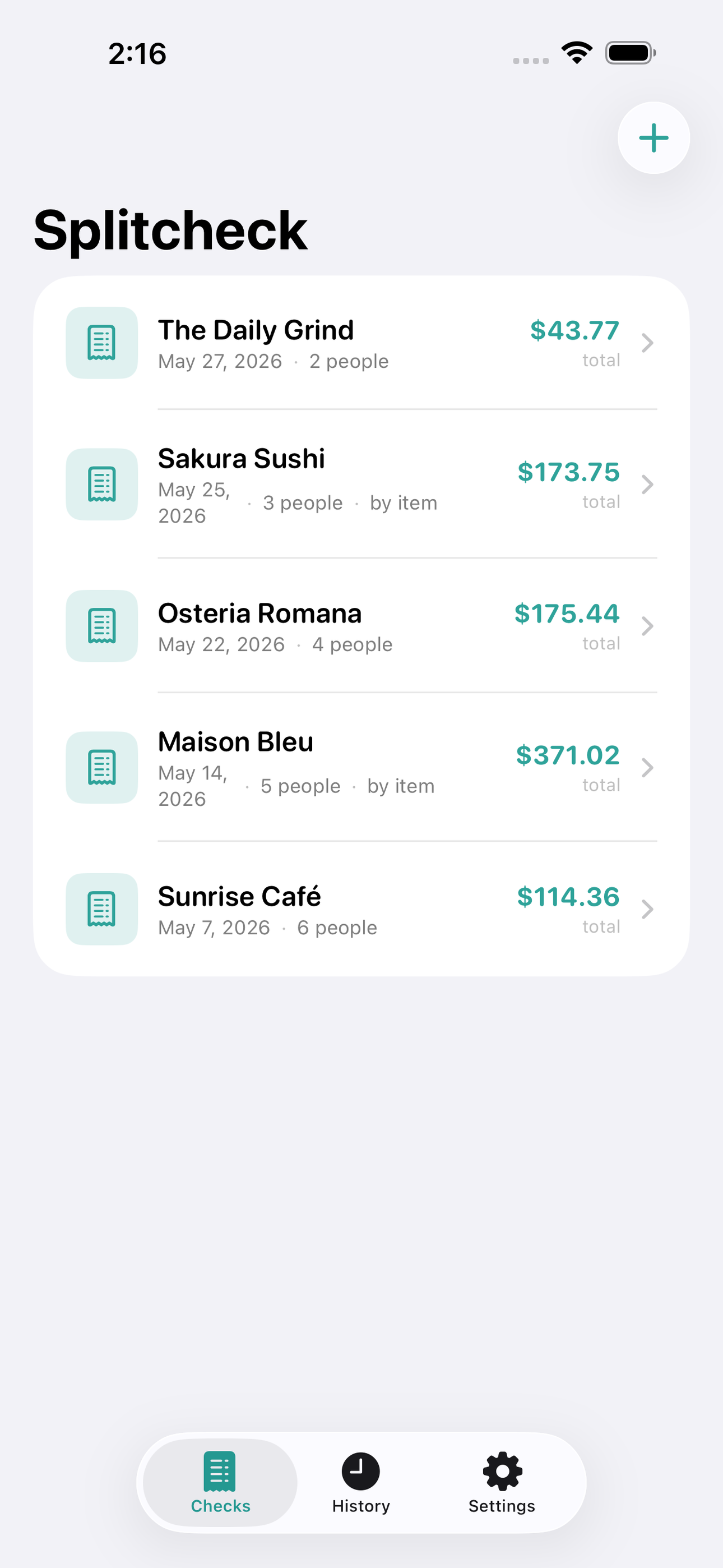
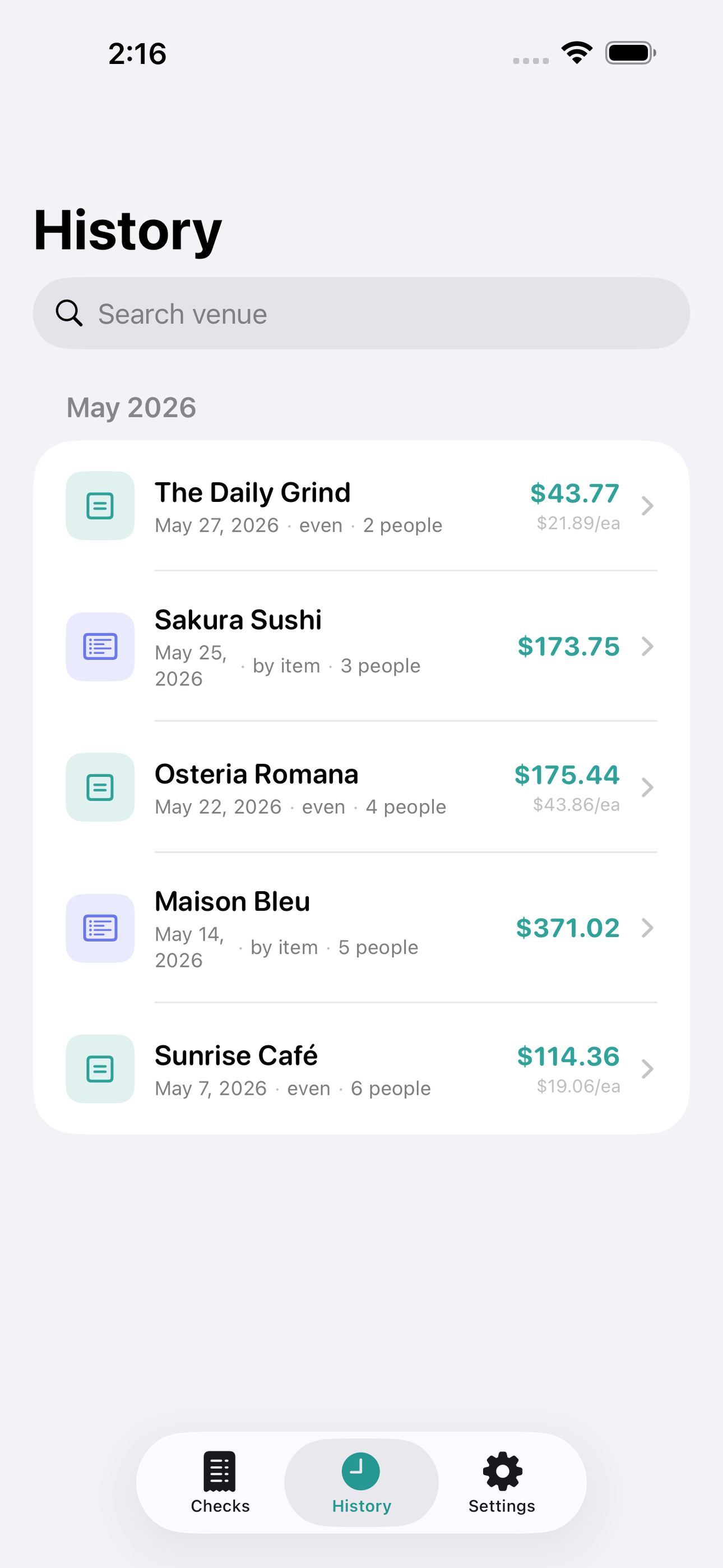
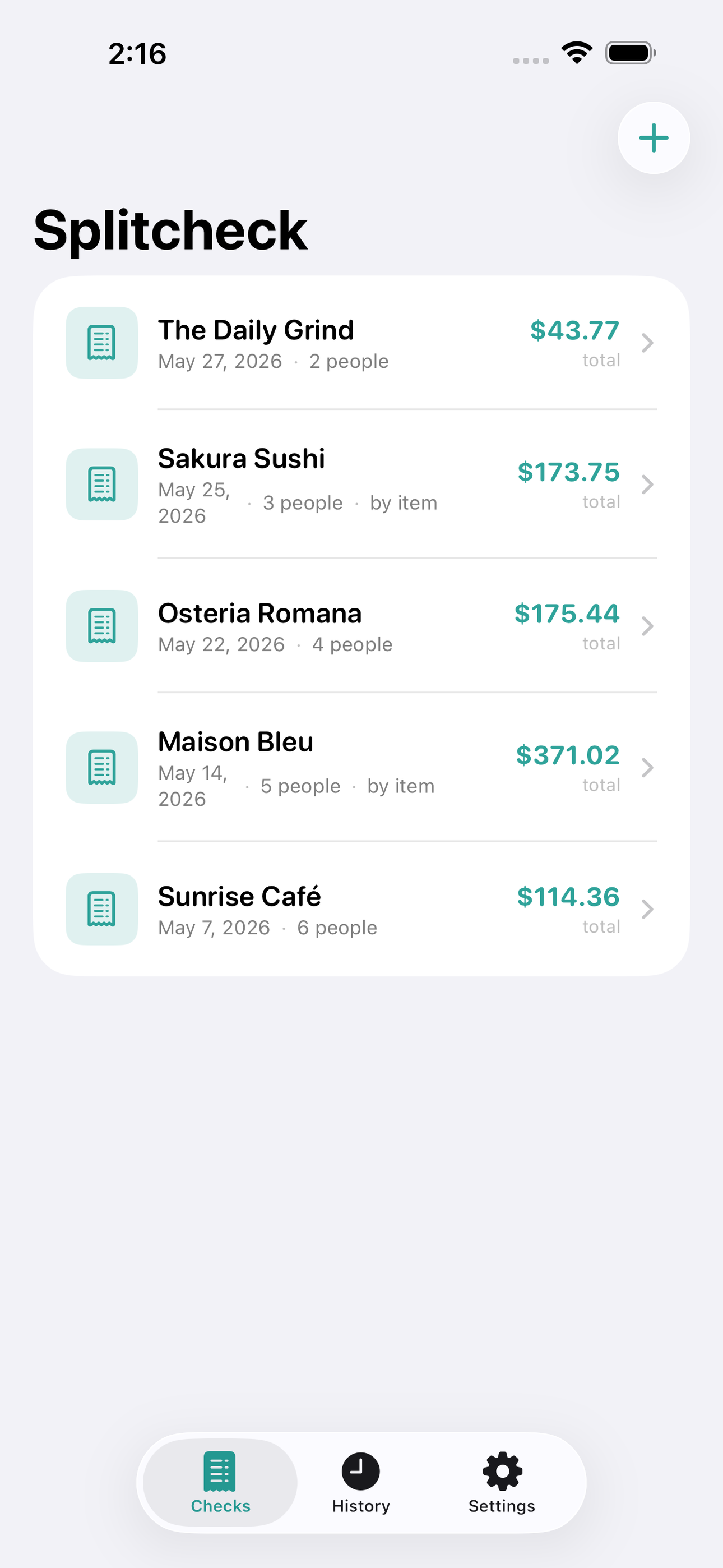
Add diners by name, attach each menu item to whoever ordered it, and watch per-person totals update instantly. A built-in Tip Guide explains tipping norms for the country you’re in so no one feels awkward. Past checks are saved on-device and searchable in History — handy for expense reports or remembering which spot had the best value.
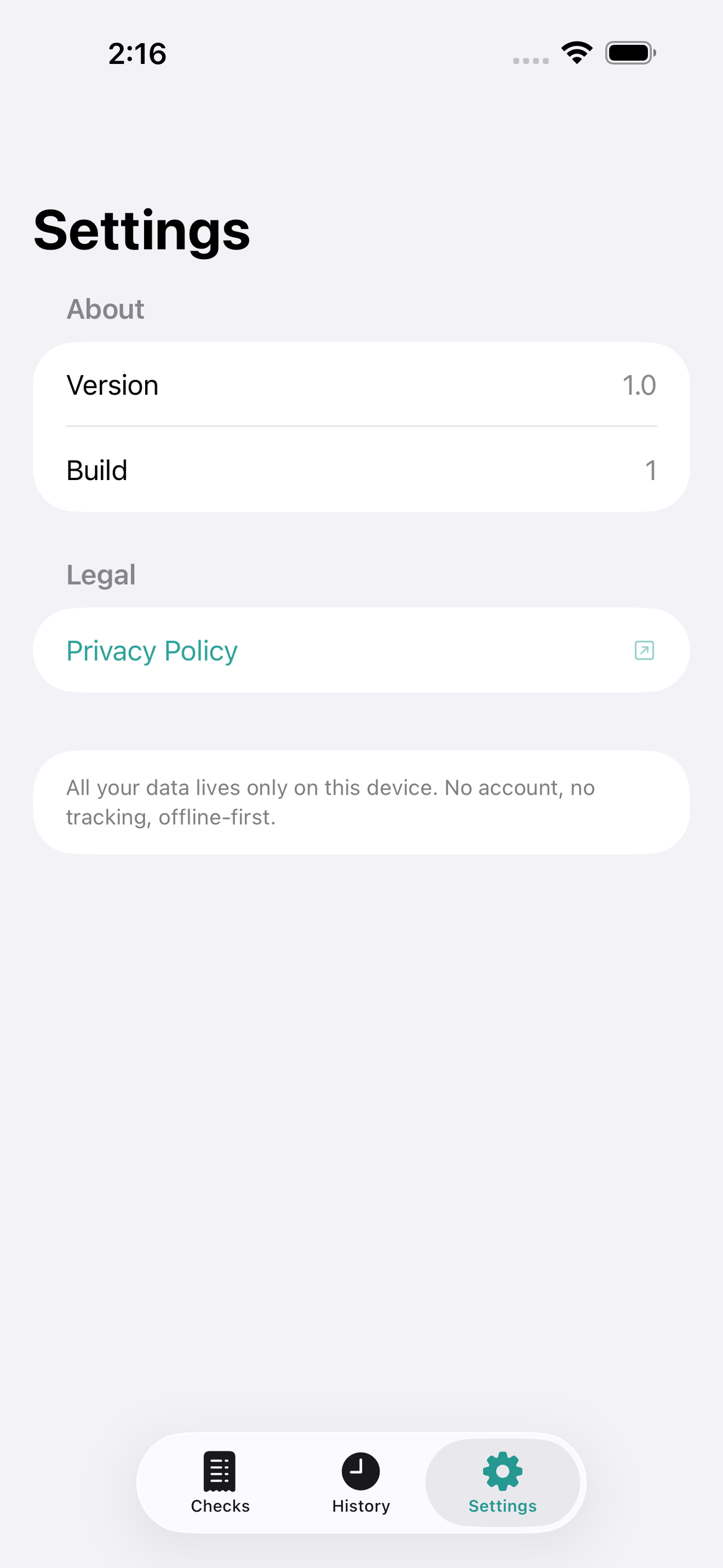
Private by design: everything runs on SwiftData, offline, forever free to use.
• Even split or by-item split with mixed modes • Tax percentage field with locale-aware defaults • Smooth tip slider with quick-tap presets (15, 18, 20, 25 %) • Per-diner share shown large and clearly • Tip Guide with international tipping norms • Check history stored locally, no account
A look inside
Tap any screenshot to open the full-resolution version.
What's inside
- CheckEditorView — Central screen where the user enters subtotal, tax %, tip %, adds diners, and assigns items. Per-person totals update live as values change.
- SplitResultView — Full-screen per-person breakdown showing each diner’s items, subtotal share, tax share, tip share, and grand total in a large readable layout easy to show across a table.
- TipGuideView — Offline reference card listing typical tip ranges and customs for 30+ countries, surfaced from inside CheckEditorView with a single tap.
- HistoryView — Chronological list of saved checks with venue name (optional), date, total, and number of diners. Tapping any entry reopens the full split for review or reuse.
Why we built it
Splitting a restaurant bill with mixed orders and an unfamiliar tax rate causes awkward table-side arithmetic, hurt feelings when someone over- or under-pays, and reliance on clunky apps full of ads that require an account or constant connectivity.
What makes it different
Splitcheck pairs true by-item assignment (not just per-head even split) with an offline-first SwiftData history and a built-in international Tip Guide — giving groups a delightful, ad-free, zero-account experience that works equally well at a Parisian bistro or a Tokyo izakaya.
Who it's for
Freelancers, contractors, and small-business owners who want their numbers right at tax time without renting a SaaS to do it.
In one line: Split the bill, not the mood
Try it
See the Split the bill, not the mood for the full feature list, the info table, and support links.
Use Splitcheck, found a bug, or have a feature request? Comments are open below — anonymous is fine.
0 comments
No comments yet — be the first.
Leave a reply
Sign in with Google to join the conversation. We require a quick sign-in to keep comments spam-free.
Sign in with Google to comment