Meet Printbed — Filament log & print journal
Printbed is the quiet logbook every FDM hobbyist wishes they had.

Utilities
Printbed
Filament log & print journal
Every feature, from the first launch.
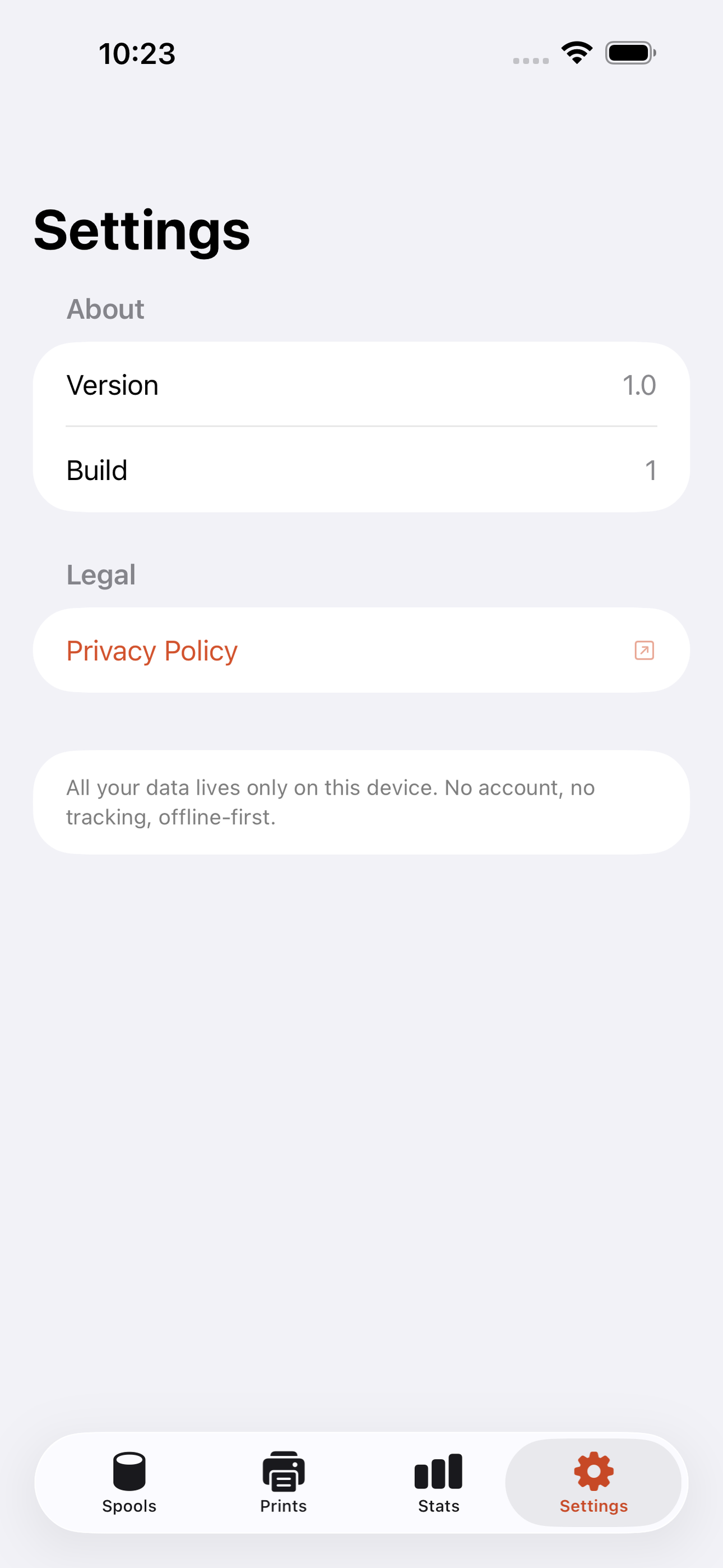
No account, no login, no cloud. Everything runs on your device and works fully offline — nothing in this post is hidden behind a wall.
What Printbed does
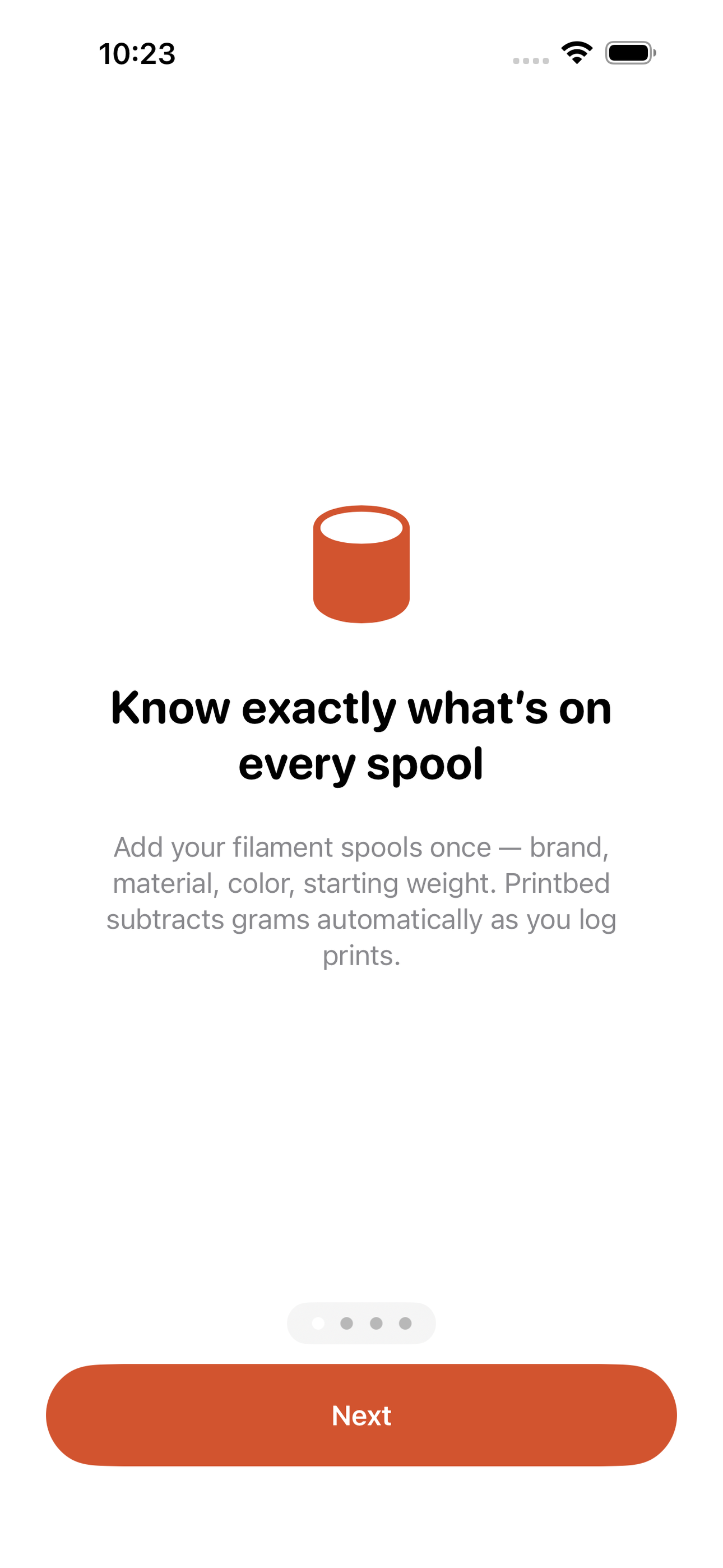
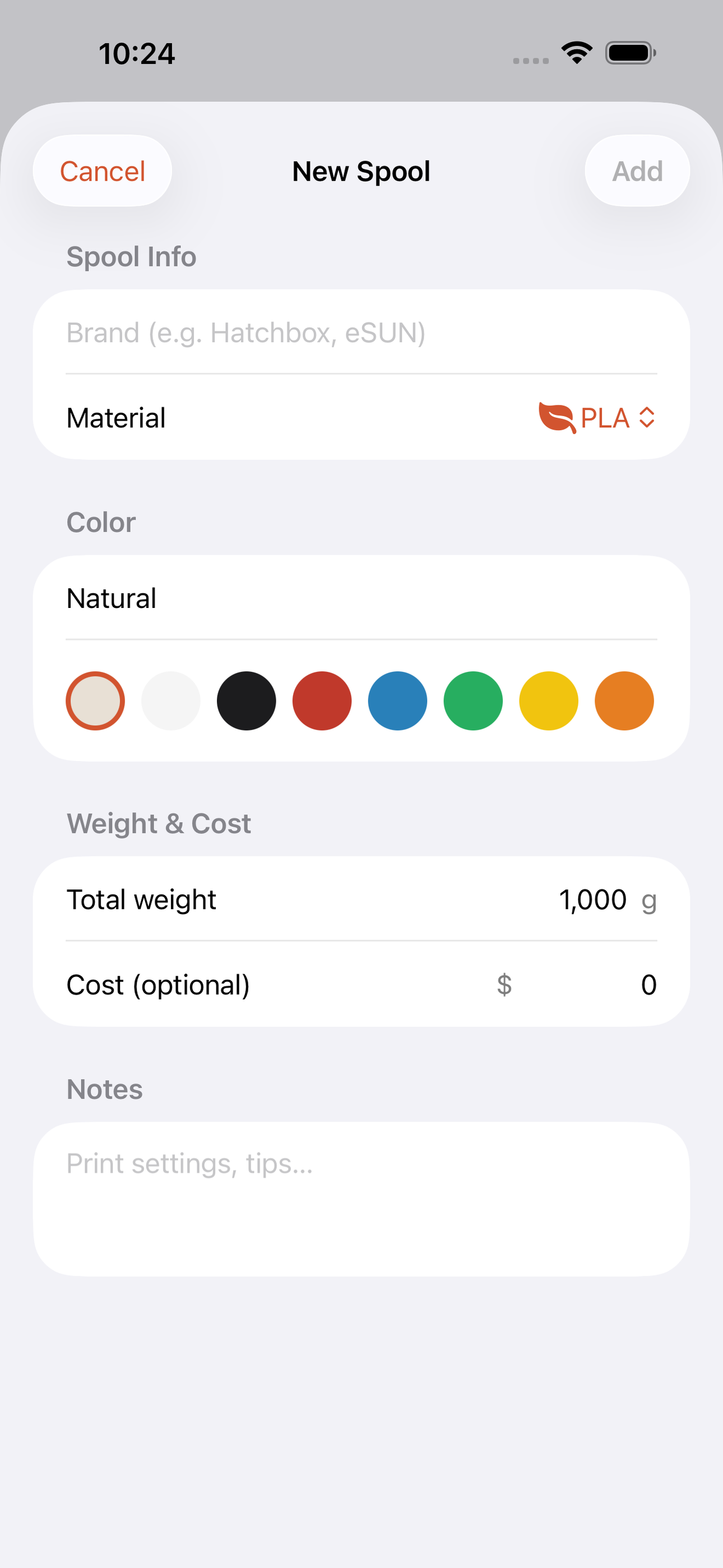
Printbed is the quiet logbook every FDM hobbyist wishes they had. Add your filament spools — brand, material (PLA, PETG, ABS, TPU…), color, and starting weight — then log each print with grams used and Printbed auto-decrements the spool for you. No more lifting spools onto a kitchen scale mid-job or guessing whether you have enough left for that 18-hour benchy.
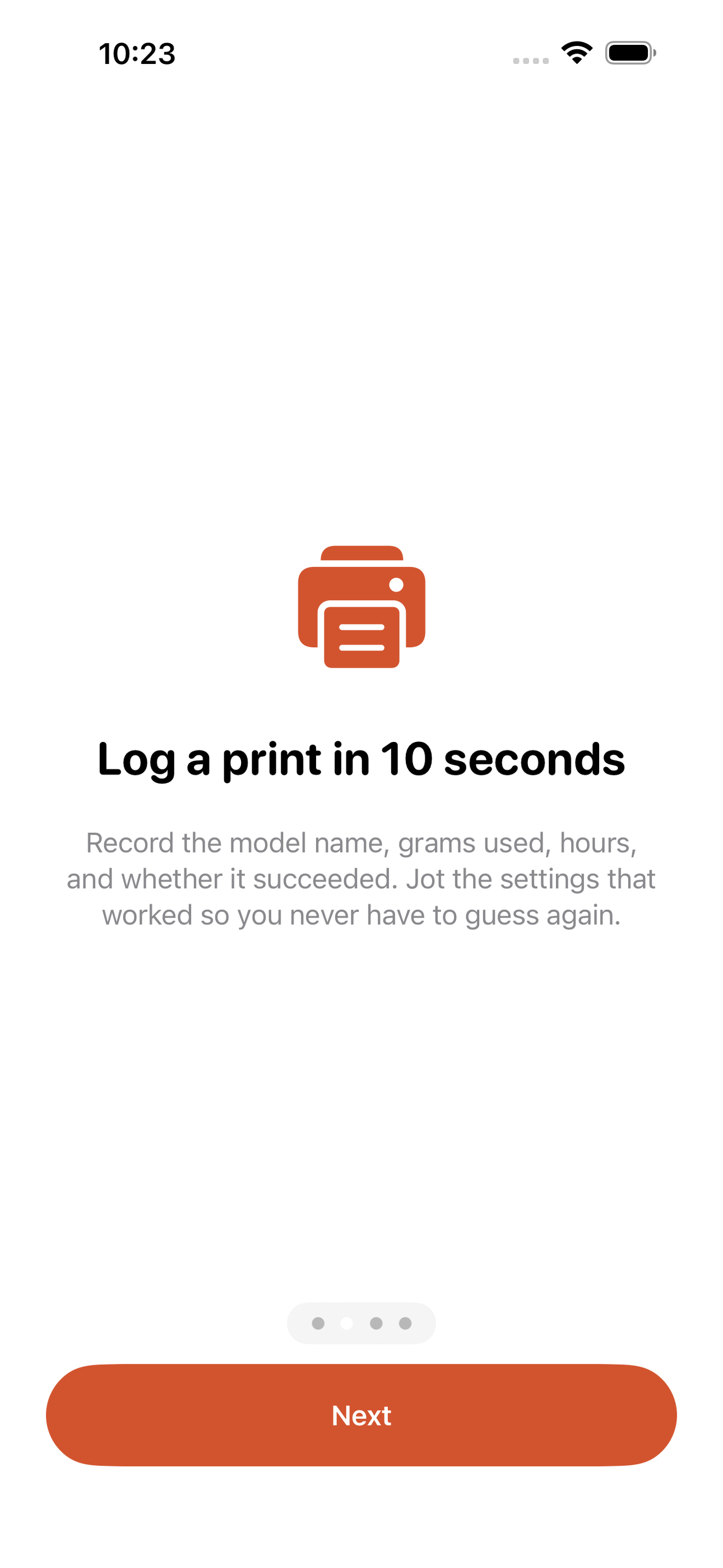
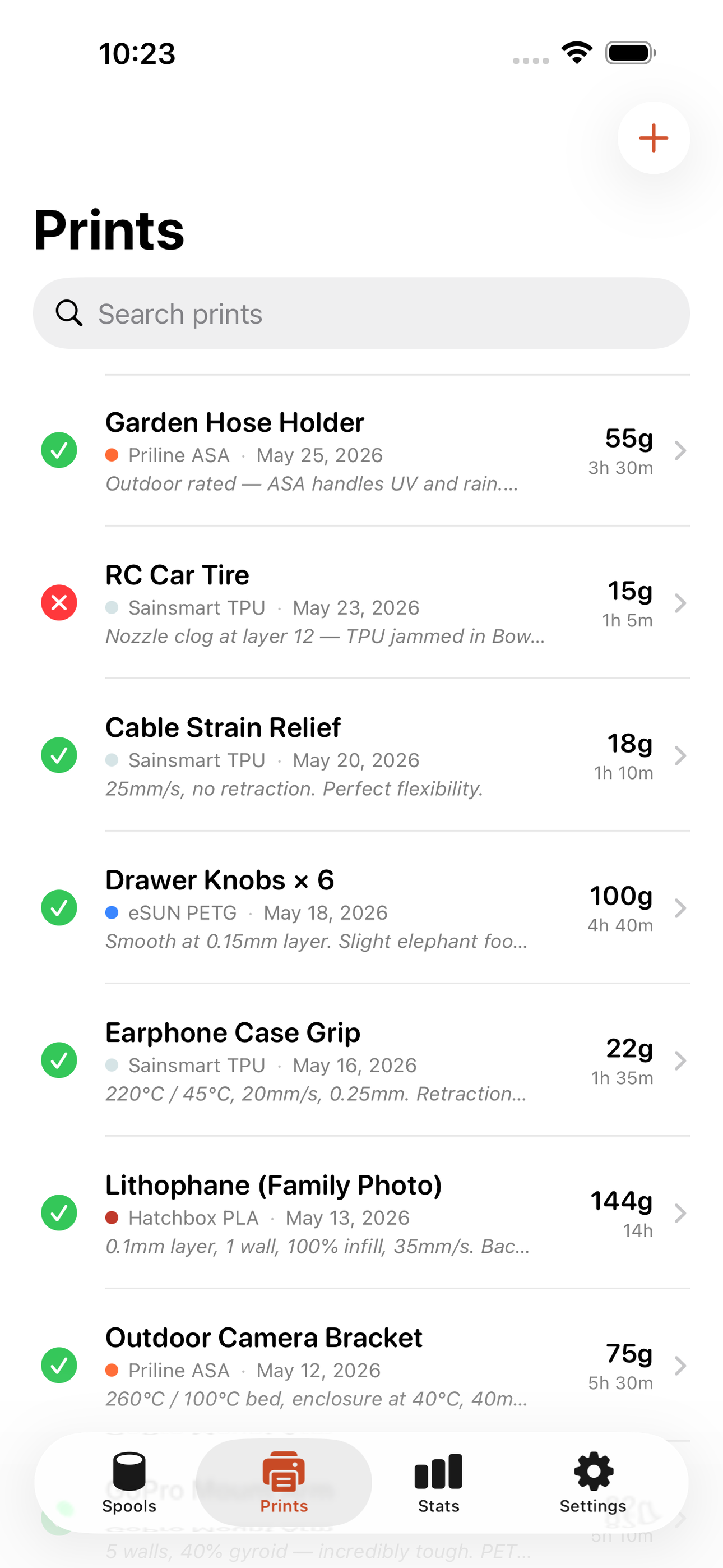
Every print log captures the model name, print duration, result (success / fail / partial), and a free-text settings note so the temperature and retraction combo that finally worked is never lost. Attach a photo straight from your camera roll.
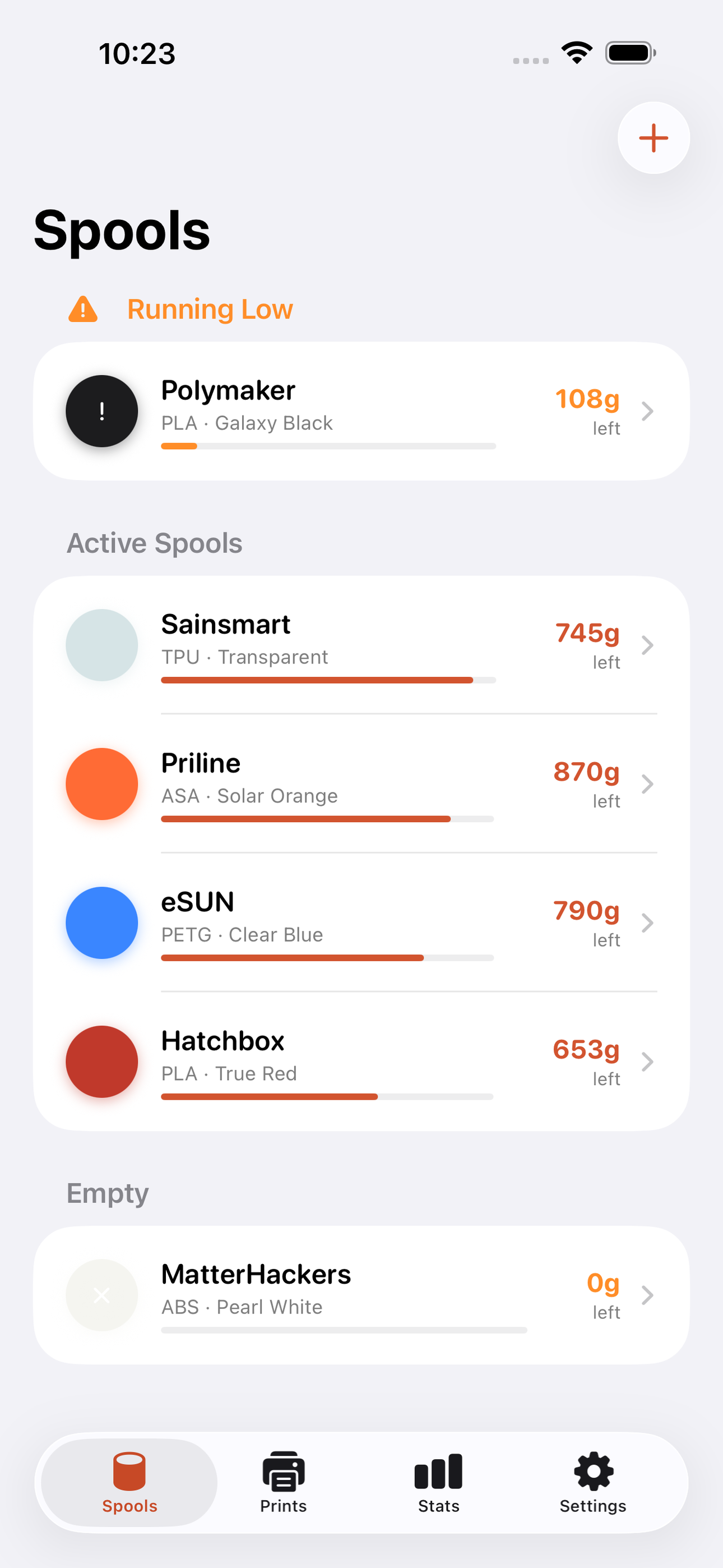
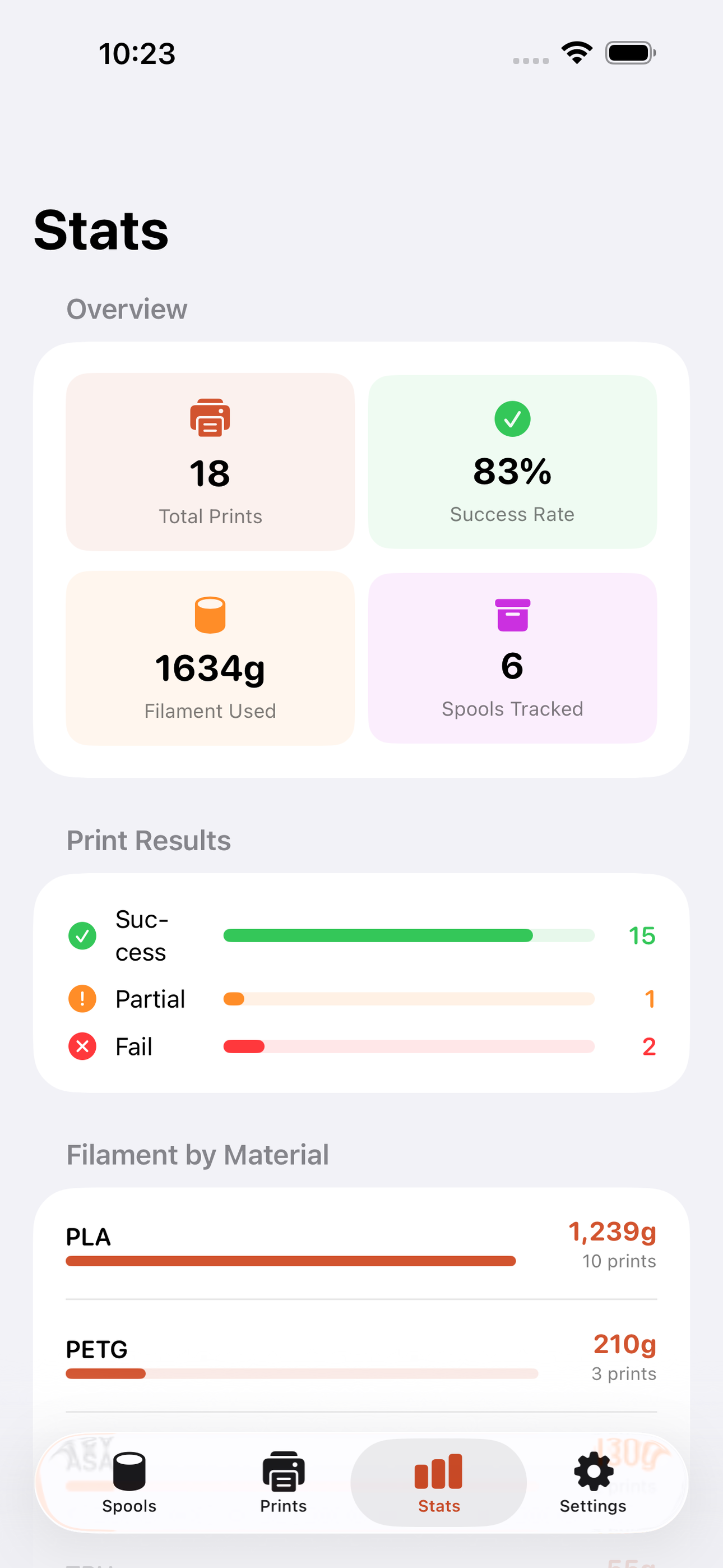
A clean stats view shows your overall success rate, filament consumed by material, and which spools are nearly empty so you can reorder before you run dry.
• Spool tracker with auto-decrement (grams) • Print log with result, duration, and settings notes • Photo attachment per print • Stats view: success rate, usage by material • Low-filament warnings • Fully offline — SwiftData, no account ever
A look inside
Tap any screenshot to open the full-resolution version.
What's inside
- Spool tracker — Add spools with brand, material, color, total grams, and cost. Each logged print auto-decrements gramsLeft so the spool card always shows an accurate remaining weight.
- Print logger — Log a print with model name, linked spool, grams used, print hours, result (success/fail/partial), and a free-text settings note. Optionally attach a photo from the camera roll.
- Stats view — Dashboard showing overall success rate, total filament consumed broken down by material, and a ranked list of spools by remaining grams with low-stock highlights.
- Recent prints feed — Chronological feed of all logged prints with result badge, spool color chip, and quick-access settings note so winning configs are one tap away.
Why we built it
Hobbyists have no reliable way to know how many grams remain on a spool without physically weighing it, and no structured place to record the settings (temperature, speed, retraction) that made a print succeed — leading to wasted filament, repeated failures, and ad-hoc workarounds like Google Sheets, QR-coded labels,…
What makes it different
A purpose-built, fully offline spool-and-print journal that auto-decrements spool weight per logged print and ties each print result to a settings note — unlike Spoolman (self-hosted server), generic spreadsheet templates, or Bambu/Prusa cloud dashboards, Printbed needs no network, no account, and no printer integrati…
Who it's for
Anyone who values a small, sharp, single-purpose tool that does one job well and stays out of the way.
In one line: Filament log & print journal
Try it
See the Filament log & print journal for the full feature list, the info table, and support links.
Use Printbed, found a bug, or have a feature request? Comments are open below — anonymous is fine.
0 comments
No comments yet — be the first.
Leave a reply
Sign in with Google to join the conversation. We require a quick sign-in to keep comments spam-free.
Sign in with Google to comment