Meet Bricklog — Your brick sets, cataloged
Bricklog is the collector's logbook for plastic-brick fans.

Entertainment
Bricklog
Your brick sets, cataloged
Every feature, from the first launch.
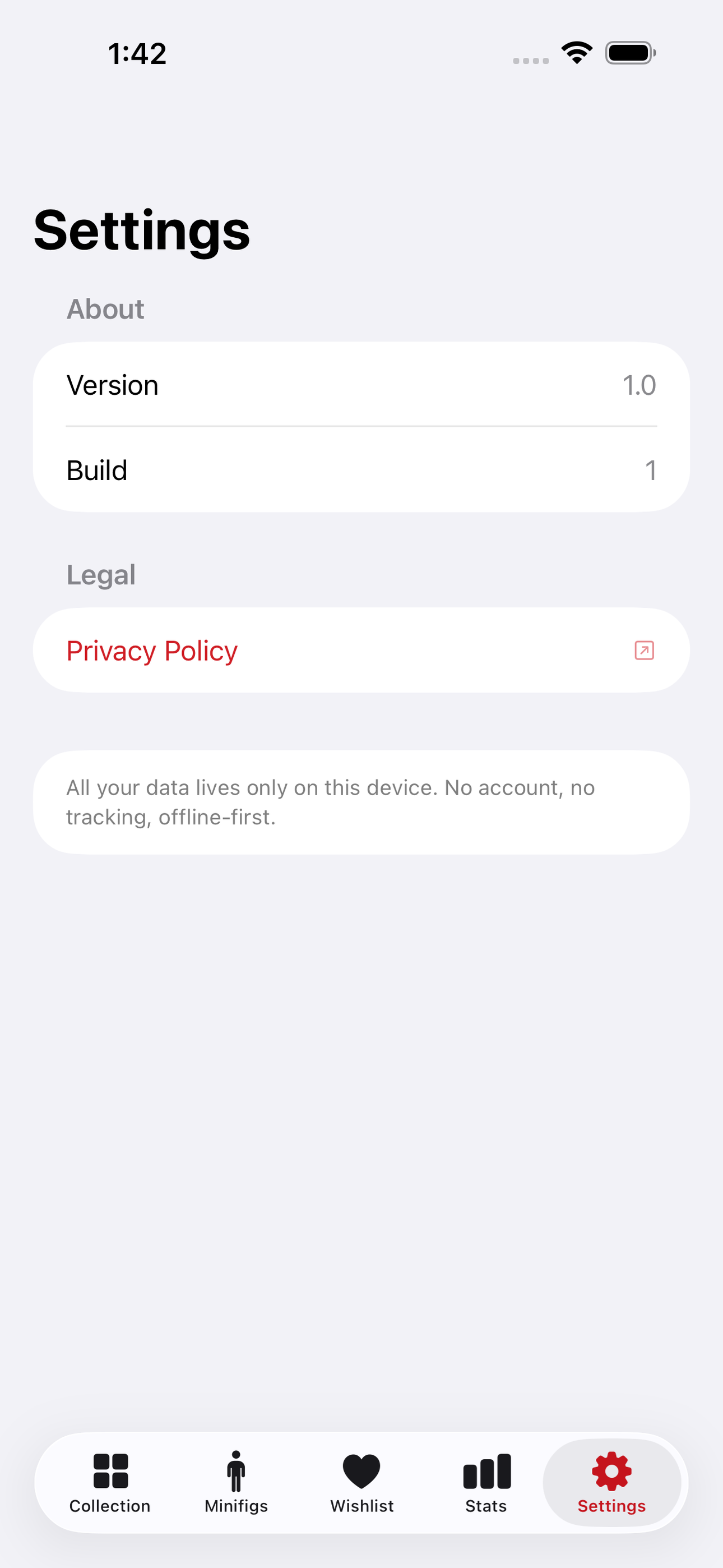
No account, no login, no cloud. Everything runs on your device and works fully offline — nothing in this post is hidden behind a wall.
What Bricklog does
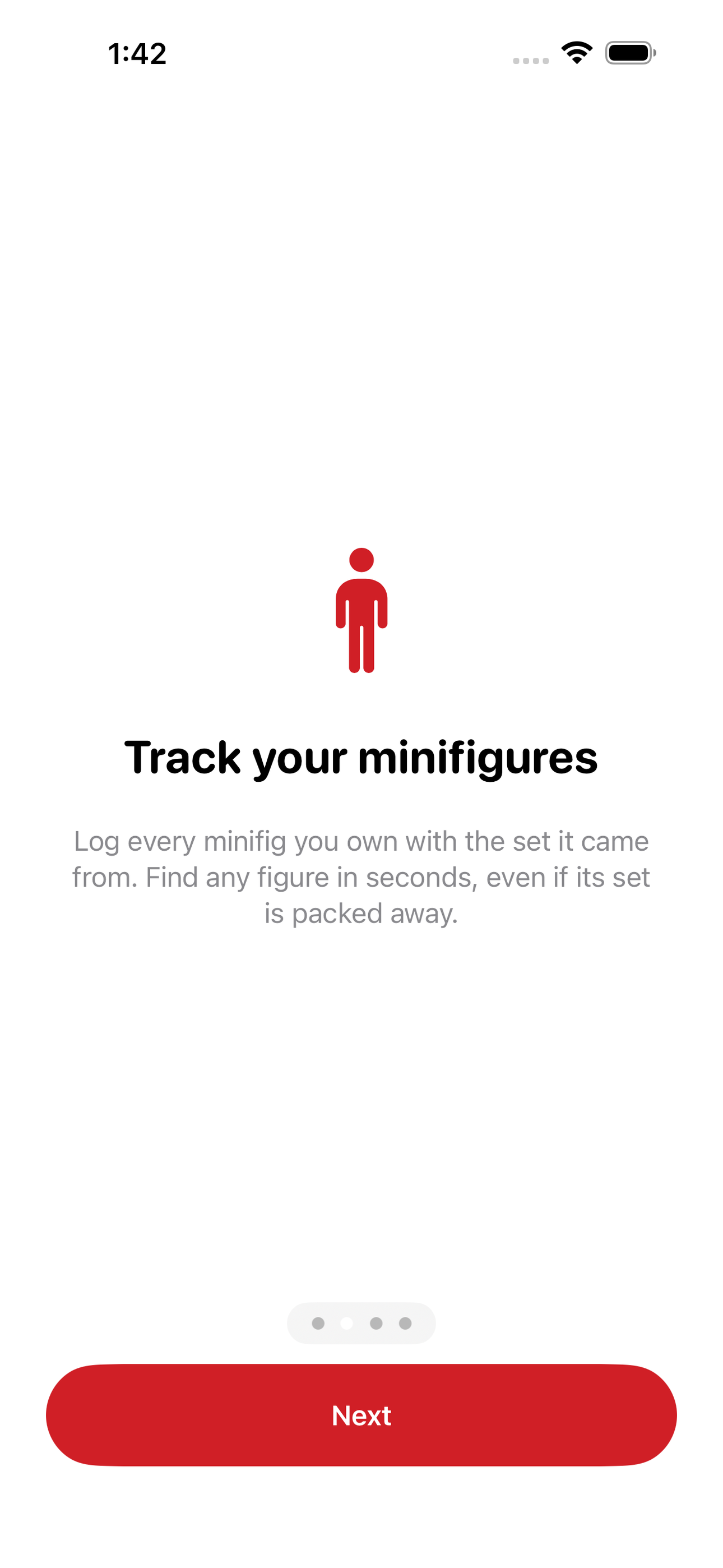
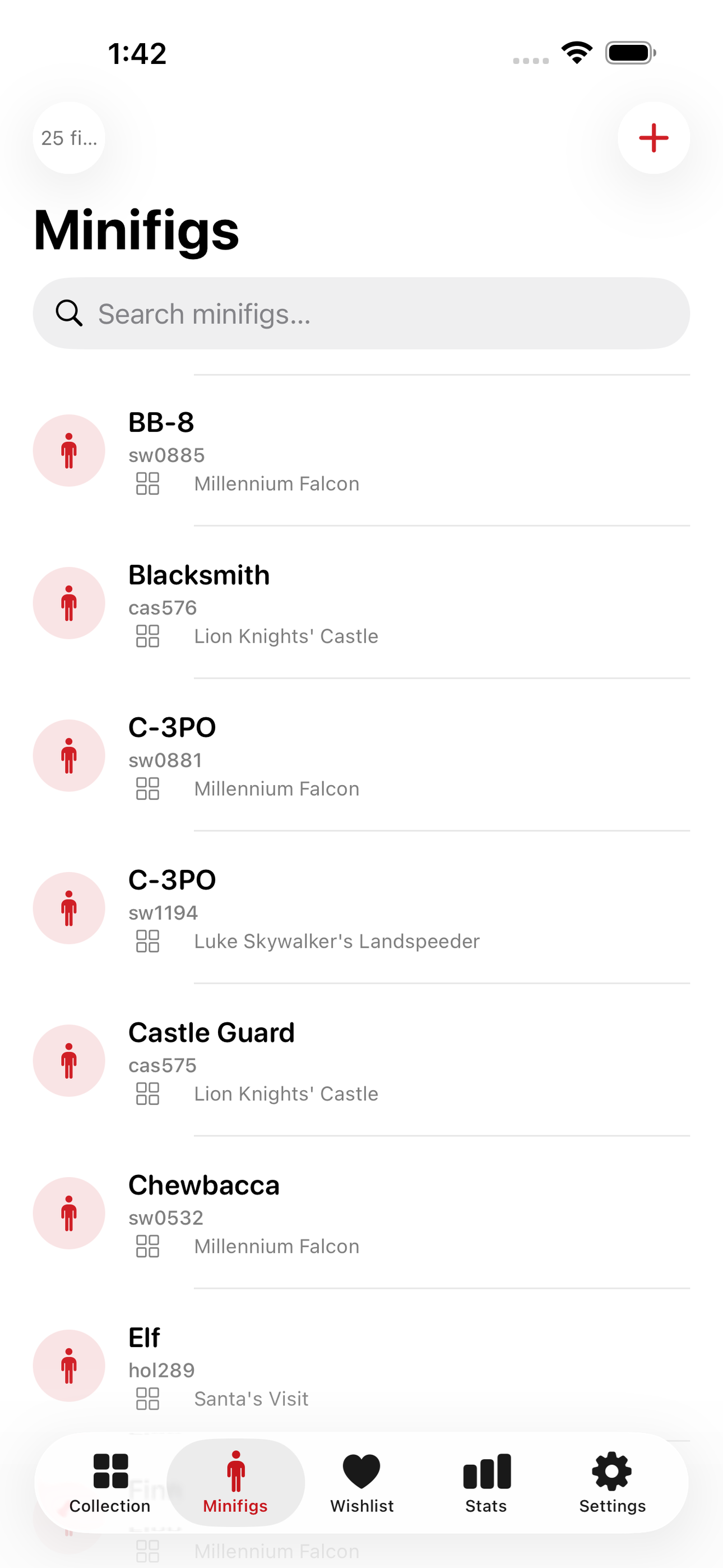
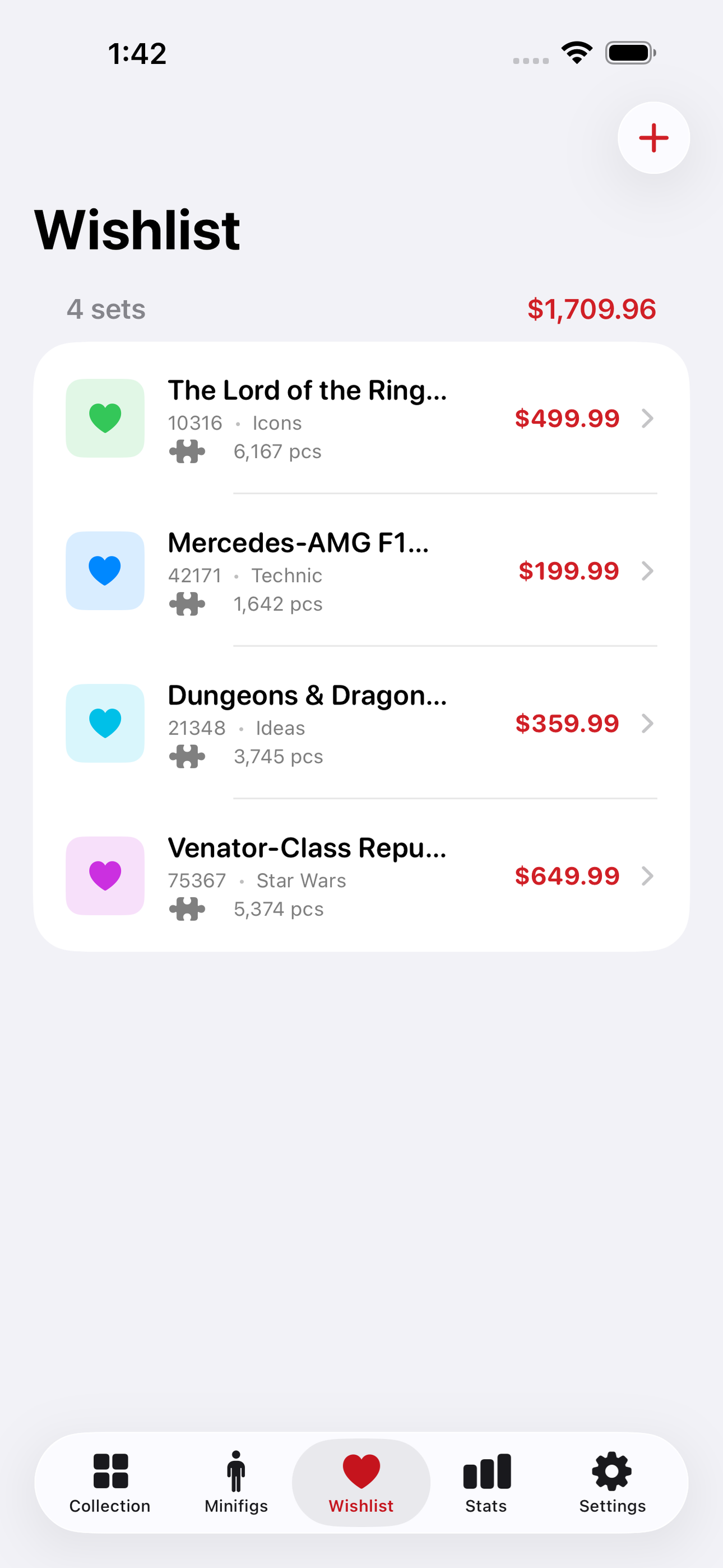
Bricklog is the collector's logbook for plastic-brick fans. Catalog every set you own by number, theme, piece count, and status — sealed on the shelf, proudly built, or parted out for custom builds. A sleek grid view lets you filter by theme at a glance, while the detail view holds notes, year, and estimated value. Track every minifigure in your collection and see which set it came from. When a set catches your eye at the store or online, drop it into your wishlist before the moment passes.
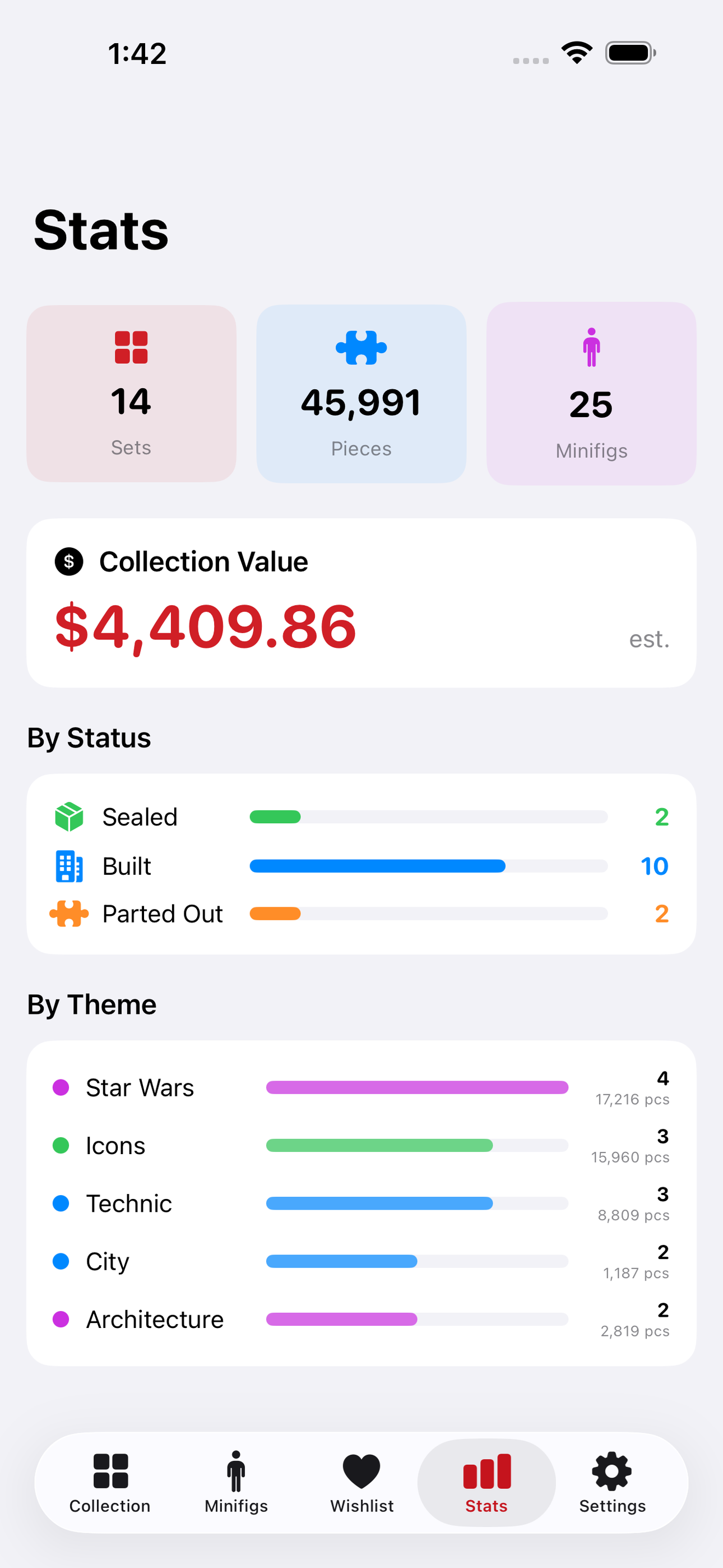
Bricklog gives you a live stats dashboard showing your total piece count, collection value, and build progress across themes — the numbers that make every new set feel earned.
No account. No cloud. No subscription required for the core experience.
• Collection grid with theme filter and status badges • Full set detail: number, pieces, year, value, notes • Minifigure roster linked to parent sets • Wishlist for sets you plan to buy • Stats view: total pieces, total value, sets by theme • Everything offline via SwiftData
A look inside
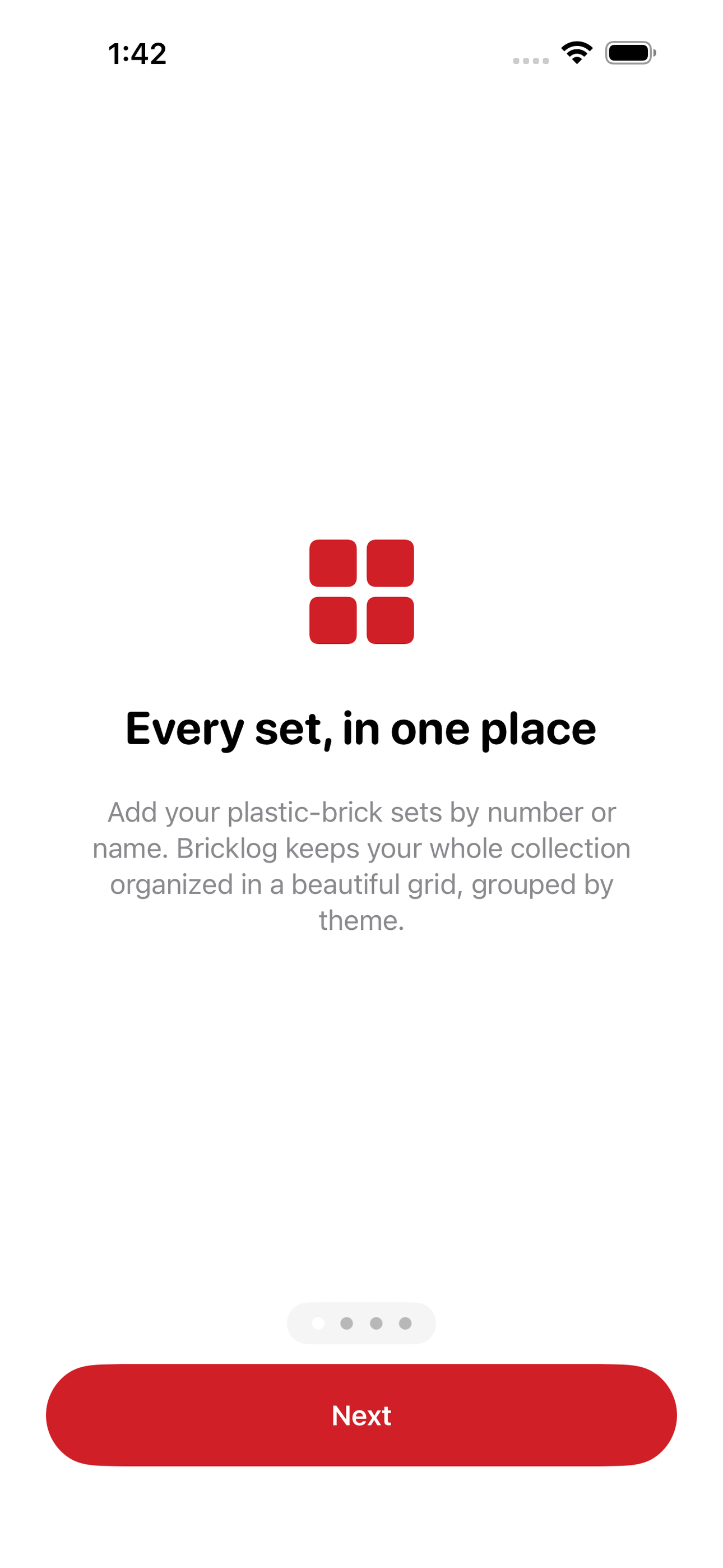
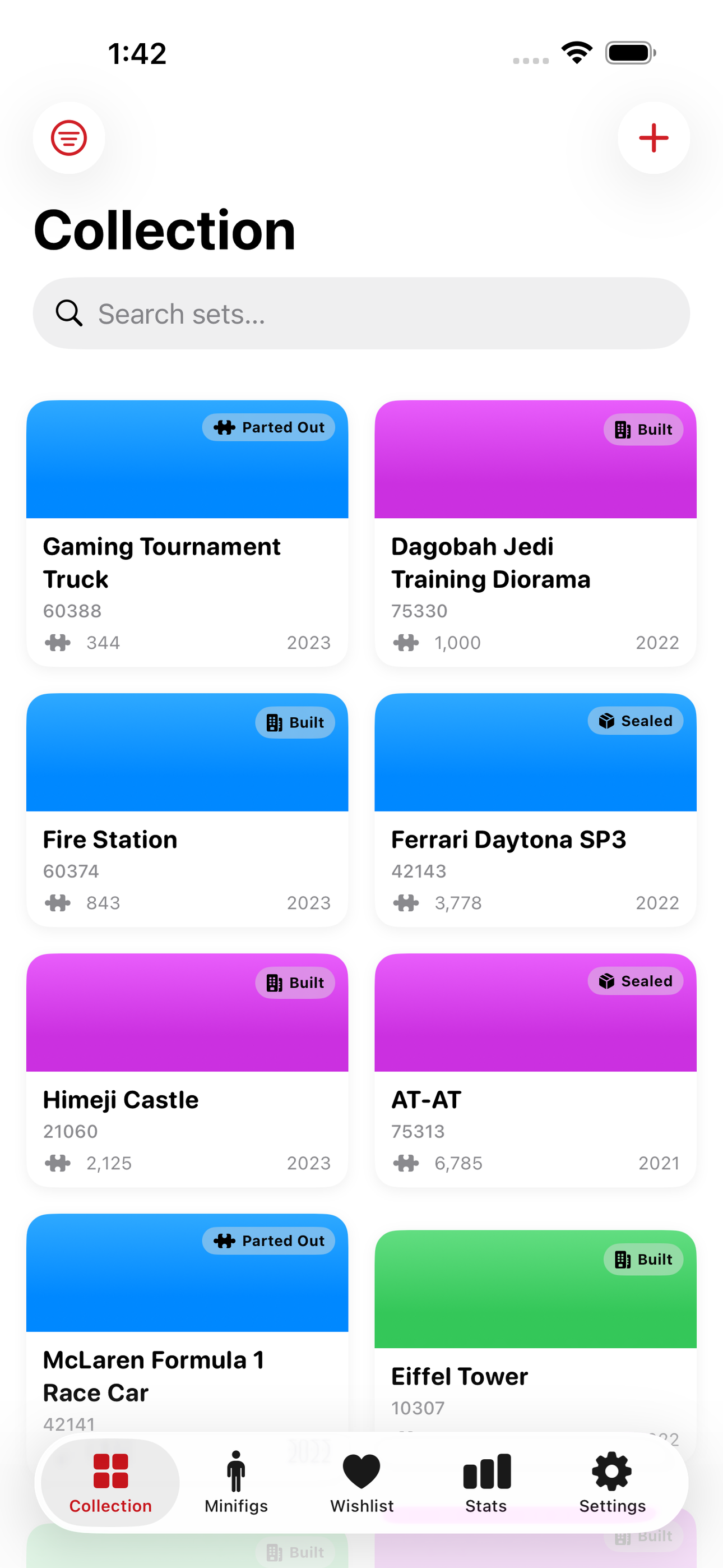
Tap any screenshot to open the full-resolution version.
What's inside
- Collection grid — A filterable grid of all owned sets showing theme color, piece count, and status badge at a glance.
- Set detail — Full record per set: set number, theme, piece count, release year, current status, estimated value, and freeform notes.
- Minifigure roster — A searchable list of every minifig owned, each linked to its source set, with a name and optional notes field.
- Wishlist and stats — A dedicated wishlist tab for sets to buy, plus a stats dashboard showing total pieces, total estimated value, and set count by theme.
Why we built it
Brick fans manage their collections in spreadsheets, notes apps, or bloated web-based trackers that require accounts and internet access. There is no delightful, privacy-respecting iOS app that lets you catalog sets and minifigures, track status and value, and maintain a wishlist — entirely offline.
What makes it different
A fully offline, SwiftData-powered collection tracker with status tracking (sealed/built/parted-out), minifigure linking, and a stats dashboard — no account, no third-party database dependency, and no subscription gate on core cataloging, unlike web-heavy alternatives such as Brickset or BrickLink which require an int…
Who it's for
Built for anyone who values fast, private, on-device software with a calm, focused UX.
In one line: Your brick sets, cataloged
Try it
See the Your brick sets, cataloged for the full feature list, the info table, and support links.
Use Bricklog, found a bug, or have a feature request? Comments are open below — anonymous is fine.
0 comments
No comments yet — be the first.
Leave a reply
Sign in with Google to join the conversation. We require a quick sign-in to keep comments spam-free.
Sign in with Google to comment