Meet Overtone: Harmonic Singing — See your voice's overtones
Every note you sing is secretly a whole chord.

Music
Overtone: Harmonic Singing
See your voice's overtones
Every feature, from the first launch.
No account, no login, no cloud. Everything runs on your device and works fully offline — nothing in this post is hidden behind a wall.
What Overtone: Harmonic Singing does
Every note you sing is secretly a whole chord. Above the pitch you think you're making rises a ladder of overtones — the harmonic series — and overtone singing is the art of shaping your mouth to pull one of those partials out until it whistles, clear and flute-like, over a low drone. It's the sound of Tuvan khoomei, of Mongolian throat singing, of a TikTok tutorial wave that has thousands of people humming into their phones trying to find that second pitch. The problem: a tuner only shows the fundamental, and a YouTube video can't tell you which overtone you're actually amplifying. You're flying blind.
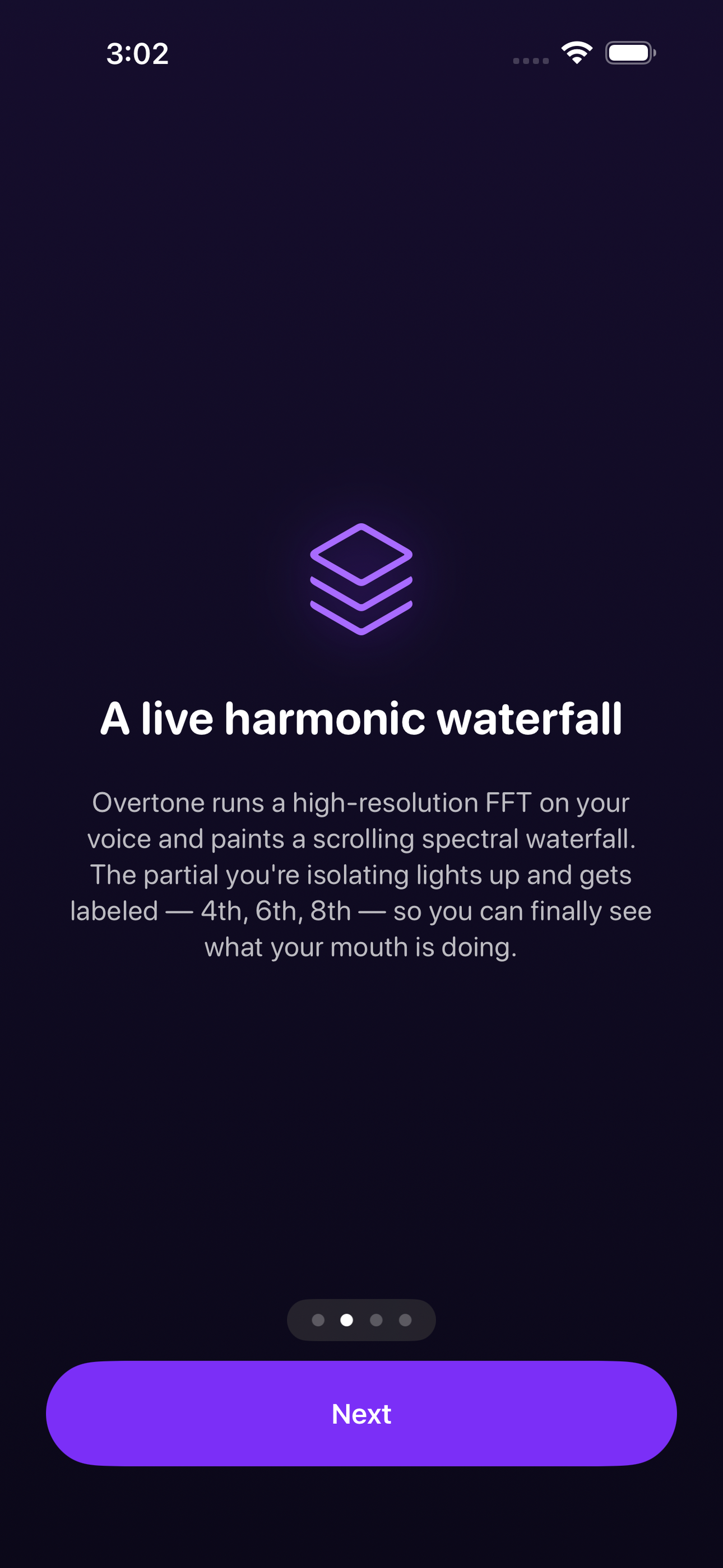
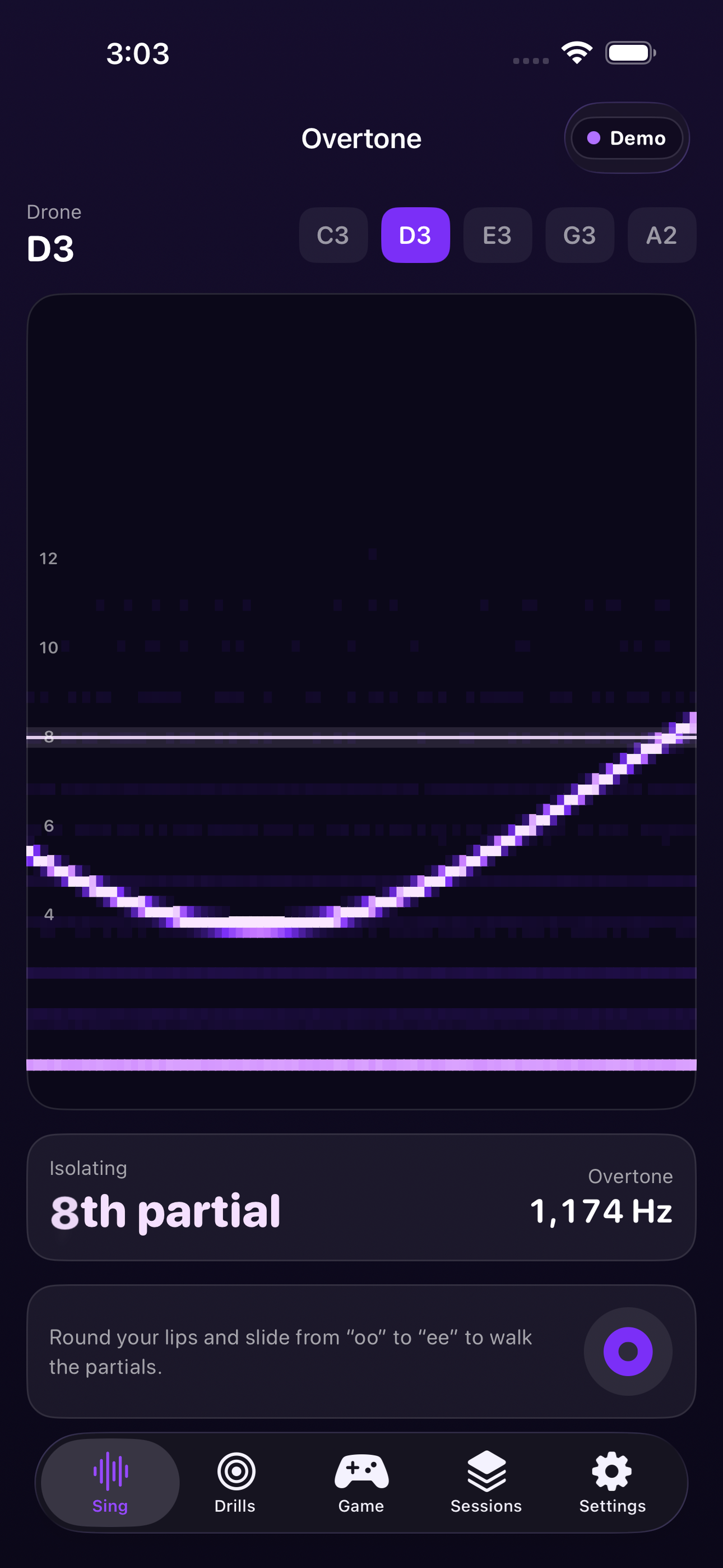
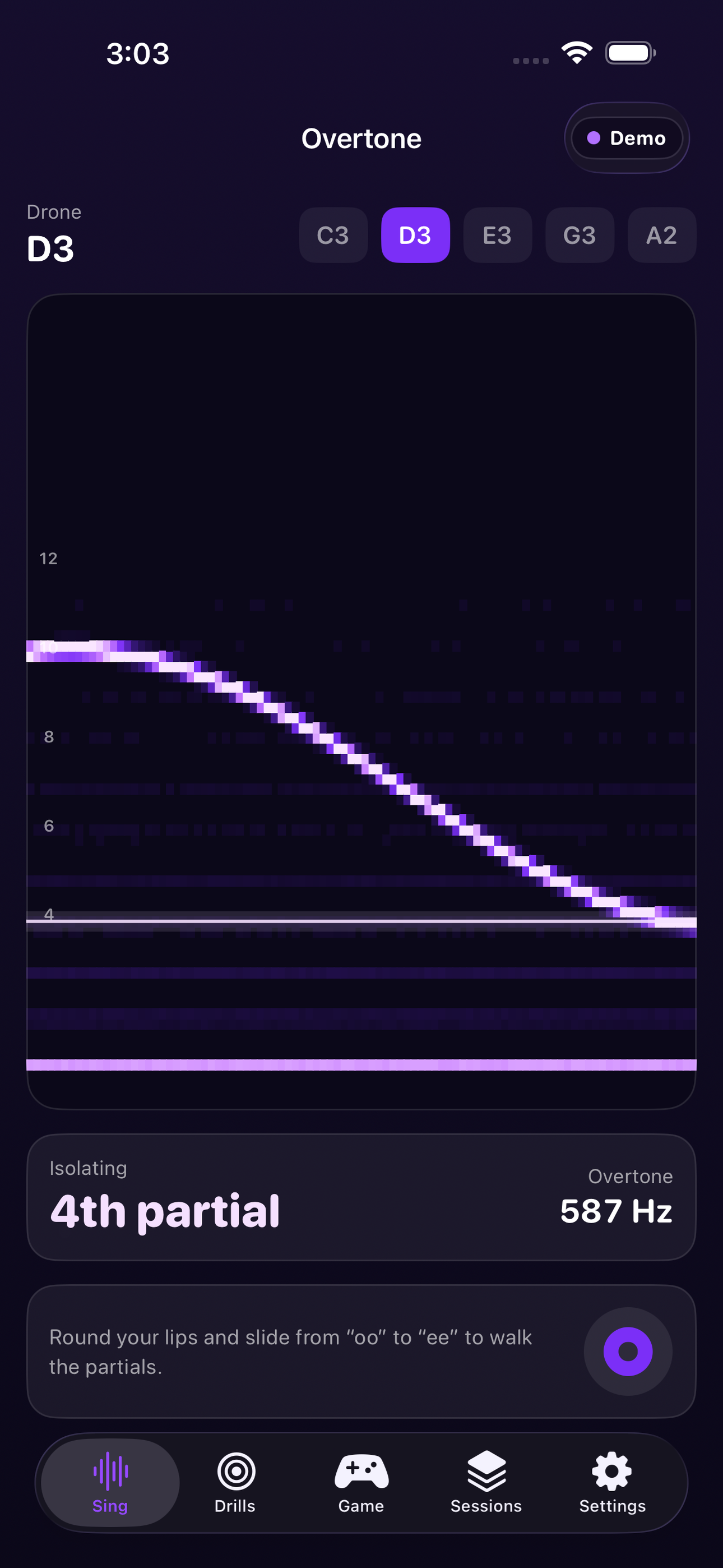
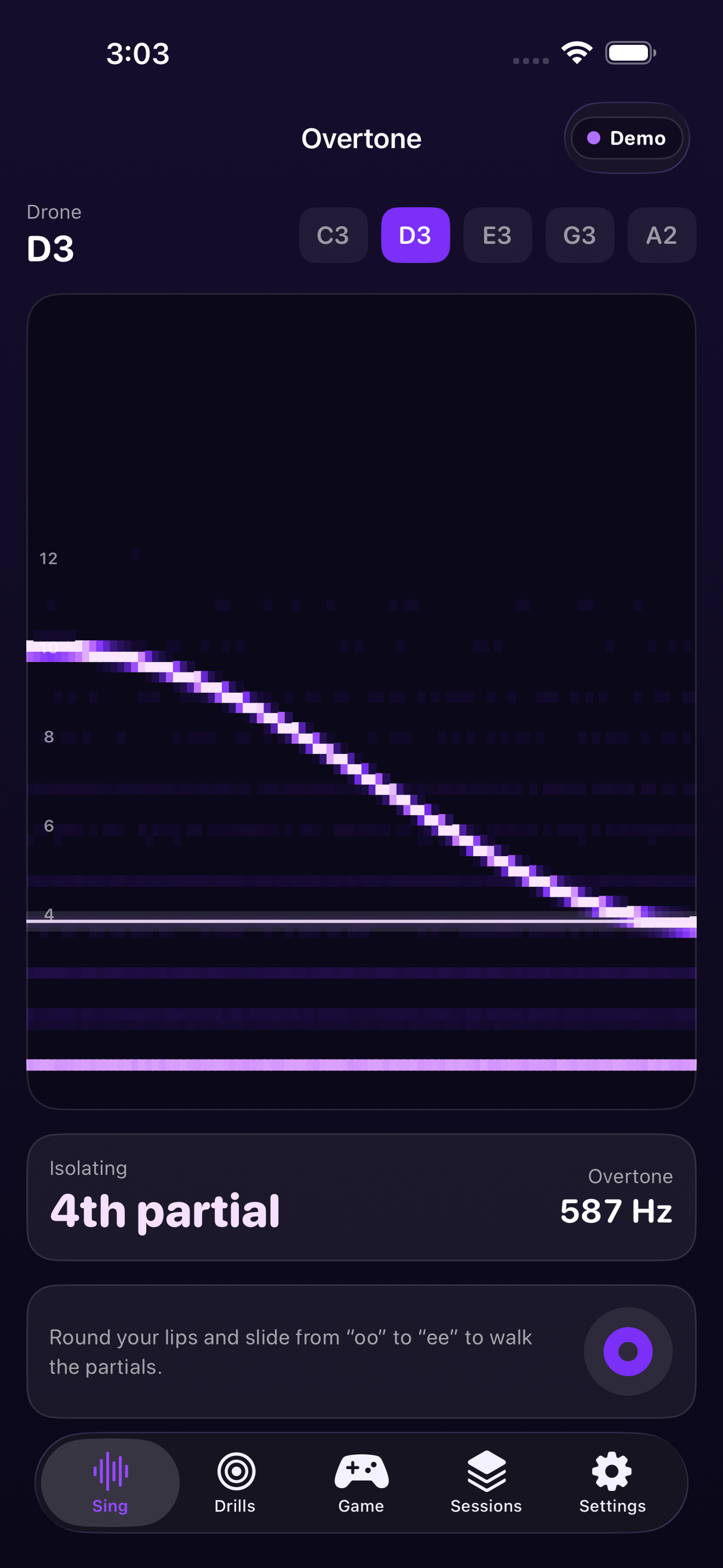
Overtone gives you eyes. Point it at your voice and it runs a high-resolution FFT — the same Accelerate/vDSP math pro audio tools use — and paints a live spectral waterfall of everything in your tone, scrolling in real time. The partial you're isolating lights up and gets labeled: 4th, 6th, 8th, 10th. Slide your tongue and round your lips and you watch the glowing band climb the harmonic ladder. For the first time you can see, not guess, what your mouth is doing.
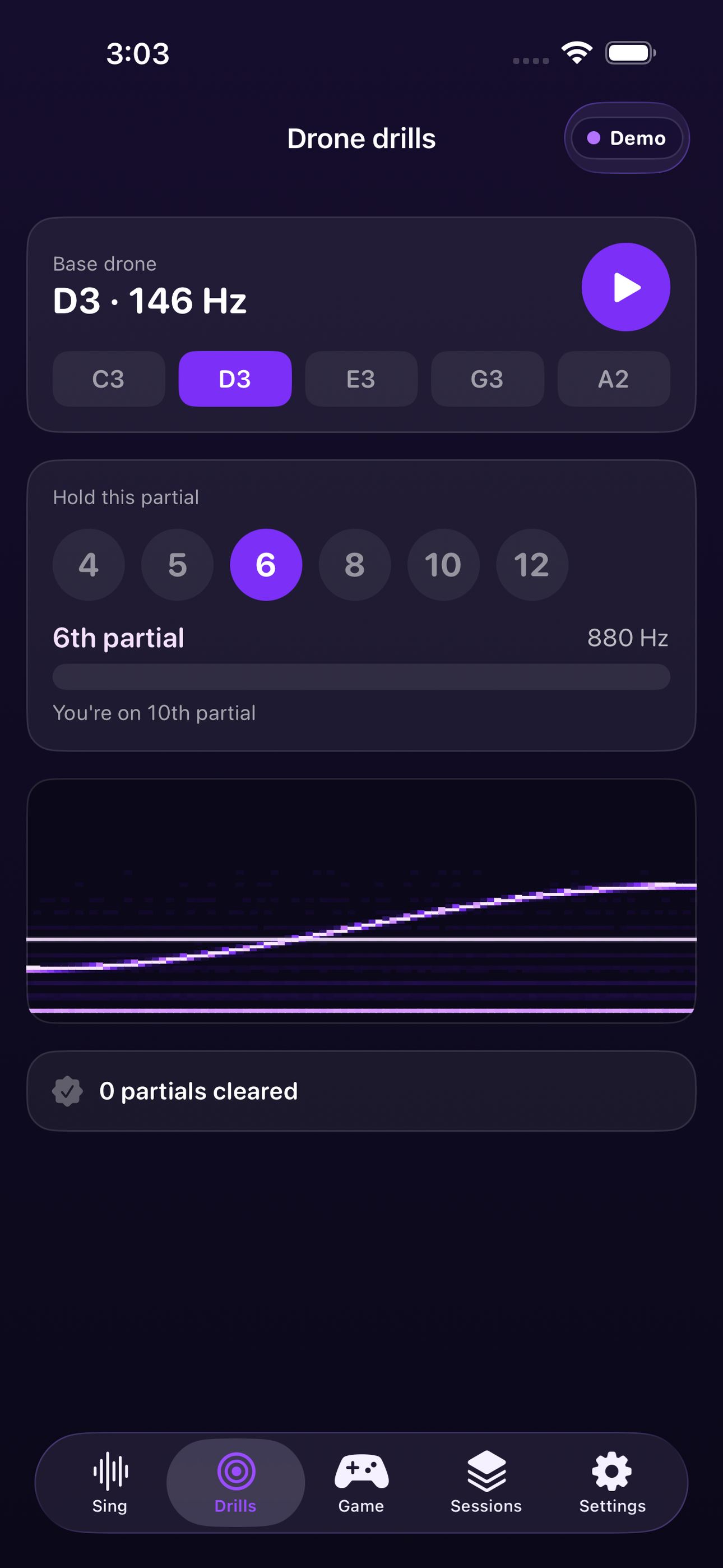
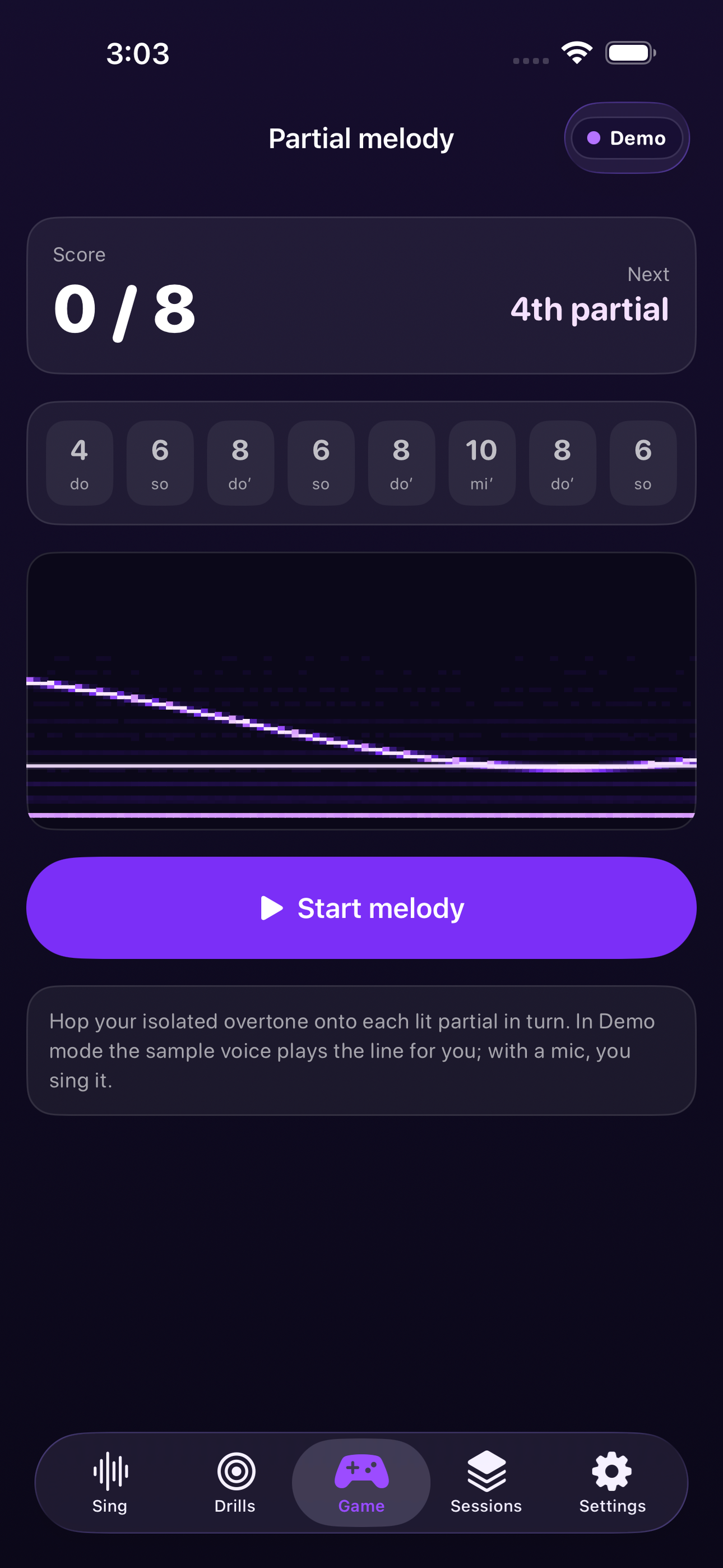
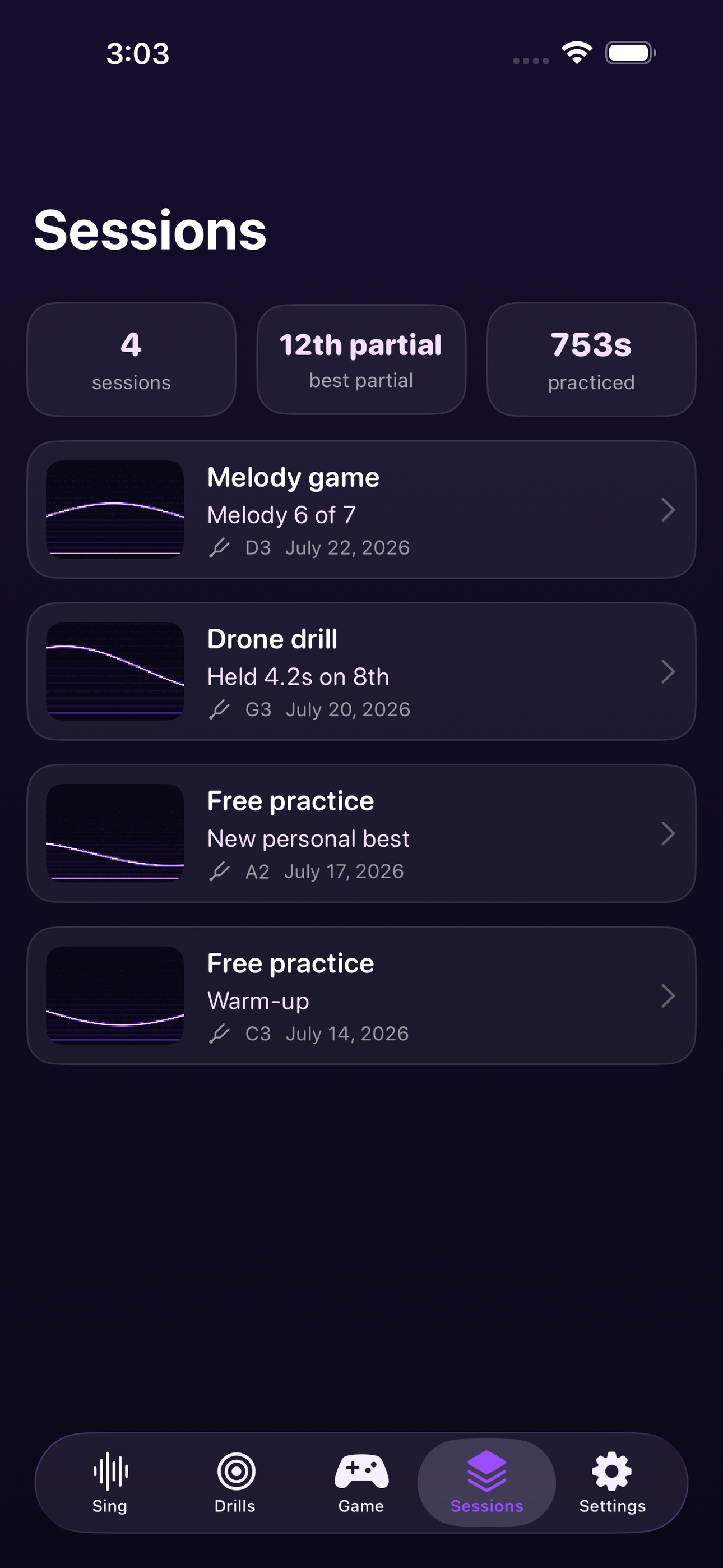
Hold a bundled drone under your voice and chase a target partial until the hold meter fills. Play the partial melody game — hop between overtones 4 through 10 to sing a simple tune, and score yourself. Every take saves as a session with a real waterfall thumbnail, so you can watch your best partial climb week over week and share the image that looks like nothing else on your feed.
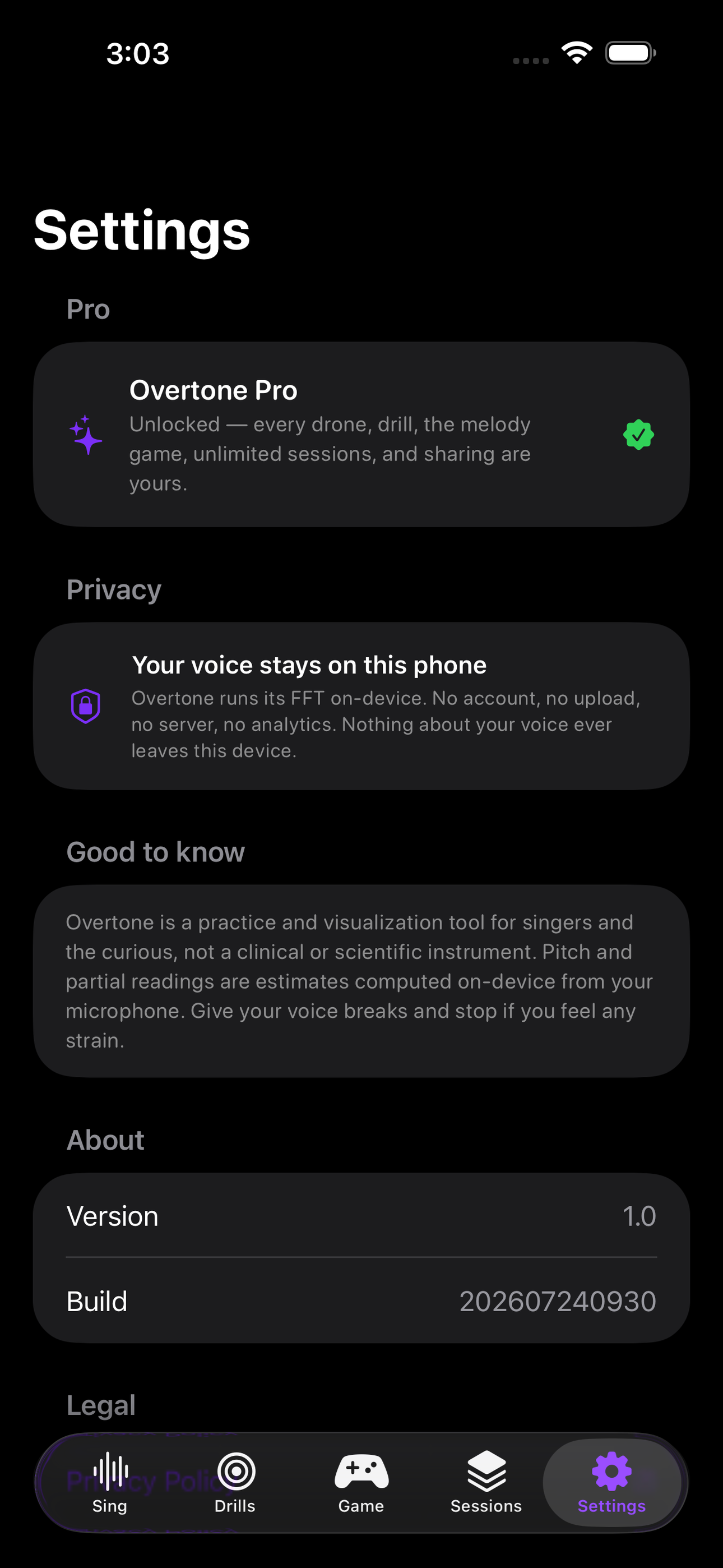
Overtone works the moment you open it, even in a silent room: a bundled demo spectrum keeps the waterfall alive so you can learn to read it before you make a sound, with a clear Live-mic / Demo badge so you always know what you're seeing. Everything runs on-device — your voice is analyzed on this phone and never uploaded, no account, no server.
Whether you're a curious hummer who saw a throat-singing clip, a choir singer training your ear, or a sound-healing practitioner working with harmonics, Overtone turns an invisible skill into something you can finally watch yourself learn.
• Real-time harmonic waterfall — high-resolution FFT of your voice, the isolated overtone glowing and labeled • Drone + drills — hold partials 4→12 over a bundled drone with a pass meter • Partial melody game — hit a sequence of overtones to play a tune, and score • Saved sessions — waterfall thumbnails, best-partial stats, shareable images • Works on-device and offline — your voice never leaves your phone • Live-mic / Demo badge and a bundled sample spectrum so it looks alive anywhere
A look inside
Tap any screenshot to open the full-resolution version.
What's inside
- Harmonic waterfall — See which overtone you're amplifying, live.
- Partial games — Hit a sequence of overtones to play a melody.
- Shareable visuals — Save the mesmerizing waterfall of your voice.
Why we built it
Learners of overtone/throat singing have no instant feedback — tuners show only the fundamental and tutorials are one-way.
What makes it different
A real-time FFT spectral waterfall highlights the exact harmonic you're isolating, with games to hit partials 4→10.
Who it's for
Built for anyone who values fast, private, on-device software with a calm, focused UX.
In one line: See your voice's overtones
Try it
See the See your voice's overtones for the full feature list, the info table, and support links.
Use Overtone: Harmonic Singing, found a bug, or have a feature request? Comments are open below — anonymous is fine.
0 comments
No comments yet — be the first.
Leave a reply
Sign in with Google to join the conversation. We require a quick sign-in to keep comments spam-free.
Sign in with Google to comment