Meet Inkwell — Pen & ink collection, offline
Pen & ink collection, offline

Lifestyle
Inkwell
Pen & ink collection, offline
Every feature, from the first launch.
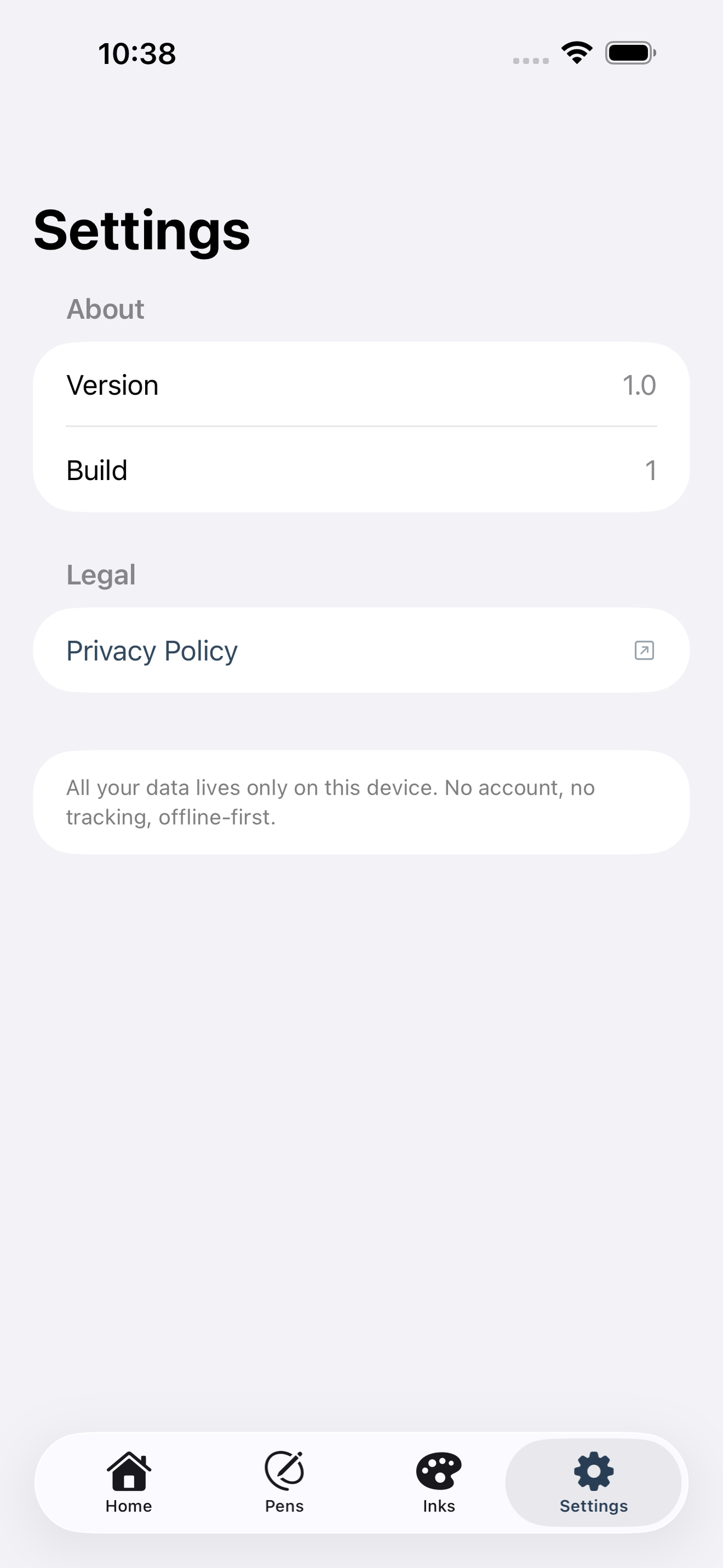
No account, no login, no cloud. Everything runs on your device and works fully offline — nothing in this post is hidden behind a wall.
What Inkwell does
Inkwell is the calm companion for fountain-pen enthusiasts who want to know exactly what’s inked, what needs cleaning, and what colors are hiding in their collection — without a spreadsheet or web login.
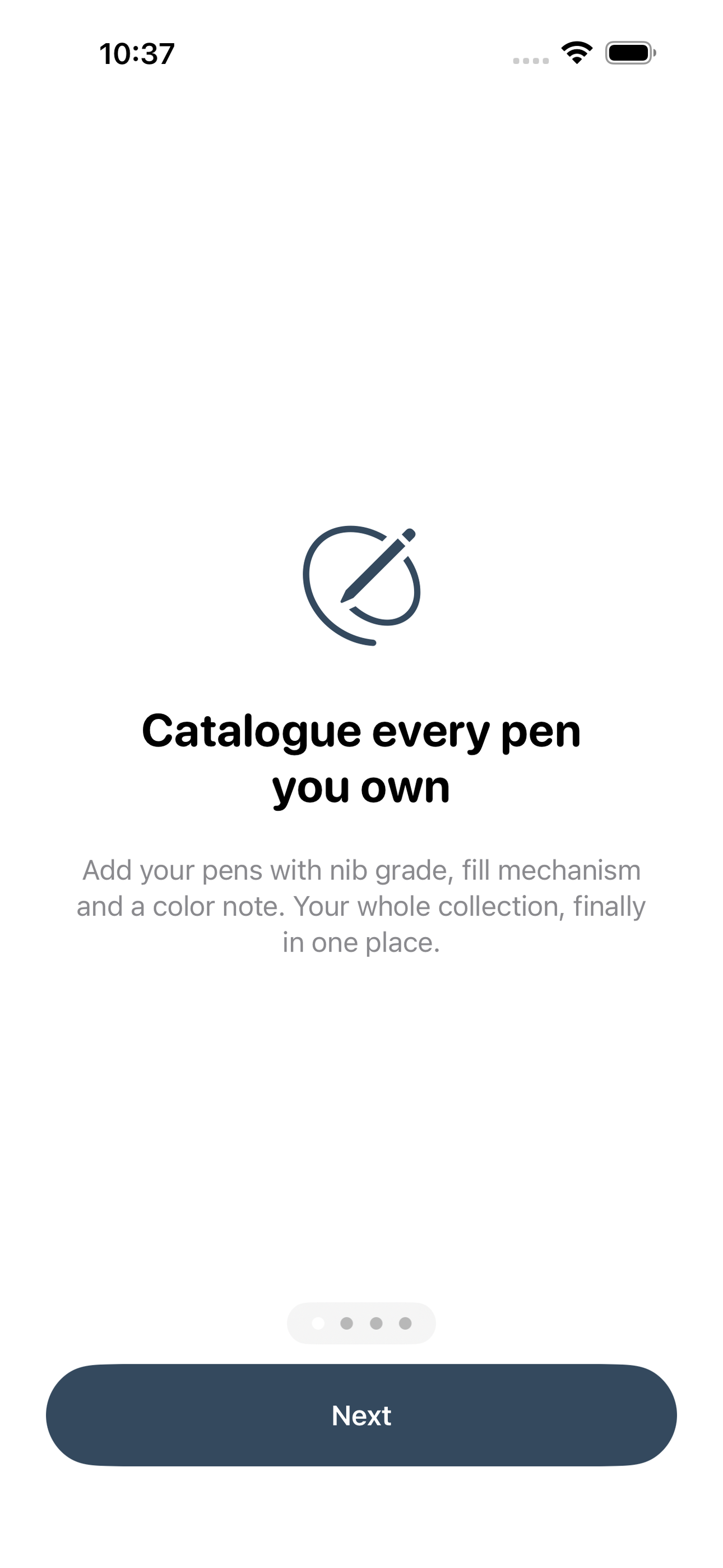
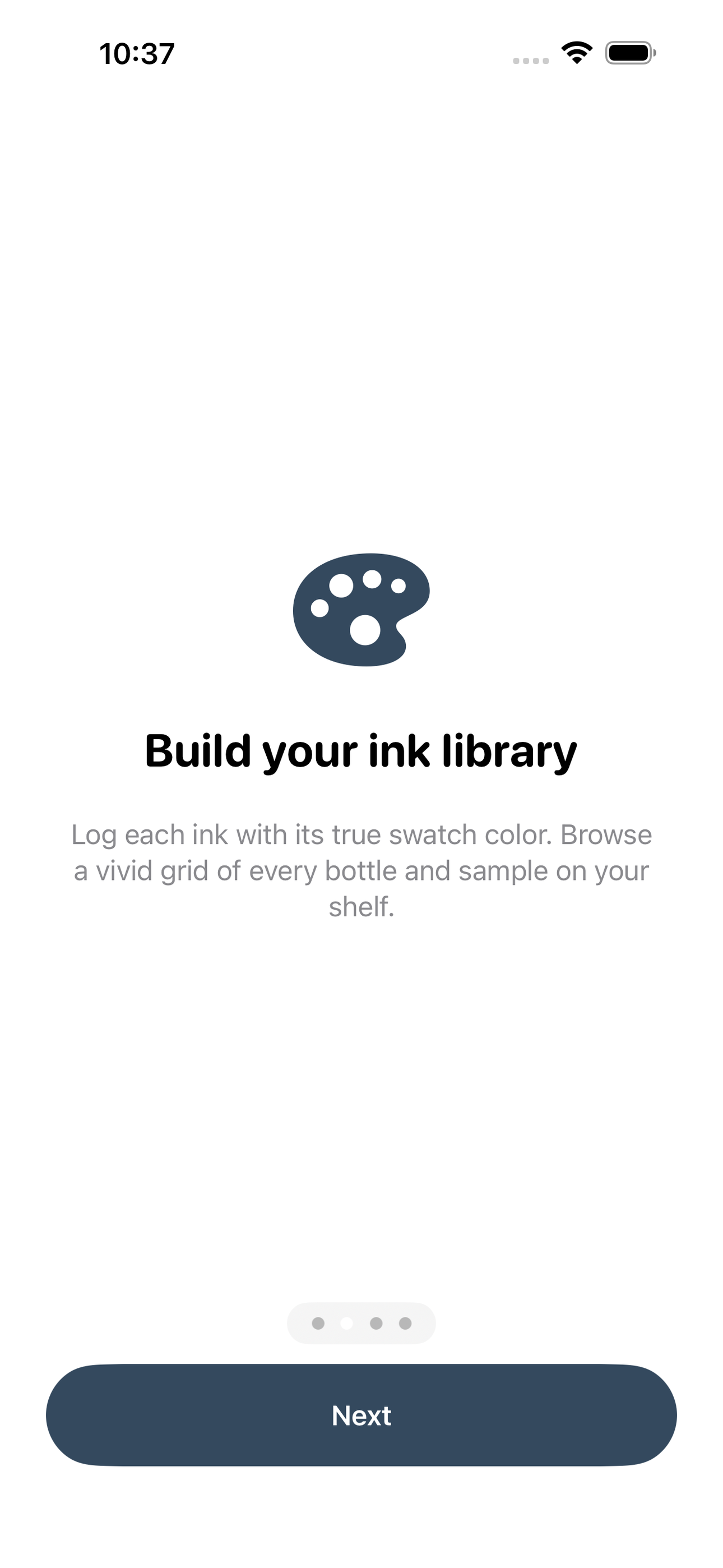
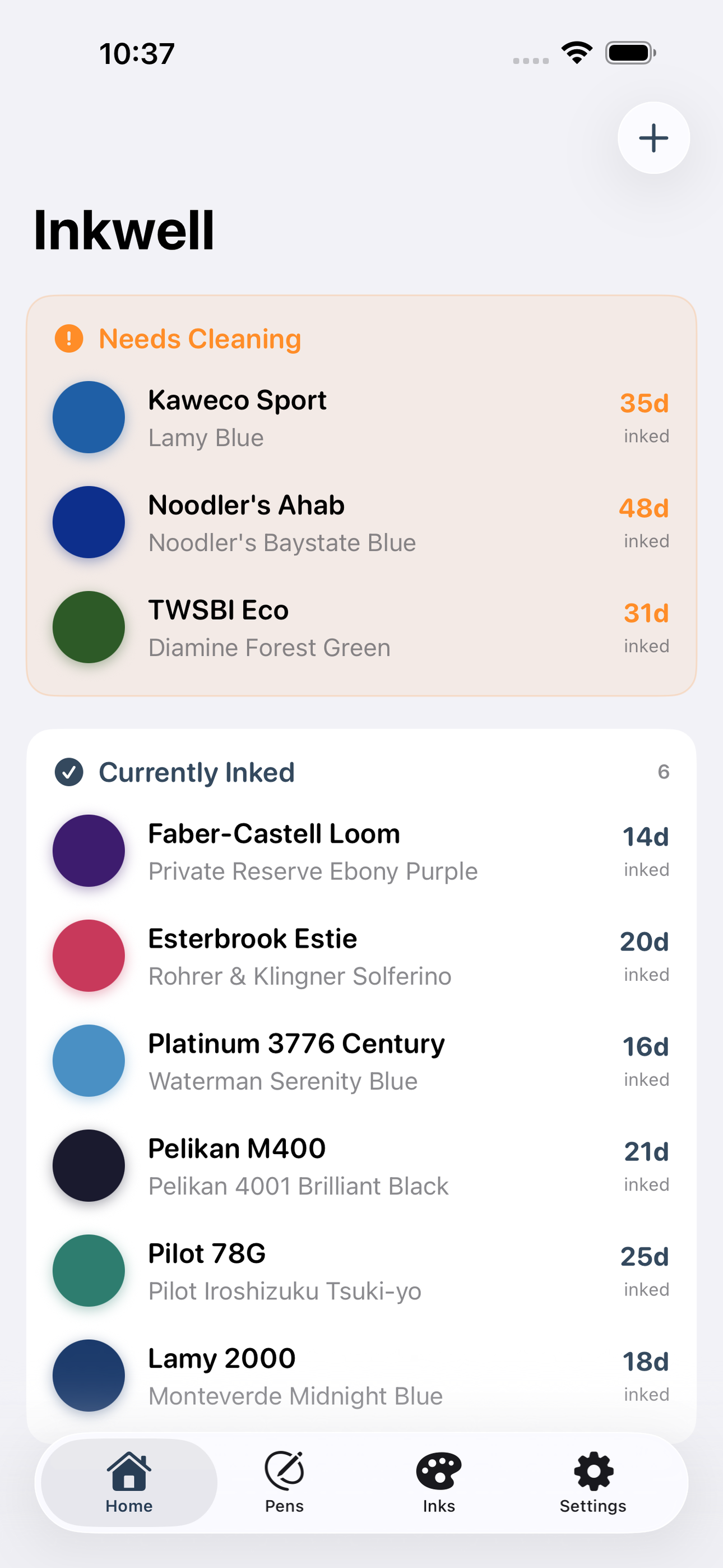
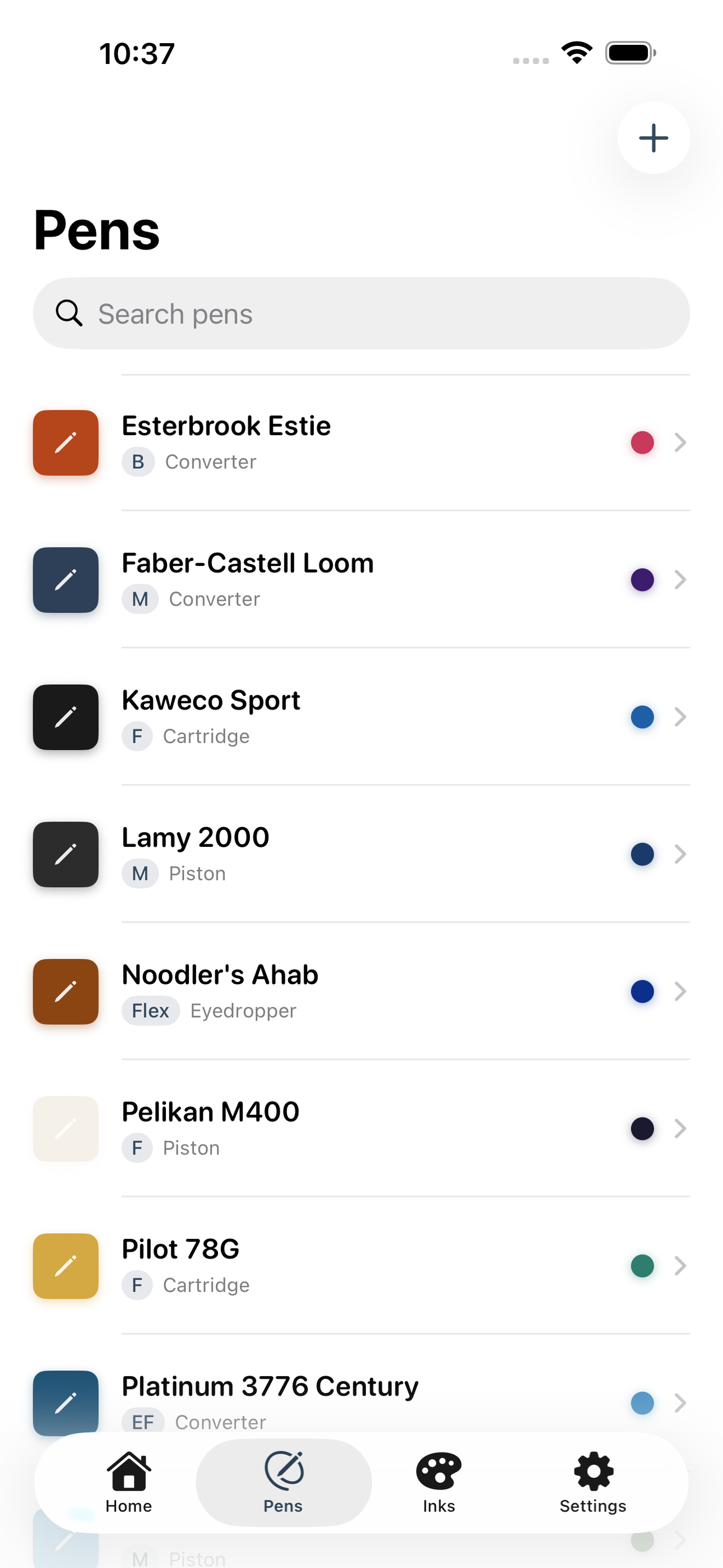
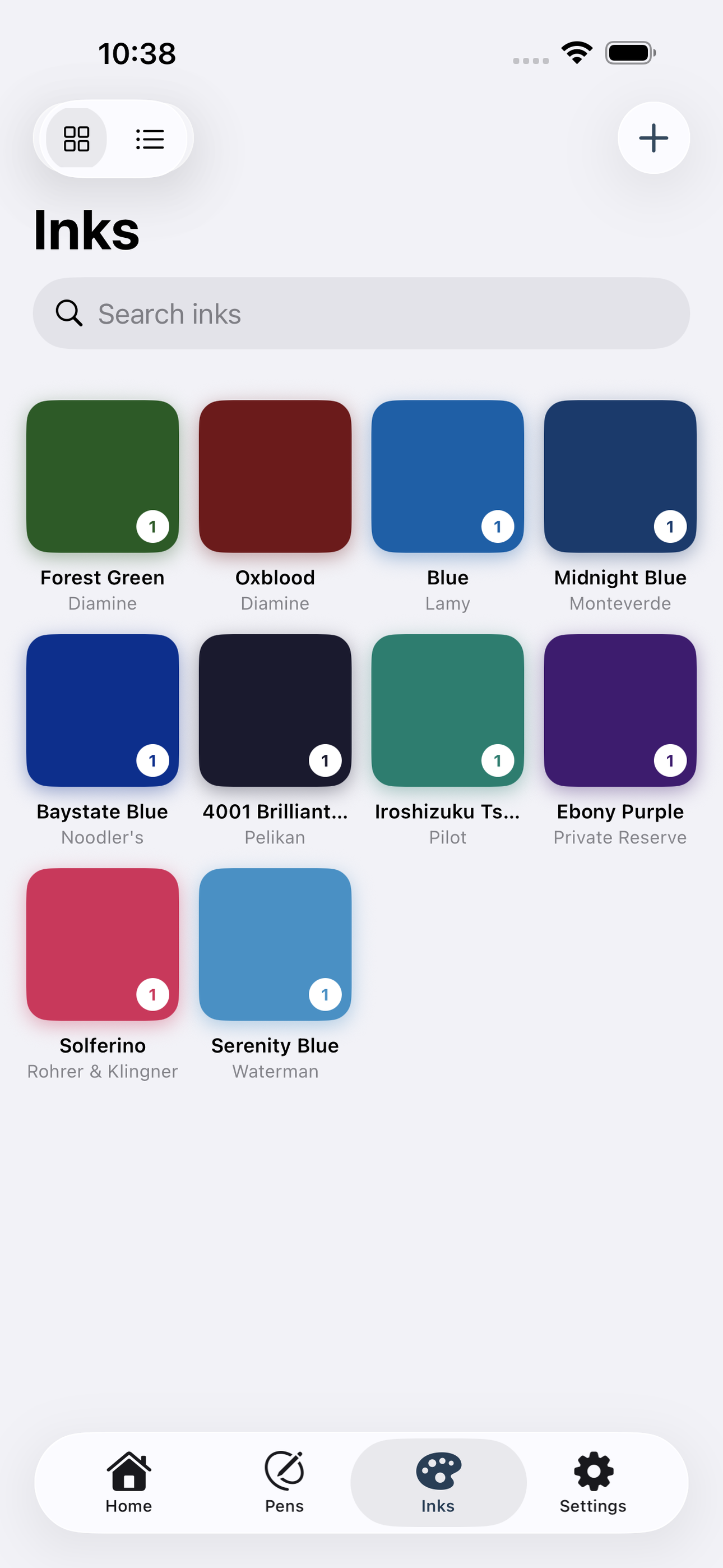
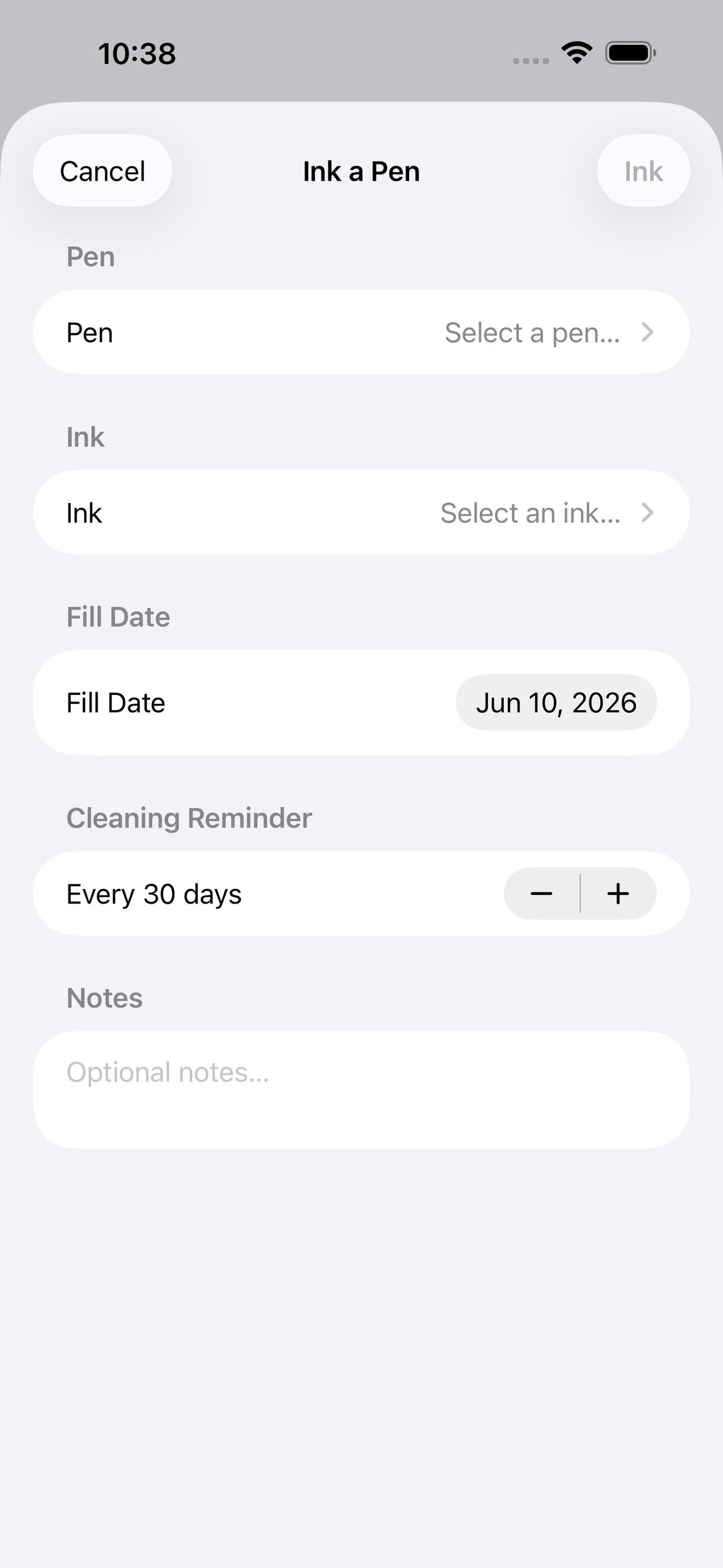
Log every pen with its nib grade and fill mechanism. Add each ink with a precise swatch color so your library becomes a vivid, scrollable palette. Then create a pairing — Inkwell records the fill date and gently reminds you when that pen has been sitting long enough that the ink may need flushing. A clean history shows every ink a pen has ever run.
Built for the global fountain-pen community: Japanese nibs, flex pens, eyedroppers, piston fillers — all supported.
• Pen catalogue with nib, filler, body color and notes • Ink library with color swatch grid and bottle/sample tracking • Currently-inked pairings with fill date and status • Cleaning reminders so ink never dries in a nib • Full pairing history per pen • 100% offline — SwiftData on-device, zero account required
A look inside
Tap any screenshot to open the full-resolution version.
What's inside
- Pen catalogue — Add pens with brand, model, nib size/grade, fill mechanism, body color and free-text notes. Tap any pen to see its detail and ink history.
- Ink library — Log inks with brand, name and a color hex swatch. Browse the collection as a scrollable color grid — tap any swatch for ink details and which pens have used it.
- Currently inked pairings — Pair a pen with an ink, record the fill date, and track status (active / needs cleaning / cleaned). Home screen surfaces pens overdue for a flush.
- Pairing history — Chronological log of every ink a pen has ever run, including fill and clean dates, so you can recall what worked best.
Why we built it
Fountain-pen enthusiasts have no good offline tool to track what ink is loaded in which pen right now. Most rely on paper index cards, personal spreadsheets, or the web-based Fountain Pen Companion (requires an account and an internet connection), making it easy to forget fill dates, accidentally let iron-gall or pigm…
What makes it different
A fully offline, no-account iOS app that unifies pen catalogue, ink swatch library and currently-inked pairings with cleaning reminders in one native SwiftData app — unlike Fountain Pen Companion (web-only, account required) and My Fountain Pens & Inks (cloud database, less personal), Inkwell works entirely on-device…
Who it's for
Hobbyists who want a tool that respects their time, their gear, and their offline life.
In one line: Pen & ink collection, offline
Try it
See the Pen & ink collection, offline for the full feature list, the info table, and support links.
Use Inkwell, found a bug, or have a feature request? Comments are open below — anonymous is fine.
0 comments
No comments yet — be the first.
Leave a reply
Sign in with Google to join the conversation. We require a quick sign-in to keep comments spam-free.
Sign in with Google to comment