Meet PaceGrid — Split your race, hit your time
A hybrid fitness race is not one effort — it is sixteen.

Health & Fitness
PaceGrid
Split your race, hit your time
Every feature, from the first launch.
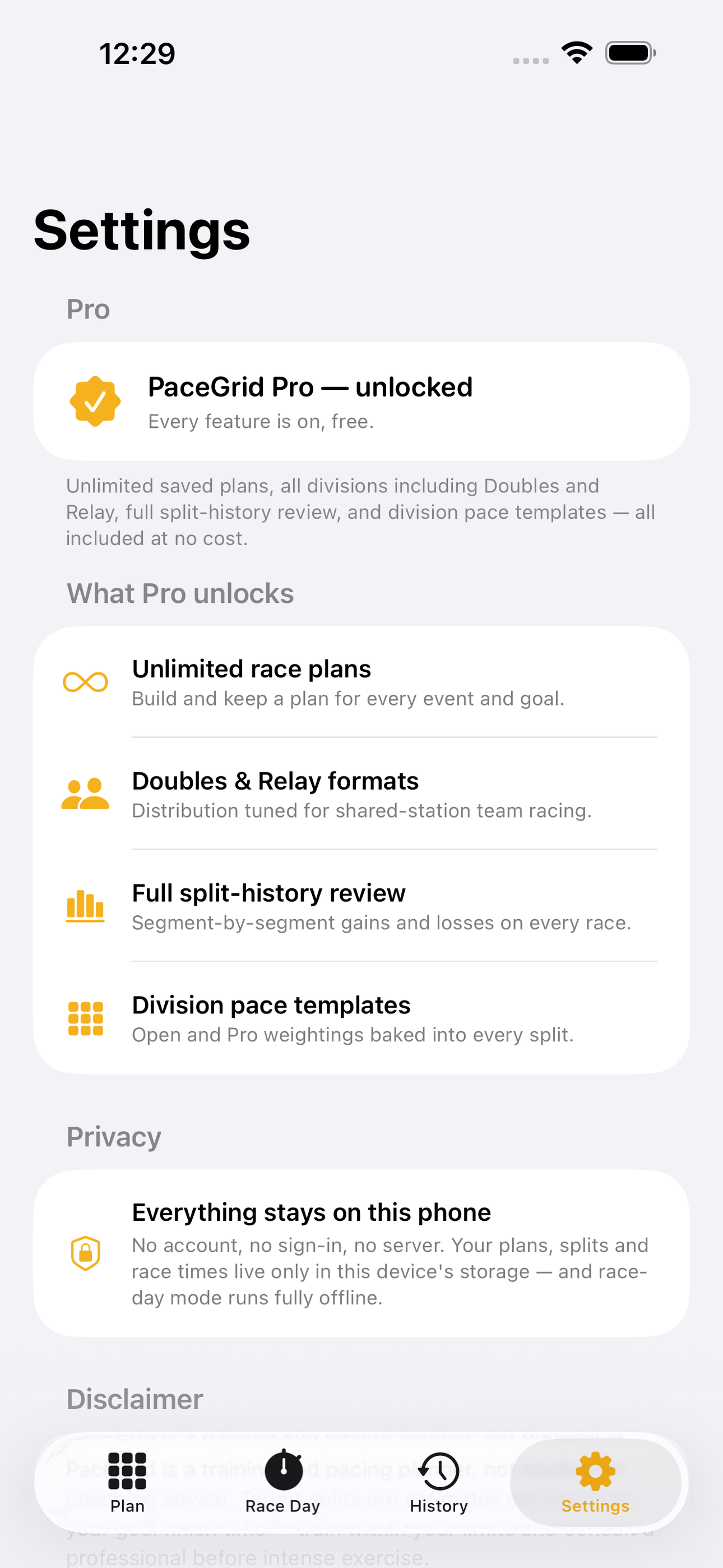
No account, no login, no cloud. Everything runs on your device and works fully offline — nothing in this post is hidden behind a wall.
What PaceGrid does
A hybrid fitness race is not one effort — it is sixteen. Eight one-kilometre runs alternating with eight functional stations: SkiErg, sled push, sled pull, burpee broad jumps, row, farmers carry, sandbag lunges, and wall balls, with a transition zone between every one. Pace it like a single run and you either blow up on the sleds or leave minutes on the wall balls. Strava and Apple Fitness log a generic run; the official race apps handle registration and results. Nothing plans the actual race. PaceGrid does.
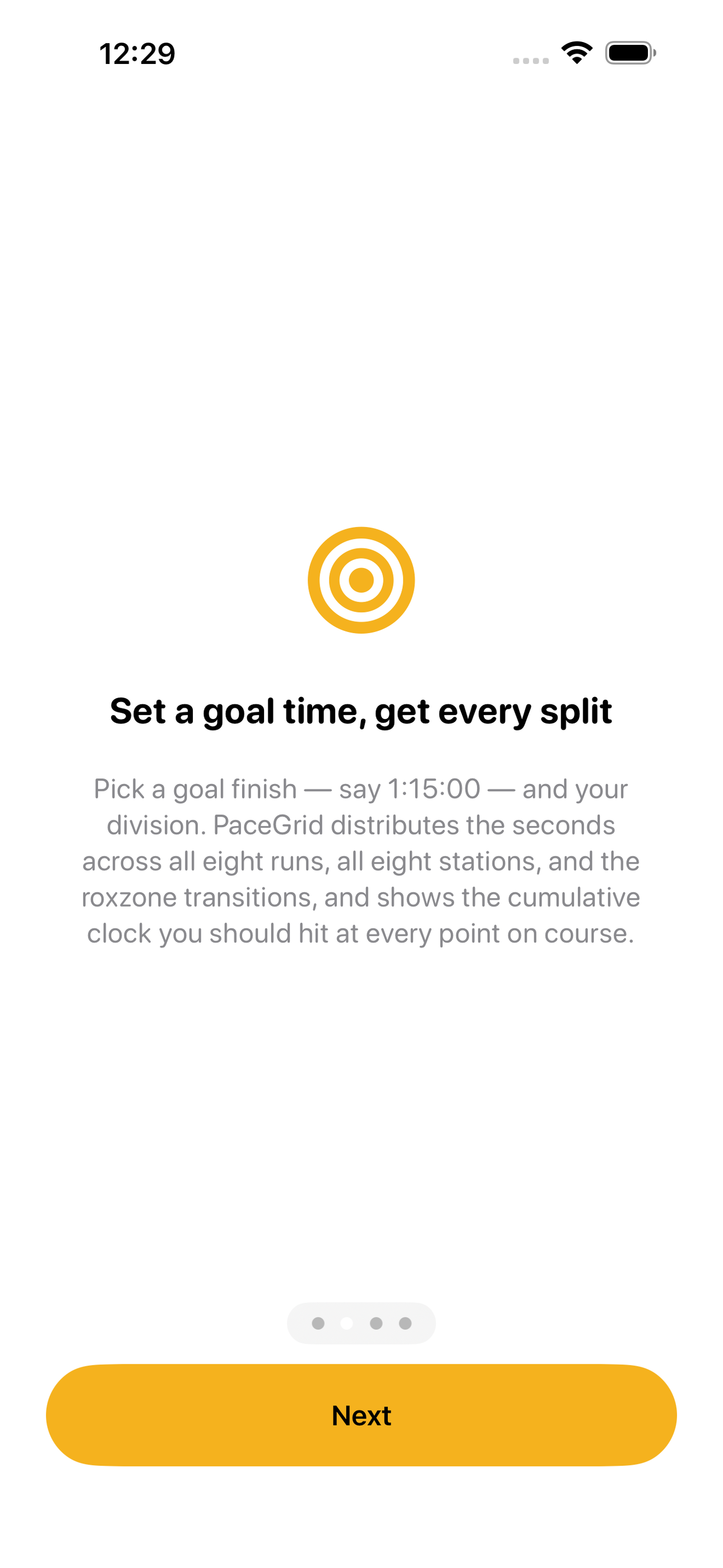
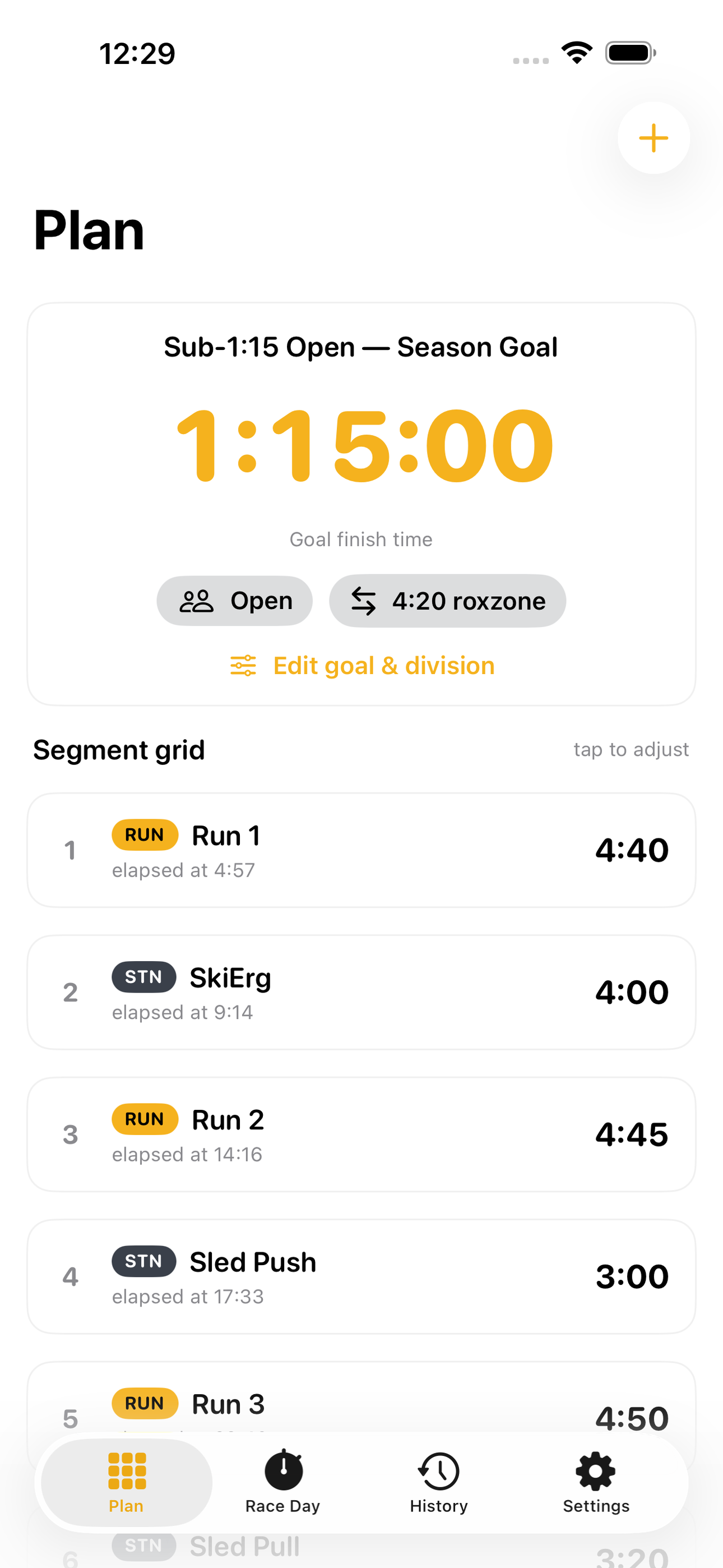
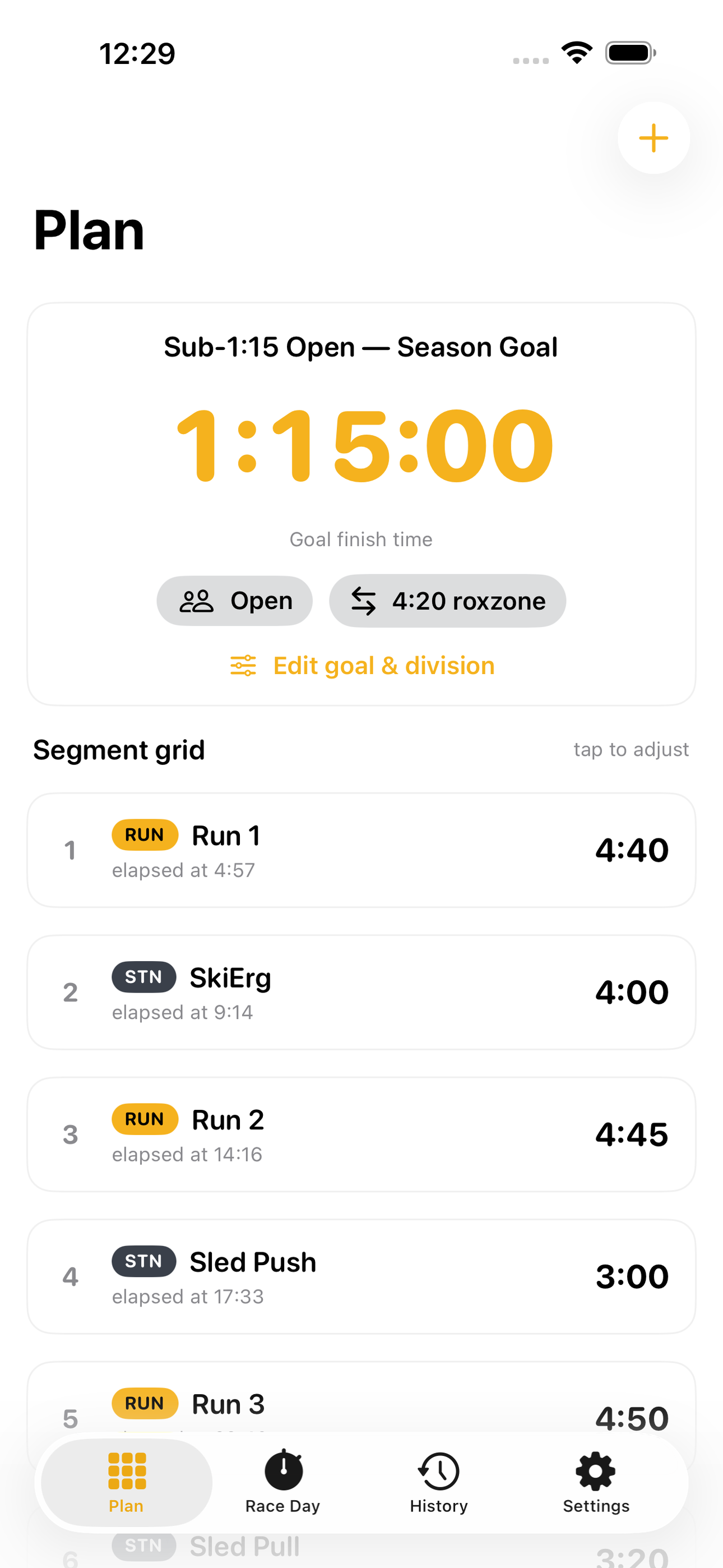
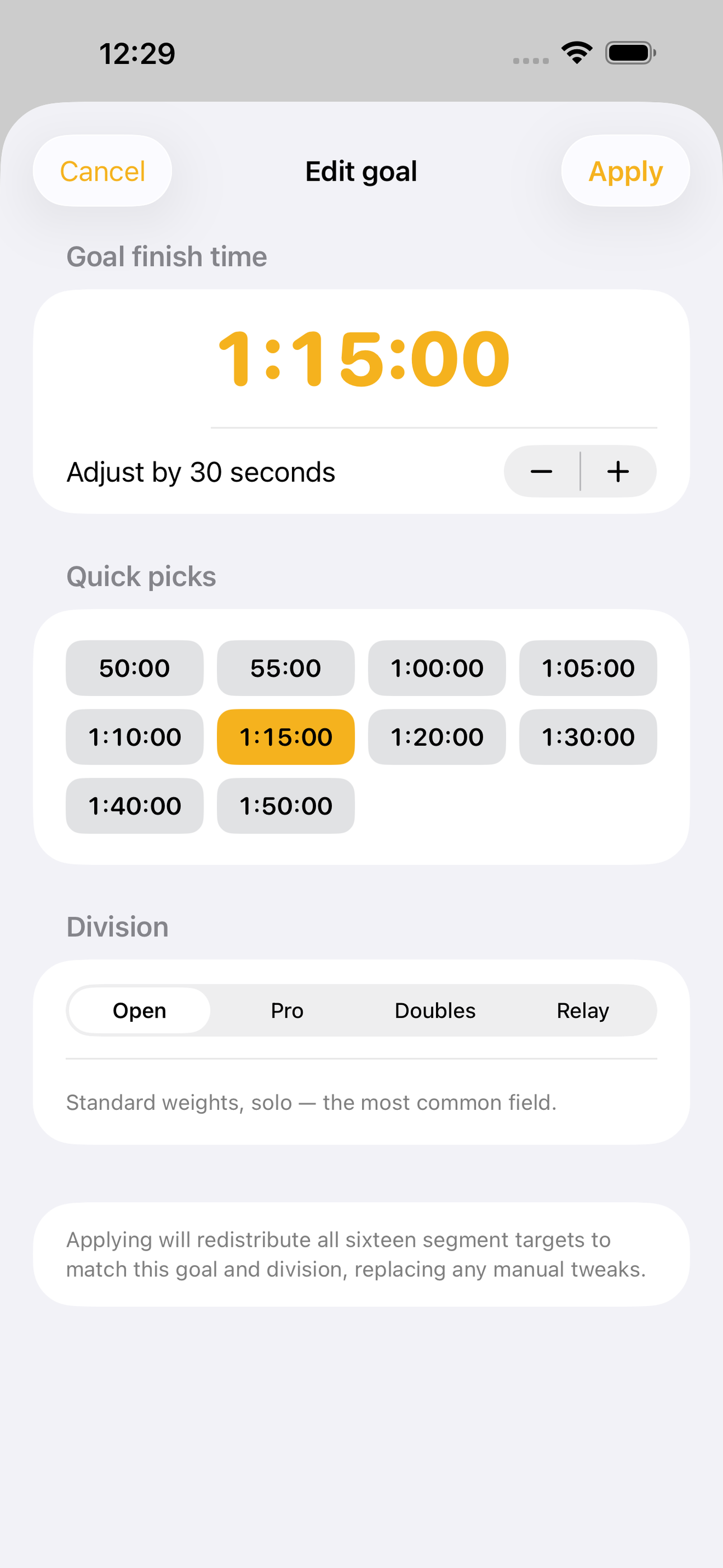
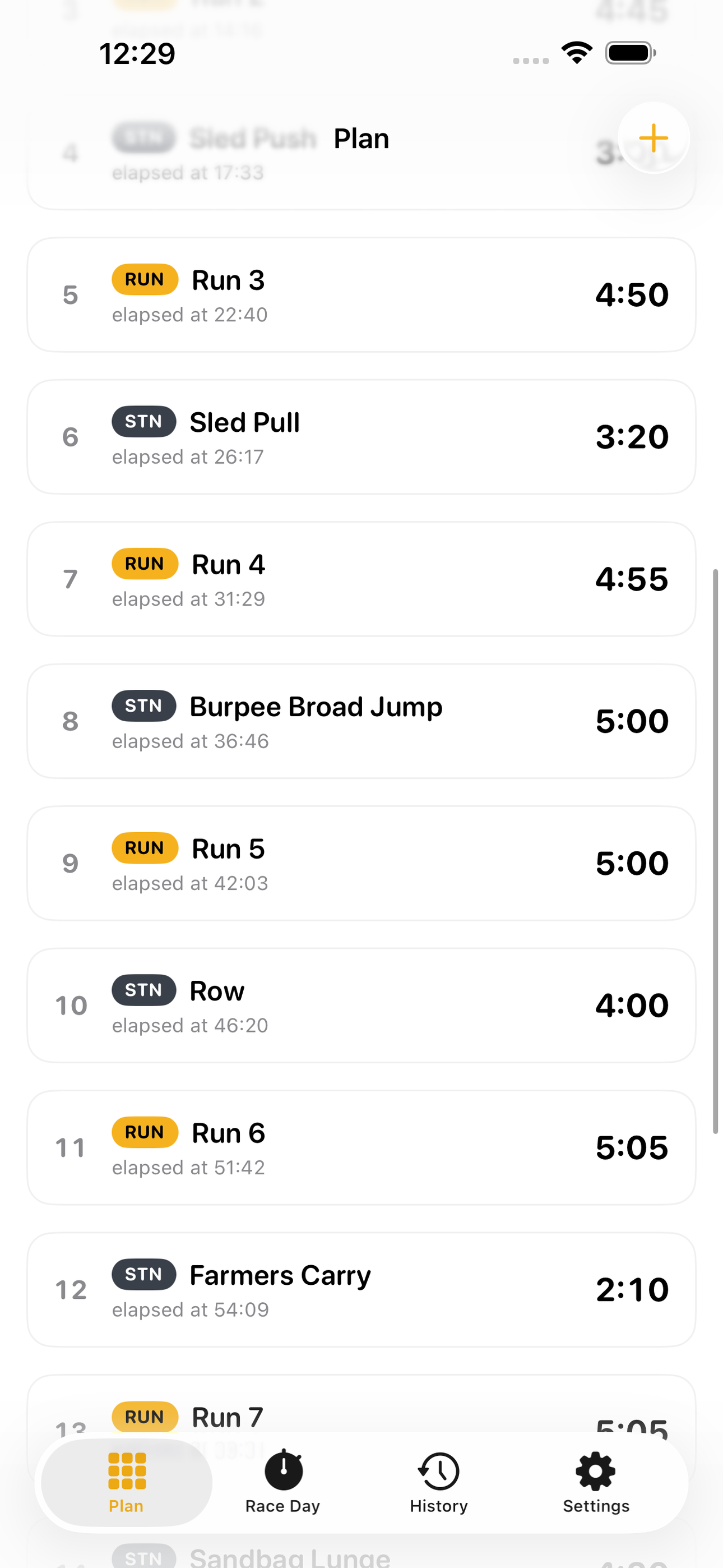
Set a goal finish time — say 1:15:00 — and pick your division, and PaceGrid distributes those seconds across all eight runs, all eight stations, and the roxzone transitions, then shows the exact cumulative clock you should hit at every point on course. Every split is editable: nudge your wall-ball target and the grid rebalances the remaining segments so your goal finish still holds. It is the pacing plan a coach would sketch on a whiteboard, generated in seconds and tuned to your number.
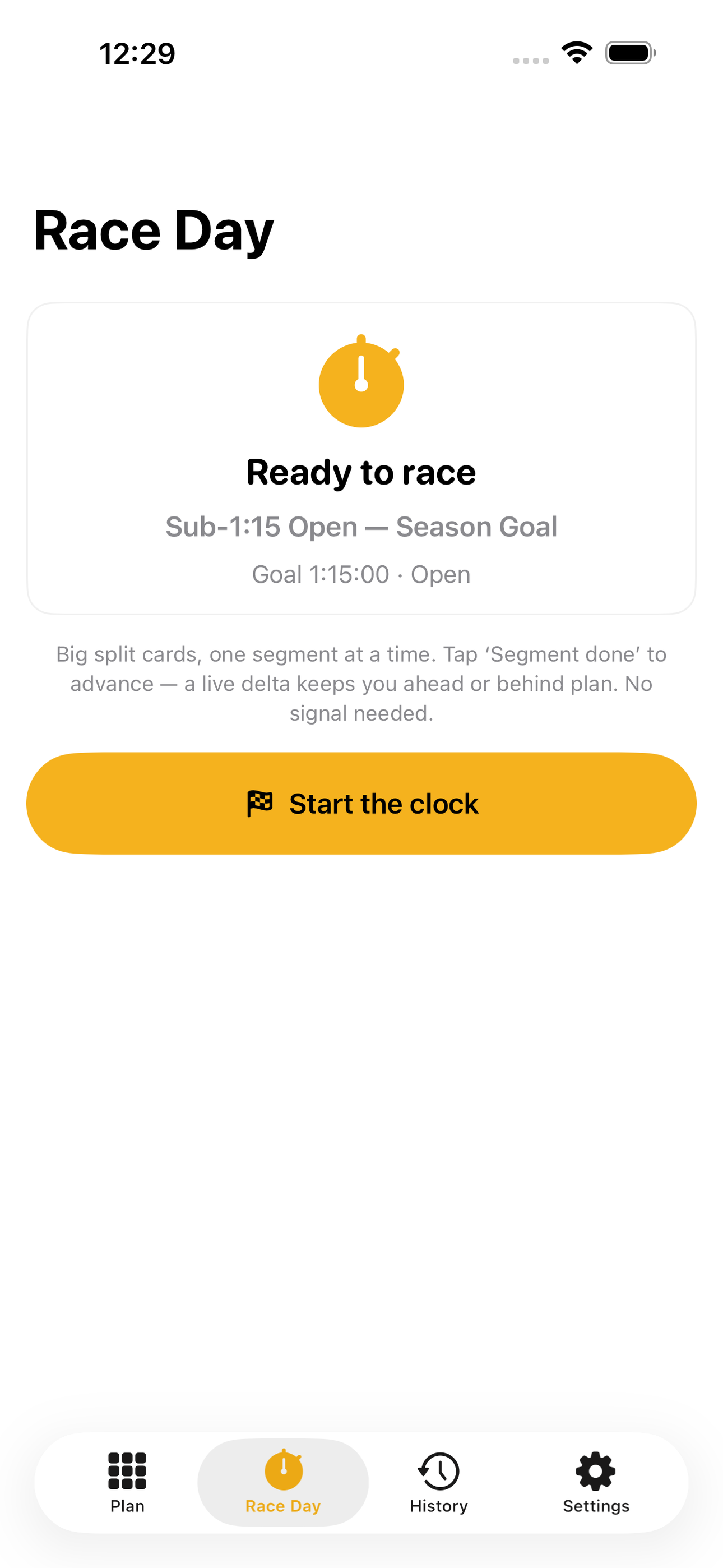
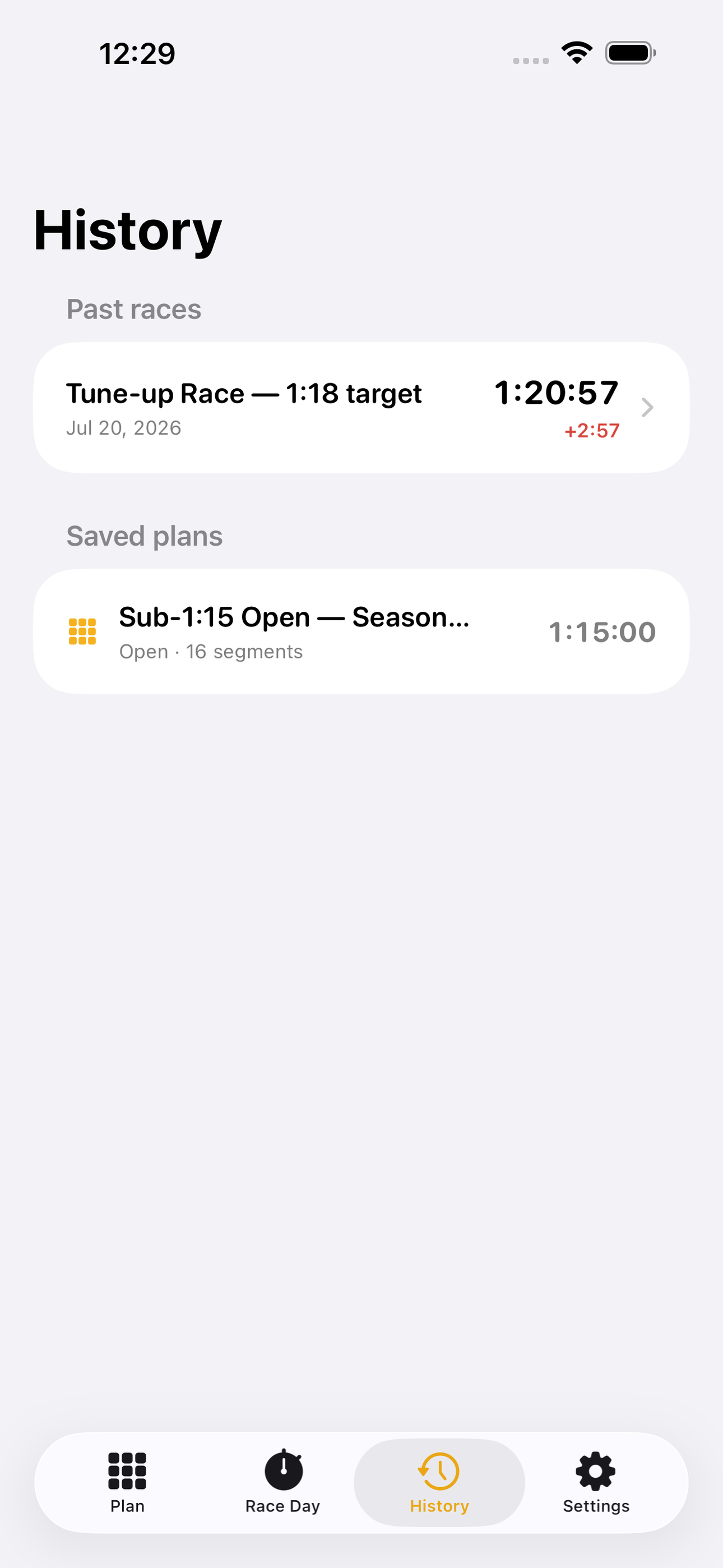
On race day, put the plan in your hand. Race-day mode shows one big split card at a time — the segment you are on, your target for it, and a live stopwatch — and a running ahead-or-behind delta versus your plan. Tap 'Segment done' to advance to the next. It is fully offline: no GPS, no signal needed inside a loud arena. Cross the line and PaceGrid breaks the whole race down segment by segment, showing exactly where you gained and lost against plan, so your next plan is sharper than the last.
Everything stays on your phone. No account, no sign-in, no server. Build a plan for every event, race the clock, review the splits, and keep a history of both.
• Goal-time race planner across 8 runs + 8 stations + roxzone transitions • Per-segment editor that rebalances to hold your goal finish • Offline race-day mode: big split cards, tap to advance, live pace delta • Post-race review: segment-by-segment gains and losses vs plan • Plan and result history, all on-device • Open, Pro, Doubles and Relay pace distributions
PaceGrid is a training and pacing planner, not medical or coaching advice. Train within your limits.
A look inside
Tap any screenshot to open the full-resolution version.
What's inside
- Pace grid — A goal time distributed across every run and station.
- Race-day mode — Big split cards with a live ahead/behind delta.
- Race review — See exactly where you gained or lost time.
Why we built it
Hybrid-race athletes can't plan station-by-station splits for a goal finish time, and generic run trackers ignore the 8-run + 8-station format.
What makes it different
Splits a goal finish time across all 8 runs, 8 stations and transitions, then a race-day timer keeps you ahead or behind pace — offline, no GPS.
Who it's for
Built for anyone who values fast, private, on-device software with a calm, focused UX.
In one line: Split your race, hit your time
Try it
See the Split your race, hit your time for the full feature list, the info table, and support links.
Use PaceGrid, found a bug, or have a feature request? Comments are open below — anonymous is fine.
0 comments
No comments yet — be the first.
Leave a reply
Sign in with Google to join the conversation. We require a quick sign-in to keep comments spam-free.
Sign in with Google to comment