Meet CareFee — Home daycare billing ledger
Running a home daycare means you are the teacher, the cook, the janitor — and the billing department.

Finance
CareFee
Home daycare billing ledger
Every feature, from the first launch.
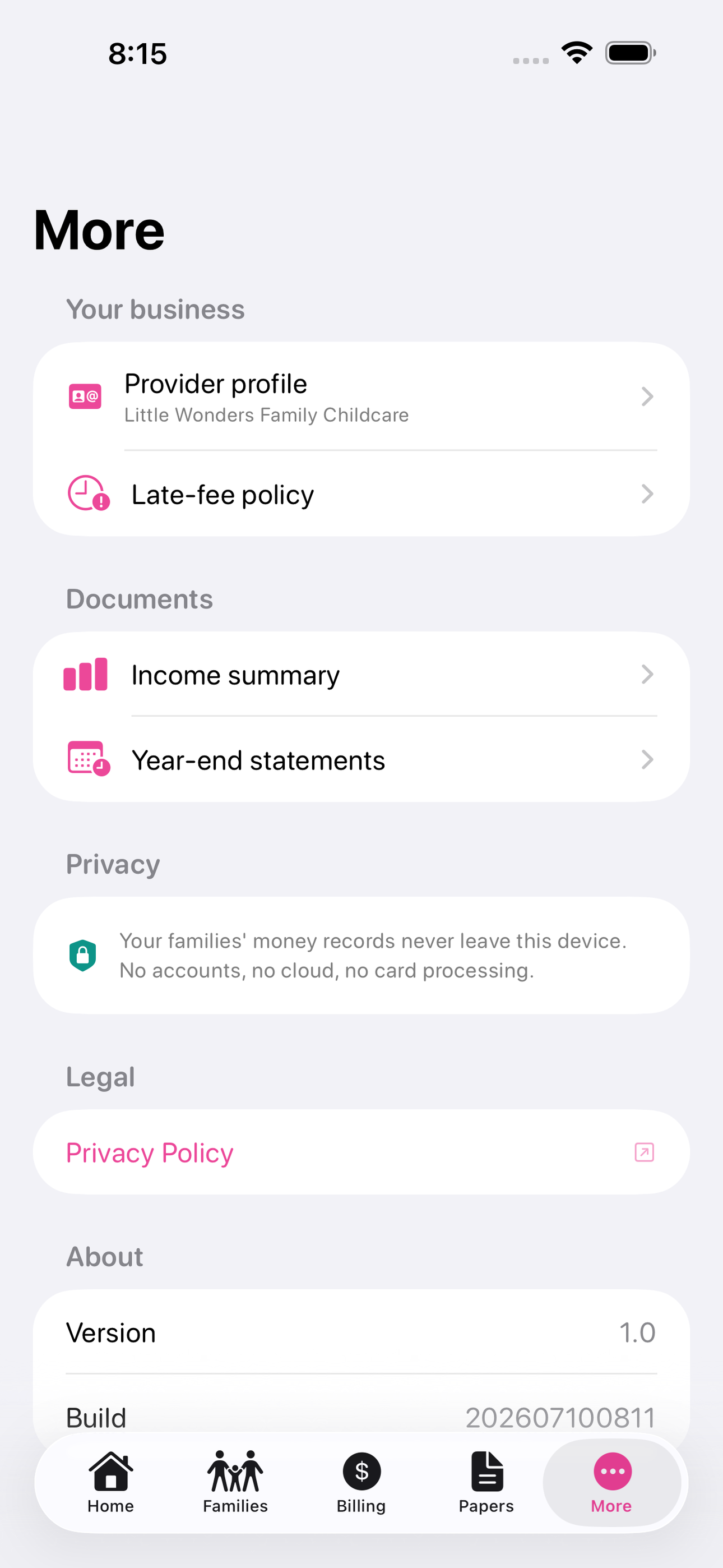
No account, no login, no cloud. Everything runs on your device and works fully offline — nothing in this post is hidden behind a wall.
What CareFee does
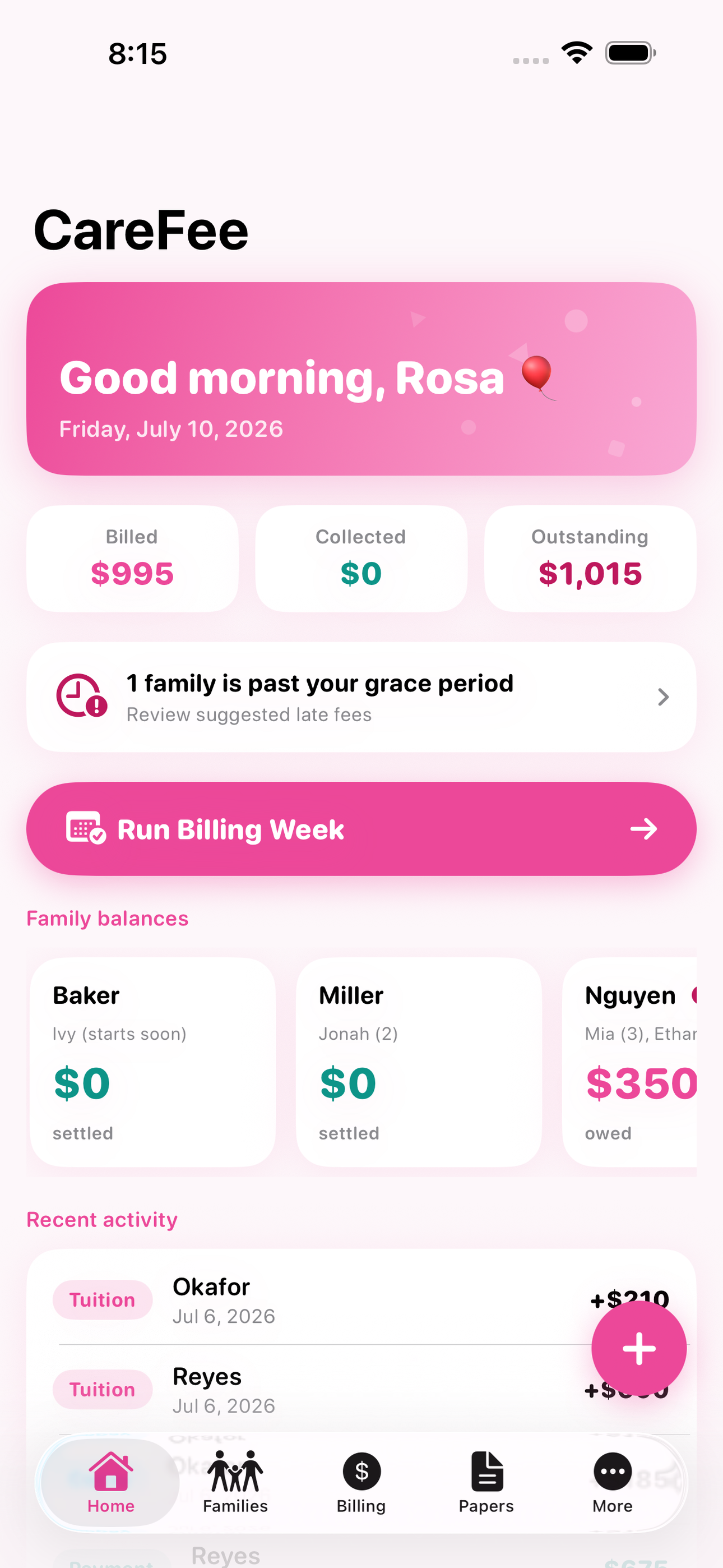
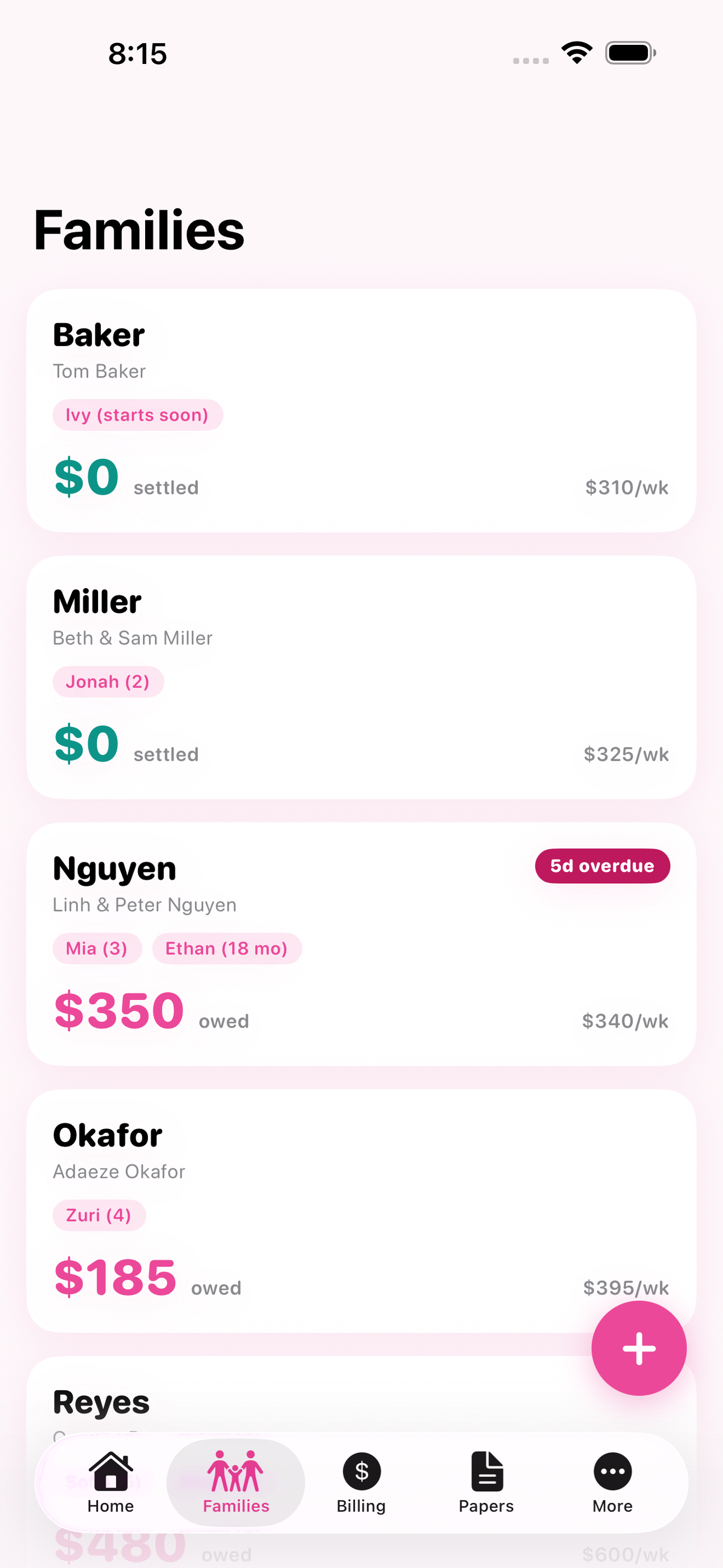
Running a home daycare means you are the teacher, the cook, the janitor — and the billing department. CareFee is the offline tuition ledger built for exactly that job. Each family gets its own running balance: weekly or monthly tuition, subsidy copays, holding fees, registration fees, vacation credits, and every payment you receive by cash, check, Venmo, or Zelle. There are no parent accounts to set up, no card fees taken out of your tuition, and no subscription — your money records live on your device and nowhere else.
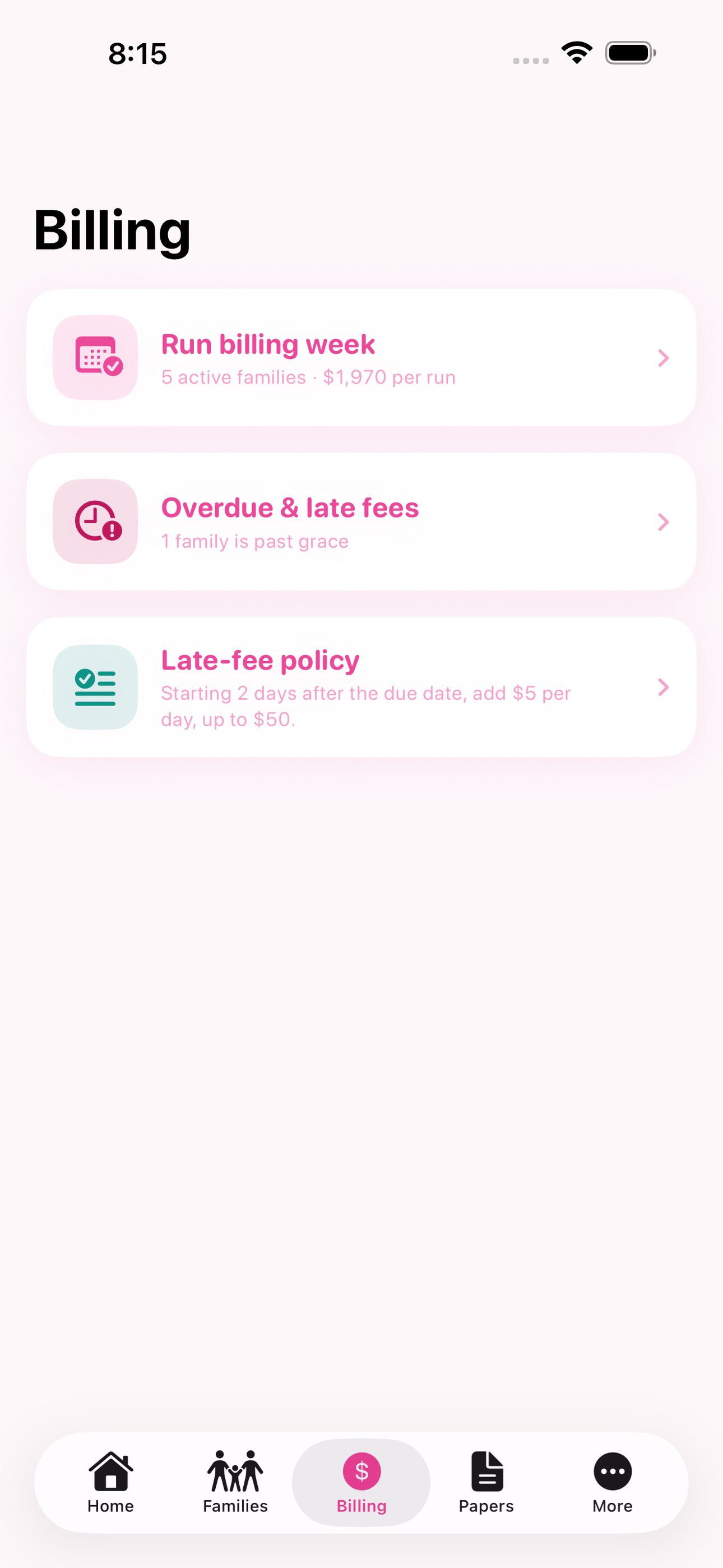
Late fees are where handshake billing falls apart. Your contract says five dollars a day after Friday, but nobody wants to be the one counting days. CareFee counts them for you: set your grace period and your rule once, and overdue balances show exactly the fee your own written policy calls for, itemized on the ledger so there is never an argument about how a number was reached.
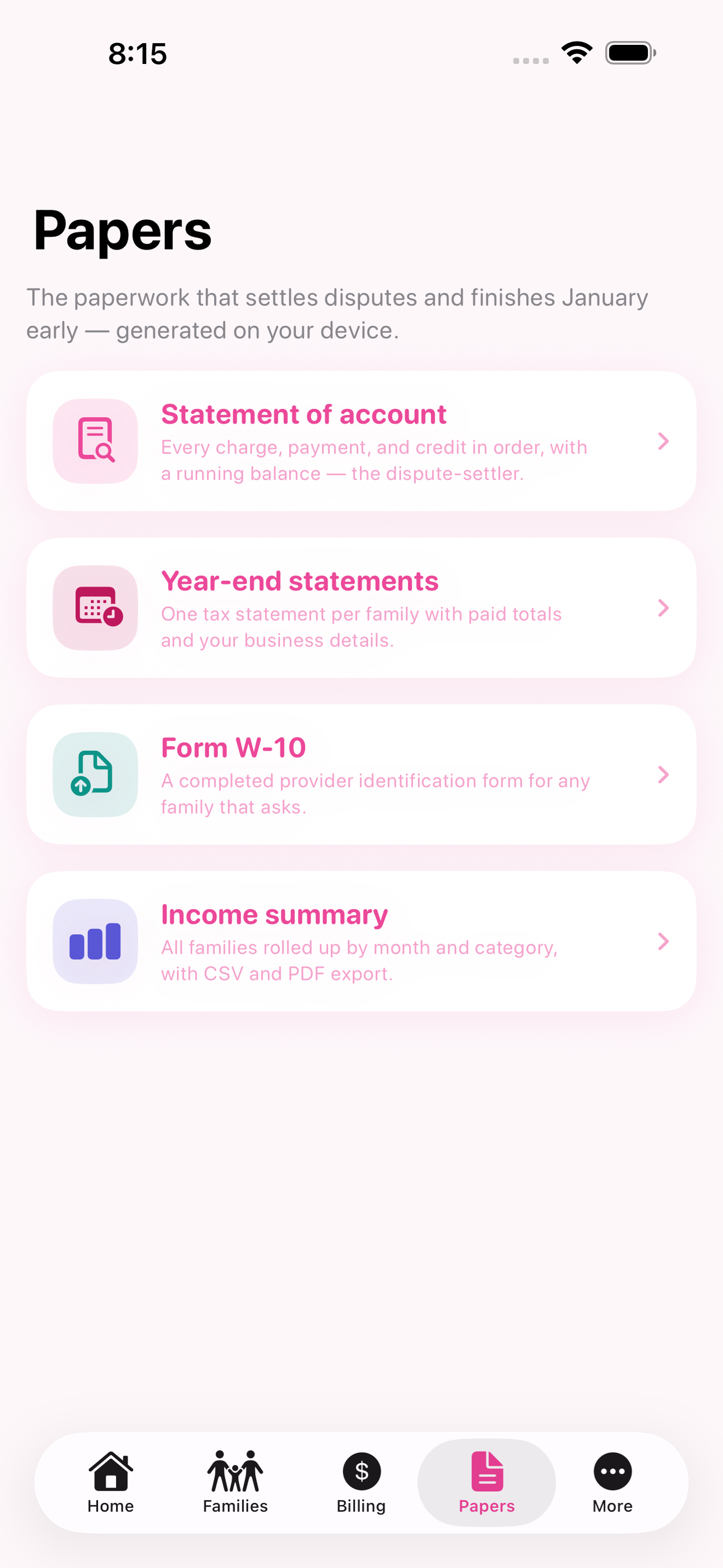
When a parent questions a balance, you no longer scroll through Venmo screenshots at the door. Tap a family and hand them a dated, itemized statement of account — every charge, every payment, every credit, in order, on your letterhead. It is the difference between a dispute and a conversation.
Then there is January. Every family needs a year-end statement for their taxes, and any parent can hand you IRS Form W-10 and wait. CareFee turns the ledger you already keep into finished paperwork: a year-end statement per family with your business details and paid totals, and a completed W-10 with your name, address, and taxpayer number, generated on your device as clean PDFs ready to print or send. What used to be an evening of hand-typing per family becomes one tap each.
An income summary rolls every family together by month and by category, so the numbers your tax preparer asks for are already added up before the appointment.
CareFee is for licensed family child care providers and paid home caregivers who bill a handful of families and deserve tools sized to their business — and to their software budget.
• Per-family running ledger: tuition, copays, fees, credits, payments • One-tap billing week that posts tuition to every active family • Late-fee rules that apply your written policy automatically • Dated, itemized statements of account for any dispute • Year-end tax statements for every family in one tap • Completed IRS Form W-10 PDFs on demand • Income summary by month and category for tax time • Fully offline: no accounts, no card fees, no subscription
A look inside
Tap any screenshot to open the full-resolution version.
What's inside
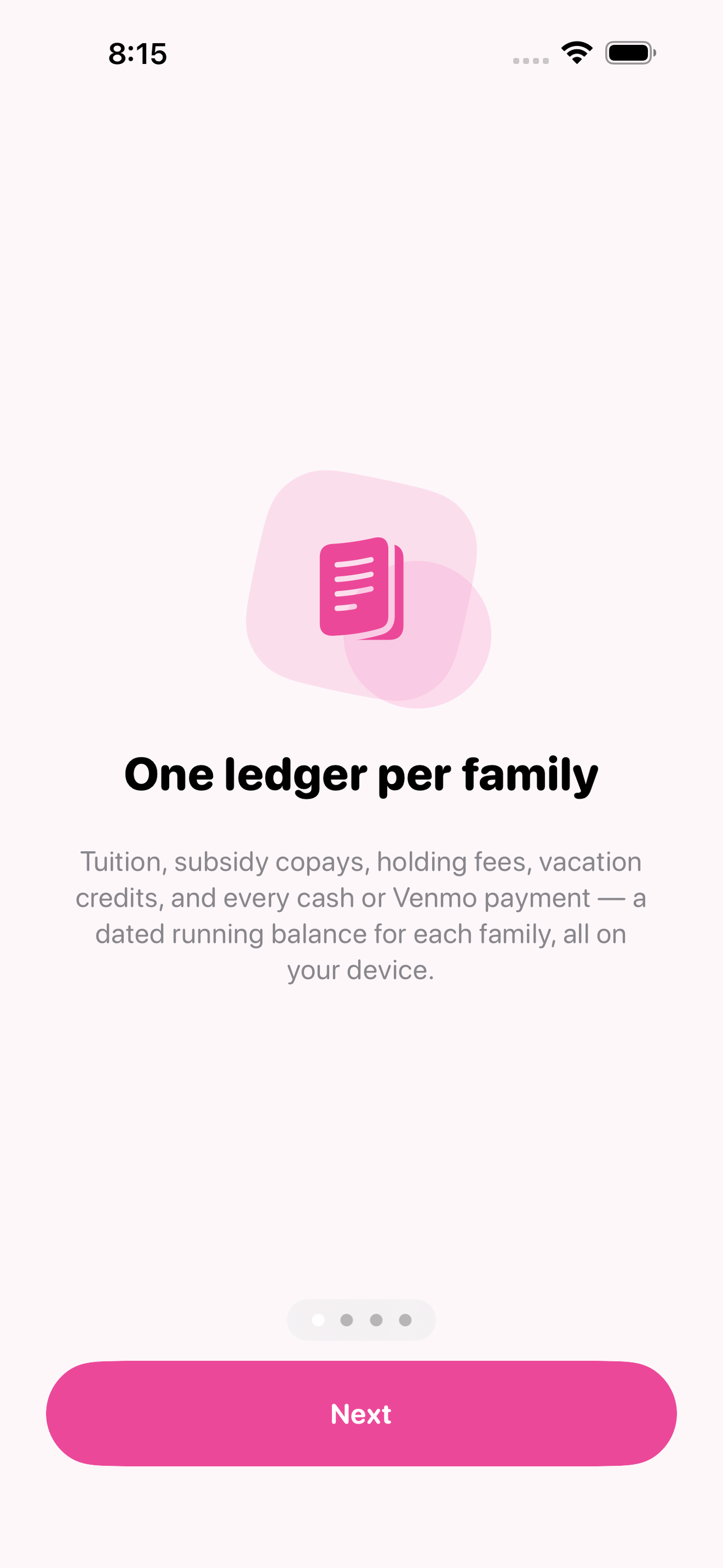
- Family Ledger — Every family has a running balance built from tuition charges, subsidy copays, holding and registration fees, vacation credits, and payments — each entry dated, categorized, and tagged with how it was paid.
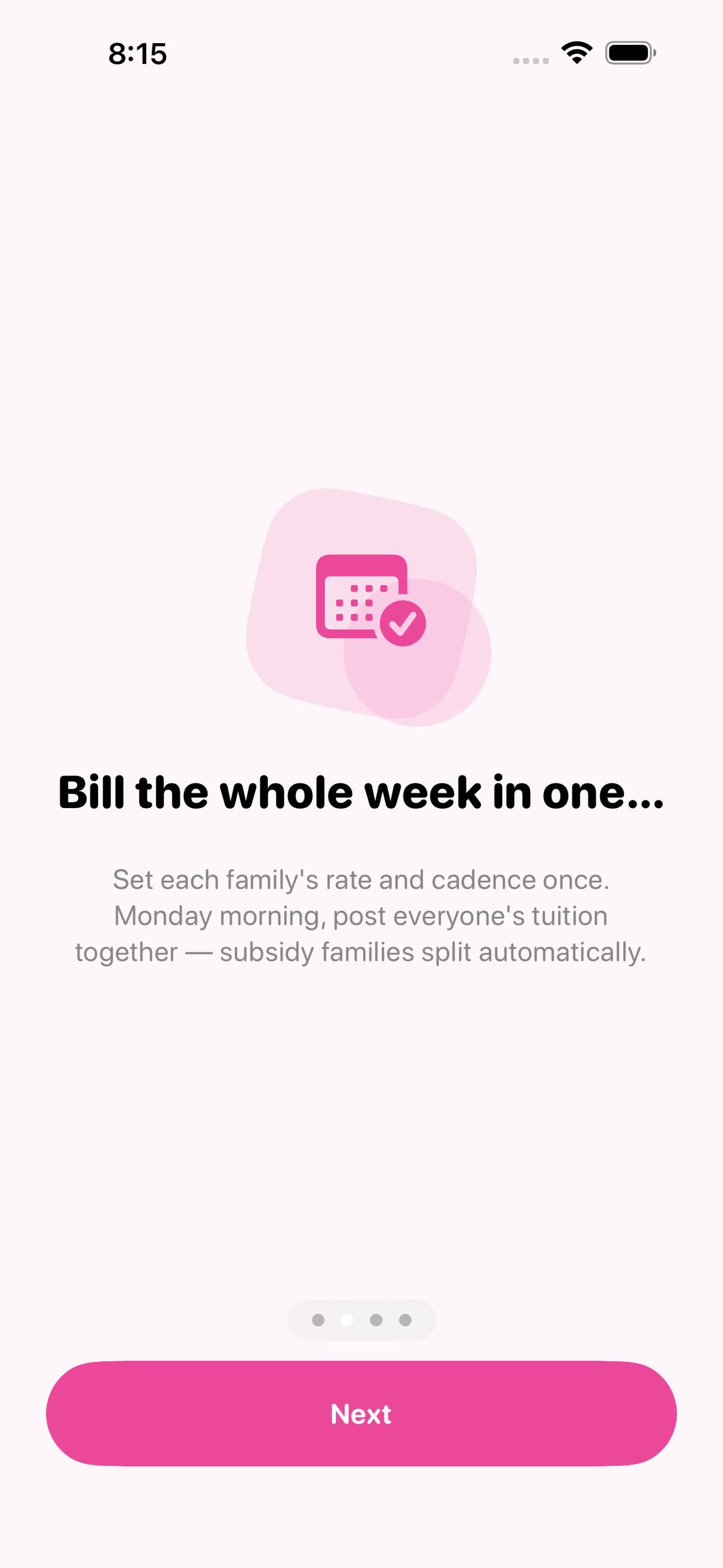
- Billing Week — Set each family's rate and cadence once (weekly, biweekly, monthly, with an optional subsidy split), then post the whole week's tuition to every active family in one tap — no retyping the same eight charges every Monday.
- Late-Fee Rules — Encode the late-fee clause from your contract — grace days, flat or per-day amount, optional cap — and CareFee flags overdue families and itemizes the fee your policy calls for, ready to post with one tap.
- Receipts and Statements — Generate a dated payment receipt for any entry or a full itemized statement of account for any date range — the document that settles a dispute or backs a small-claims filing — as an on-device PDF with your business header.
- Year-End Paperwork — One tap per family produces the January paperwork: a year-end statement with paid totals and your business details, and a completed IRS Form W-10 PDF with your name, address, and taxpayer number.
- Income Summary — All families rolled up by month and category — tuition, fees, subsidy payments — so the totals your tax preparer needs for Schedule C are already computed, with CSV and PDF export.
Why we built it
Home providers juggle tuition, late fees, subsidy copays, holding fees, and vacation credits across many families with no ledger, so late fees go uncollected and payment disputes come down to screenshots; then every January they must hand-type year-end tax statements for each family and complete IRS Form W-10 on deman…
What makes it different
Brightwheel gates billing behind Premium (about 60-90 dollars a month) plus card-processing fees and requires parent accounts; KidKare Accounting is a 12.50-dollars-a-month web subscription with poor Apple reviews and no offline use; MyKidReports advertises a free tier but explicitly gates billing behind a per-child p…
Who it's for
Freelancers, contractors, and small-business owners who want their numbers right at tax time without renting a SaaS to do it.
In one line: Home daycare billing ledger
Try it
See the Home daycare billing ledger for the full feature list, the info table, and support links.
Use CareFee, found a bug, or have a feature request? Comments are open below — anonymous is fine.
0 comments
No comments yet — be the first.
Leave a reply
Sign in with Google to join the conversation. We require a quick sign-in to keep comments spam-free.
Sign in with Google to comment