Meet Cottage Label — Compliant labels + sales cap
You started a home bakery to bake — not to decode food law.

Business
Cottage Label
Compliant labels + sales cap
Every feature, from the first launch.
No account, no login, no cloud. Everything runs on your device and works fully offline — nothing in this post is hidden behind a wall.
What Cottage Label does
You started a home bakery to bake — not to decode food law. But in 2026, selling a loaf of bread or a box of cookies from your kitchen means every package has to carry a label that follows real rules: ingredients listed in descending order by weight, all nine major allergens declared (including sesame, the ninth allergen added in 2023), a net-weight statement, and the exact 'made in a home kitchen not inspected by the health department' language your state requires. Get it wrong and you are one complaint away from a shutdown. A notes app cannot do any of this. Cottage Label can.
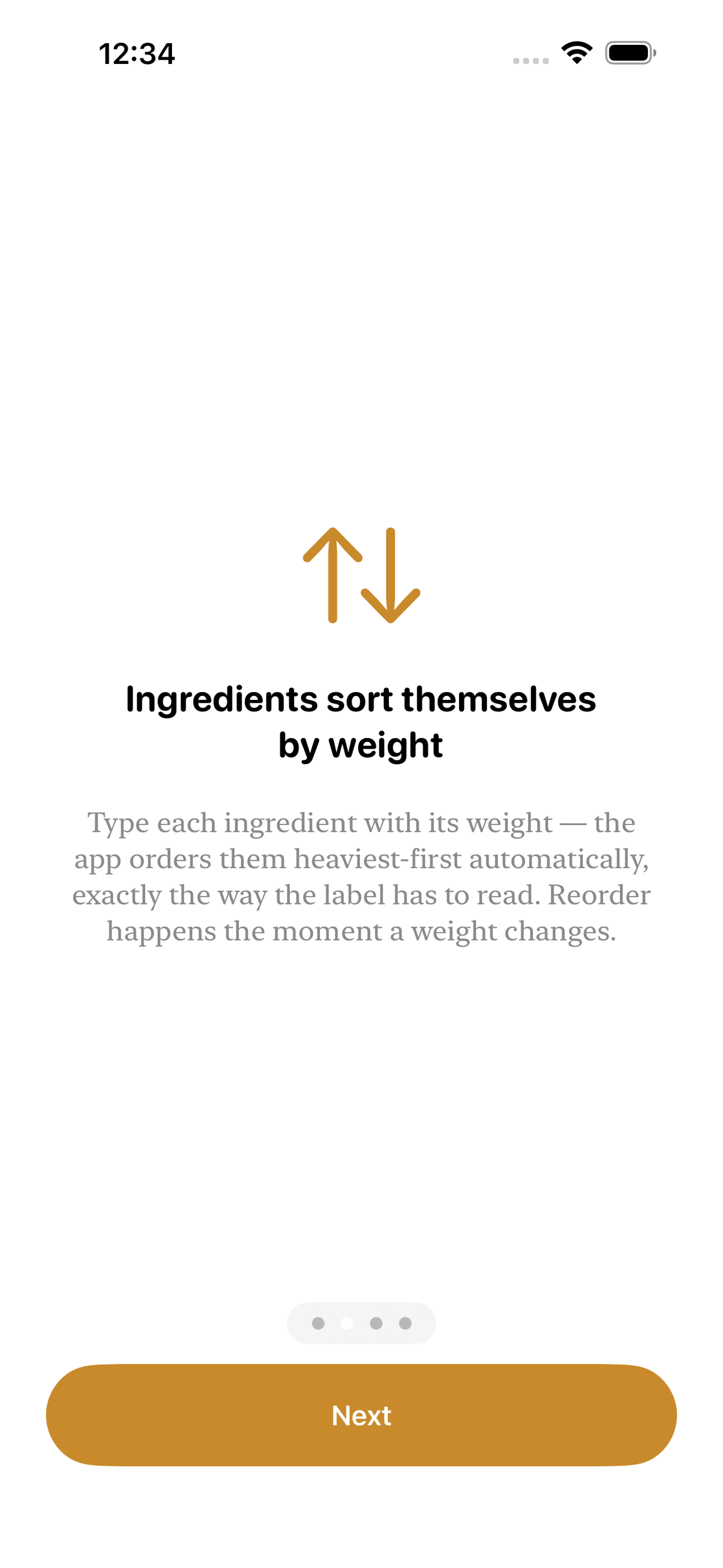
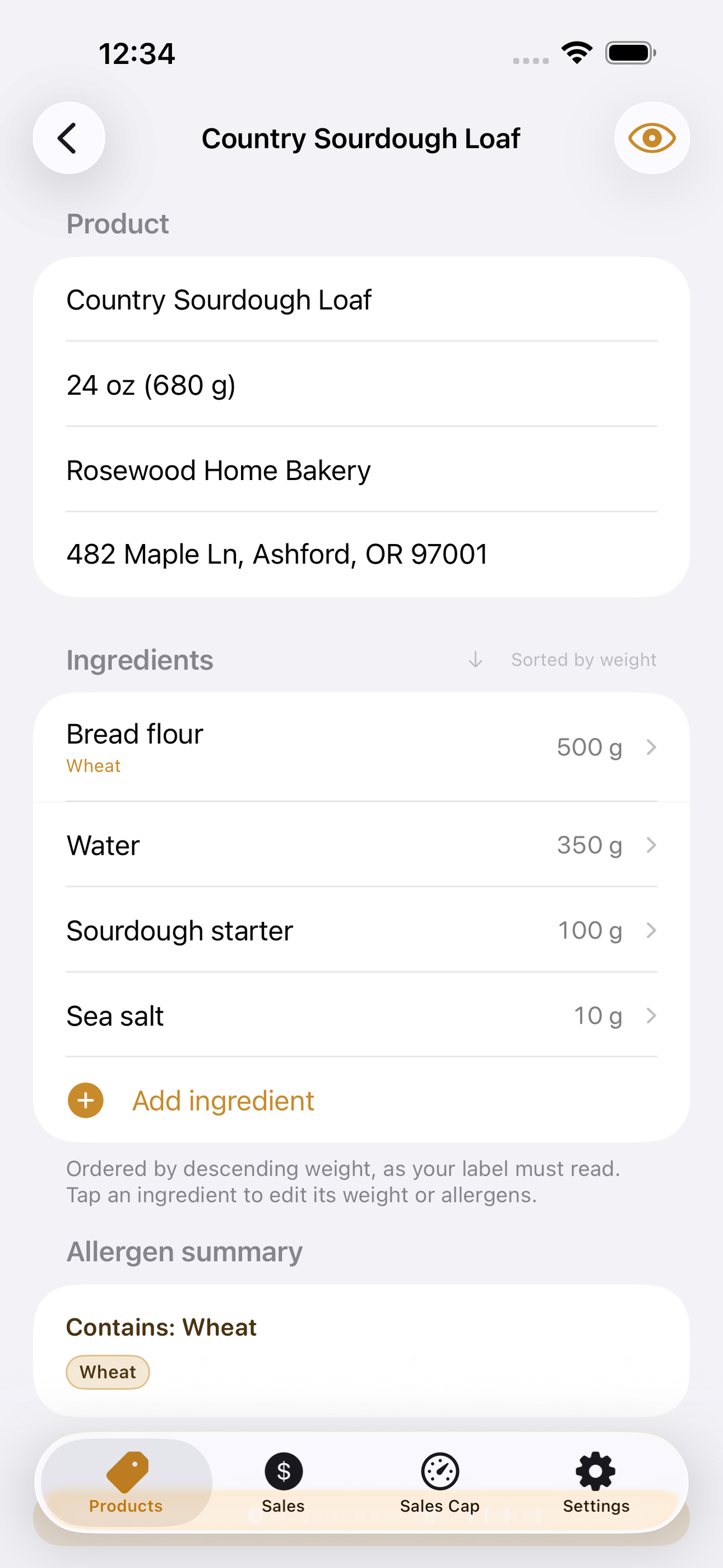
Build a product once. Type each ingredient with its weight and Cottage Label orders them heaviest-first automatically — the moment a weight changes, the list re-sorts, exactly the way your label has to read. As you add ingredients, a built-in pantry map flags the nine major allergens for you: type 'unsalted butter' and it catches Milk; 'tahini' catches Sesame; 'almond flour' catches Tree Nuts. You confirm what it found and add anything it missed, so the 'Contains:' line is complete and in the FDA's canonical order.
Then tap Preview. Cottage Label lays out a clean, print-ready label — product name, the descending ingredient list, the boxed 'Contains:' allergen line, net weight, your home-kitchen statement with your state filled in, your business name and address, and the date. Share it as an image to send to your label printer, or as plain text to paste anywhere.
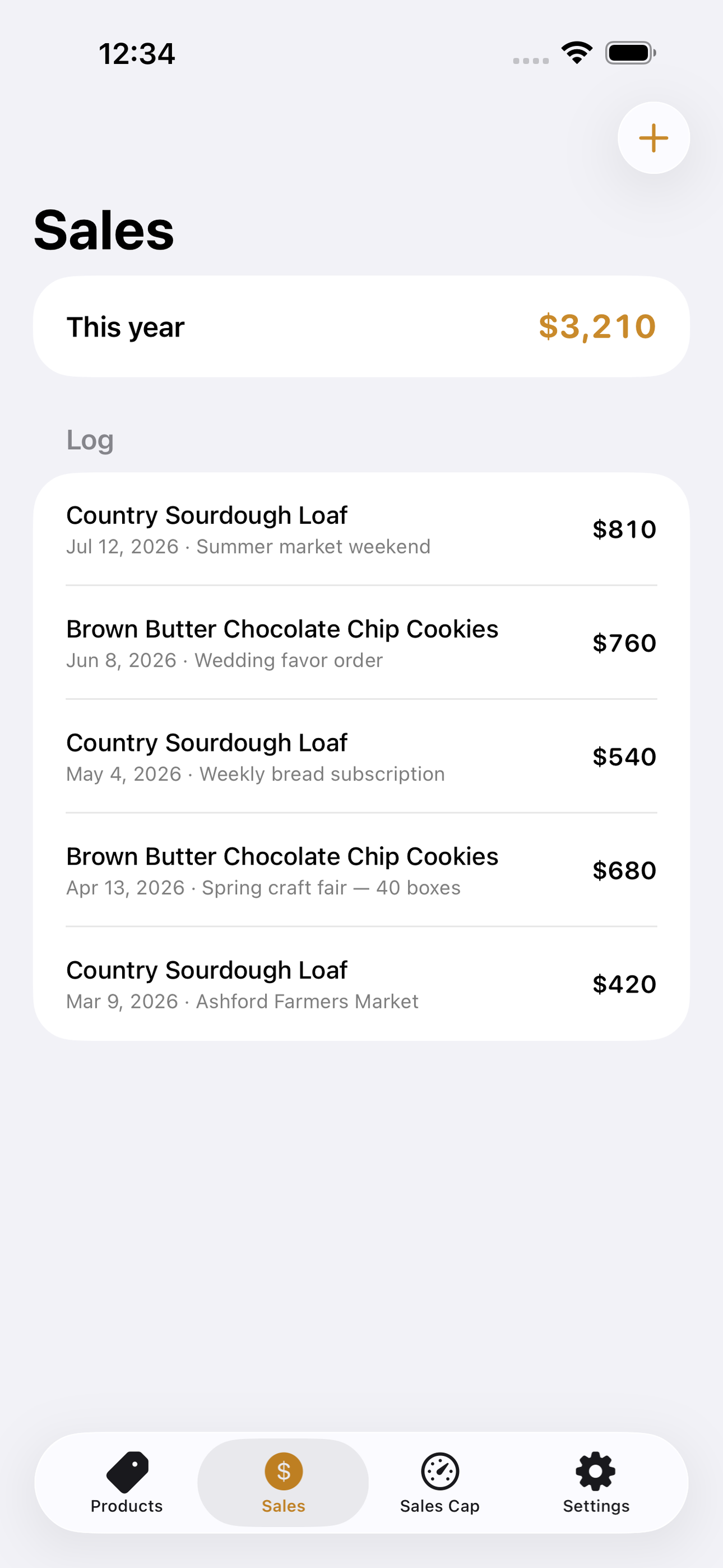
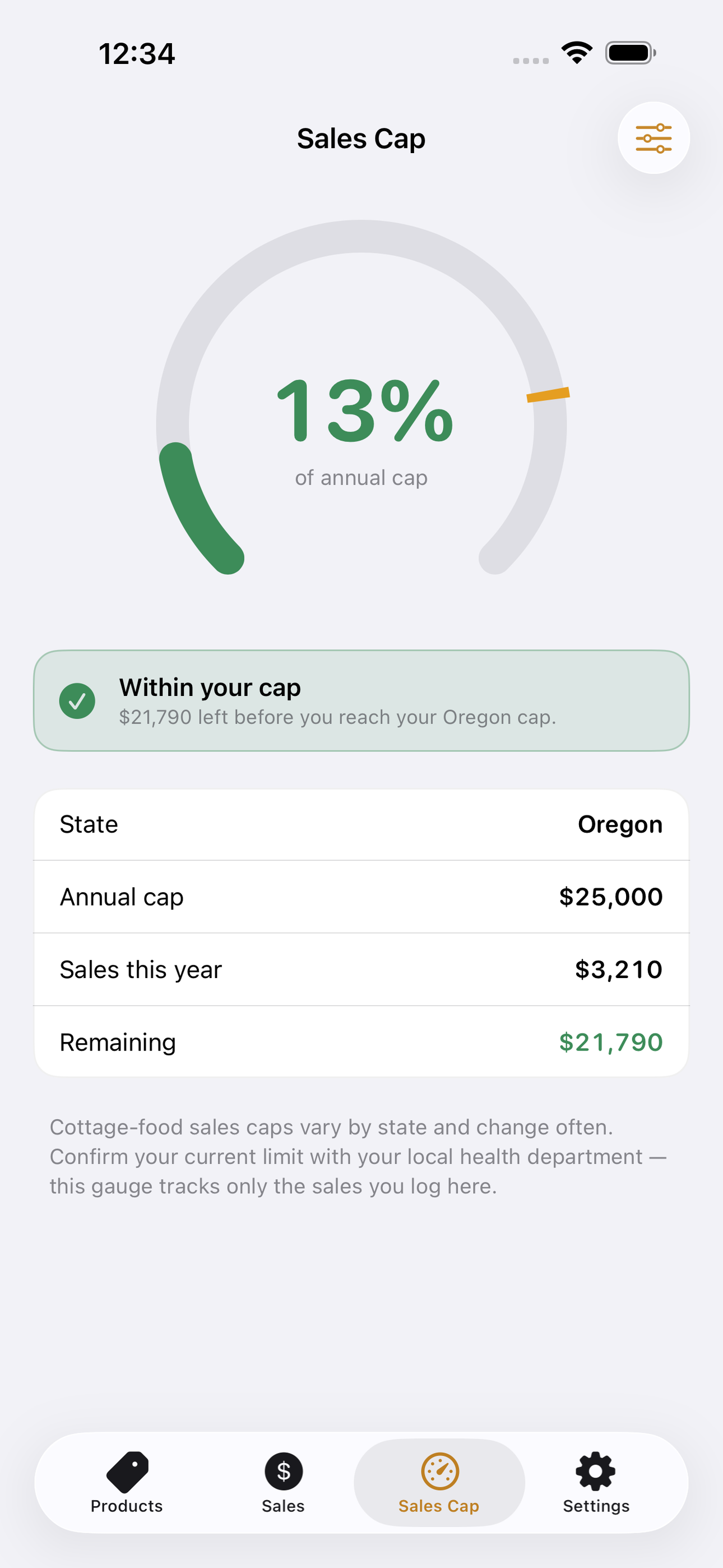
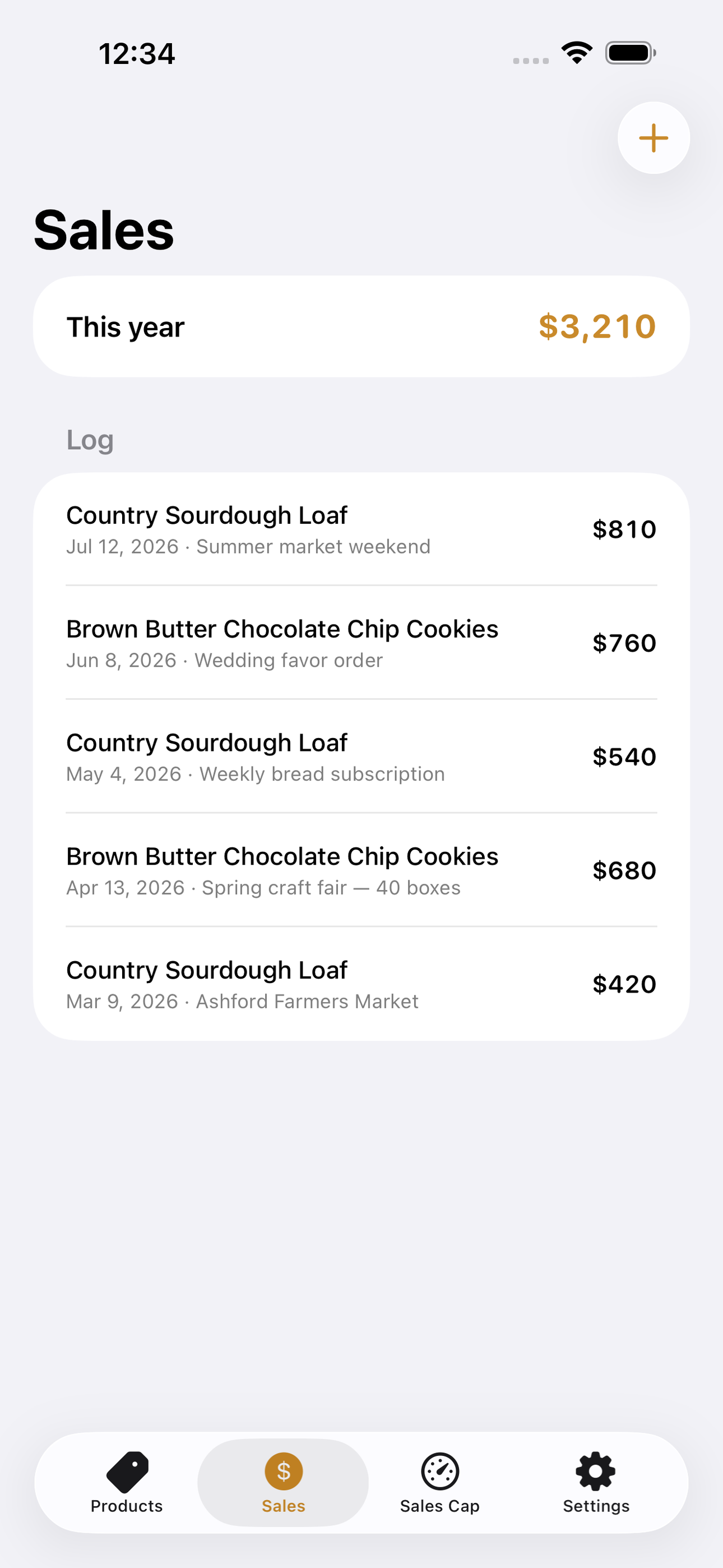
Staying legal is also about not selling too much. Most states cap annual cottage-food gross sales, and crossing the line can push you into commercial-kitchen territory overnight. Log each sale and Cottage Label fills a gauge toward your state's cap with a warning band before you hit it, so you always know how much room you have left this year.
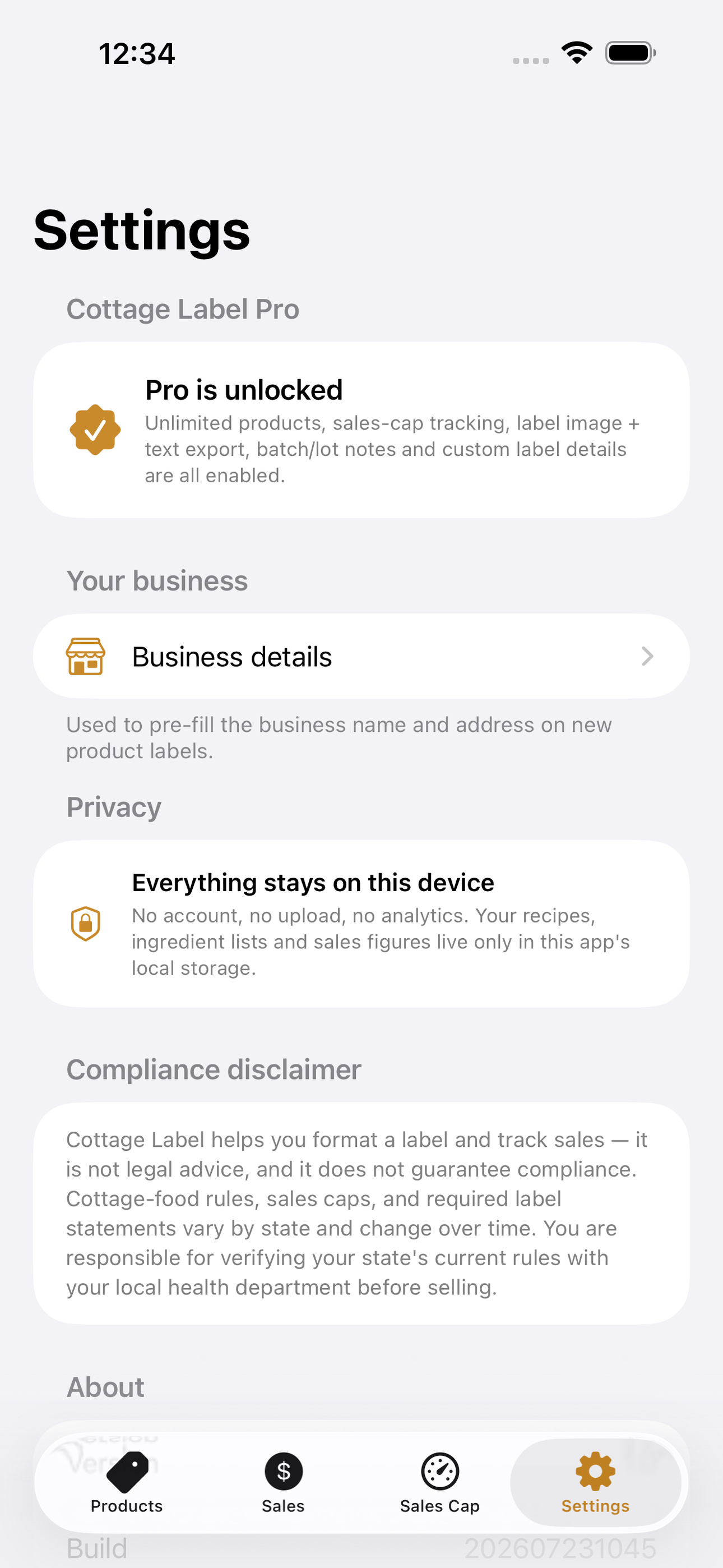
Everything stays on your phone. No account, no upload, no analytics — your recipes and sales figures are yours alone.
Cottage Label helps you format a label and track sales. It is not legal advice and does not guarantee compliance; rules vary by state and change, so verify your state's current requirements with your local health department.
• Ingredients auto-sorted in descending weight order, the way the label must read • All nine major allergens auto-detected from ingredient names, then you confirm • Clean, print- and share-ready compliant label (image or text) • 'Made in a home kitchen' statement with your state and business details built in • Sales log with a state-cap gauge and an approaching-limit warning band • 100% offline — your recipes never leave your phone
A look inside
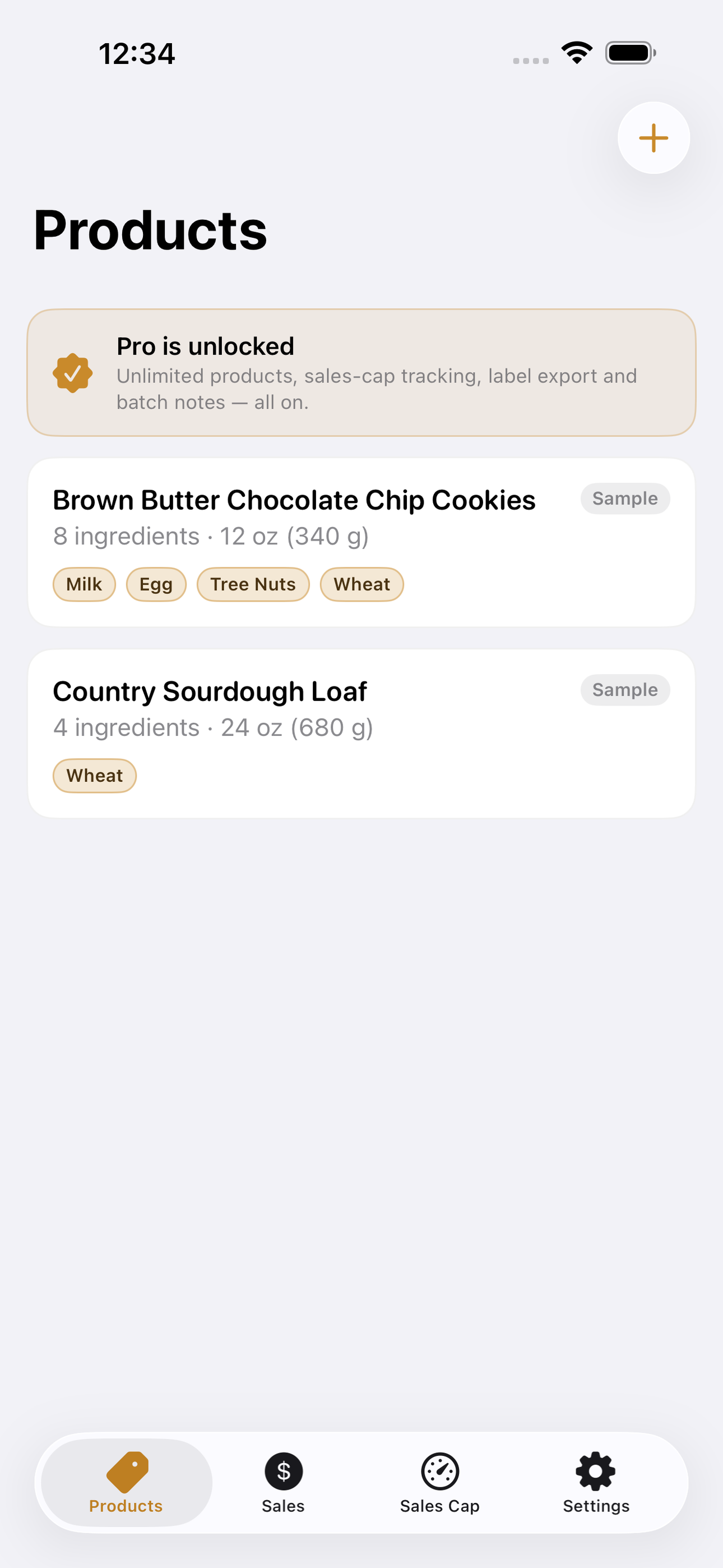
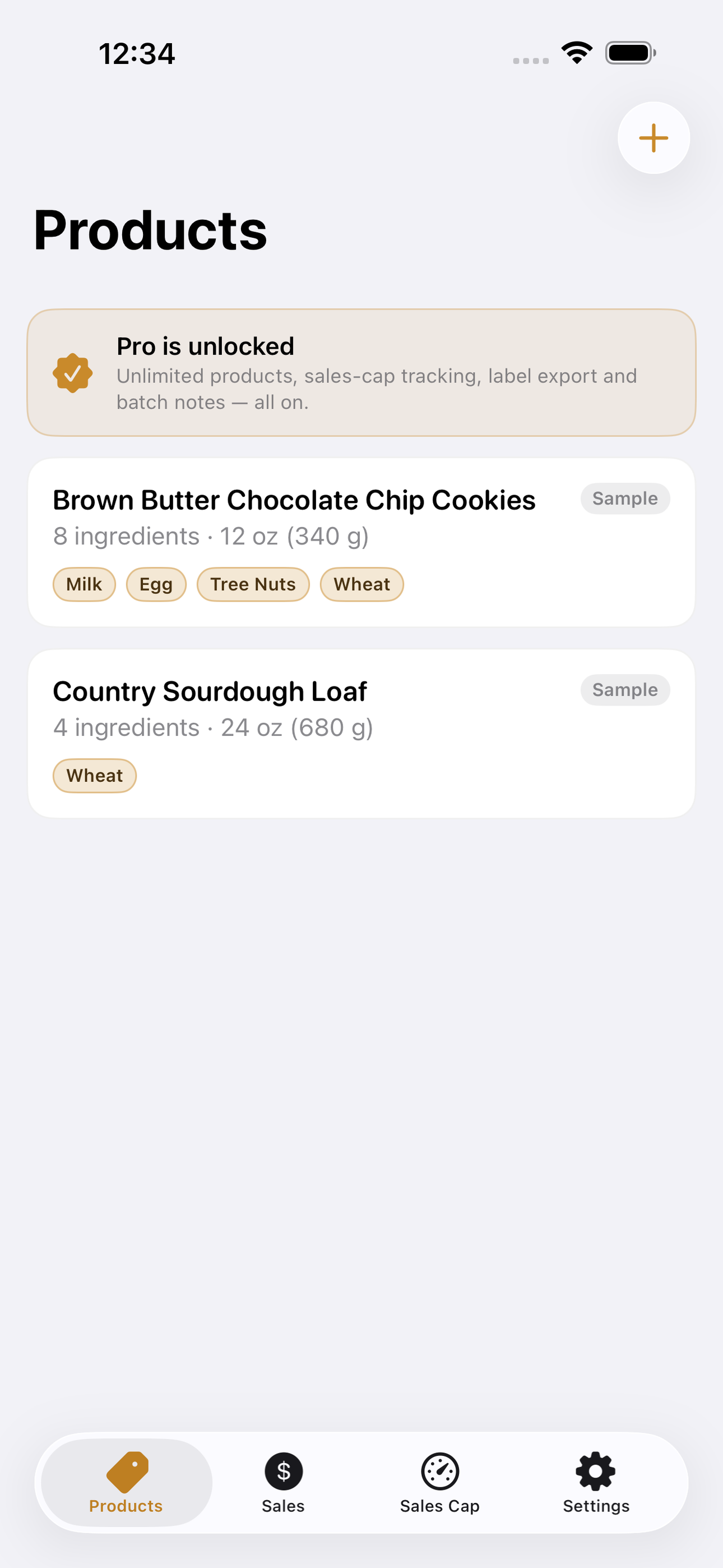
Tap any screenshot to open the full-resolution version.
What's inside
- Compliant label — Print-ready label with auto-sorted ingredients and allergens.
- Allergen detection — Flags the 9 major allergens, including sesame.
- Sales-cap gauge — YTD sales vs your state's cap, with an early warning.
Why we built it
Cottage-food sellers must produce compliant labels (ingredients by weight, all 9 allergens incl. sesame, home-kitchen statement) and stay under a state sales cap — with no tool for it.
What makes it different
Auto-sorts ingredients by weight, forces the 9-allergen + home-kitchen disclosures, and tracks sales against your state cap with a warning band.
Who it's for
Operations leaders and small teams who want a tool in their workflow without buying another platform.
In one line: Compliant labels + sales cap
Try it
See the Compliant labels + sales cap for the full feature list, the info table, and support links.
Use Cottage Label, found a bug, or have a feature request? Comments are open below — anonymous is fine.
0 comments
No comments yet — be the first.
Leave a reply
Sign in with Google to join the conversation. We require a quick sign-in to keep comments spam-free.
Sign in with Google to comment