Meet TurnIn — Backward turn-in clock for competition BBQ
Chicken at noon, ribs at 12:30, pork at 1:00, brisket at 1:30 — and a five-minute window on each.

Food And Drink
TurnIn
Backward turn-in clock for competition BBQ
Every feature, from the first launch.
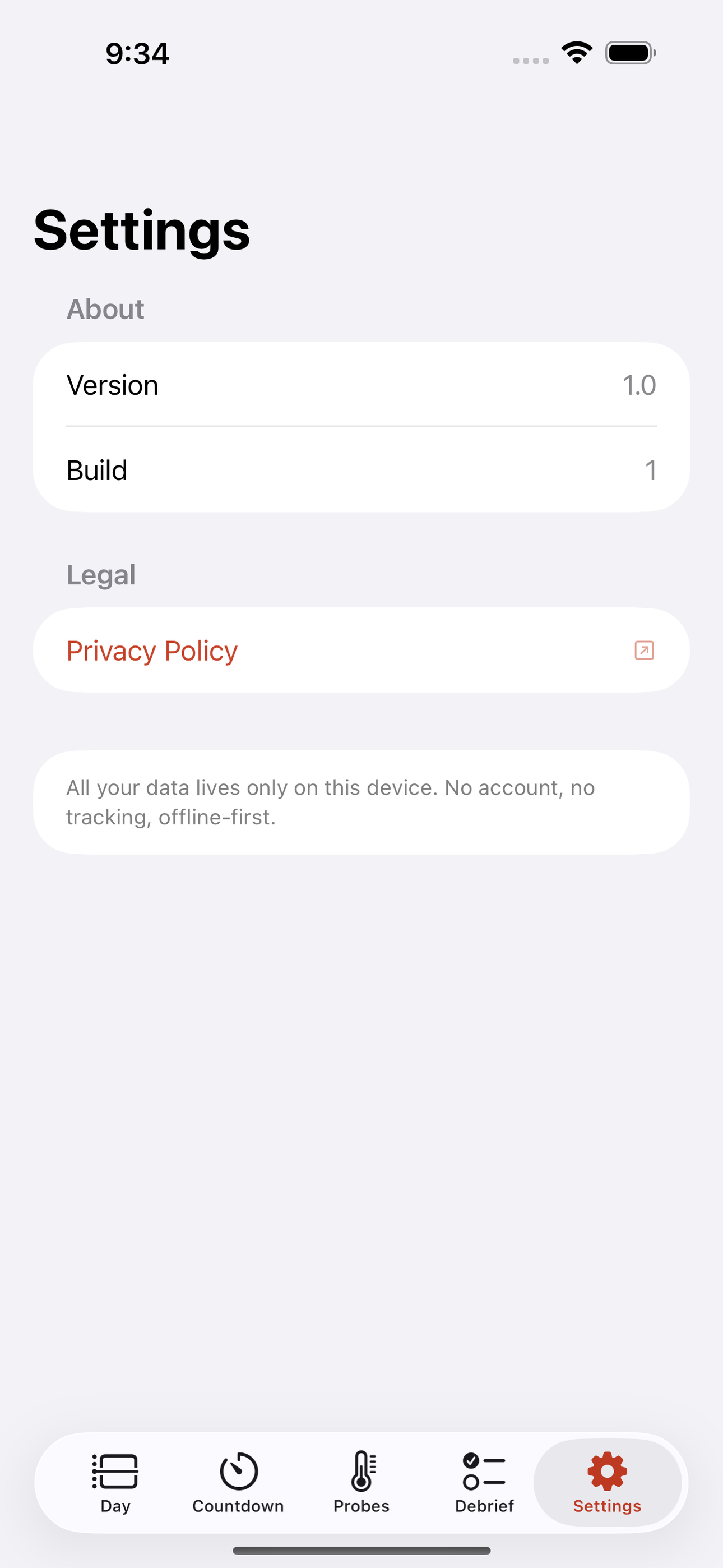
No account, no login, no cloud. Everything runs on your device and works fully offline — nothing in this post is hidden behind a wall.
What TurnIn does
Chicken at noon, ribs at 12:30, pork at 1:00, brisket at 1:30 — and a five-minute window on each. Miss it and you DQ. TurnIn is the backward clock and cook log built for that exact pressure, so a competition BBQ team can run a strict four-meat turn-in without a wall of taped-up index cards and a phone full of guessed alarms.
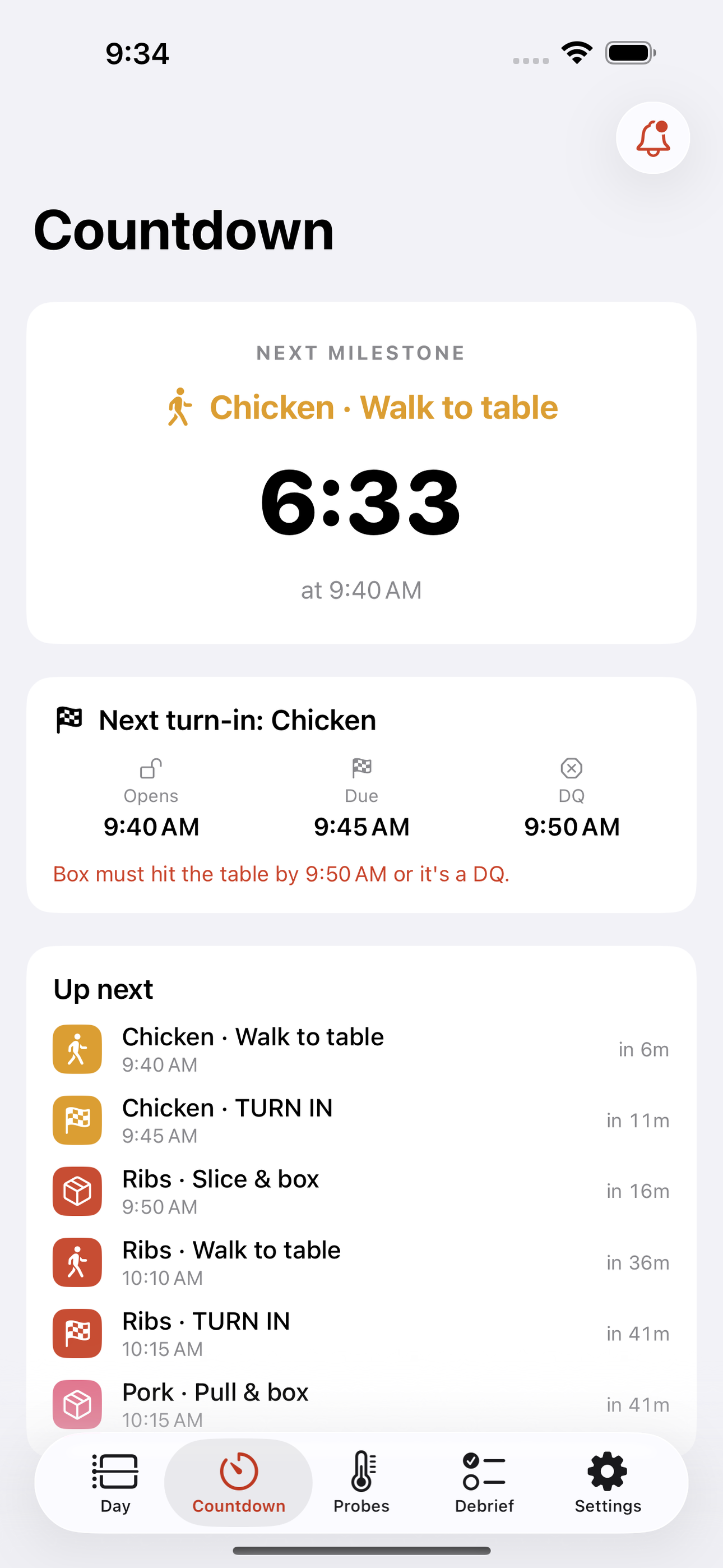
Most pitmasters either scribble a paper timeline the night before or stack a dozen generic phone alarms with no idea which beep means what. TurnIn replaces all of it. You enter your sanctioned turn-in times once, and the app builds the entire day in reverse for each meat: the box-due moment, the rest, the wrap, the temp checks, the put-on, and the fire-the-pit milestone. Everything is anchored to the turn-in, so when a contest runs late or you shift a category by ten minutes, the whole ladder recalculates instantly. The countdown view always shows the single next thing to do and a live clock to the next DQ window.
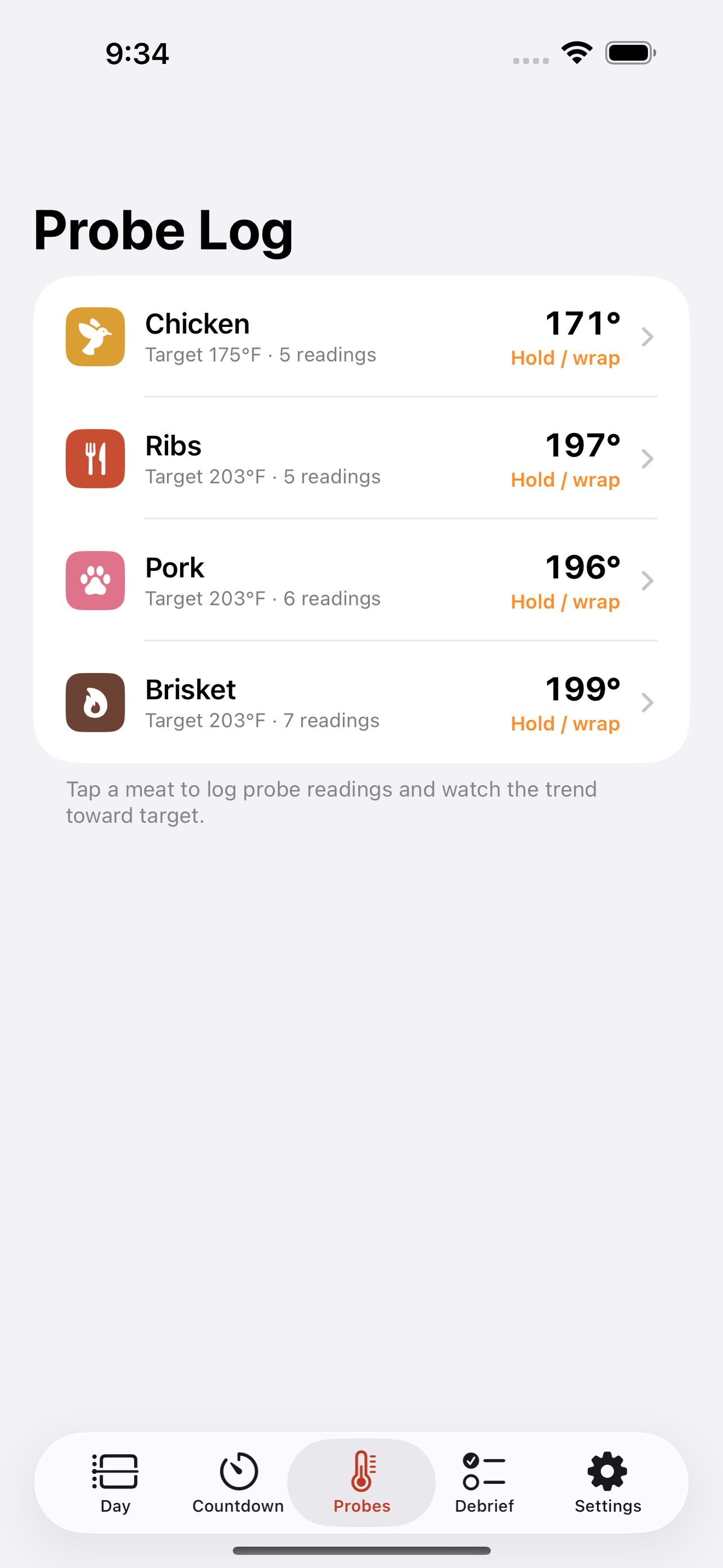
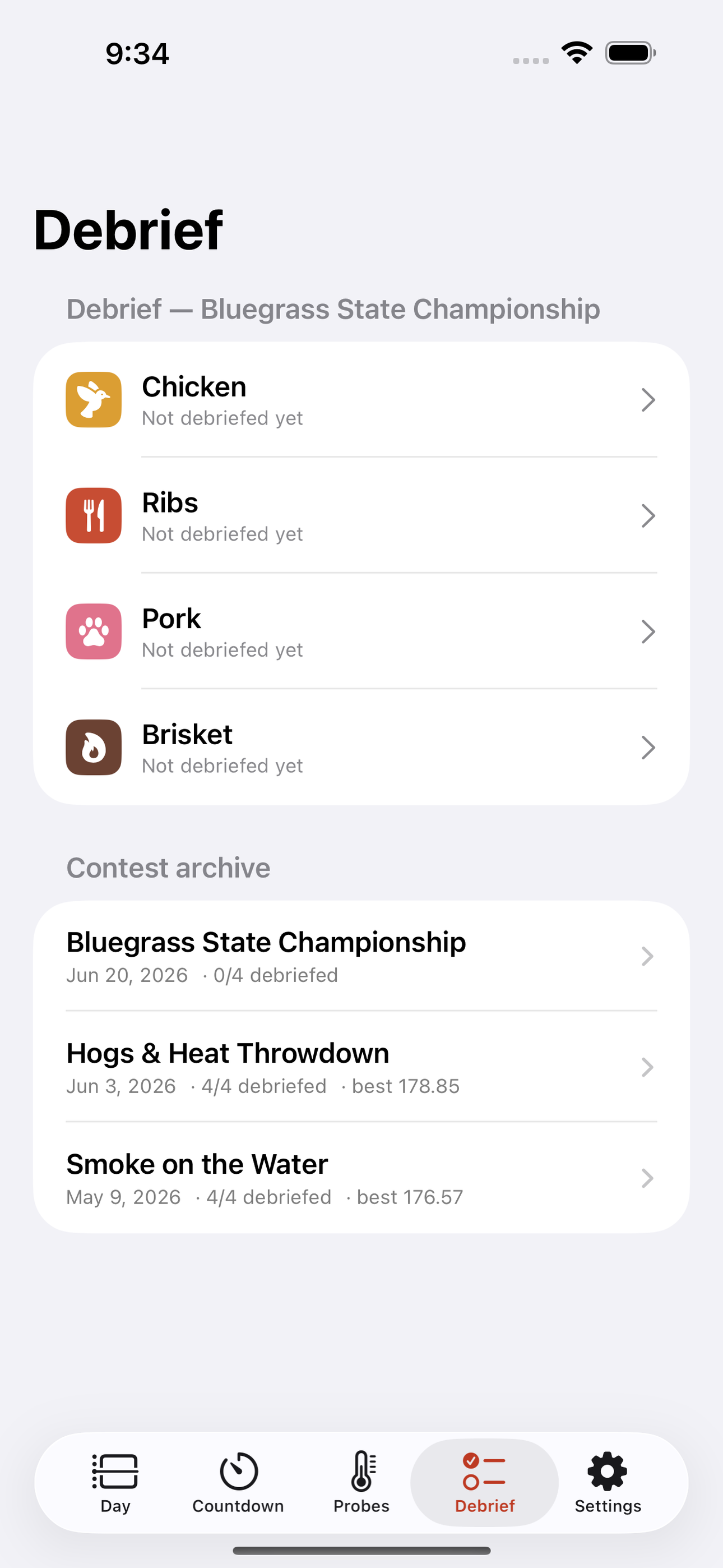
When the pressure is on, staggered turn-in alarms fire per meat with distinct labels, so you never confuse the ribs window for the pork window. Between turn-ins, log probe temps against your target for each cut and watch the trend so you know whether to hold, wrap, or pull. After awards, capture a per-meat box-build debrief — appearance notes, what you tasted, what the judges may have seen — and your scores if you have them. Next contest, TurnIn surfaces last time's notes for the same meat right when you are building that box.
TurnIn ships with the standard KCBS-style sequence and spacing as a starting template, and you can save your own turn-in schedules for the circuits and backyard contests you cook. It is offline-first by design — cook sites have notoriously bad signal — so there is no login, no subscription wall on the core timer, and nothing about your cook leaves your phone. Your recipes, temps, and debriefs are yours.
Whether you are a weekend backyard team chasing your first call or a seasoned outfit running four proteins against the clock, TurnIn keeps the day on rails so you can focus on the cook.
• Backward day-builder: enter turn-in times, get the full reverse timeline per meat • Staggered DQ-window alarms with distinct per-meat labels • Live countdown to the next milestone and the next turn-in window • Probe-temp logging against per-cut targets with trend view • Per-meat box-build debriefs that resurface at your next contest • Saveable turn-in schedules + a KCBS-style starting template • 100% offline, no account, no cloud — runs at the pit on dead signal • Free to run a full contest; one-time unlock for unlimited saved cooks
A look inside
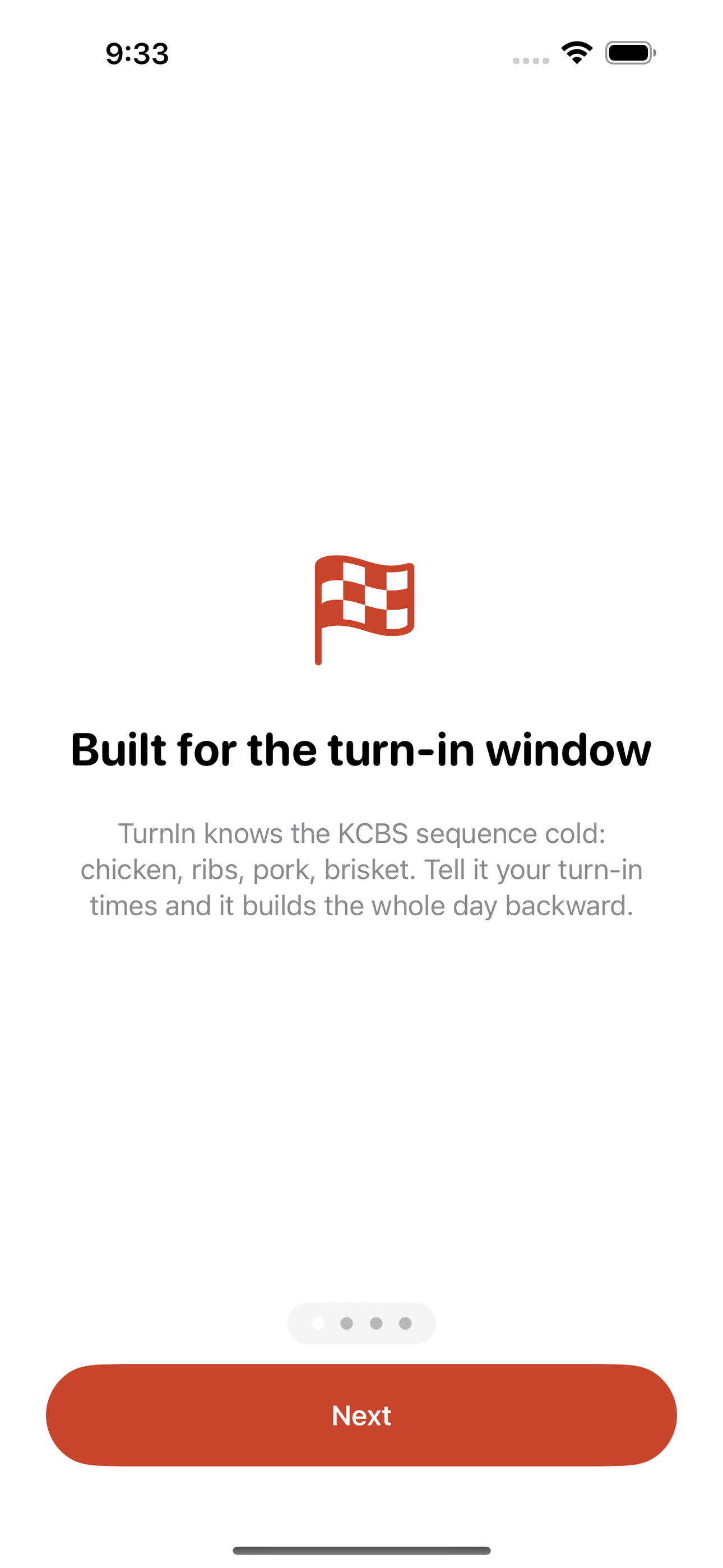
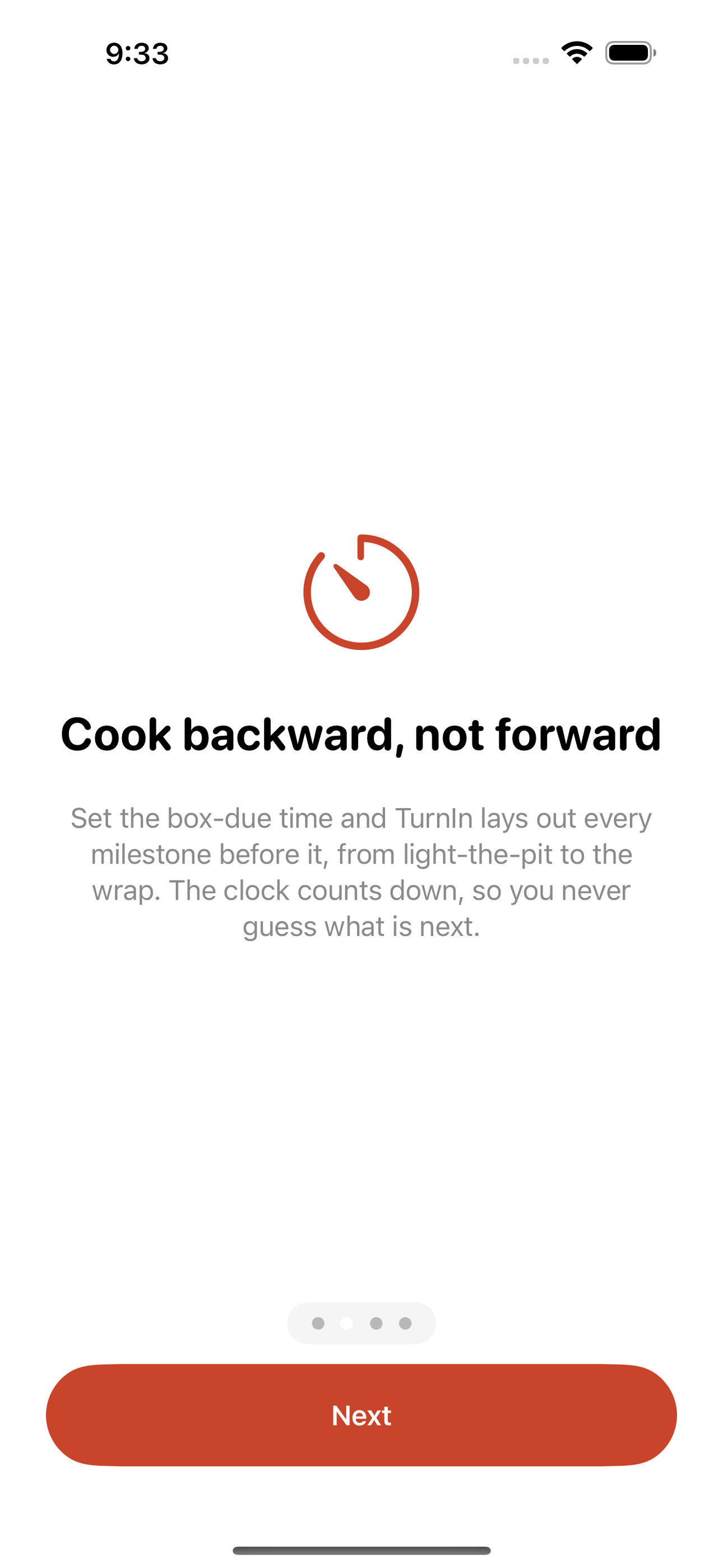
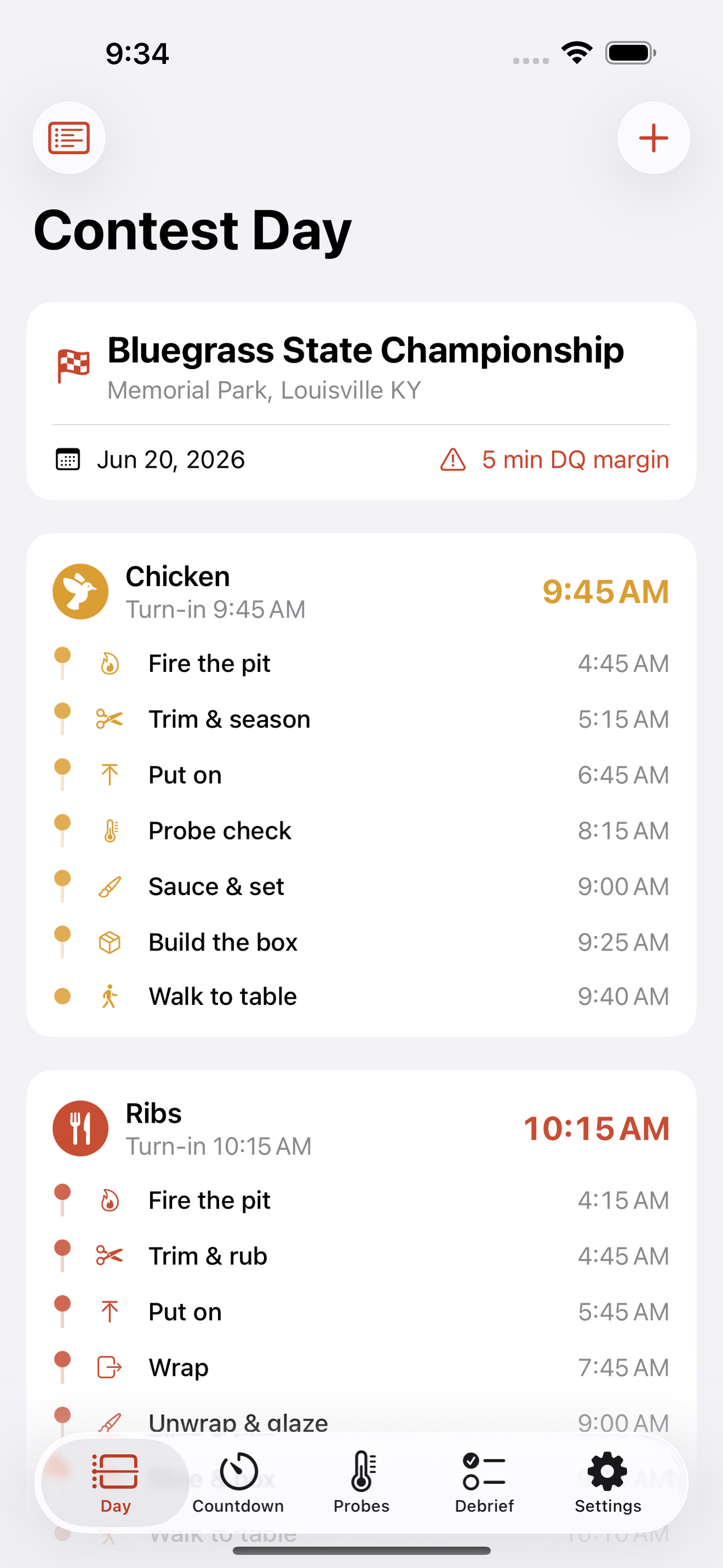
Tap any screenshot to open the full-resolution version.
What's inside
- Backward day builder — Enter sanctioned turn-in times per meat and TurnIn computes the entire reverse timeline — box-due, rest, wrap, temp checks, put-on, fire-the-pit — recalculating instantly when a time shifts.
- DQ-window countdown & alarms — A live countdown to the next milestone and next turn-in window, with staggered alarms that fire per meat using distinct labels so chicken, ribs, pork, and brisket windows never blur.
- Probe temp log — Log probe readings for each cut against a target temp and watch the trend to decide hold, wrap, or pull between turn-ins.
- Box-build debrief — After awards, capture per-meat appearance/taste notes and scores; the notes resurface next contest when you build the same box.
Why we built it
On contest day a team must hit four hard turn-in windows minutes apart, each with a five-minute DQ margin, while juggling probe temps and box builds — and today they manage it with paper timelines and a pile of unlabeled generic phone alarms.
What makes it different
Nothing orchestrates strict multi-meat contest turn-in timing as a single backward-built day. Generic alarm apps and ThermoWorks/FireBoard probe apps monitor temperature but know nothing about the KCBS turn-in sequence, DQ windows, or backward scheduling. Within our own catalog this is distinct: Sear is home grilling…
Who it's for
Built for anyone who values fast, private, on-device software with a calm, focused UX.
In one line: Backward turn-in clock for competition BBQ
Try it
See the Backward turn-in clock for competition BBQ for the full feature list, the info table, and support links.
Use TurnIn, found a bug, or have a feature request? Comments are open below — anonymous is fine.
0 comments
No comments yet — be the first.
Leave a reply
Sign in with Google to join the conversation. We require a quick sign-in to keep comments spam-free.
Sign in with Google to comment