Meet Walkwith — Know what you walked with
"What'd you walk with?" It's the first question after every shift — and if you wait until you're home to figure it out, the number gets fuzzy fast.

Finance
Walkwith
Know what you walked with
Every feature, from the first launch.
No account, no login, no cloud. Everything runs on your device and works fully offline — nothing in this post is hidden behind a wall.
What Walkwith does
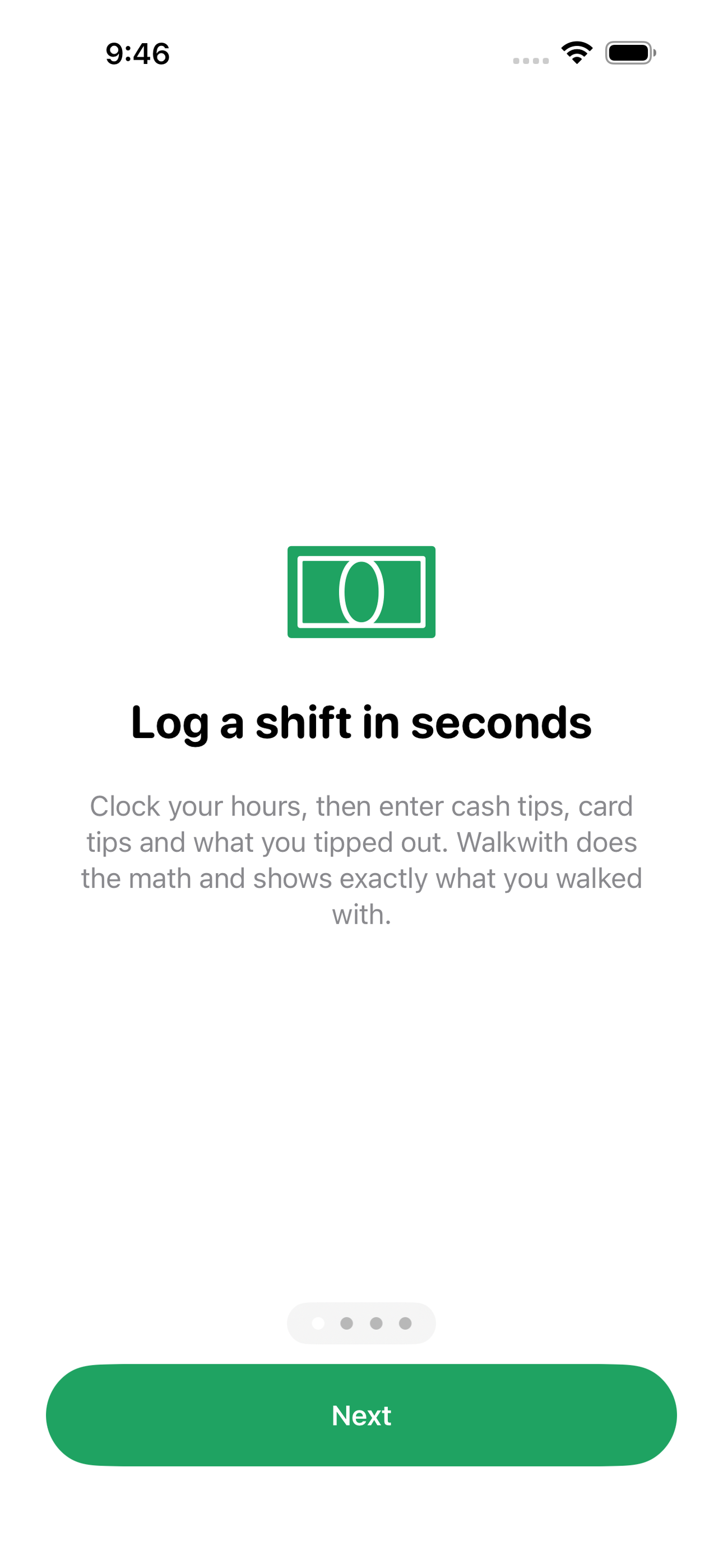
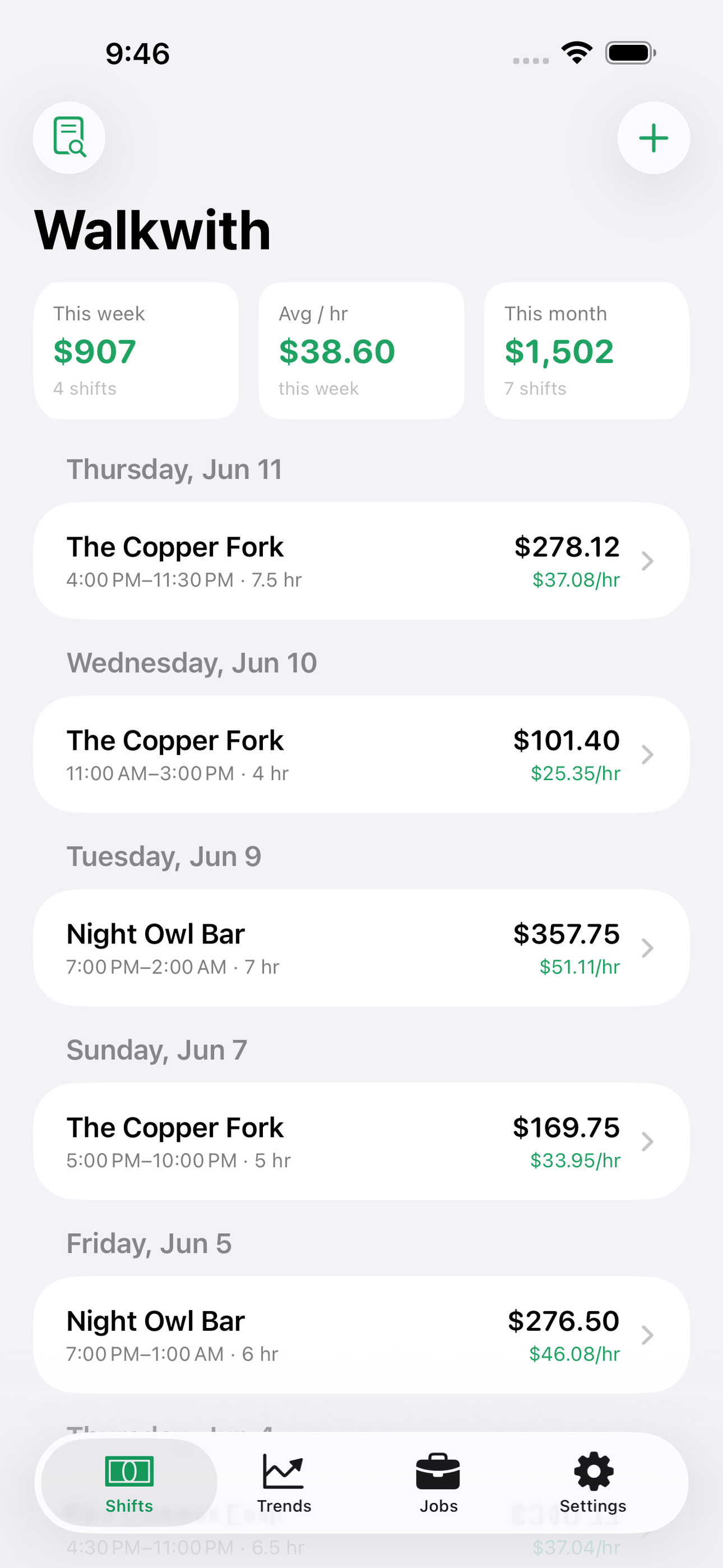
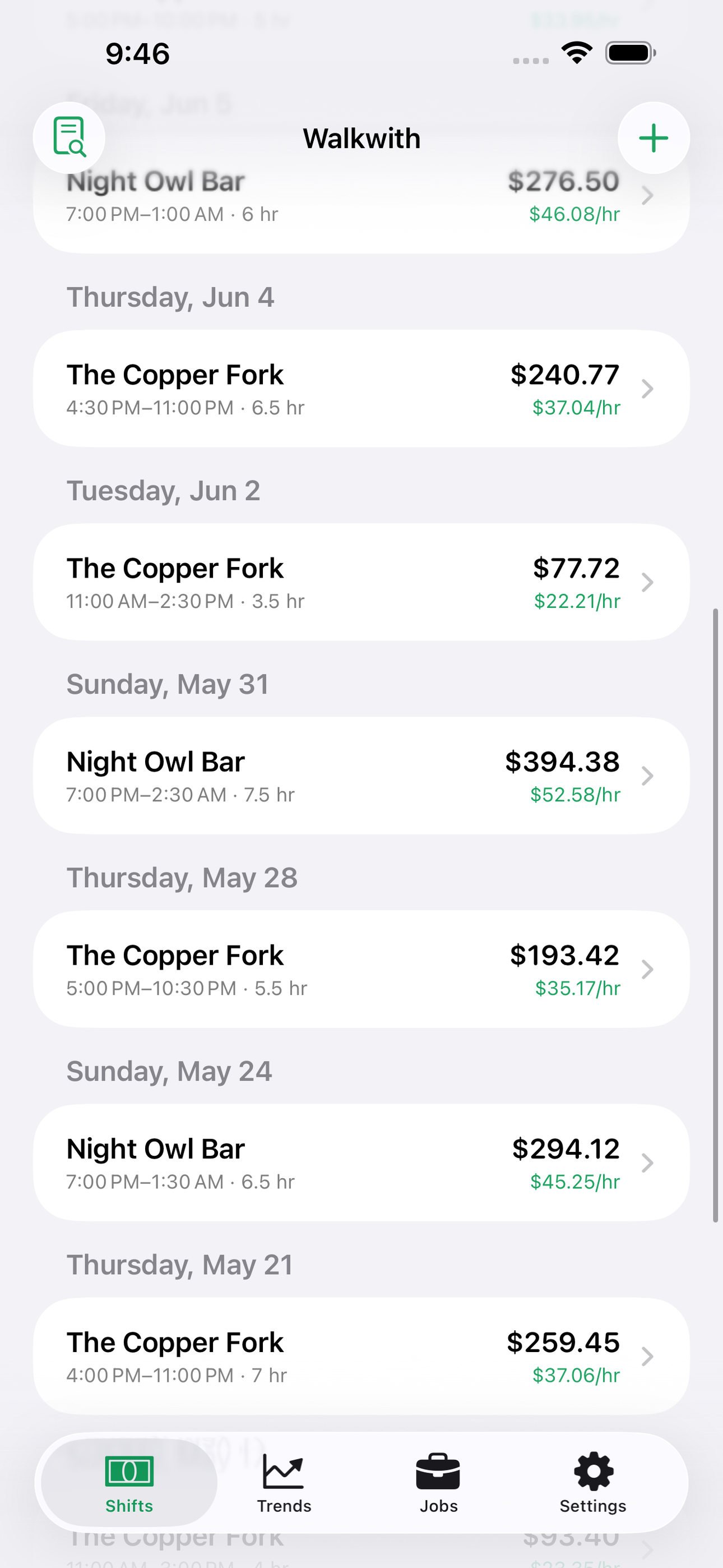
"What'd you walk with?" It's the first question after every shift — and if you wait until you're home to figure it out, the number gets fuzzy fast. Walkwith is a shift-and-tip log built for servers, bartenders, baristas, stylists and every other tipped worker who gets paid in a mix of base wage, cash and card. Log a shift in under thirty seconds: hours worked, cash tips, card tips, tipout. Walkwith instantly shows your take-home and your effective hourly rate for that shift.
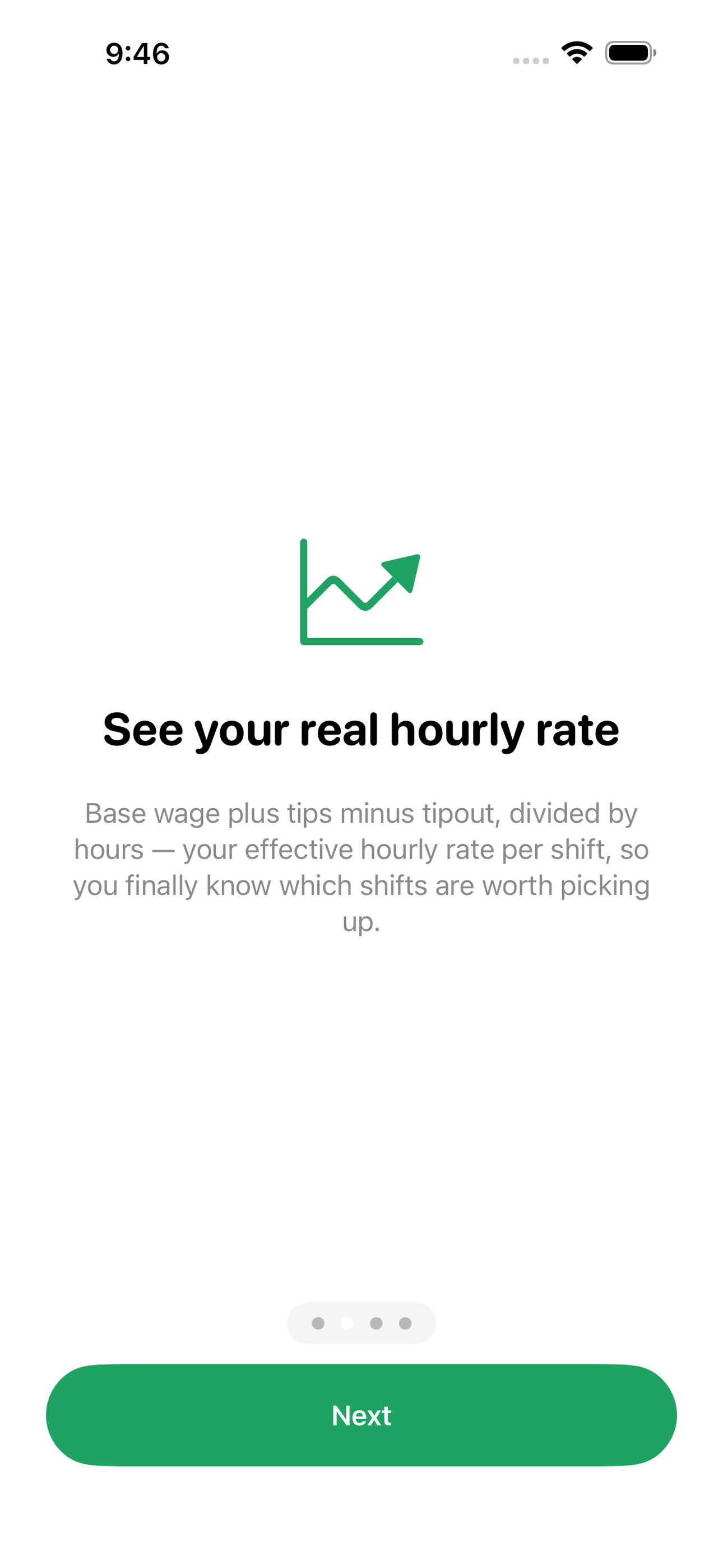
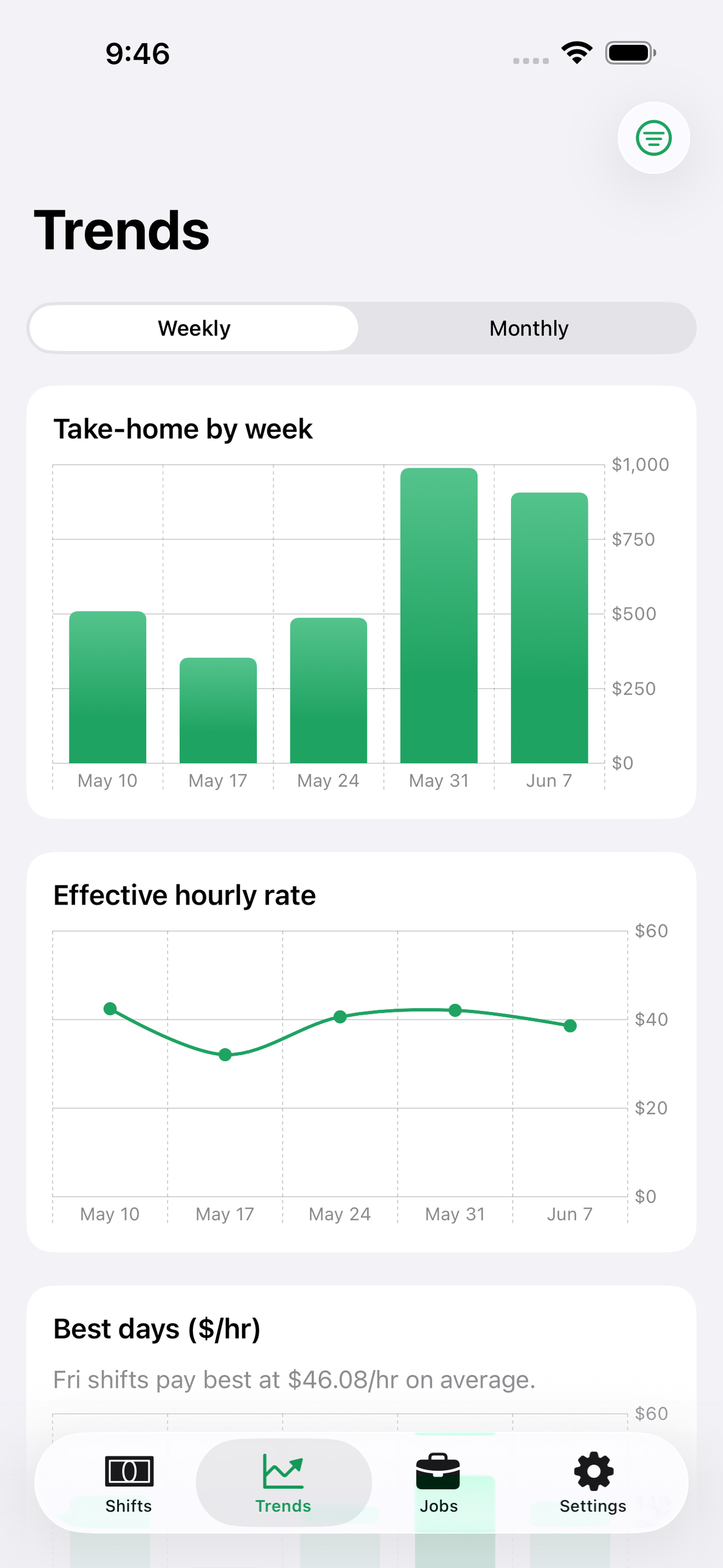
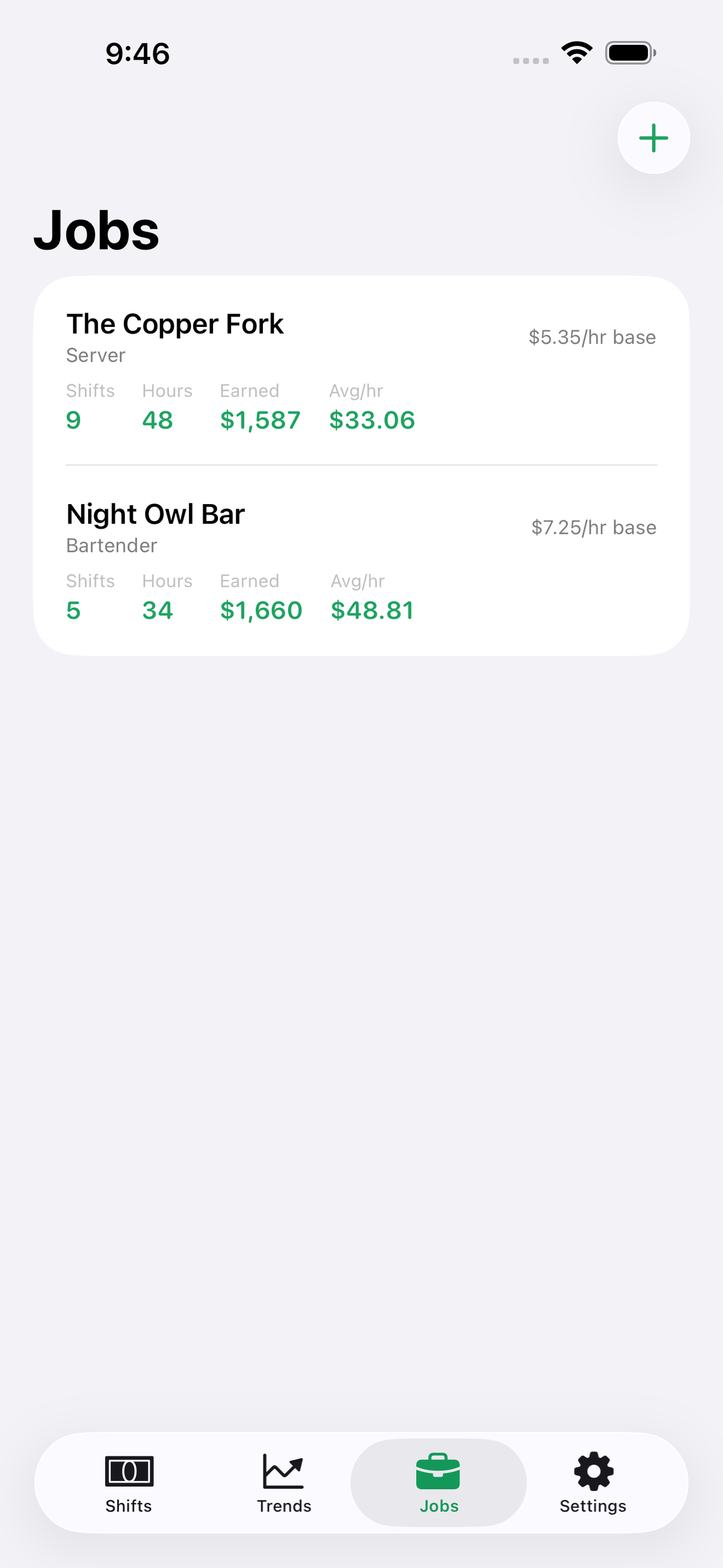
That rate is the number nobody else shows you. A $300 Saturday double and a $160 Tuesday lunch can pay the same per hour — Walkwith makes it obvious, with per-shift rates, weekly and monthly totals, and day-of-week comparisons so you can fight for the sections and shifts that actually pay. Run two jobs? Keep each one separate with its own base wage and see them side by side.
And now your tip records matter more than ever. The federal no-tax-on-tips deduction lets qualifying workers deduct up to $25,000 in tips — but only if your numbers hold up. Walkwith's tax-season summary totals your year with cash and card split out and a month-by-month breakdown, so you can reconcile against your paystubs and W-2 instead of guessing in April.
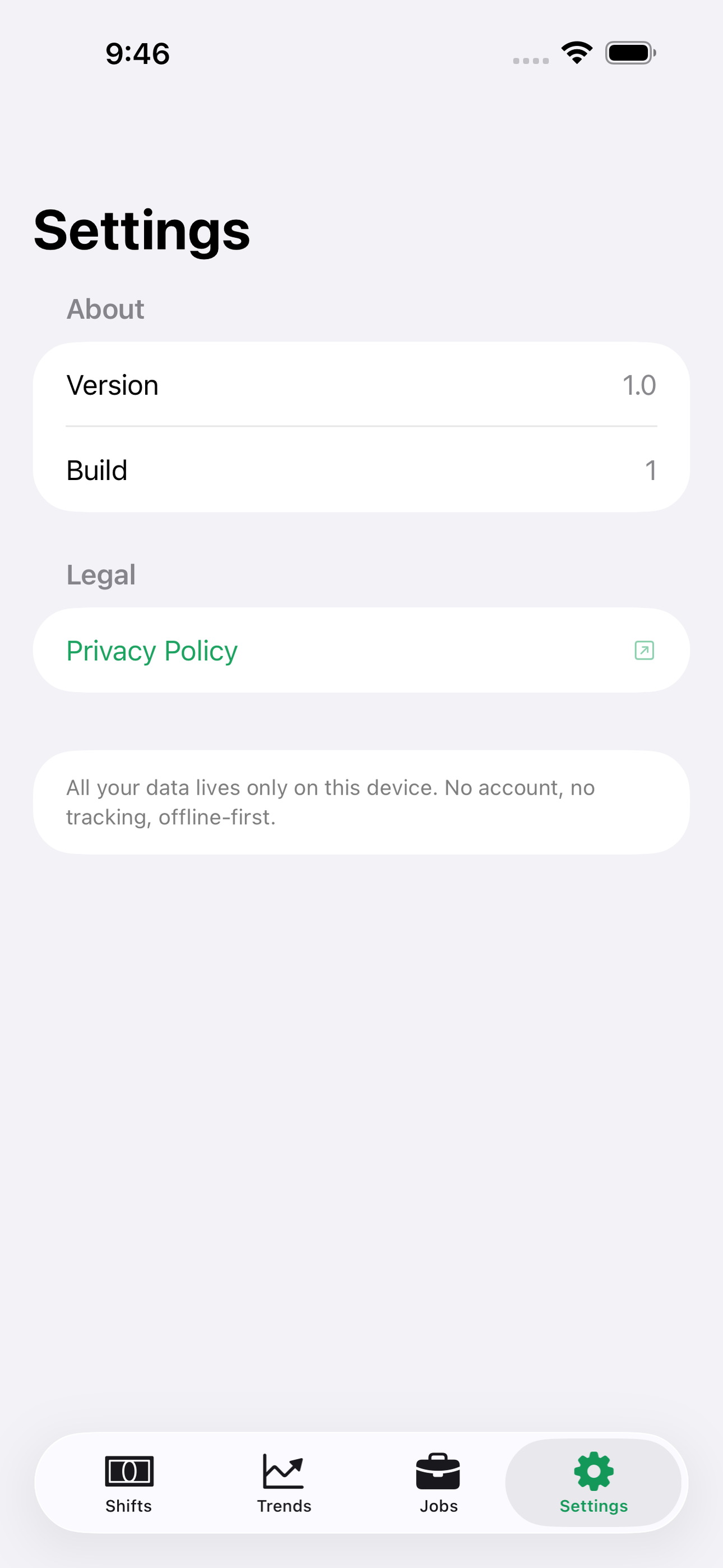
Everything is free, and everything stays yours. No account, no signup, no ads, no subscription. Walkwith is 100% offline — your shifts are stored on your device with SwiftData and never touch a server.
• Fast shift entry: hours, cash, card, tipout • Effective hourly rate on every shift • Weekly and monthly totals, day-of-week comparisons • Multiple jobs with separate base wages • Tax-season summary with cash/card split, by month • 100% offline, no account, no ads — free
Download Walkwith and never wonder what you walked with again.
A look inside
Tap any screenshot to open the full-resolution version.
What's inside
- Shift logger — Log a shift with job, date, start/end hours, cash tips, card tips and tipout; Walkwith computes take-home and effective hourly rate instantly and lists recent shifts on the home screen.
- Rate & trends — Charts of effective hourly rate and total earnings by week and month, plus day-of-week averages that show which shifts pay best.
- Jobs — Manage multiple jobs, each with its own name, role and default base hourly wage; new shifts pick a job and inherit its wage, and totals can be viewed per job or combined.
- Tax summary — A year-at-a-glance view totaling base wages, cash tips, card tips and tipouts with a month-by-month table, built for reconciling against paystubs and the no-tax-on-tips deduction; shareable as plain text.
Why we built it
Tipped workers rarely know what they actually earn per hour: pay arrives as a low base wage on a paycheck plus cash in pocket plus card tips minus tipouts, spread across irregular shifts and sometimes two jobs. Existing trackers bury the basics (cash/card split, hourly wage, shift comparisons) behind subscriptions and…
What makes it different
Gigday serves app-based gig drivers whose pay is per-trip platform payouts with mileage as the core cost — Walkwith serves a different workforce entirely: shift-based tipped employees with a base hourly wage, cash/card tip mix and tipouts, where the hero metric is effective hourly rate per shift, not per-mile net. It'…
Who it's for
Freelancers, contractors, and small-business owners who want their numbers right at tax time without renting a SaaS to do it.
In one line: Know what you walked with
Try it
See the Know what you walked with for the full feature list, the info table, and support links.
Use Walkwith, found a bug, or have a feature request? Comments are open below — anonymous is fine.
0 comments
No comments yet — be the first.
Leave a reply
Sign in with Google to join the conversation. We require a quick sign-in to keep comments spam-free.
Sign in with Google to comment