Meet Shotbox: Screenshot Finder — Find any screenshot by meaning
Your camera roll has a secret second brain buried inside it: hundreds of screenshots.

Productivity
Shotbox: Screenshot Finder
Find any screenshot by meaning
Every feature, from the first launch.
No account, no login, no cloud. Everything runs on your device and works fully offline — nothing in this post is hidden behind a wall.
What Shotbox: Screenshot Finder does
Your camera roll has a secret second brain buried inside it: hundreds of screenshots. The wifi password at the rental. The receipt you need for an expense report. That confirmation number. The recipe a friend sent. The parking level. A promo code that expires Friday. You took the screenshot so you would not forget — and now you cannot find it, because scrolling a wall of thumbnails is the only tool you have.
Apple Photos can search the text inside your screenshots, but only as a literal substring match. Type the wrong word and it finds nothing. It cannot rank by what you actually meant, and it cannot sort your screenshots into groups. Shotbox can, and it does the whole thing on your phone.
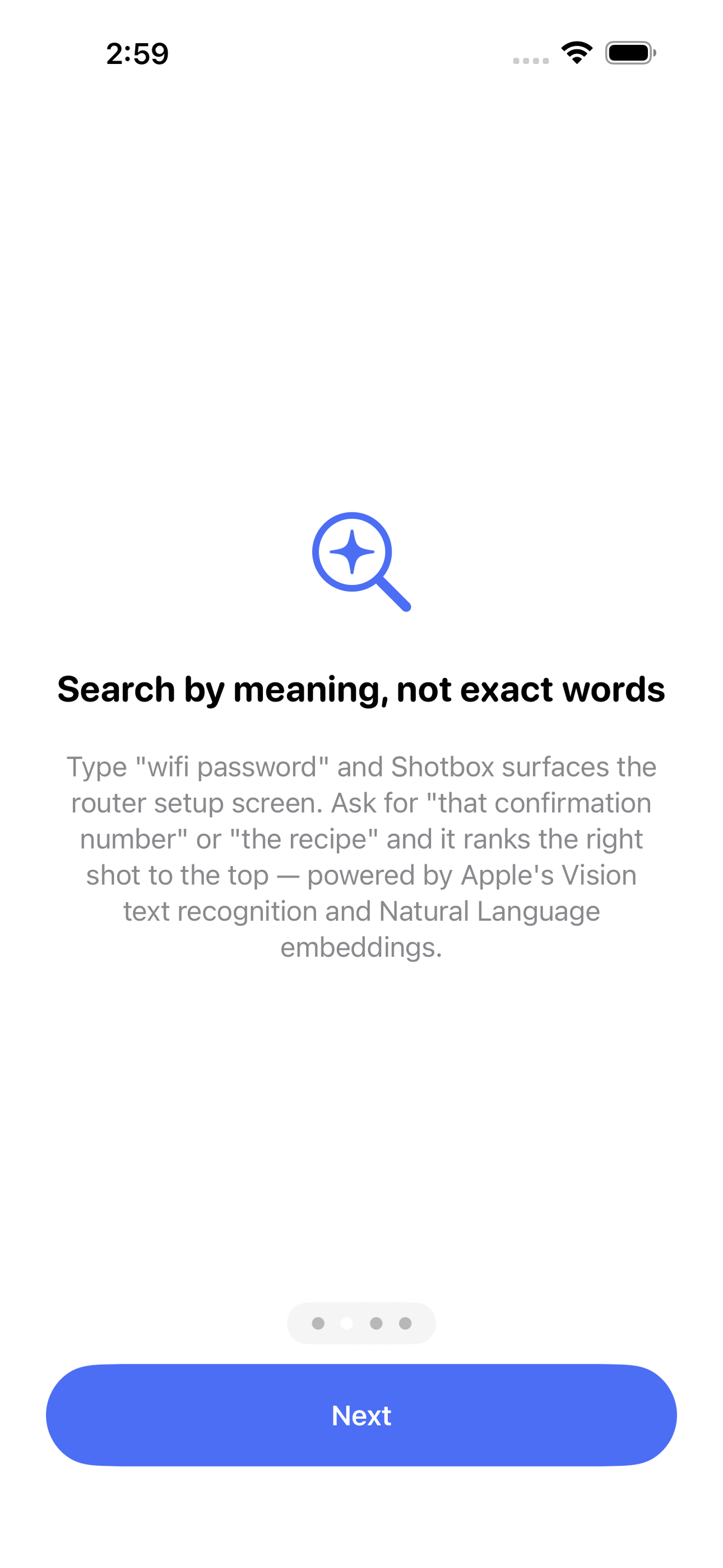
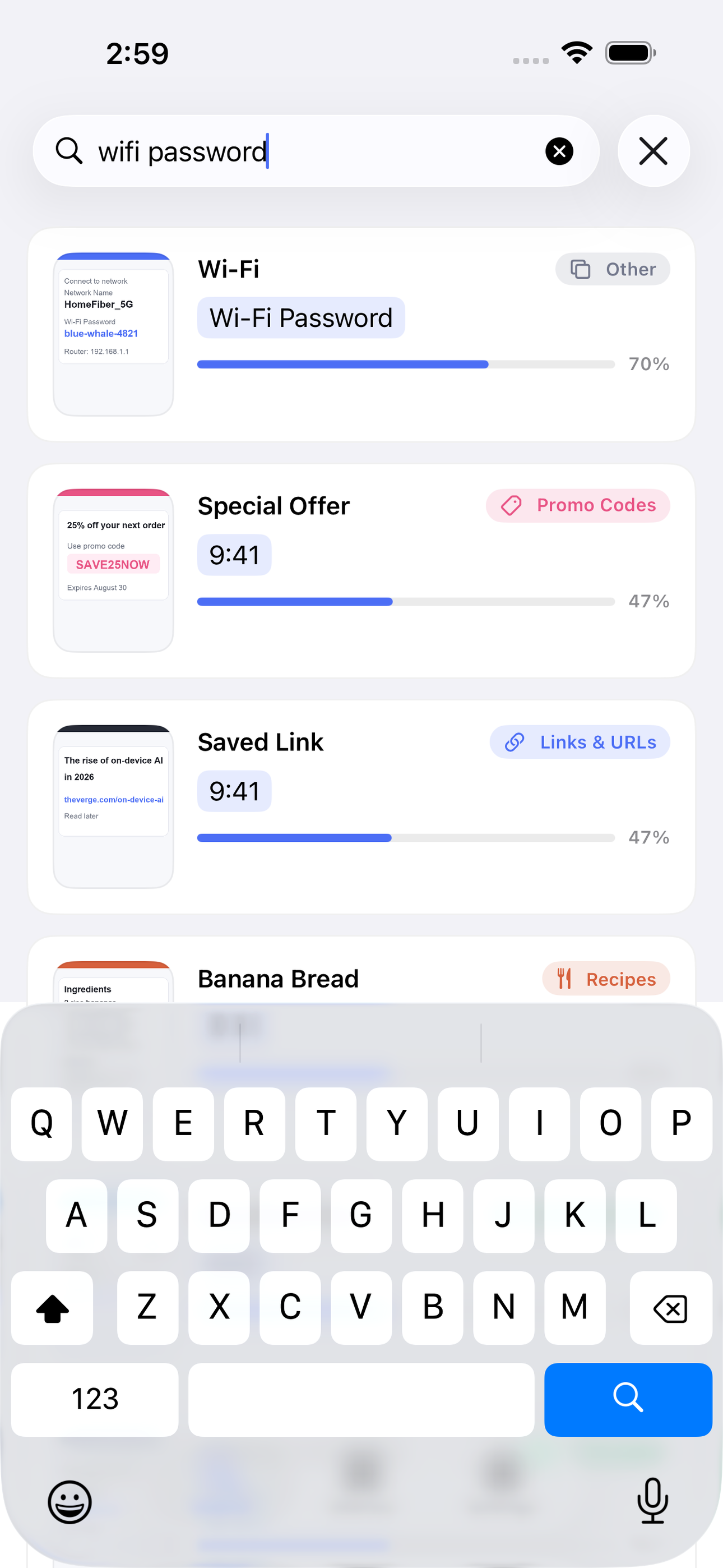
Shotbox reads every screenshot on-device with Apple's Vision text recognition, then turns the words into meaning with Apple's Natural Language sentence embeddings. Search 'wifi password' and the router setup screen jumps to the top — even if the screenshot says 'network key'. Ask for 'that confirmation number' or 'the recipe' and Shotbox ranks the right shot first, blending semantic understanding with exact keyword hits so both a fuzzy idea and a precise code resolve fast.
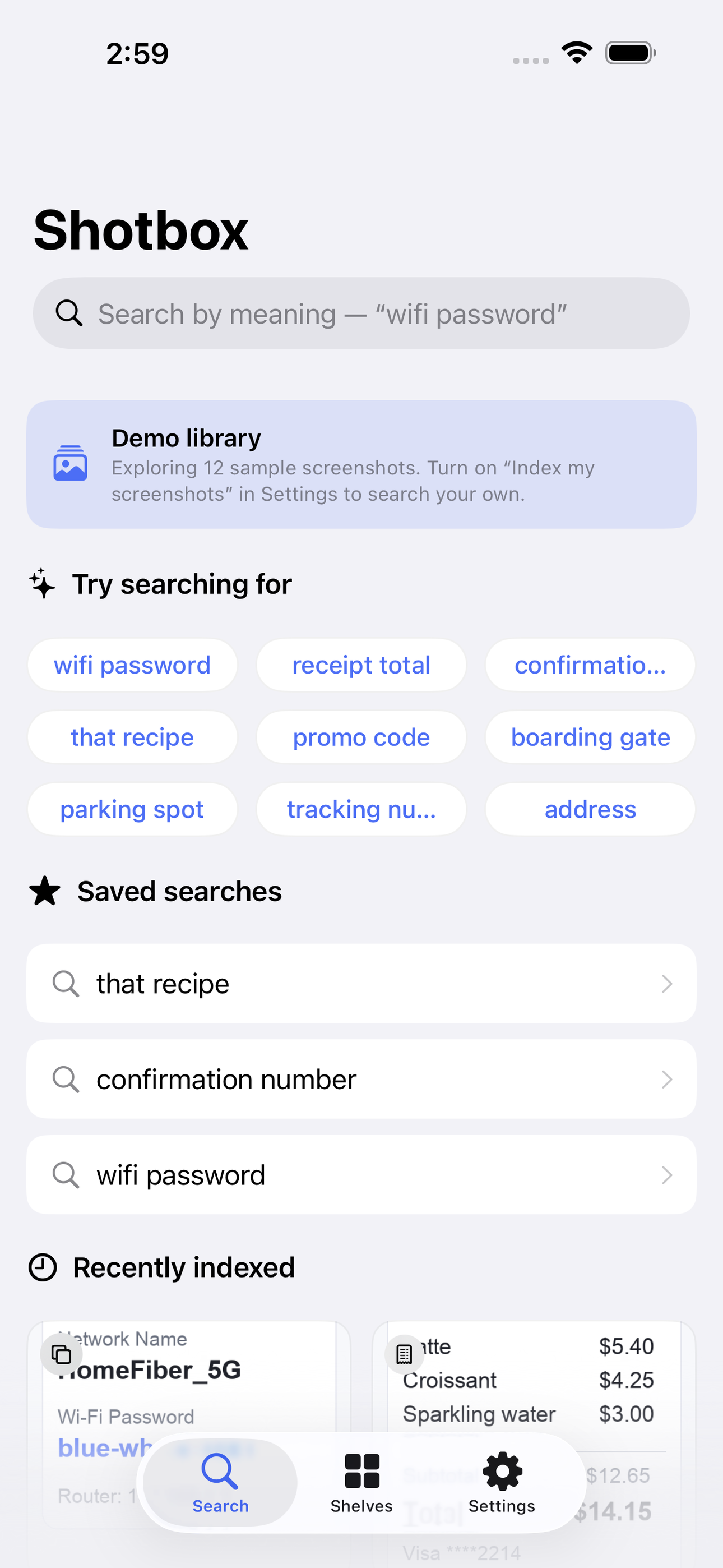
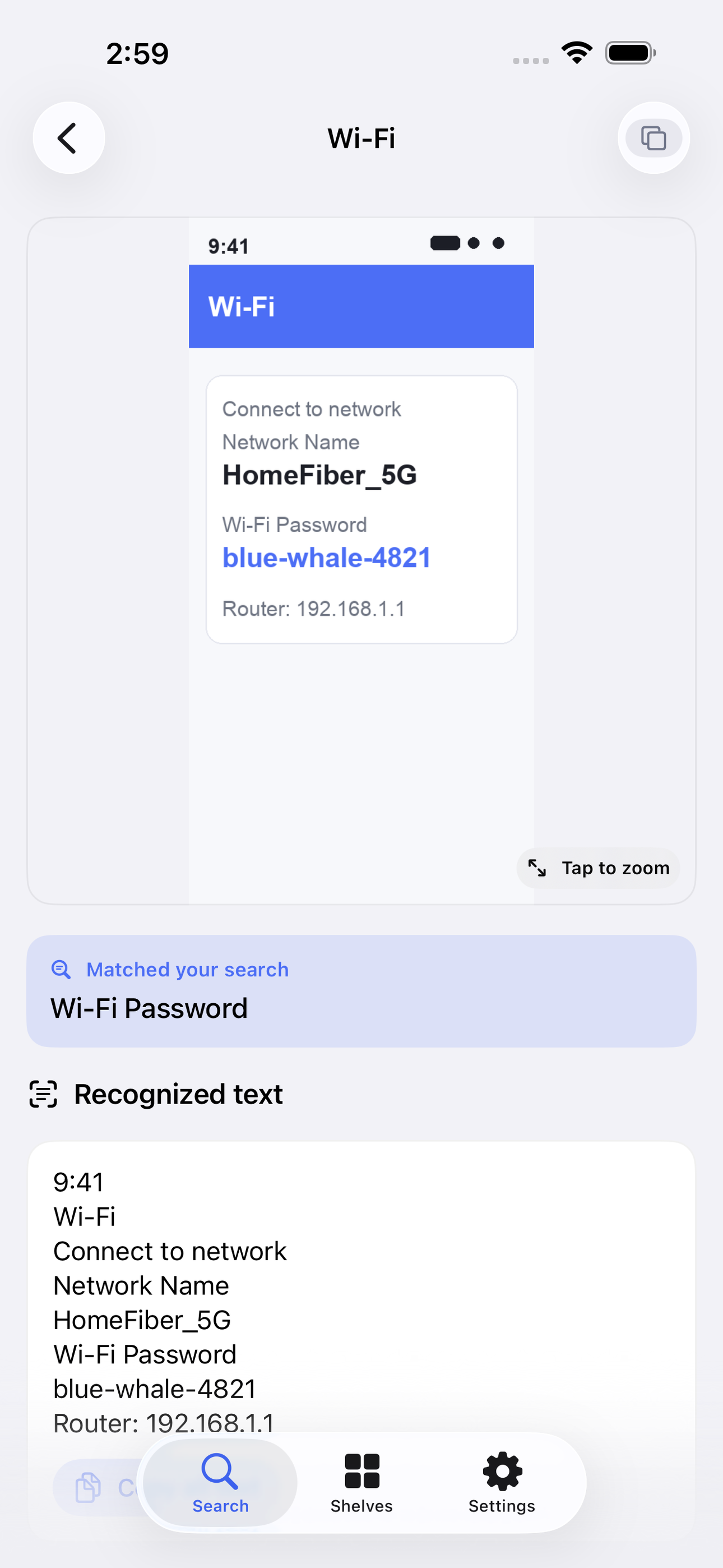
It also sorts itself. Shotbox auto-clusters your screenshots into smart shelves — Receipts, Confirmations, Links, Recipes, Addresses, Promo Codes and more — so you can browse a tidy grid instead of an endless scroll. Open any screenshot to see the full recognized text, tap detected links, and copy confirmation numbers and codes with one tap.
And all of it stays private. There is no account, no upload, no server. Every bit of reading and understanding runs on your device using frameworks iOS already ships. Your screenshots — which quietly hold passwords, addresses, tickets and receipts — never leave your phone.
• Semantic search: find screenshots by meaning, not just exact words • On-device OCR with Apple Vision + Natural Language embeddings — 100% offline • Smart shelves: auto-sorted Receipts, Confirmations, Links, Recipes, Addresses, Promo Codes • Detected data: tappable links, phone numbers and confirmation codes, copy in one tap • Full recognized-text view with tap-to-zoom on the original • No account, no upload, no server — your images never leave your phone
Shotbox uses on-device OCR and semantic matching to help you find screenshots. Recognition and ranking are best-effort — always double-check anything important against the original screenshot.
A look inside
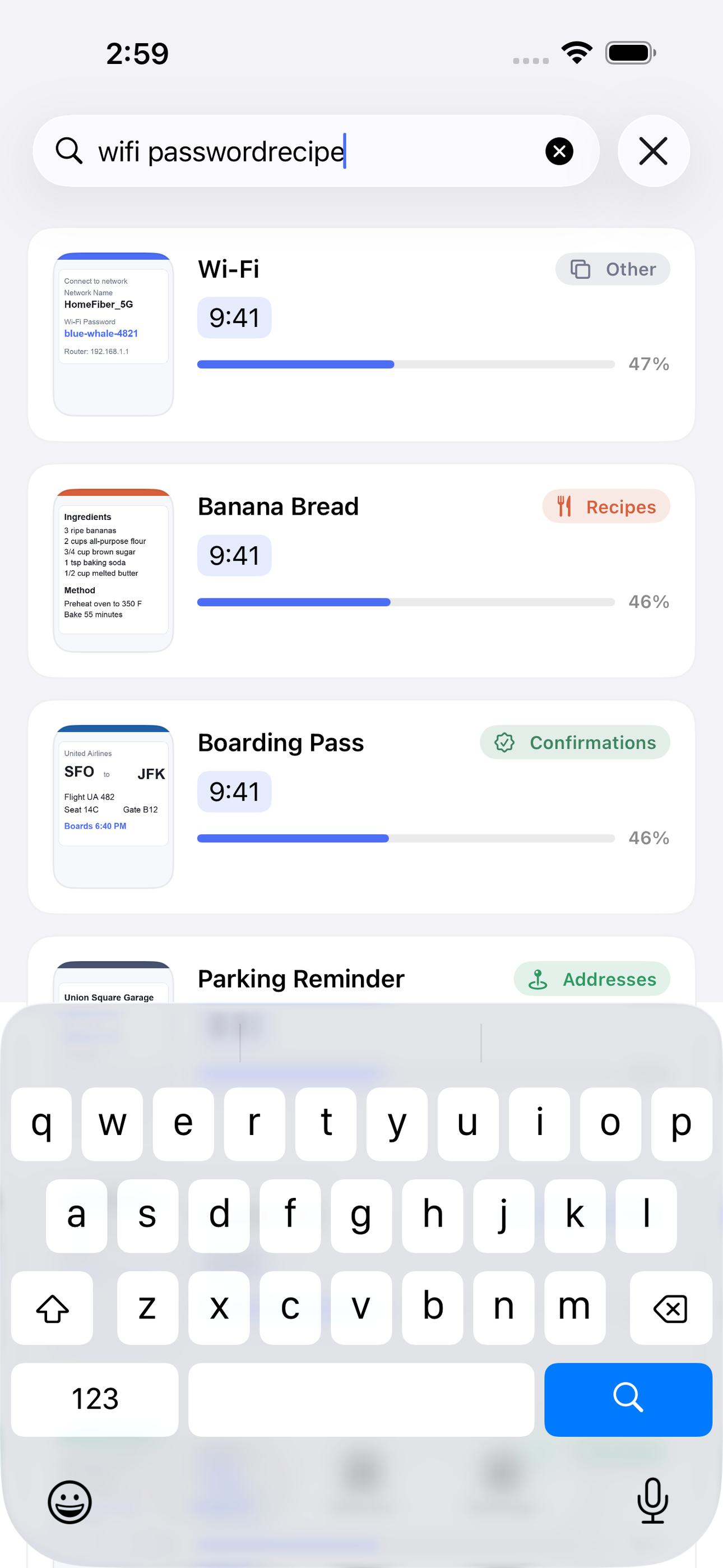
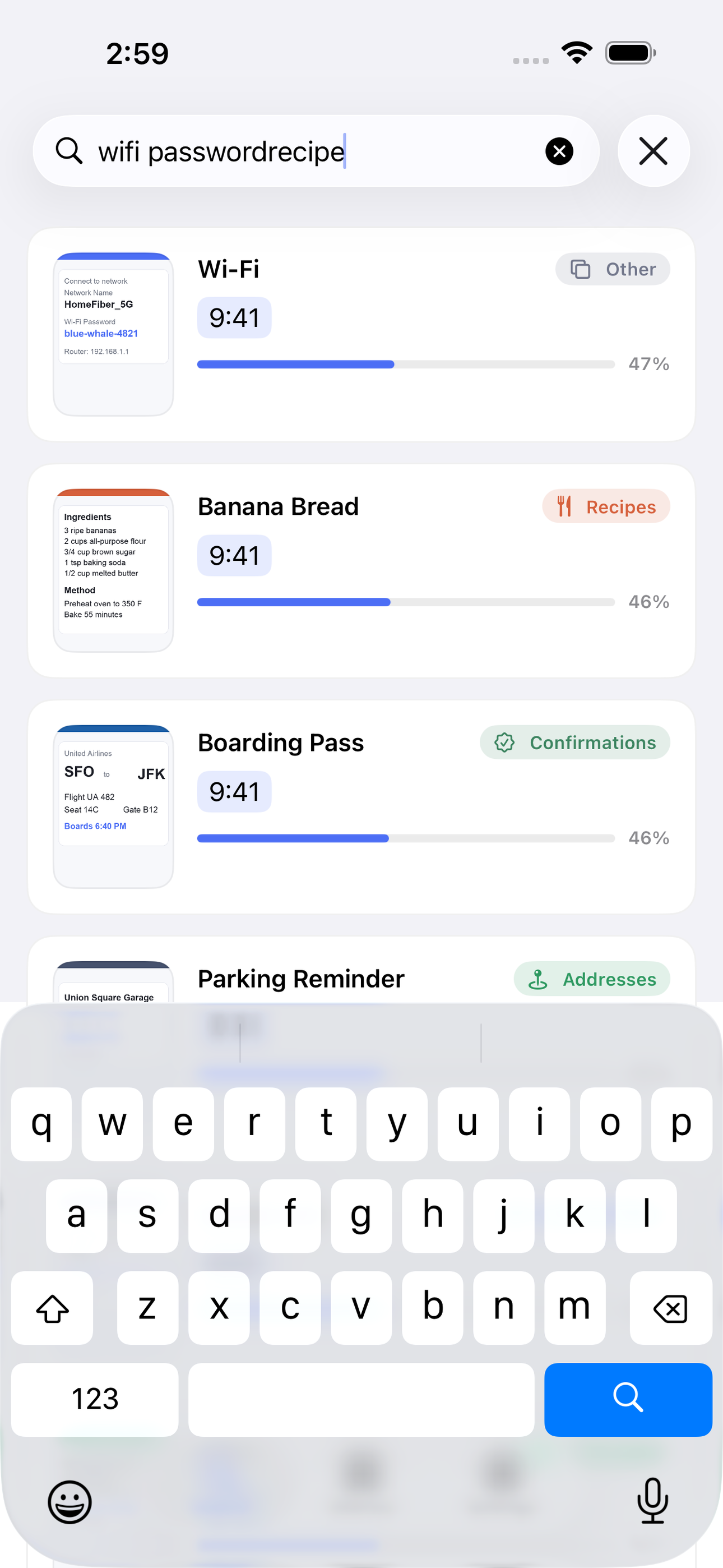
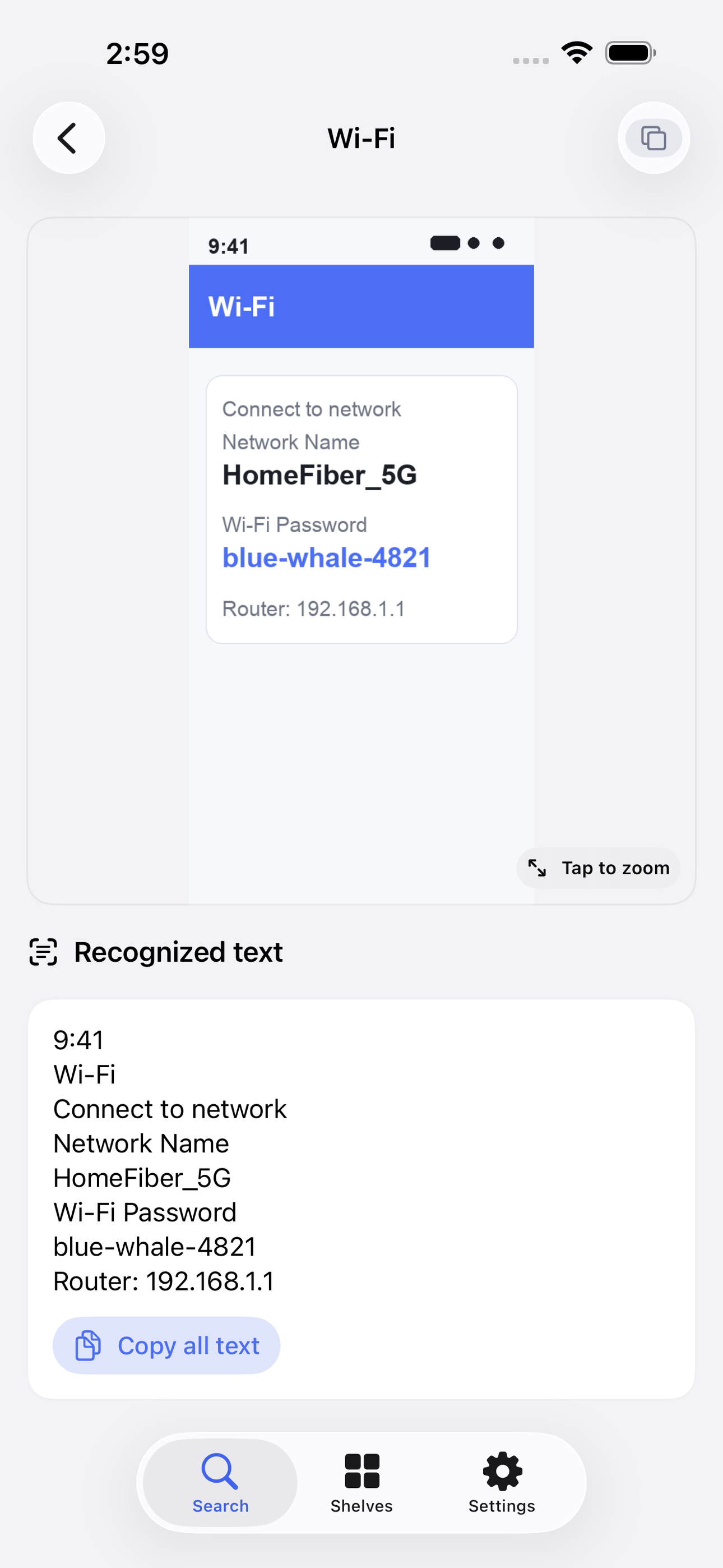
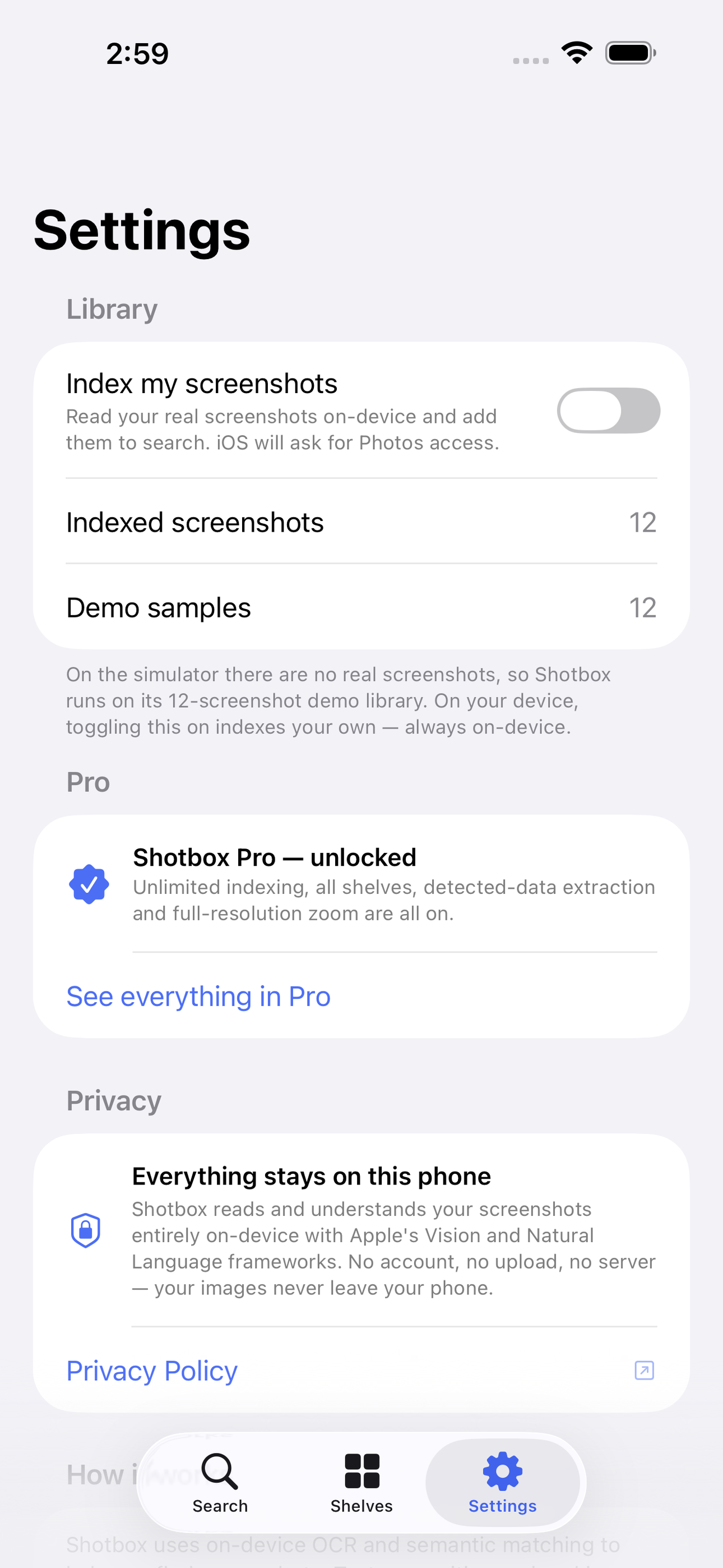
Tap any screenshot to open the full-resolution version.
What's inside
- Semantic search — Find a screenshot by what it means, not exact words.
- Smart shelves — Auto-sorts into receipts, links, recipes, addresses.
- Private & offline — Everything is indexed on-device; images never leave your phone.
Why we built it
Screenshots are the fastest-growing, least-searchable part of the camera roll — Apple's search is literal, not semantic.
What makes it different
On-device OCR (Vision) + sentence embeddings (NaturalLanguage) let you search screenshots by MEANING and auto-cluster them into shelves — fully offline.
Who it's for
People who have tried every productivity app and bounced off the noise. If you want something calm, fast, and private, this is for you.
In one line: Find any screenshot by meaning
Try it
See the Find any screenshot by meaning for the full feature list, the info table, and support links.
Use Shotbox: Screenshot Finder, found a bug, or have a feature request? Comments are open below — anonymous is fine.
0 comments
No comments yet — be the first.
Leave a reply
Sign in with Google to join the conversation. We require a quick sign-in to keep comments spam-free.
Sign in with Google to comment