Meet PocketClock: Timing Trainer — Hear how you rush & drag
Every metronome on your phone clicks.

Music
PocketClock: Timing Trainer
Hear how you rush & drag
Every feature, from the first launch.
No account, no login, no cloud. Everything runs on your device and works fully offline — nothing in this post is hidden behind a wall.
What PocketClock: Timing Trainer does
Every metronome on your phone clicks. None of them listen. PocketClock is the metronome that hears you back: play your real drum kit, guitar, bass, or piano in the room, and watch — note by note — exactly how many milliseconds you rush ahead of the beat or drag behind it. No MIDI cable, no drum pad, no tapping the screen. Just your instrument, the click, and the truth about your timing.
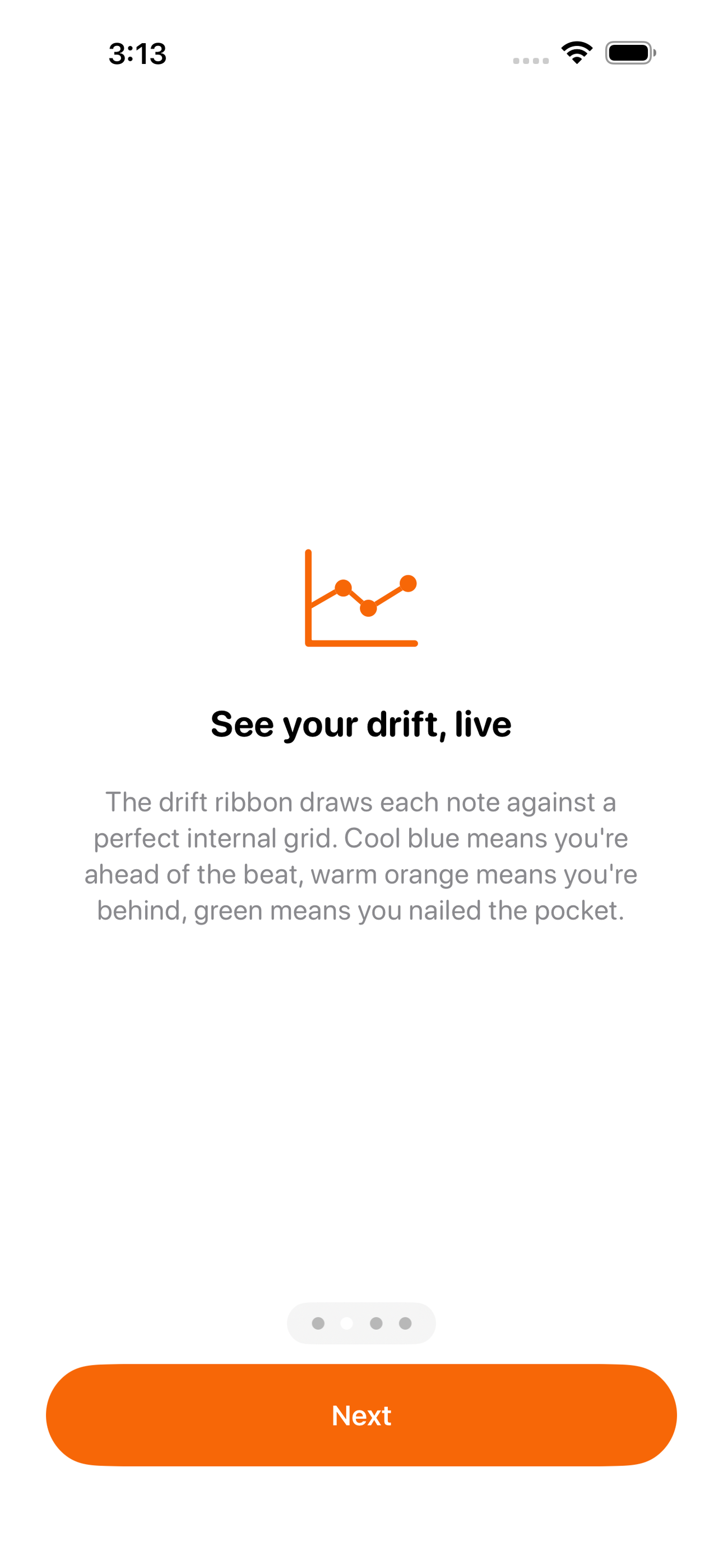
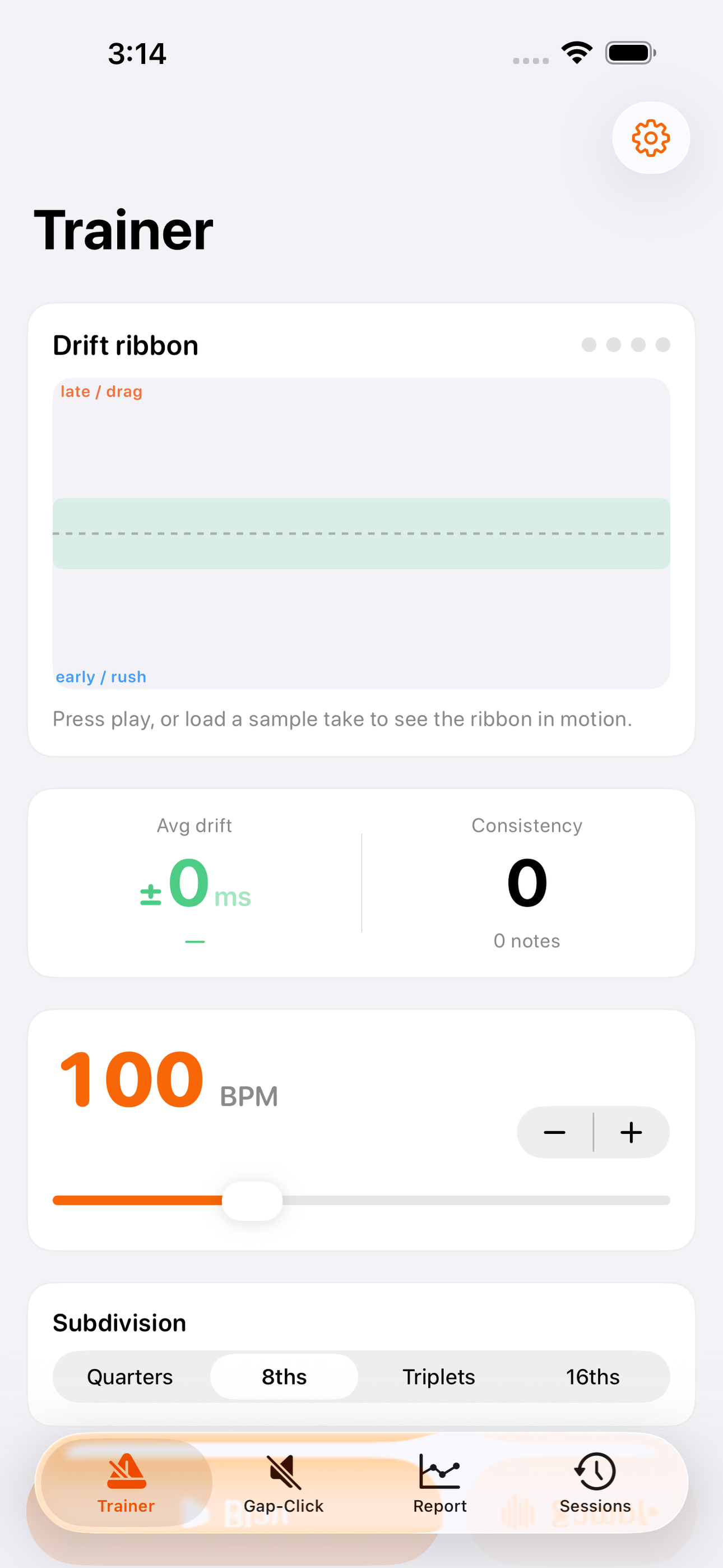
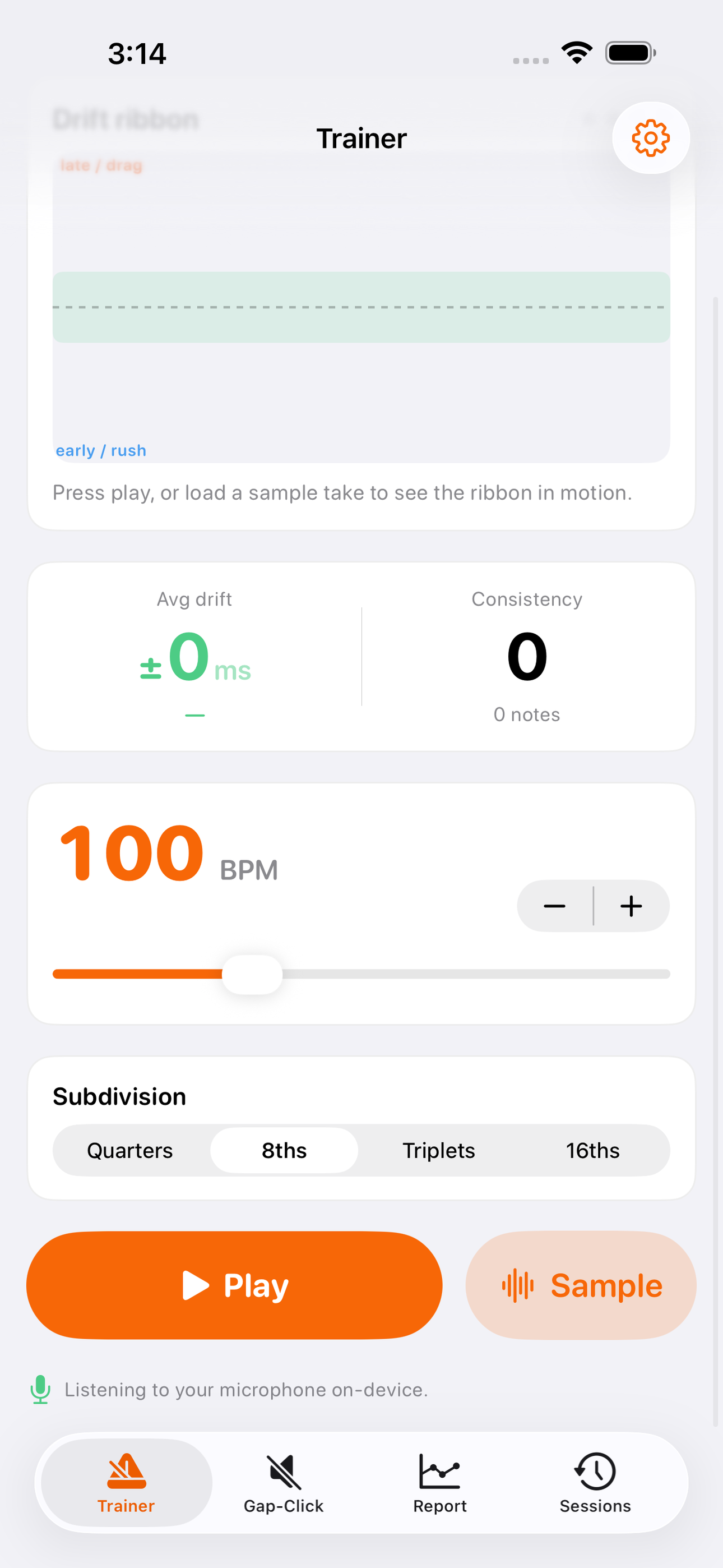
Under the hood PocketClock runs real audio math. An AVAudioEngine renders a precise internal grid, and a spectral-flux onset detector (the same class of DSP used in professional beat-tracking) finds the attack of every hit you play and measures it against that grid. The result is the live drift ribbon: a scope of your playing where the center line is the beat, cool blue means you played early, warm orange means you played late, and green means you landed dead in the pocket. It updates as fast as you can play.
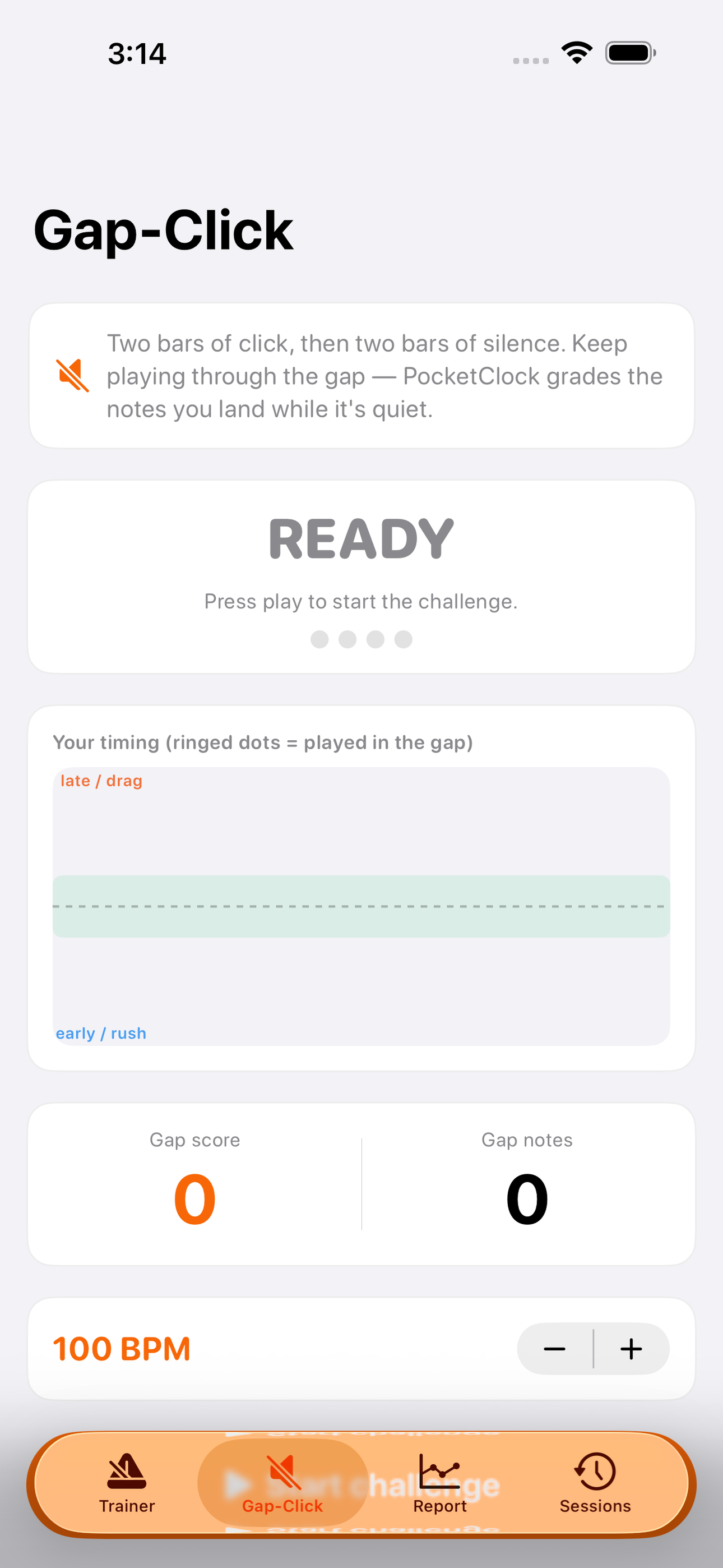
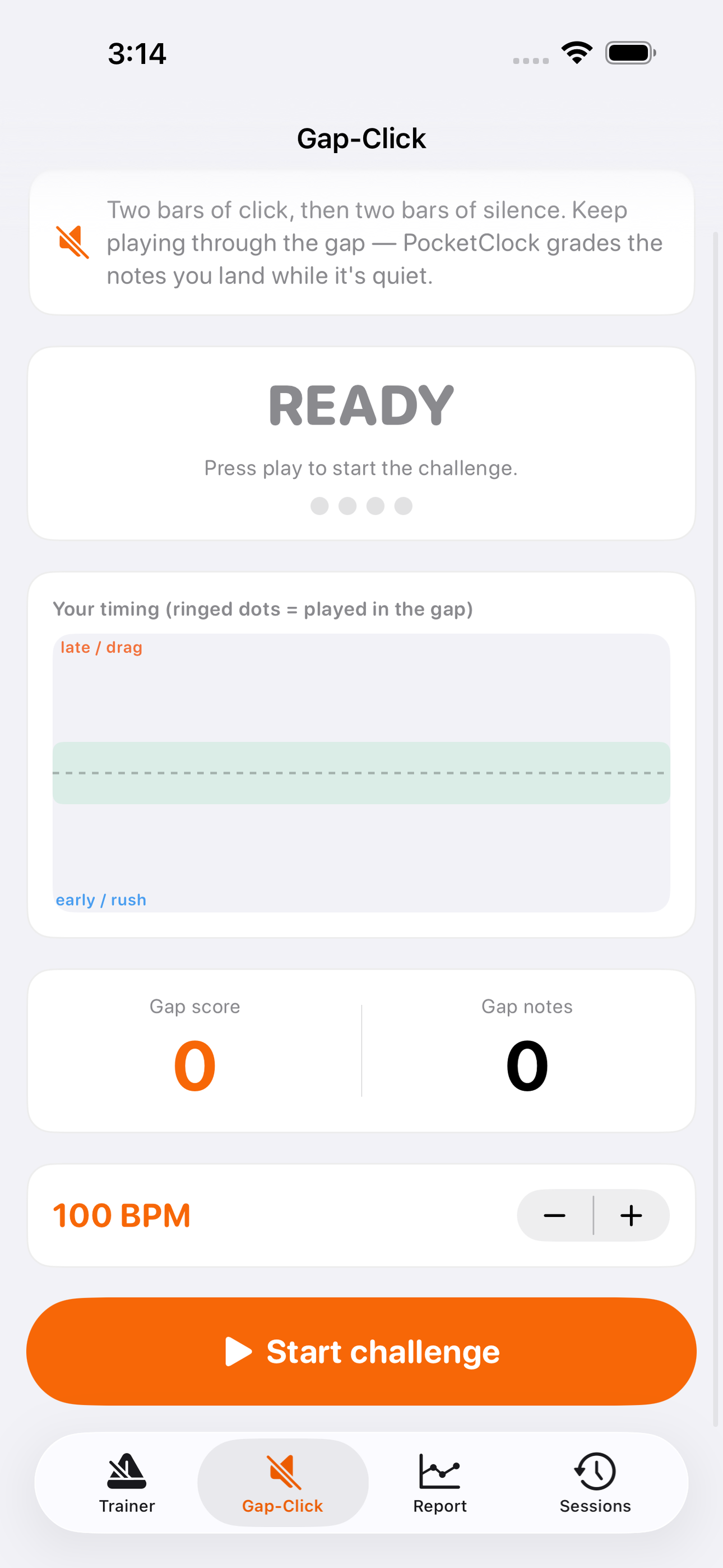
The gap-click challenge is where timing gets real. The metronome counts you in for two bars, then goes completely silent for two bars while you keep the groove on your own — and grades the notes you played when there was nothing to lean on. It is the truest test there is of your internal clock, and the fastest way to build one.
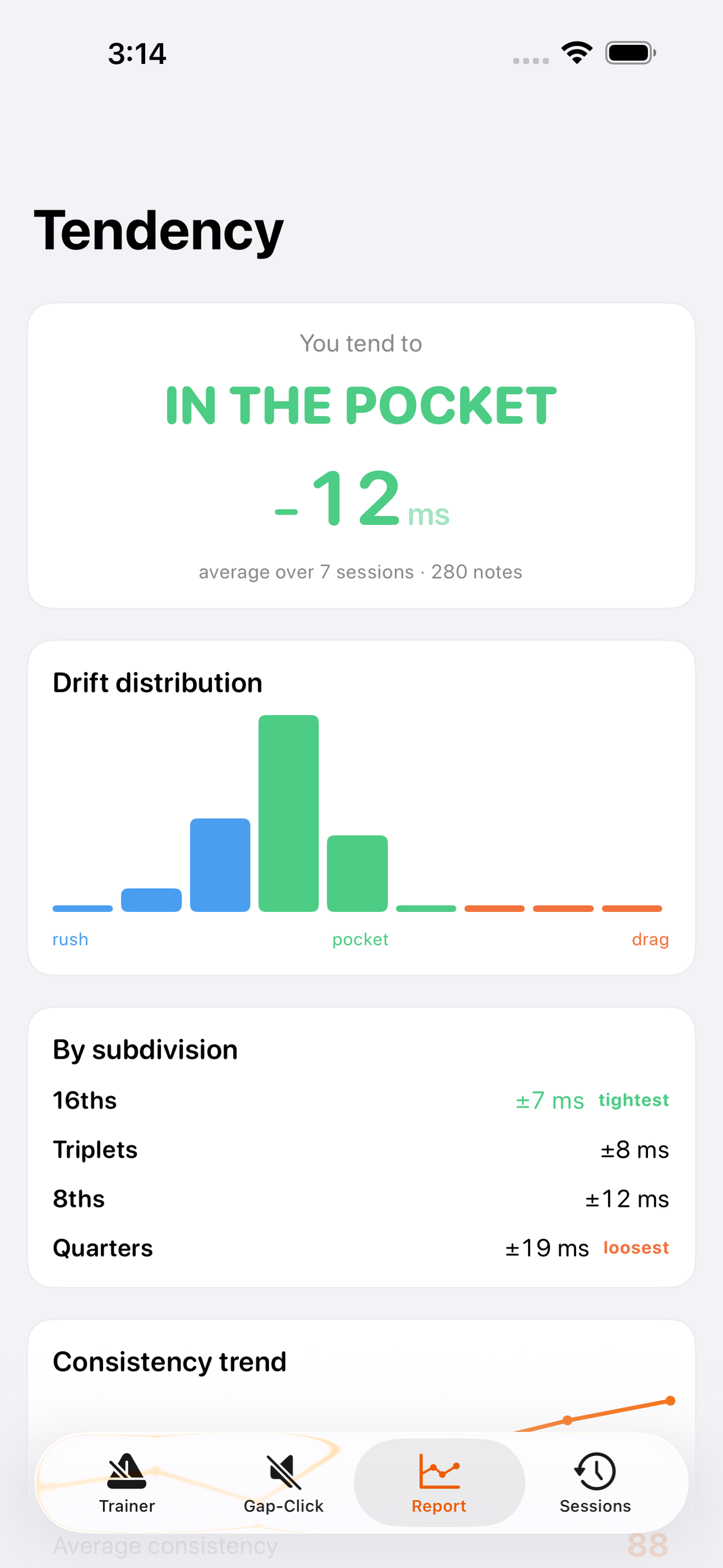
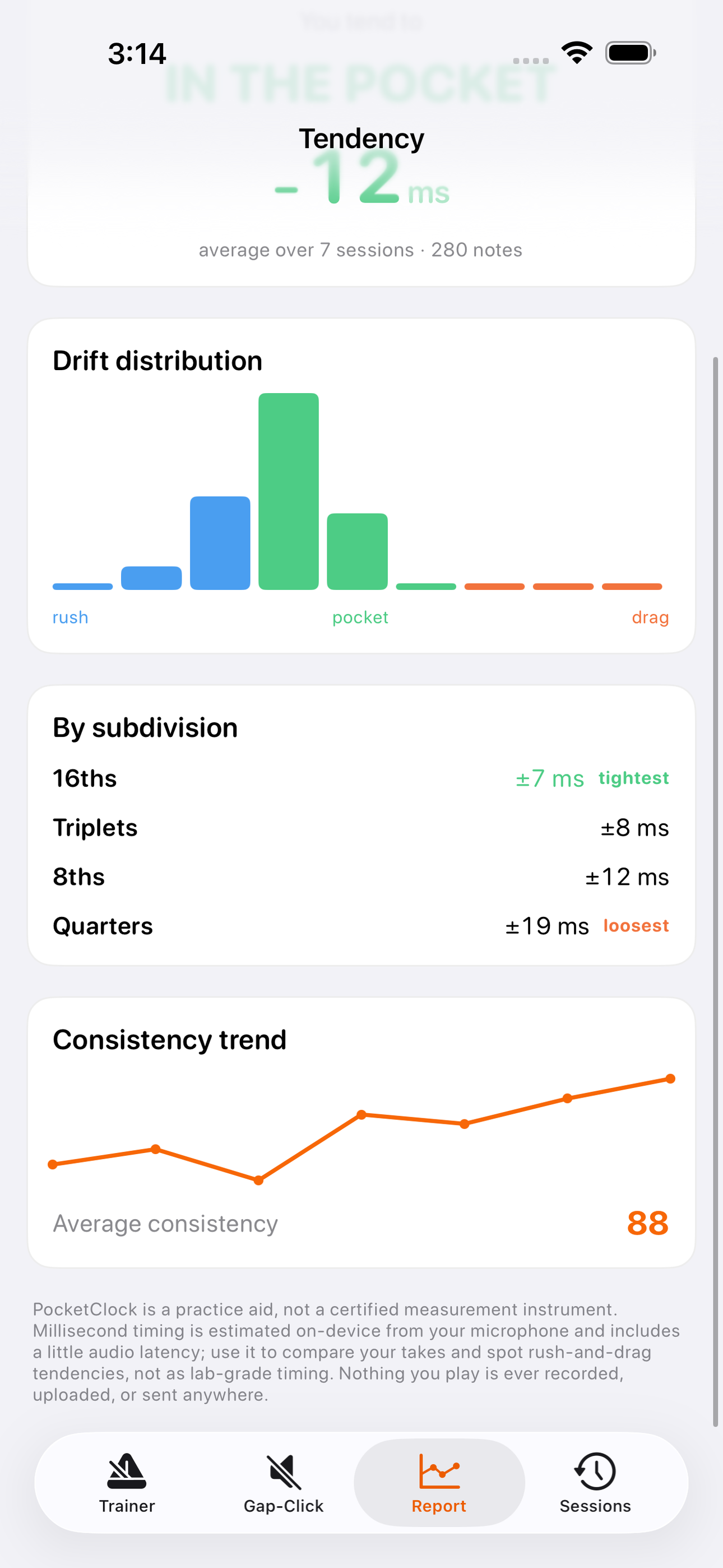
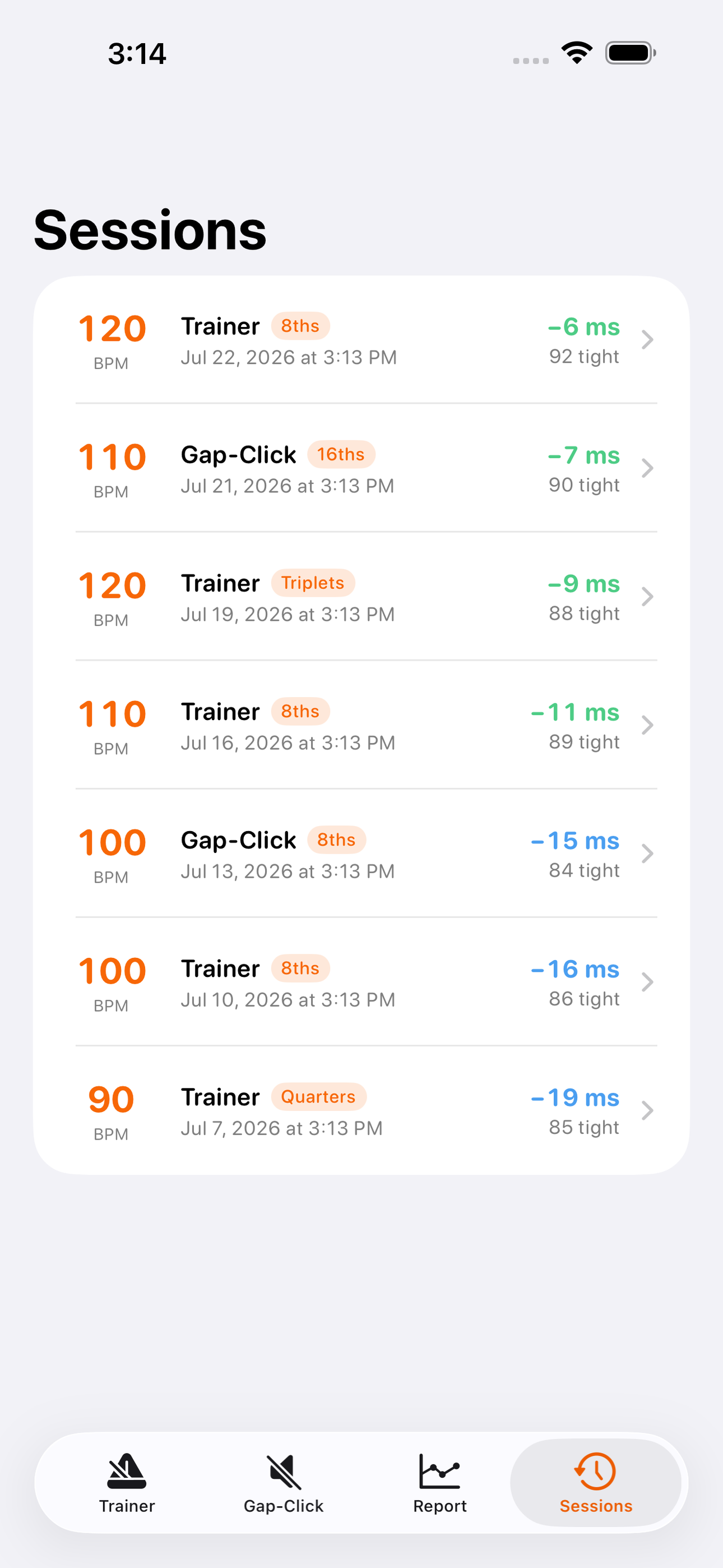
Over sessions, PocketClock learns your tendencies. The tendency report tells you the thing a plain click never could: whether you habitually rush your fills, which subdivisions are your tightest and loosest, how your drift is distributed, and whether your consistency is trending up. Every take is saved to your session history with tempo, average drift, and a consistency score, so practice becomes measurable instead of vague.
Everything happens on-device. PocketClock listens only while you are training, does all the timing math locally, and never records, uploads, or transmits a single sample of your playing. No account, no server, no analytics.
PocketClock is a practice aid, not a certified measurement instrument — on-device timing includes a little audio latency, so use it to compare your takes and surface rush-and-drag tendencies, not as lab-grade timing.
• A metronome that LISTENS to your real acoustic instrument • Live drift ribbon — see your rush/drag in milliseconds, note by note • Gap-click challenge — keep time through the silence, get scored • Tendency report — your rush/drag bias, best & worst subdivisions, trend • Session history with tempo, average drift, and consistency score • Quarters, 8ths, triplets, 16ths — 30 to 260 BPM • 100% on-device — your playing is never recorded or uploaded
A look inside
Tap any screenshot to open the full-resolution version.
What's inside
- Live drift ribbon — See ahead/behind the beat in milliseconds as you play.
- Gap-click trainer — The click drops out; you're scored on your own audio.
- Tendency report — Learn exactly where you rush or drag.
Why we built it
Free metronomes only click; ms-accurate feedback tools need MIDI or on-screen tapping, not your acoustic instrument.
What makes it different
A metronome that LISTENS — onset detection times each hit and shows how many milliseconds you rush or drag, with a gap-click challenge.
Who it's for
Built for anyone who values fast, private, on-device software with a calm, focused UX.
In one line: Hear how you rush & drag
Try it
See the Hear how you rush & drag for the full feature list, the info table, and support links.
Use PocketClock: Timing Trainer, found a bug, or have a feature request? Comments are open below — anonymous is fine.
0 comments
No comments yet — be the first.
Leave a reply
Sign in with Google to join the conversation. We require a quick sign-in to keep comments spam-free.
Sign in with Google to comment