Meet Crashscope — Find what triggered the crash
The hardest thing about post-exertional malaise is the delay.

Health And Fitness
Crashscope
Find what triggered the crash
Every feature, from the first launch.
No account, no login, no cloud. Everything runs on your device and works fully offline — nothing in this post is hidden behind a wall.
What Crashscope does
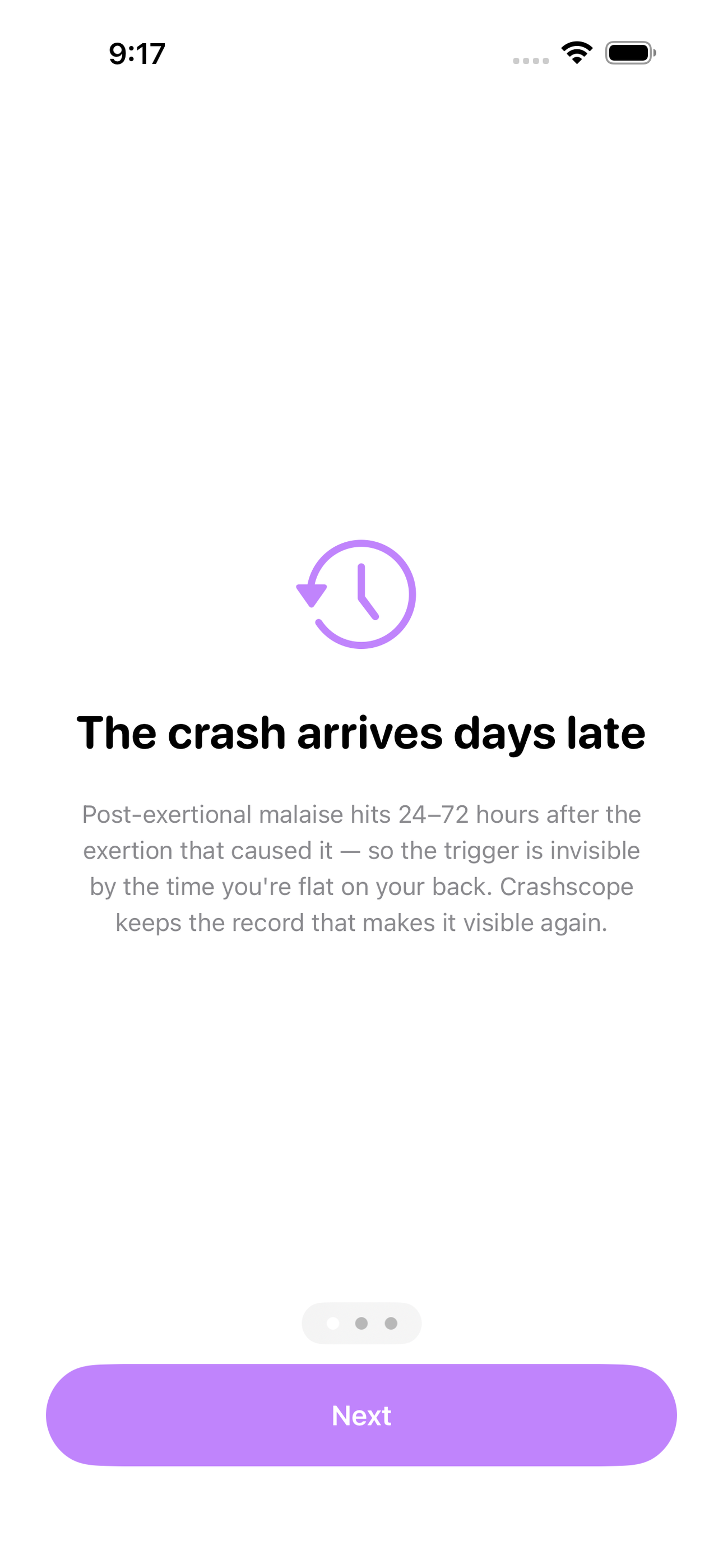
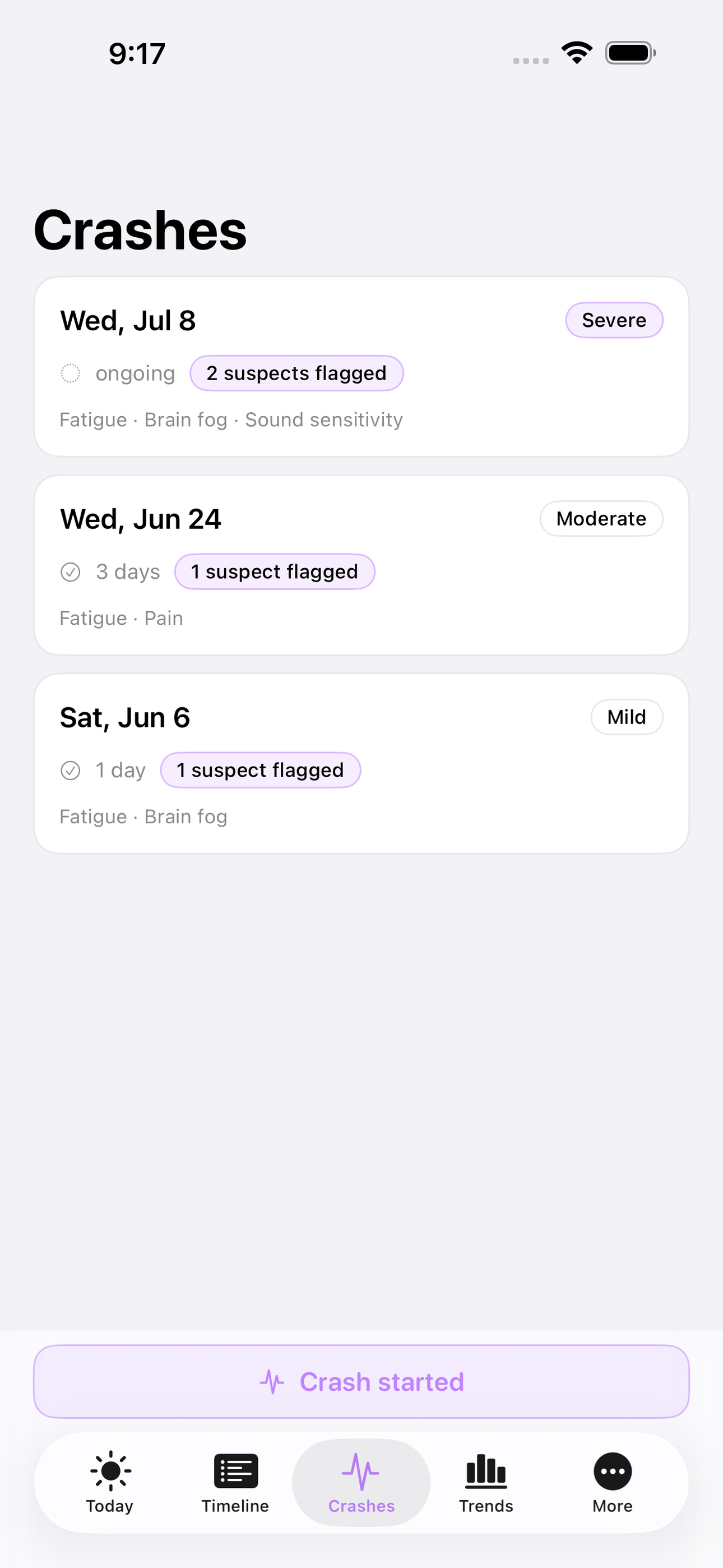
The hardest thing about post-exertional malaise is the delay. You overdo it on Tuesday and the crash arrives Thursday, so the thing that caused it is invisible by the time you are flat on your back. Crashscope is the crash investigator: when a crash hits, one tap assembles a timeline of everything you did in the previous 72 hours — every activity, its effort level, your energy each morning — so you can finally see the pattern instead of guessing at it.
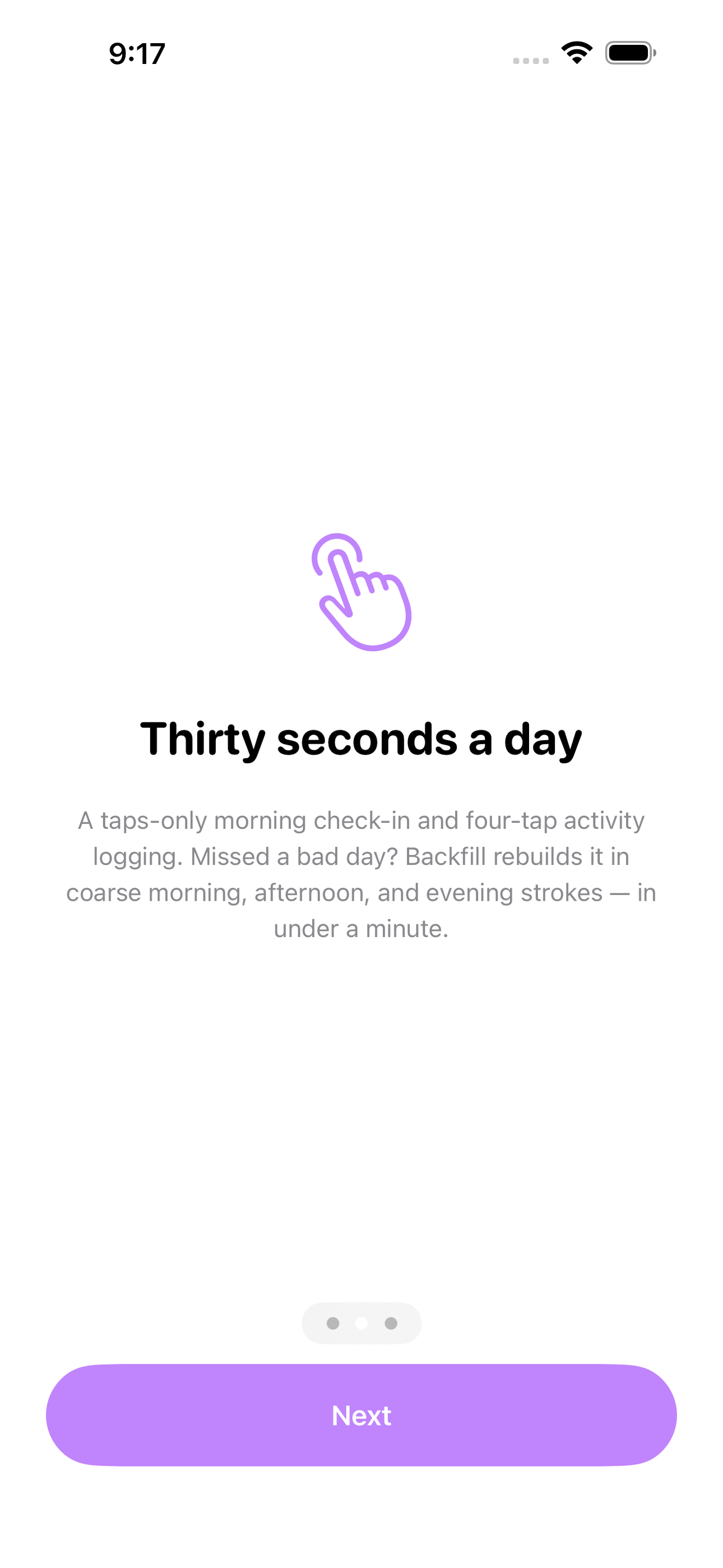
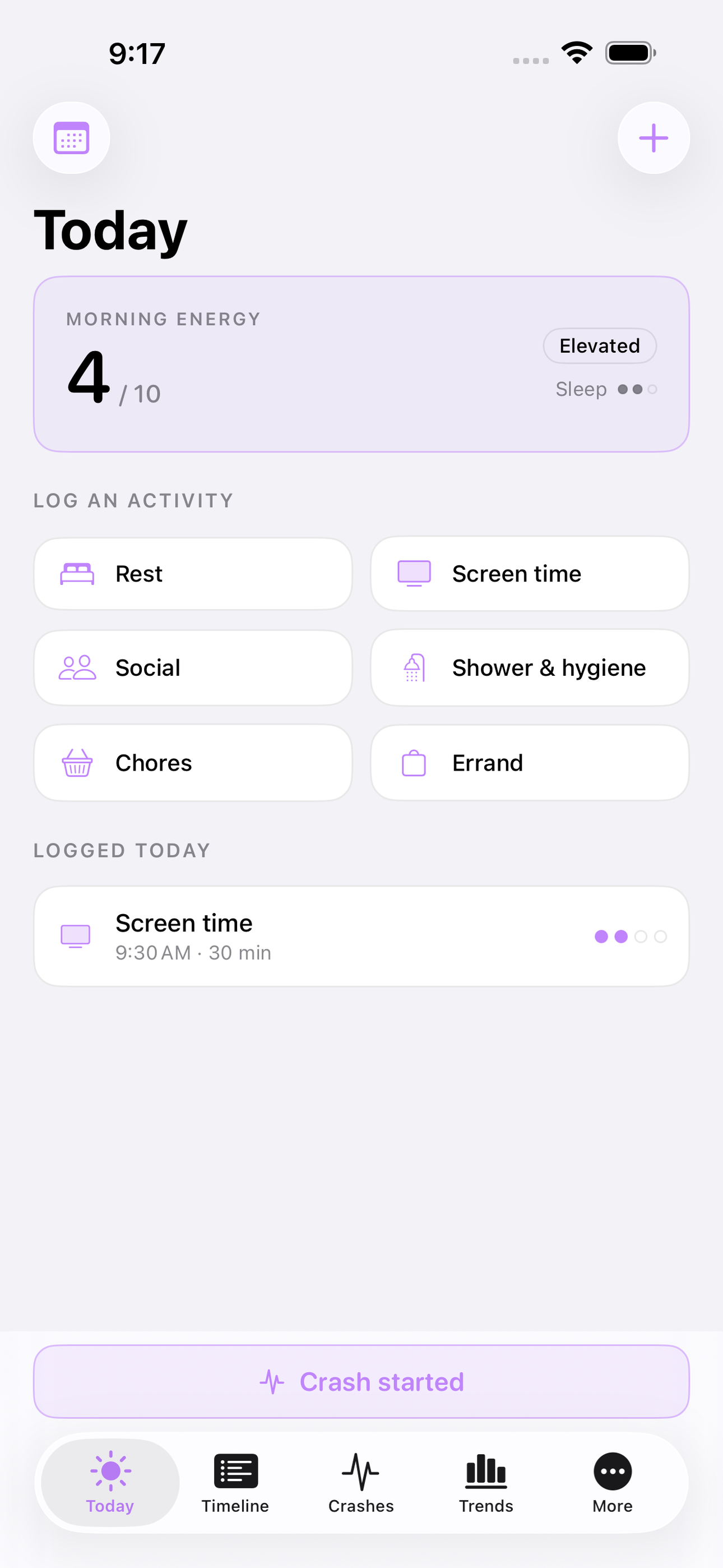
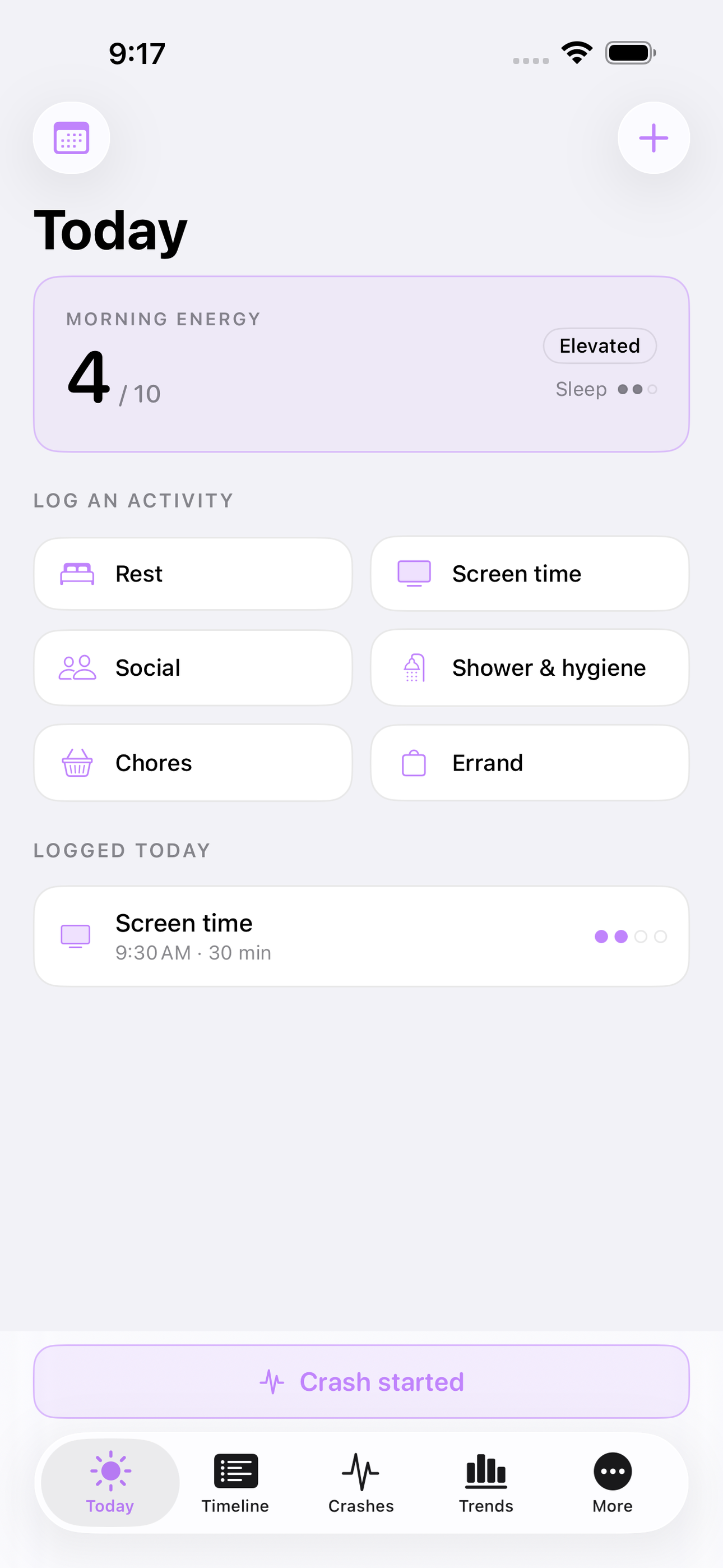
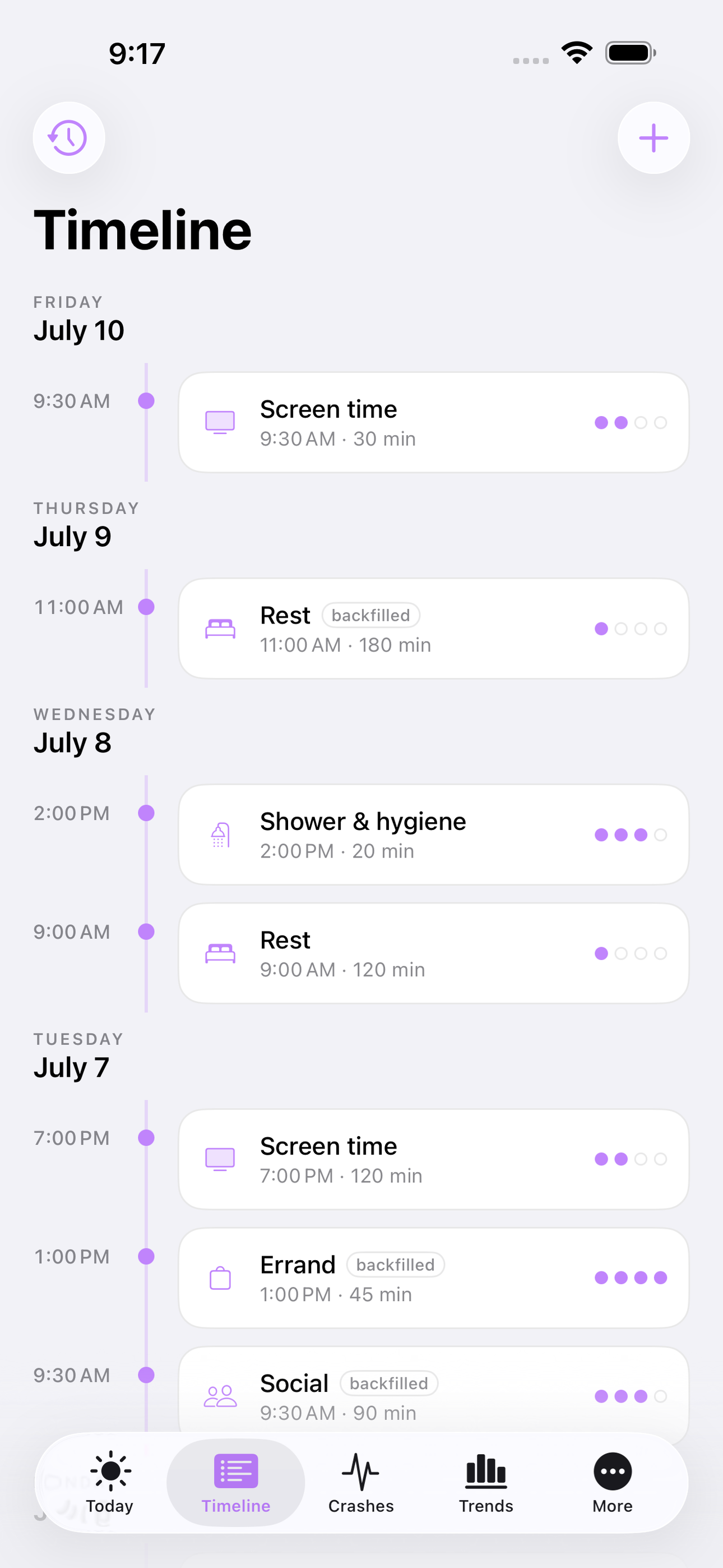
Everything else about Crashscope is built for the days when logging itself costs energy. The daily check-in takes about thirty seconds: tap your energy level, tap your symptom load, tap your sleep, done. Activities are logged in taps too — pick a category, pick an effort level, and it is on the timeline. Forgot yesterday because yesterday was bad? Backfill is a first-class feature: reconstruct a coarse version of any recent day in under a minute, morning, afternoon, and evening, because the investigator is only as good as the record behind it.
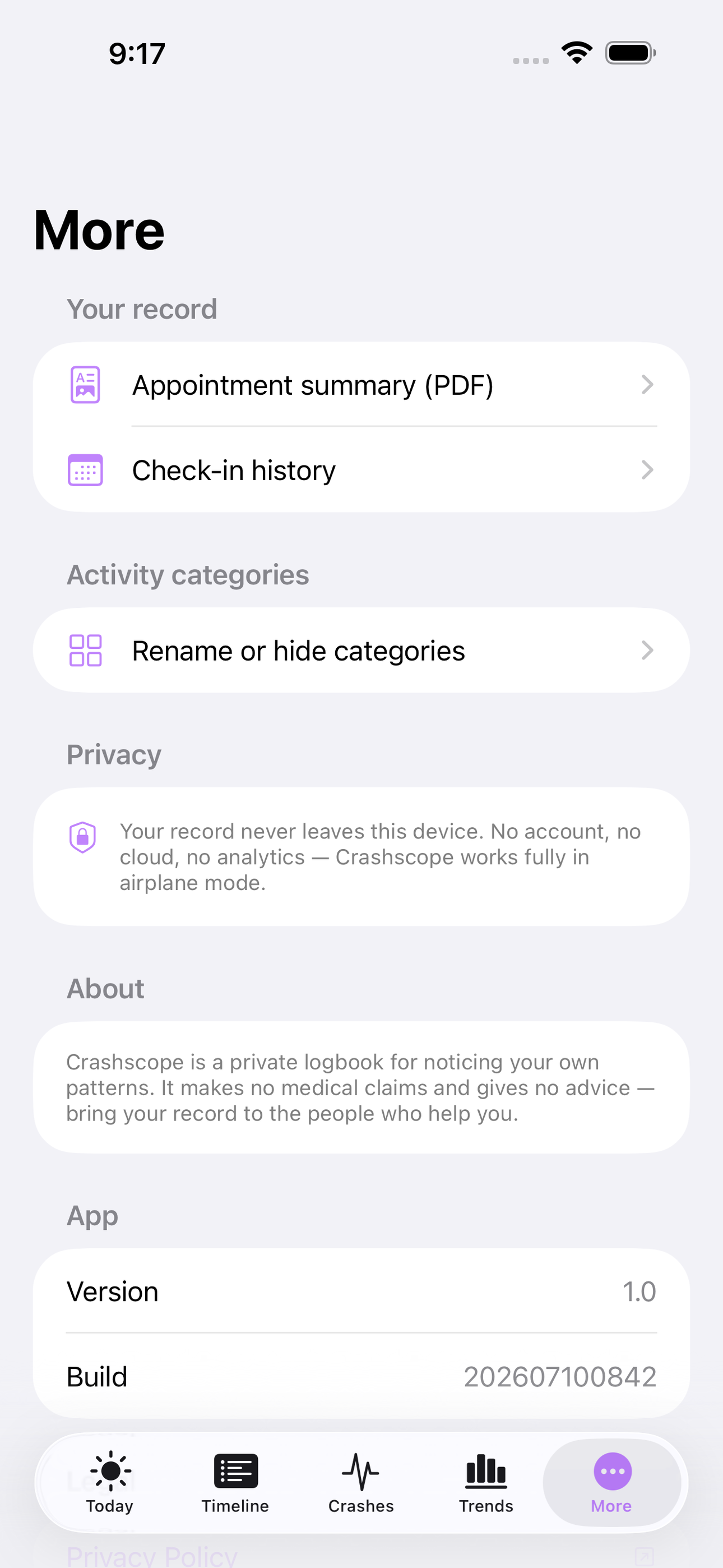
There is no account. No wearable. No morning heart-rate ritual with your finger over the camera. Nothing syncs anywhere; the record lives on your device and works in airplane mode. Crashscope makes no medical claims and gives no advice — it is a private logbook that helps you notice your own patterns and bring an organized record to the people who help you.
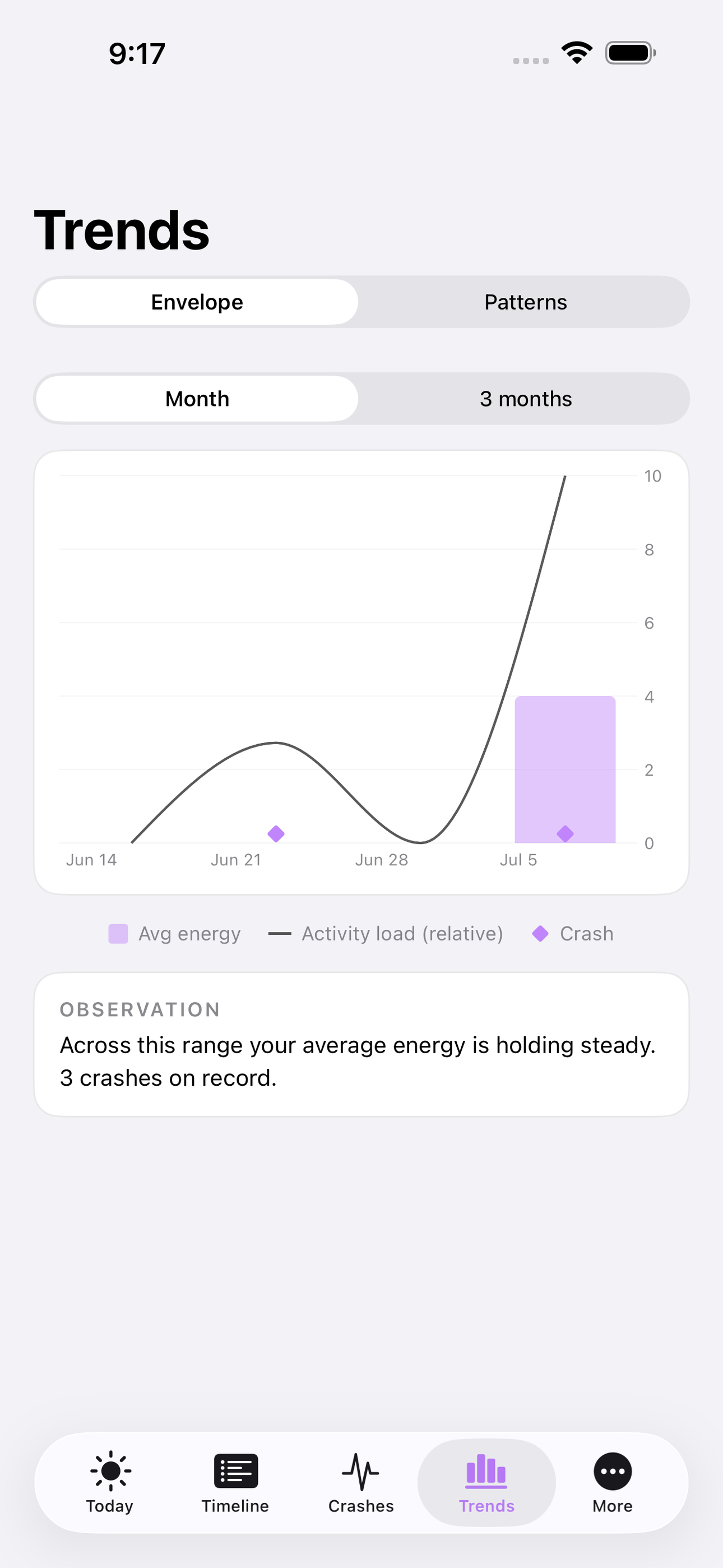
Over time, crashes become data instead of dread. The pattern view lays your crashes side by side and shows which activities keep appearing in the danger window before them. The envelope trend shows whether your baseline is expanding or shrinking month to month. And when an appointment comes, a clean summary of your check-ins, activities, and crashes is one tap away.
• Thirty-second daily energy check-in, taps only • Tap-based activity log with effort levels and one-minute backfill for missed days • One-tap crash record with the prior 72-hour activity timeline • Cross-crash pattern view showing repeat offenders in the danger window • Energy envelope trend across weeks and months • Appointment-ready PDF summary of your record • Fully offline, no account, no wearable, no subscription
A look inside
Tap any screenshot to open the full-resolution version.
What's inside
- Daily Check-In — A thirty-second, taps-only morning check-in: energy level on a 0-10 dot scale, symptom load, sleep quality, optional one-line note. Designed for days when typing is too much.
- Activity Timeline — Tap-based activity logging — category tile, effort level 1-4, duration preset, done in four taps. Backfill reconstructs any recent day in coarse morning/afternoon/evening strokes so a bad day never leaves a hole in the record.
- Crash Investigator — One tap logs a crash (onset, severity, symptoms) and automatically assembles the prior 72-hour timeline of activities, effort load, and morning energy so the trigger stops being invisible. Flag suspect activities right on the timeline.
- Trigger Patterns — Looks across all recorded crashes and shows which activity categories and effort levels keep appearing in the 24-72 hour danger window — 'appeared before 4 of 5 crashes' — turning one-off suspicions into patterns.
- Envelope Trend — Weekly and monthly view of average energy against activity load, with crash markers overlaid, so you can see whether your envelope is expanding or shrinking.
- Appointment Summary — Generates a clean, dated PDF of check-ins, activities, and crashes over a chosen range to hand to whoever helps you.
Why we built it
PEM crashes hit 24-72 hours after the overexertion that caused them, so the trigger is invisible by the time the crash arrives. The category leader requires an account, a daily camera HRV ritual, and a $160/yr armband tier; generic symptom trackers take 10+ minutes a day; spoon apps just count spoons. Nothing connects…
What makes it different
Unlike Visible (account required, daily morning camera HRV ritual, full pacing behind a roughly $160/yr armband tier) and Bearable (a 10-minute generic logging maze with subscription-gated insights), Crashscope needs thirty seconds a day, no account, no wearable, and works fully offline. The free apps on this shelf —…
Who it's for
Anyone who wants honest tracking without a coach, a subscription, or a streak guilting them at 11pm.
In one line: Find what triggered the crash
Try it
See the Find what triggered the crash for the full feature list, the info table, and support links.
Use Crashscope, found a bug, or have a feature request? Comments are open below — anonymous is fine.
0 comments
No comments yet — be the first.
Leave a reply
Sign in with Google to join the conversation. We require a quick sign-in to keep comments spam-free.
Sign in with Google to comment