Meet Minutes Owed — Scheduled vs delivered minutes
Your child's IEP promises exact service time — speech 30 minutes twice a week, OT 45 minutes weekly.

Education
Minutes Owed
Scheduled vs delivered minutes
Every feature, from the first launch.
No account, no login, no cloud. Everything runs on your device and works fully offline — nothing in this post is hidden behind a wall.
What Minutes Owed does
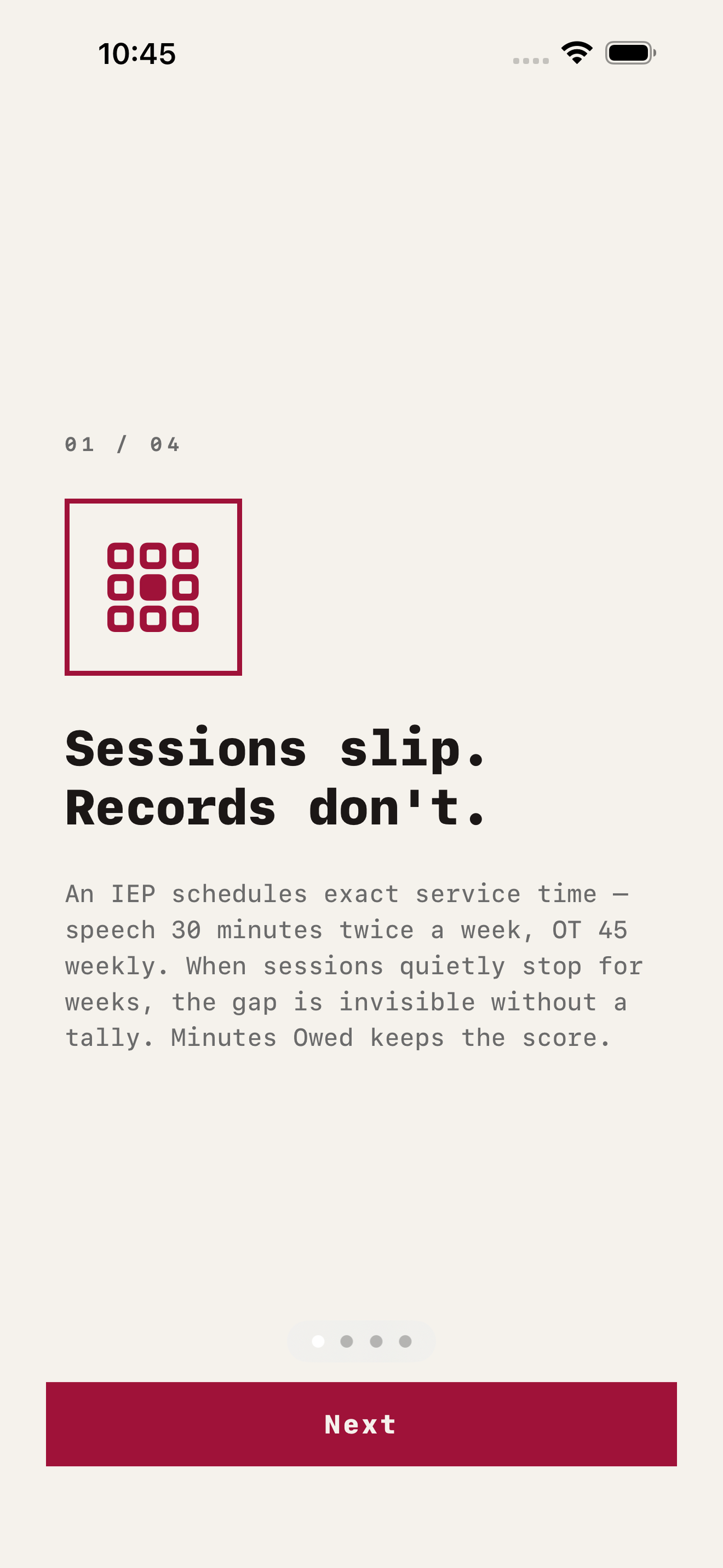
Your child's IEP promises exact service time — speech 30 minutes twice a week, OT 45 minutes weekly. Then the school year happens: the speech position stays vacant, the OT covers three buildings, and sessions quietly vanish for weeks. Minutes Owed is the private tally that keeps score.
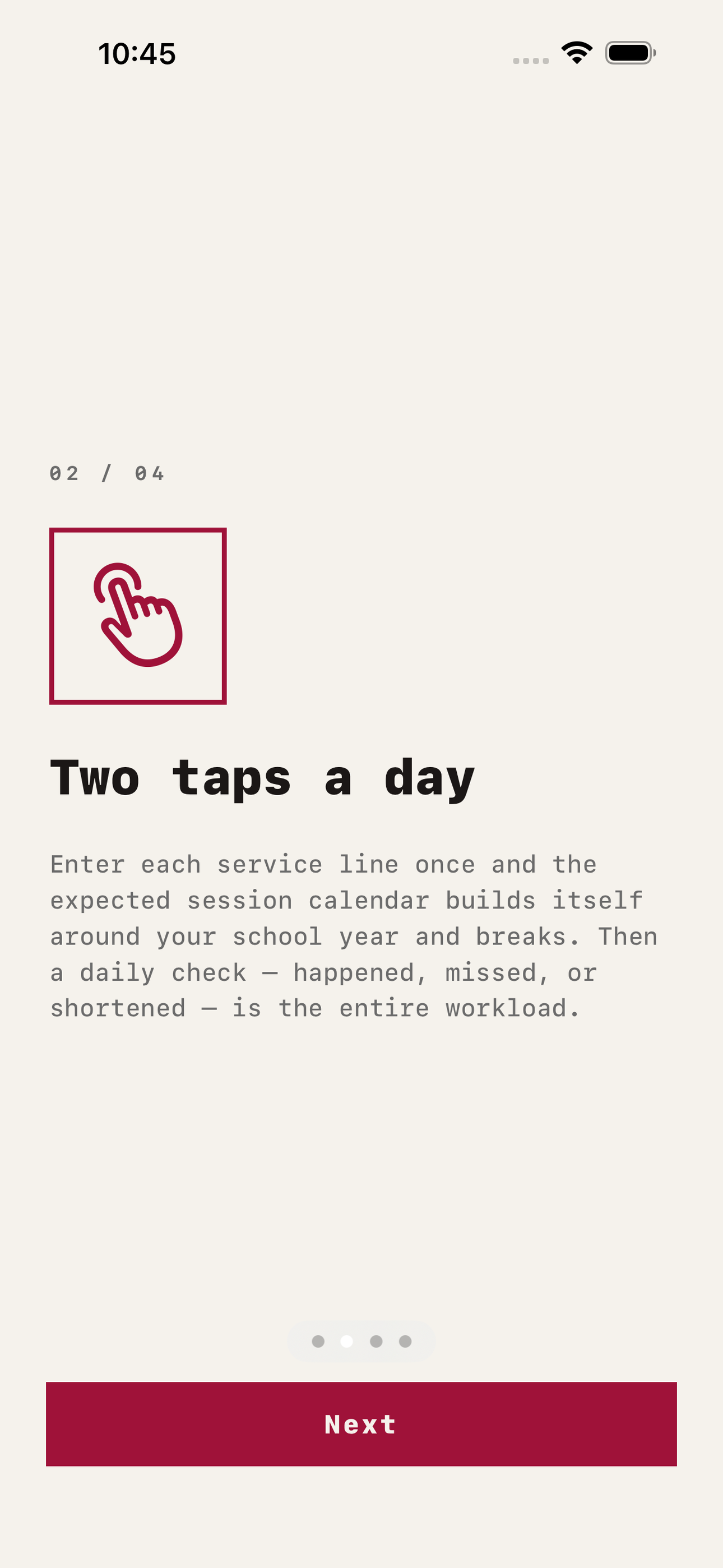
Enter each service line from the IEP once — service type, minutes per session, sessions per week, provider. Minutes Owed builds the expected session calendar for the whole school year, minus the breaks and holidays you mark. Then a two-tap daily check keeps the record: happened, missed, or shortened. That is the entire workload. No essay writing, no spreadsheet formulas, no reconstructing a semester from memory the night before the annual review.
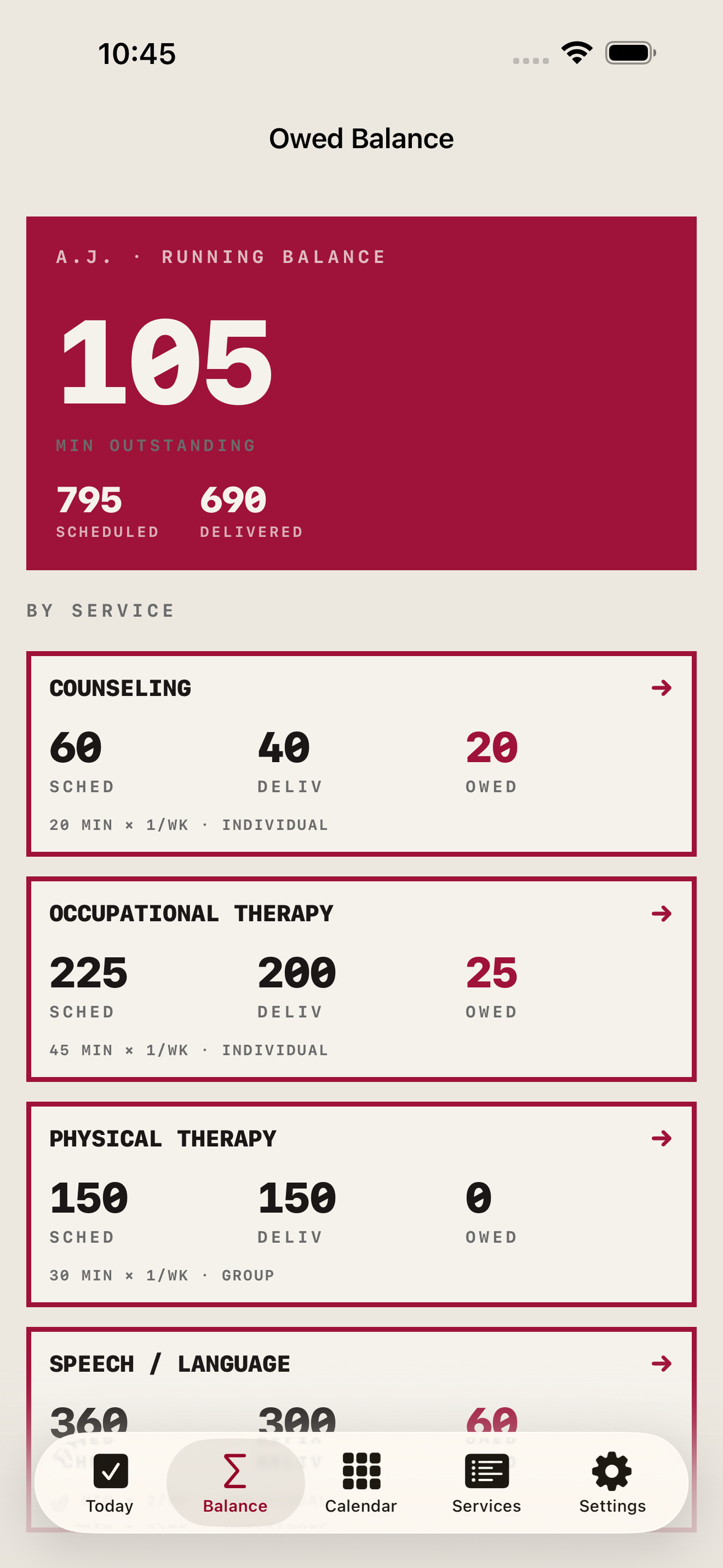
The app does the arithmetic parents can never sustain by hand across four services and thirty-six weeks: scheduled minutes versus delivered minutes versus the running balance outstanding — per service, per grading period, per school year. When the review meeting arrives you are not saying speech has felt spotty; you are holding a dated table showing fourteen missed sessions and 420 minutes outstanding since October.
When you need to raise the gap with the school, export a session-by-session report as PDF or CSV: every expected session, what your records show for it, and the totals by service. Attach photos of provider schedules and notes home so the whole paper trail lives in one place.
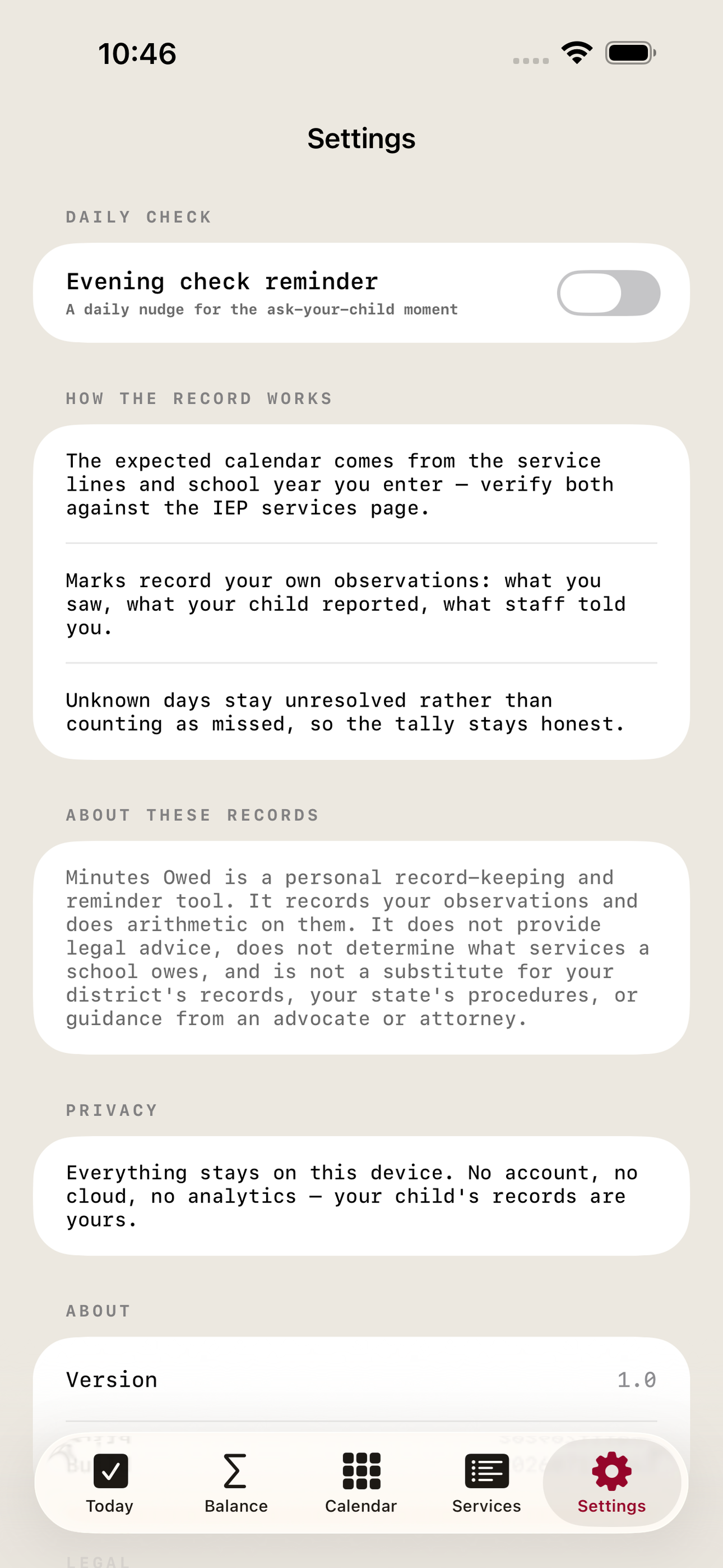
Everything stays on your device. No account, no cloud, no one else reading your child's records. Designed for both iPhone and iPad.
Minutes Owed is a personal record-keeping and reminder tool. It records your own observations and does arithmetic on them. It does not provide legal advice, does not determine what services a school owes, and is not a substitute for your district's records, your state's procedures, or guidance from an advocate or attorney.
• Enter each IEP service line once — the expected calendar generates itself • Two-tap daily check: happened, missed, or shortened • Running minutes-owed balance per service and per grading period • Session-by-session gap report exported as PDF or CSV • School-year calendar with breaks, so no-school days never count • Fully offline and private: no account, no cloud, your records stay yours
A look inside
Tap any screenshot to open the full-resolution version.
What's inside
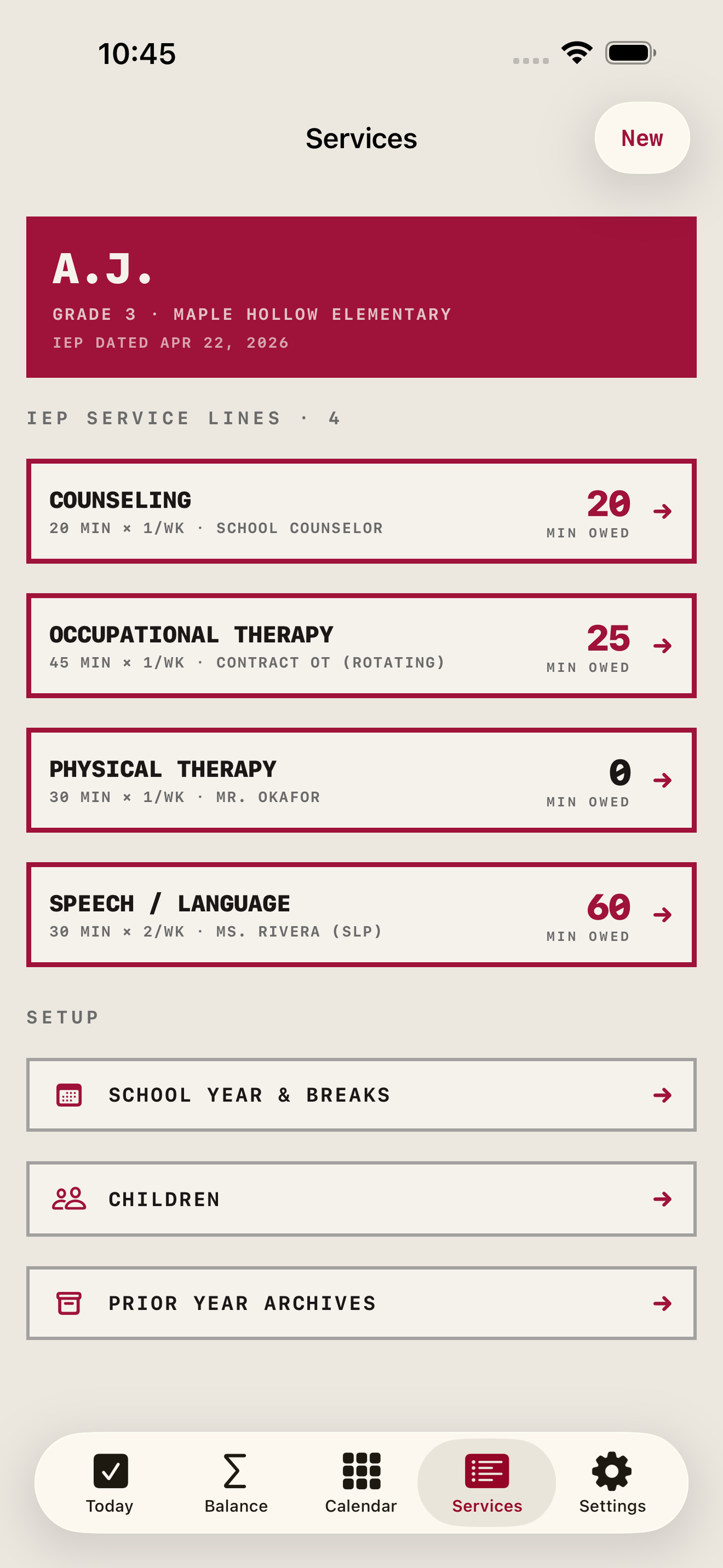
- Service Lines — Enter each IEP service line once — type (speech, OT, PT, counseling, other), minutes per session, sessions per week, individual or group, provider name, and start date — exactly as it reads on the IEP services page.
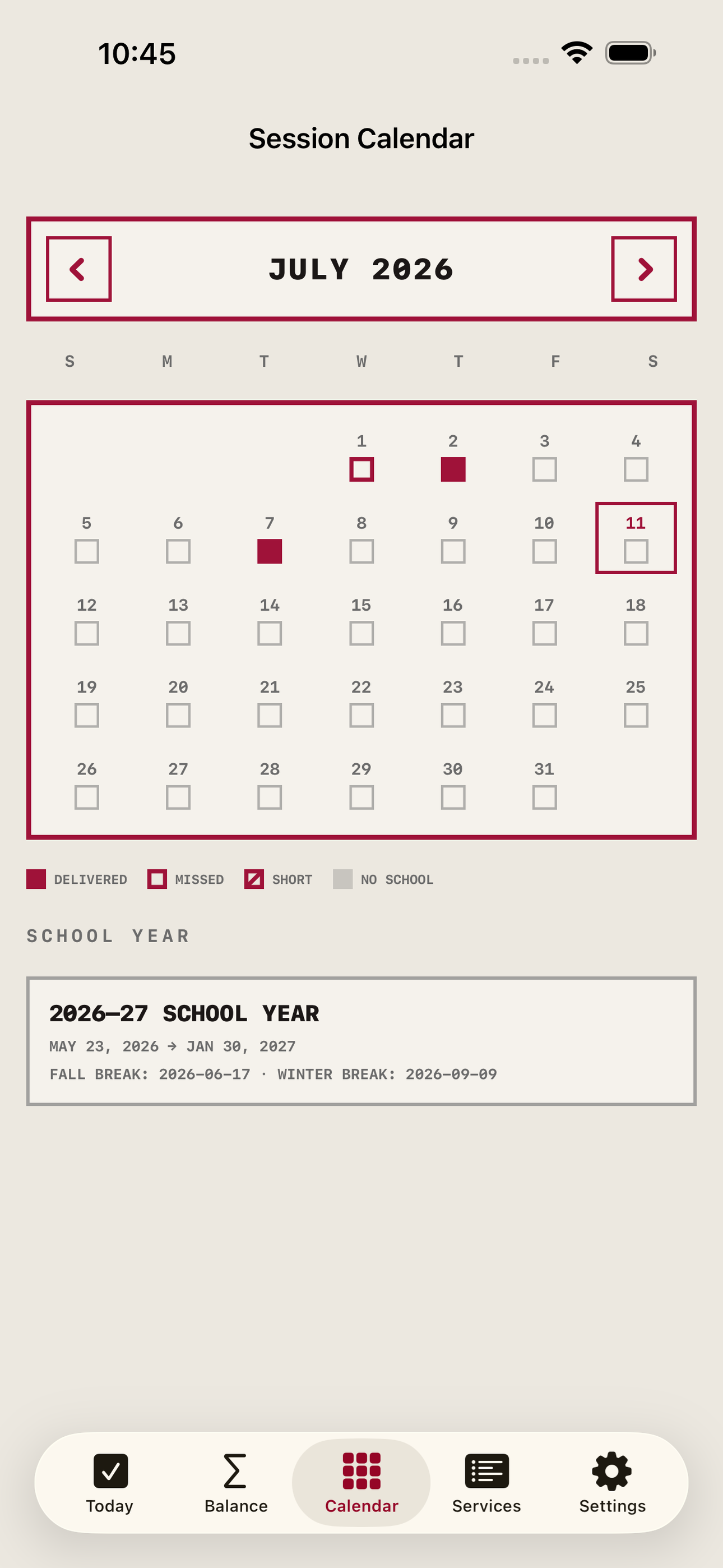
- Expected Session Calendar — From the service lines and a school-year calendar (start, end, breaks, holidays), the app generates every expected session for the year, so scheduled minutes are computed — never hand-entered week by week.
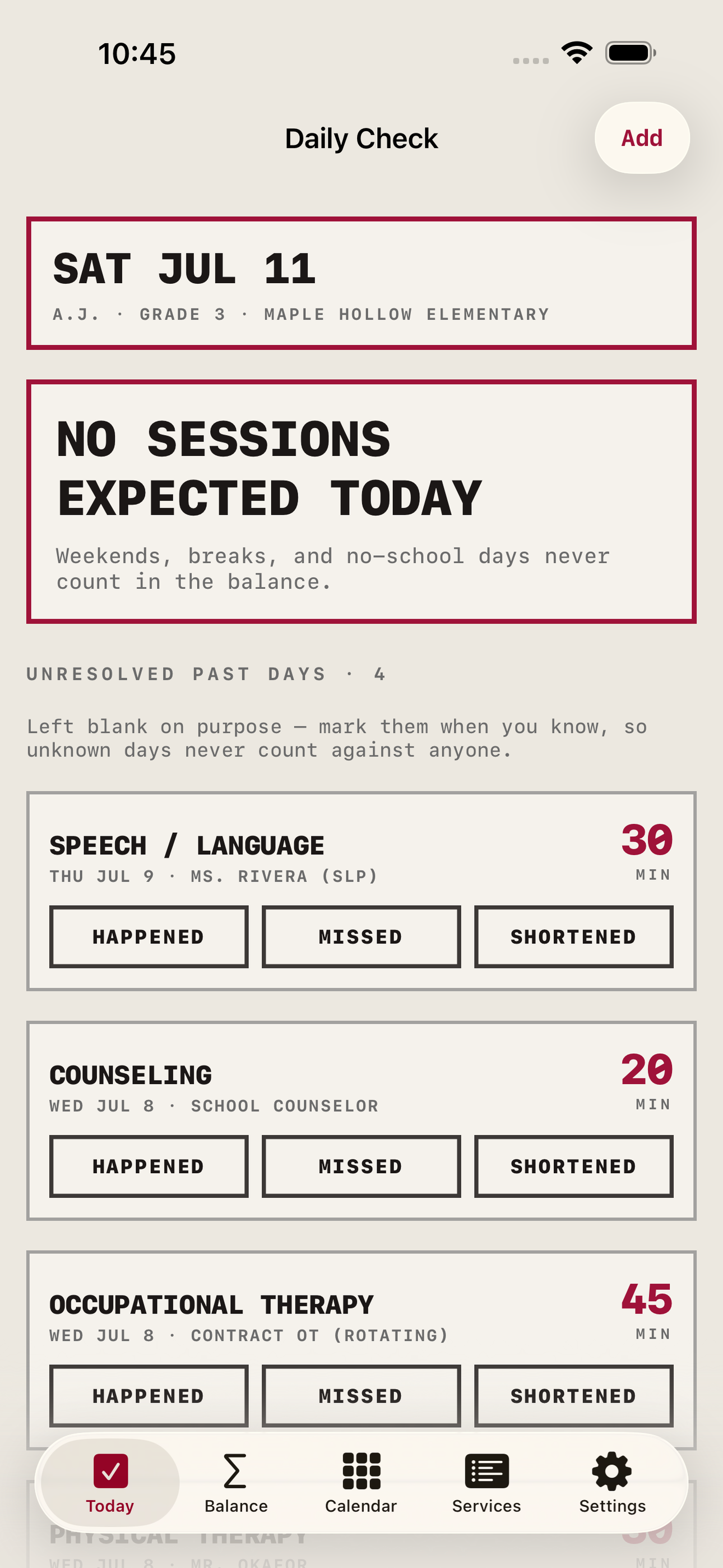
- Two-Tap Daily Check — A single card per expected session: happened, missed, or shortened (with actual minutes). An optional evening reminder prompts the ask-your-child moment. Unknown days can be marked later without breaking the math.
- Owed Balance — The running scoreboard: scheduled vs delivered vs outstanding minutes per service, with per-grading-period breakdowns and a trend strip showing which weeks the gaps cluster in.
- Gap Report — Exports the session-by-session table — every expected session, its recorded status, delivered minutes, and totals by service — as a dated PDF or CSV a parent can hand to the IEP team, with a records-not-advice footer on every page.
- Children and Archives — Track multiple children, each with their own services and school calendar, and archive a completed school year so history stays intact when the new IEP's dosages change.
Why we built it
IEPs specify exact service dosages, but national SLP/OT/sped staffing shortages mean sessions are silently missed for weeks or months. Compensatory-services conversations are won with documentation, yet no parent-facing tool tallies scheduled-vs-delivered minutes per service — parents have only a kitchen calendar and…
What makes it different
KidvoKit and IEP Compass are document/timeline organizers — neither models service-dosage math (scheduled vs delivered vs owed) at all; district systems (Frontline, SpedTrack) hold the provider logs but parents have zero access, and those district records are exactly what a parent's independent tally exists to check.…
Who it's for
Students, parents helping with homework, and adults who just want a fast answer without an upsell.
In one line: Scheduled vs delivered minutes
Try it
See the Scheduled vs delivered minutes for the full feature list, the info table, and support links.
Use Minutes Owed, found a bug, or have a feature request? Comments are open below — anonymous is fine.
0 comments
No comments yet — be the first.
Leave a reply
Sign in with Google to join the conversation. We require a quick sign-in to keep comments spam-free.
Sign in with Google to comment