Meet MileWay — Tax-deductible miles, on-device
MileWay is the easiest way to track your tax-deductible miles.

Finance
MileWay
Tax-deductible miles, on-device.
Every feature, from the first launch.
No account, no login, no cloud. Everything runs on your device and works fully offline — nothing in this post is hidden behind a wall.
What MileWay does
MileWay is the easiest way to track your tax-deductible miles. Rideshare driver, real estate agent, freelancer, contractor, small business owner — if you drive for work, every mile is worth $0.67 off your taxes (2024 IRS standard rate). On a 10,000-business-mile year, that's a $6,700 deduction.
Most mileage apps are subscription traps that require sign-up and run a tracker in the background that drains your battery. MileWay is different:
— One tap to start a trip. One tap to stop. GPS uses 'When In Use' permission only — no battery drain. — Classify each trip with one tap: Business, Medical, Charity, or Personal. Each category uses the correct IRS rate automatically. — Save your recurring routes (commute to client, daily route, etc.) and log them with one button next time. — Multiple vehicles, with separate odometer for each. — Tax-season export: clean PDF and CSV breakdown, ready for your accountant or Schedule C. — No account. No sign-up. No cloud. Your data lives on your phone.
Built for the 80 million Americans who file Schedule C or otherwise deduct mileage. Buy once, deduct forever.
A look inside
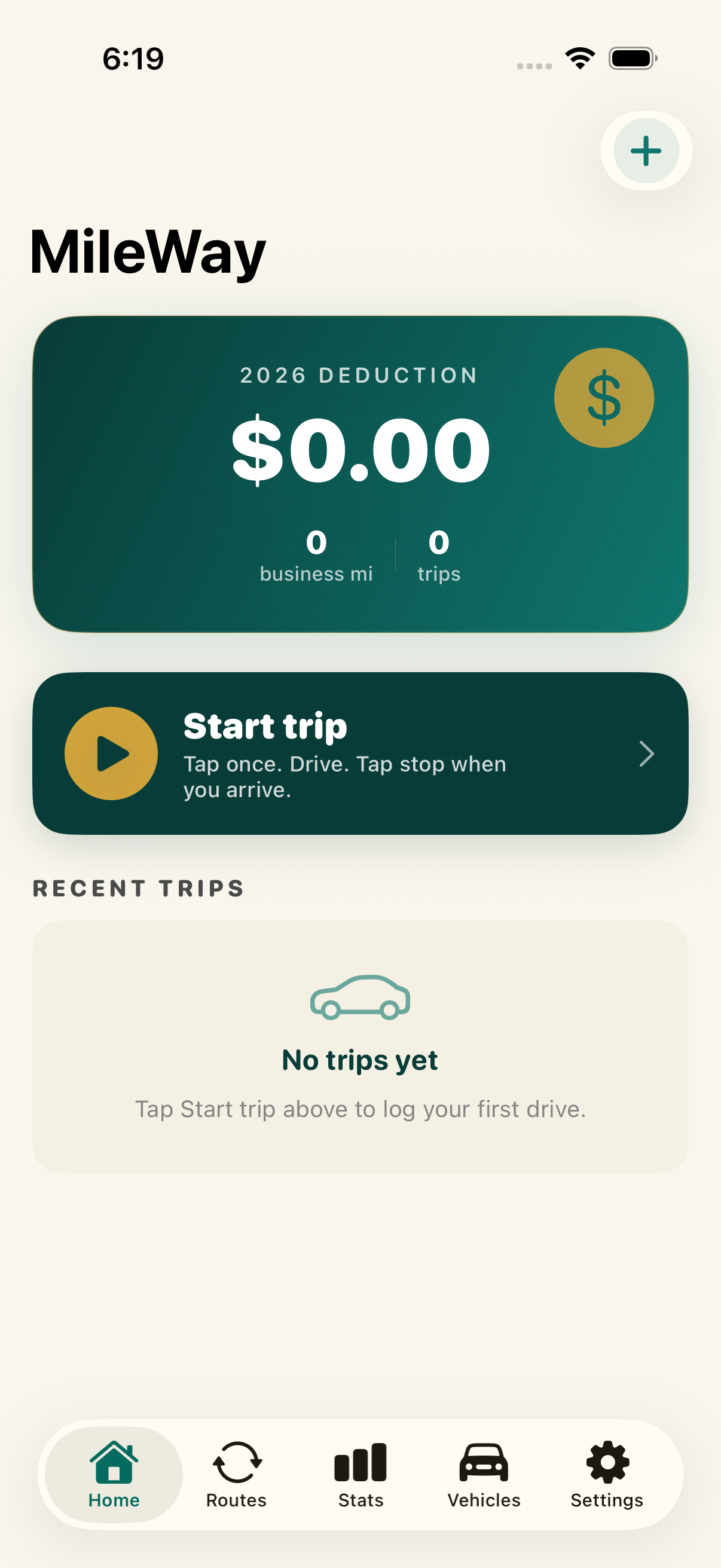


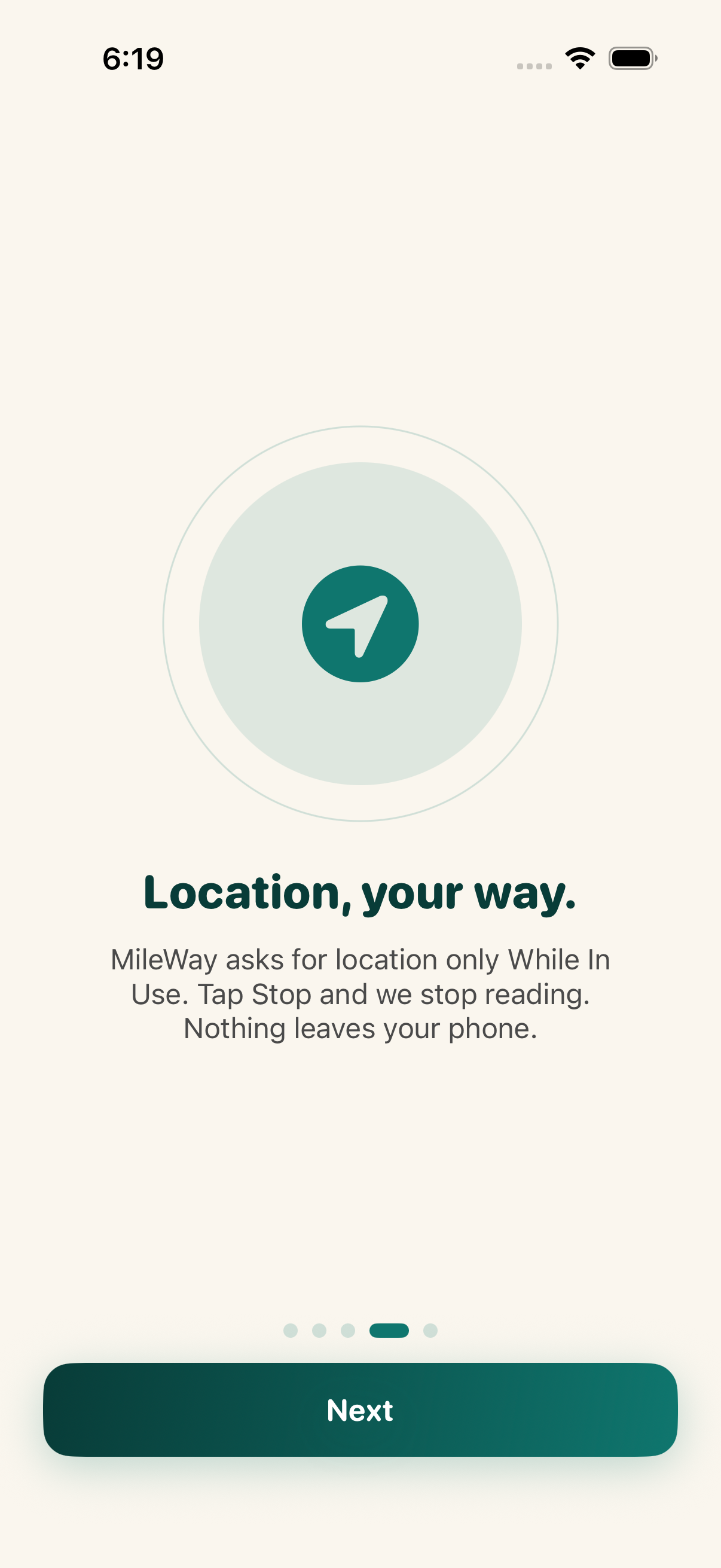
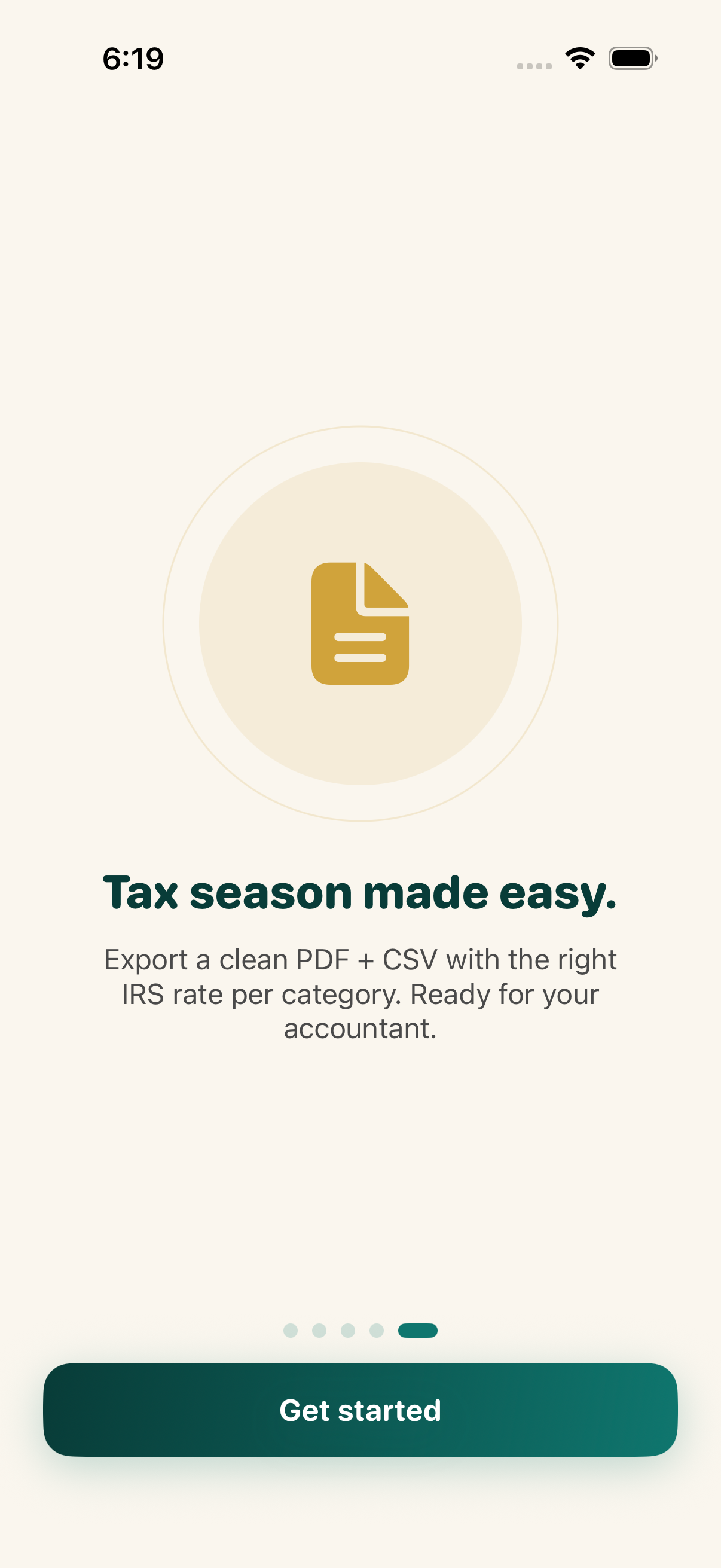
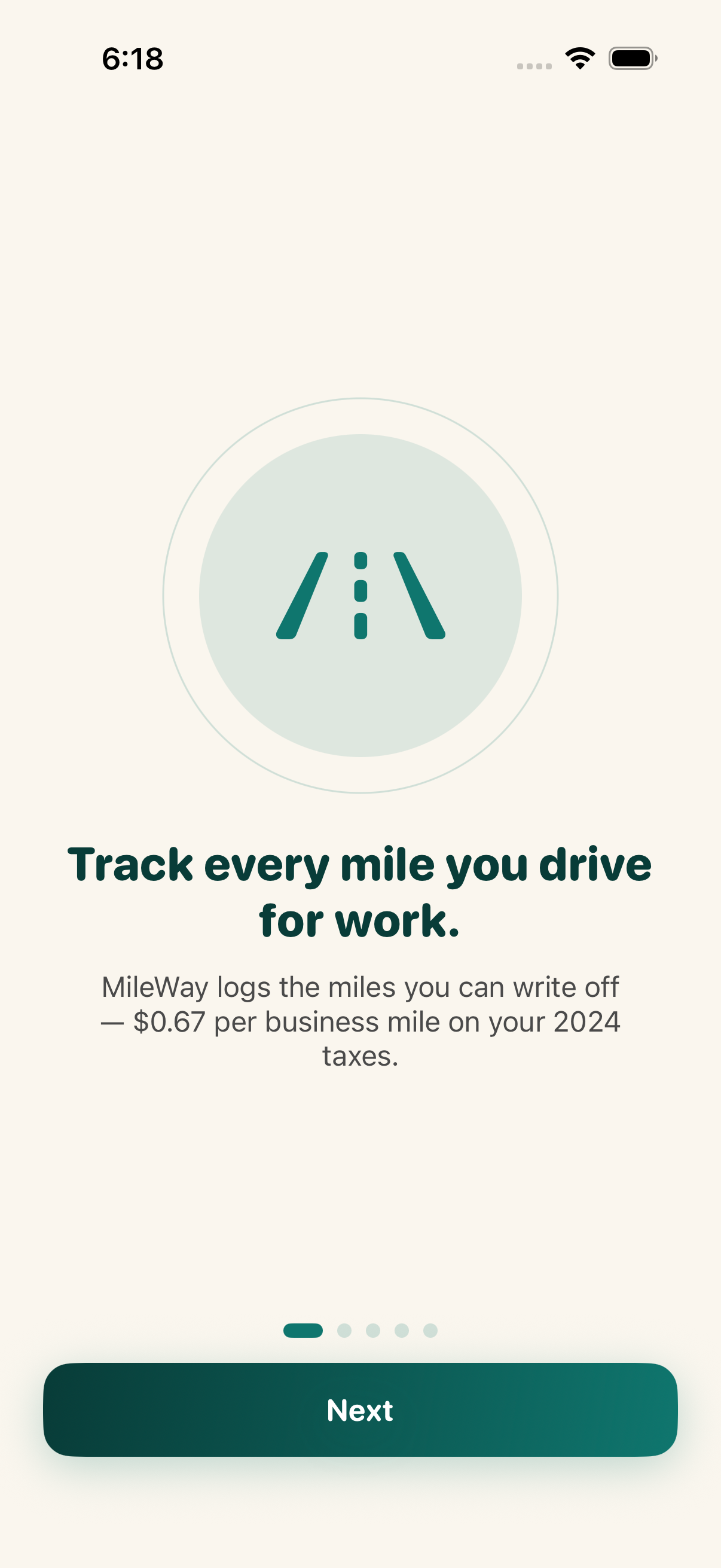
Tap any screenshot to open the full-resolution version.
What's inside
- One-tap trip log — Big 'Start trip' button on home. Uses CoreLocation while running to compute distance. Stop button when you arrive. No background tracking.
- Category classification — After stopping a trip, classify as Business, Medical, Charity, or Personal. IRS rate applied automatically per category.
- Recurring routes — Save trips you make repeatedly (commute to client A, daily route, etc.) as a Recurring Route. One-tap log them in the future with current date.
- Vehicle profiles — Track multiple vehicles separately. Each has odometer, make/model, and per-vehicle trip totals.
- Tax-season export — Generate a PDF and CSV for any year: shows total miles by category, IRS-rate-applied deduction amount, and itemized trip list. Email or AirDrop to accountant.
- Year + month summaries — Stats tab shows current-year deduction-to-date, monthly breakdown chart (Swift Charts), category split pie chart.
Why we built it
Anyone who deducts business mileage on their taxes is leaving money on the table because tracking is painful. Manual logs get forgotten; subscription apps cost $60-180/year and require always-on background tracking that hammers the battery and requires sign-up. People reconstruct mileage at tax time from memory and lo…
What makes it different
MileWay is the only mileage tracker that is (a) one-time purchase, (b) zero account / zero cloud, (c) When-In-Use location only (no battery drain), (d) recurring-route templates for one-tap logging, (e) tax-export ready with the right IRS rate per category applied automatically. Competitors (MileIQ, Everlance, Stride)…
Who it's for
Freelancers, contractors, and small-business owners who want their numbers right at tax time without renting a SaaS to do it.
In one line: Tax-deductible miles, on-device.
Try it
See the Mileage Tracker for Taxes for the full feature list, the info table, and support links.
Use MileWay, found a bug, or have a feature request? Comments are open below — anonymous is fine.
0 comments
No comments yet — be the first.
Leave a reply
Sign in with Google to join the conversation. We require a quick sign-in to keep comments spam-free.
Sign in with Google to comment