Meet Handsign — Learn ASL signs, offline
Handsign is the friendly, offline ASL companion for curious beginners.

Education
Handsign
Learn ASL signs, offline
Every feature, from the first launch.
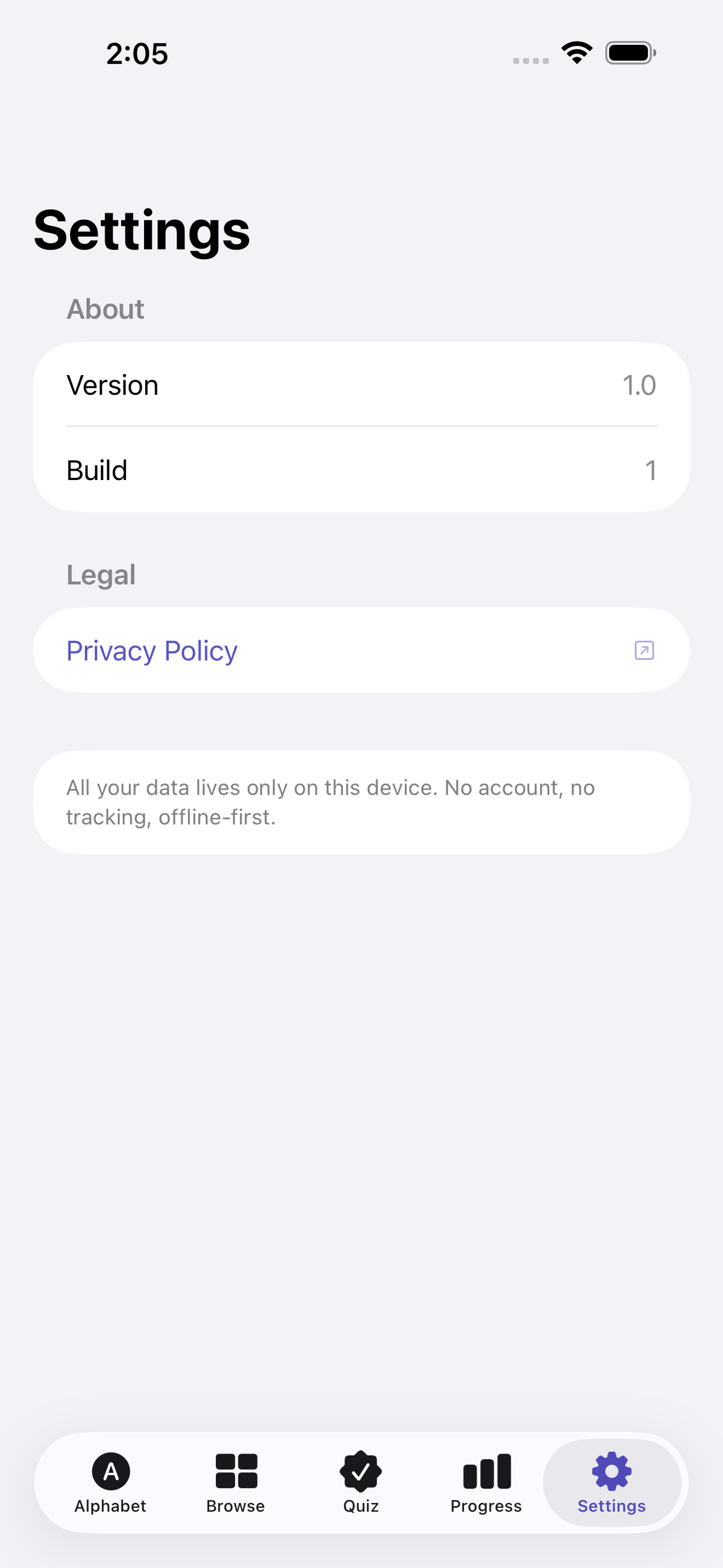
No account, no login, no cloud. Everything runs on your device and works fully offline — nothing in this post is hidden behind a wall.
What Handsign does
Handsign is the friendly, offline ASL companion for curious beginners. Learn all 26 fingerspelling letters plus 20 everyday signs through crisp vector illustrations and step-by-step handshape tips — no video streaming, no account, no ads.
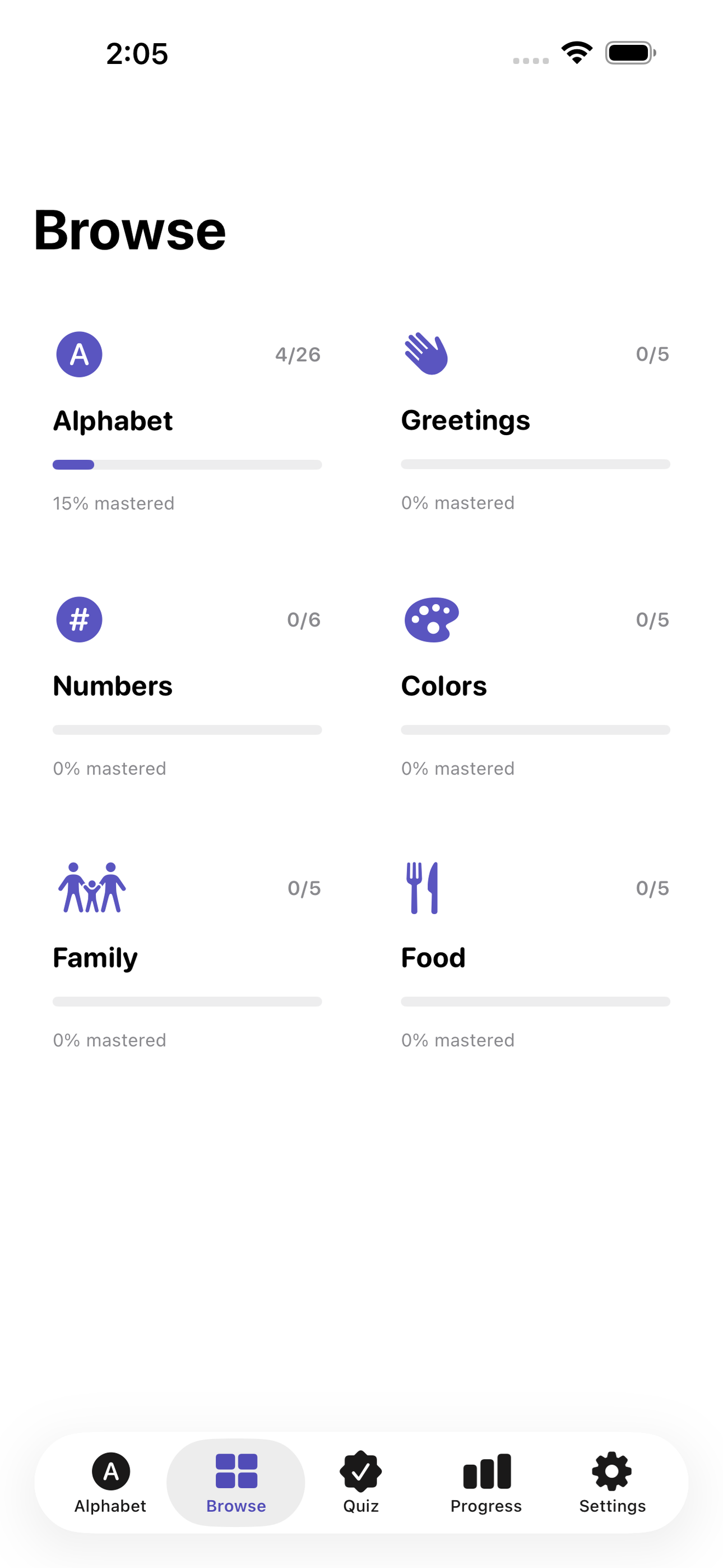
Browse the full alphabet grid, dive into a sign for a detailed how-to, then test yourself in an adaptive quiz that tracks which signs you’ve mastered and which still need work. Organized categories (greetings, numbers, colors, family) let you learn what matters to you right now, not a rigid curriculum.
Your progress is stored privately on your device with SwiftData, visible any time in a clean mastery dashboard.
• Full A–Z fingerspelling with illustrated handshapes •26 common everyday signs seeded at install • Adaptive flash-card quiz that surfaces weak spots • Category browser: greetings, numbers, colors, family • Mastery dashboard showing attempts and streaks • 100% offline — works on a plane, in a waiting room, anywhere
A look inside
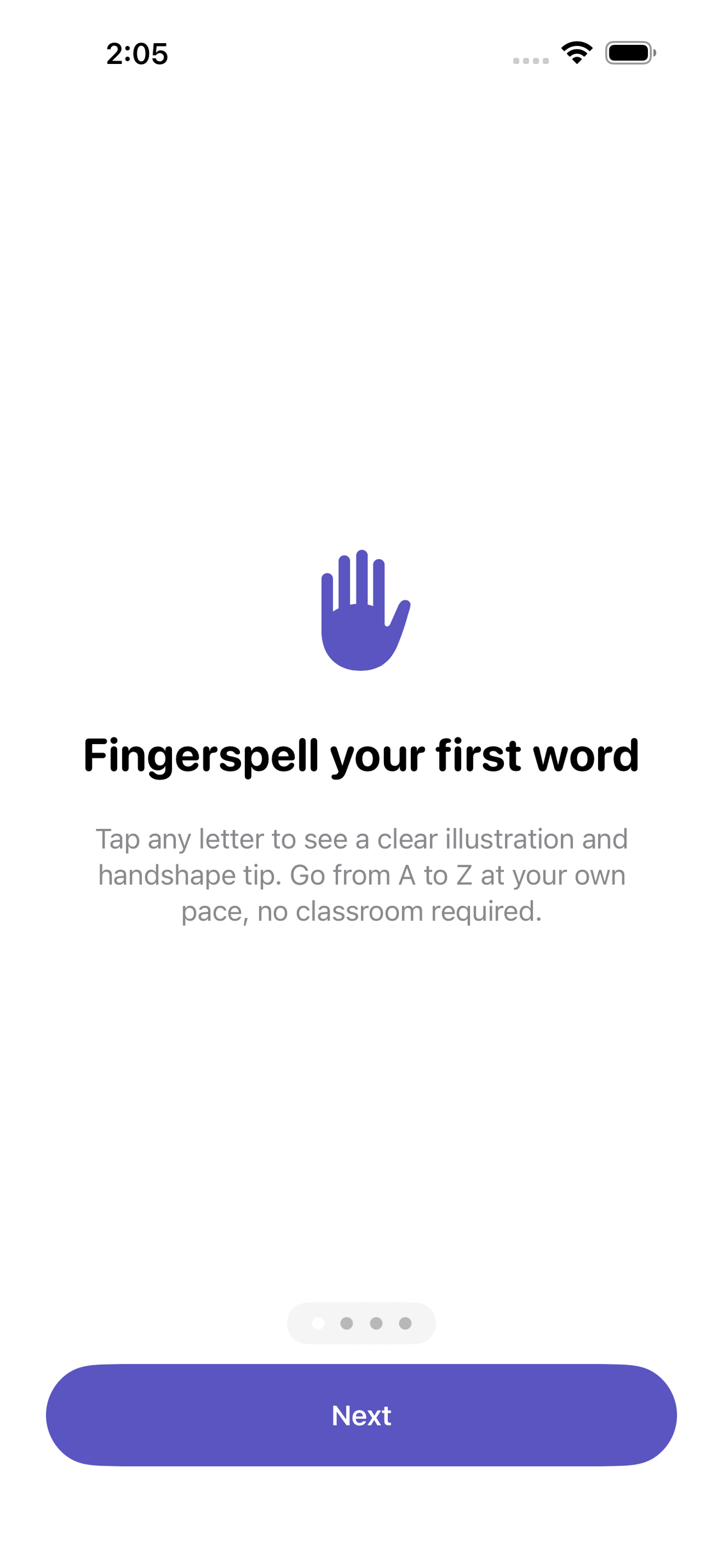
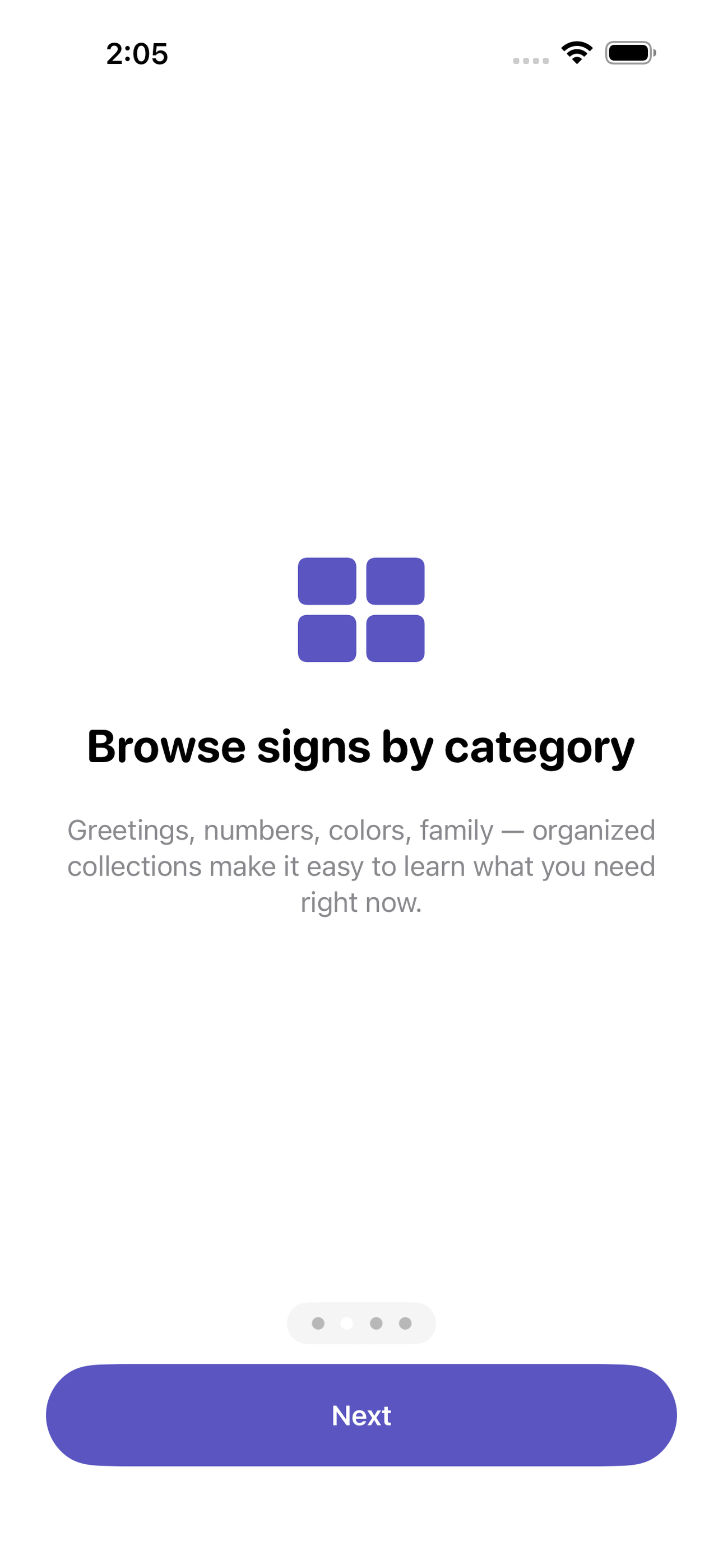
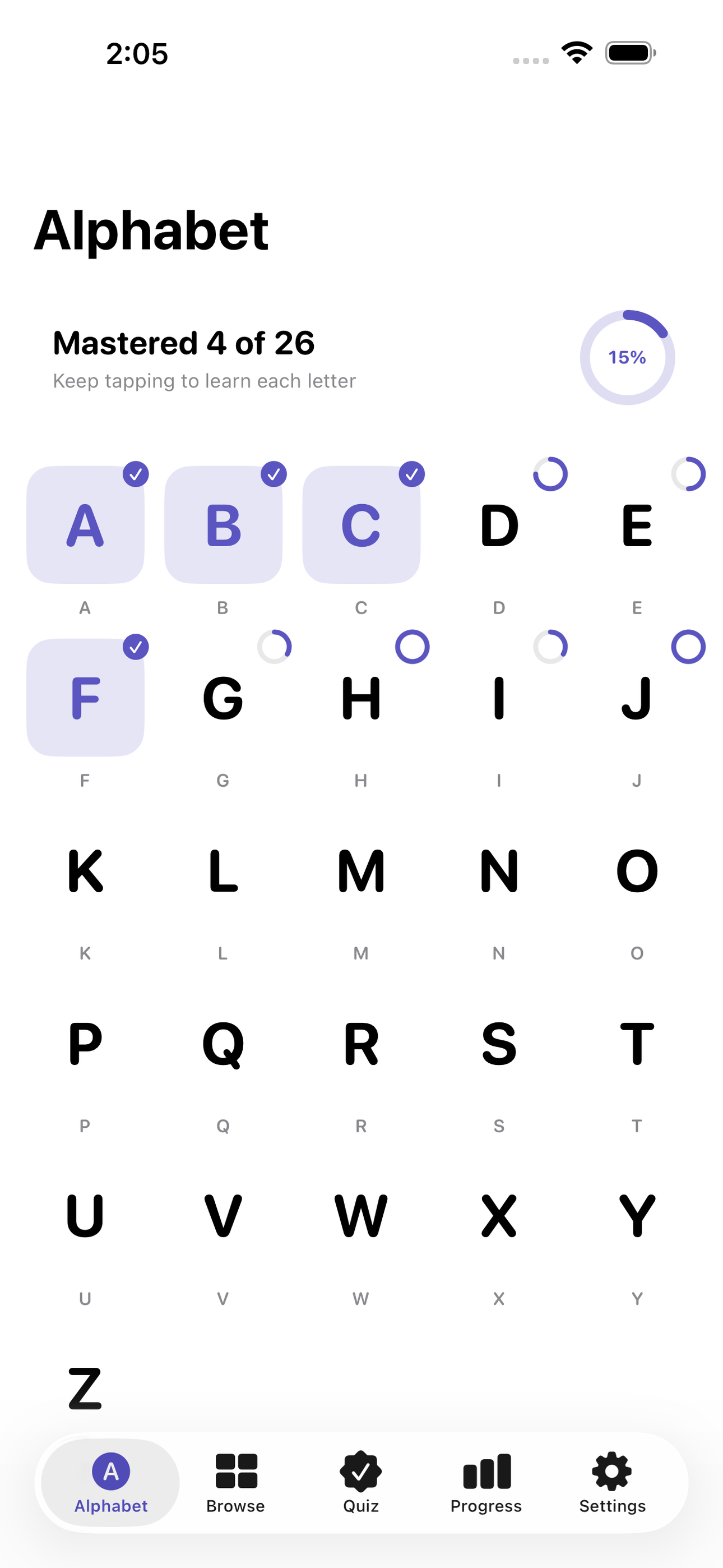
Tap any screenshot to open the full-resolution version.
What's inside
- Alphabet grid + sign detail — Home screen shows all 26 letters in a tappable grid with a progress ring per letter. Tapping opens SignDetailView with a vector handshape illustration, written description, and a memory tip.
- Category browser — CategoryView groups signs into themed collections (greetings, numbers, colors, family, food). Each category card shows count and mastery percentage.
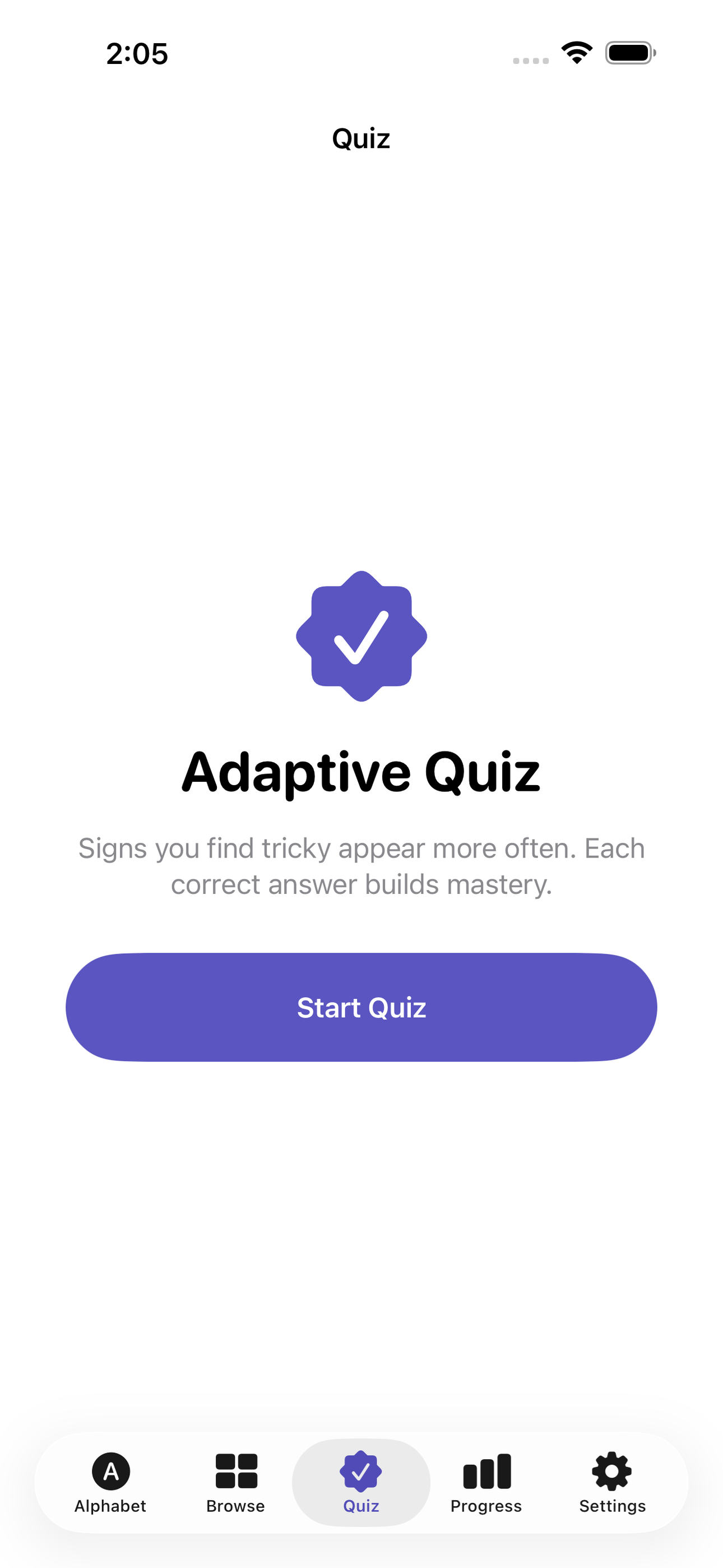
- Adaptive quiz — PracticeQuizView presents a sign illustration and asks the user to choose the matching letter or word from four options. Correct answers increment mastery; wrong answers re-queue the sign. Difficulty auto-adjusts based on per-sign attempt history.
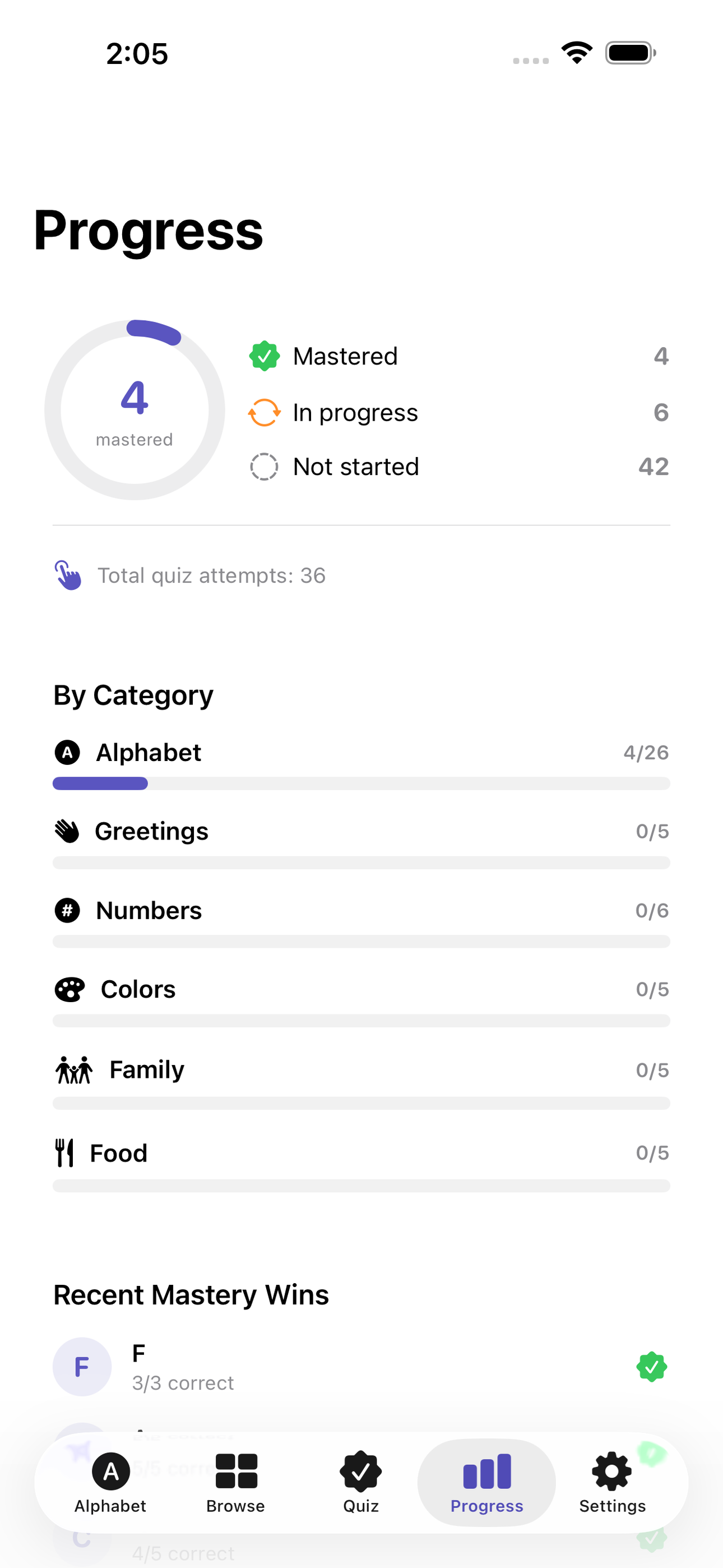
- Progress dashboard — ProgressView shows signs mastered vs. remaining, per-category mastery bars, and a recent-activity list — giving learners a clear sense of momentum.
Why we built it
Most free ASL learners either rely on streaming video (no offline use) or show low-quality clipart without handshape guidance. Beginners have no lightweight, offline reference that both illustrates a sign clearly and quizzes them until they truly know it.
What makes it different
A fully offline, SwiftData-backed ASL starter that pairs clean vector handshape illustrations with an adaptive mastery quiz — no video dependency, no account, no paywall on core learning — unlike streaming apps (Lingvano, ASL American Sign Language) or static chart PDFs.
Who it's for
Students, parents helping with homework, and adults who just want a fast answer without an upsell.
In one line: Learn ASL signs, offline
Try it
See the Learn ASL signs, offline for the full feature list, the info table, and support links.
Use Handsign, found a bug, or have a feature request? Comments are open below — anonymous is fine.
0 comments
No comments yet — be the first.
Leave a reply
Sign in with Google to join the conversation. We require a quick sign-in to keep comments spam-free.
Sign in with Google to comment