Meet GhostFrame — Photo-a-day, perfectly stacked
Echo Frame turns one photo a day into a film of your life.

Photo And Video
GhostFrame
Photo-a-day, perfectly stacked
Every feature, from the first launch.
No account, no login, no cloud. Everything runs on your device and works fully offline — nothing in this post is hidden behind a wall.
What GhostFrame does
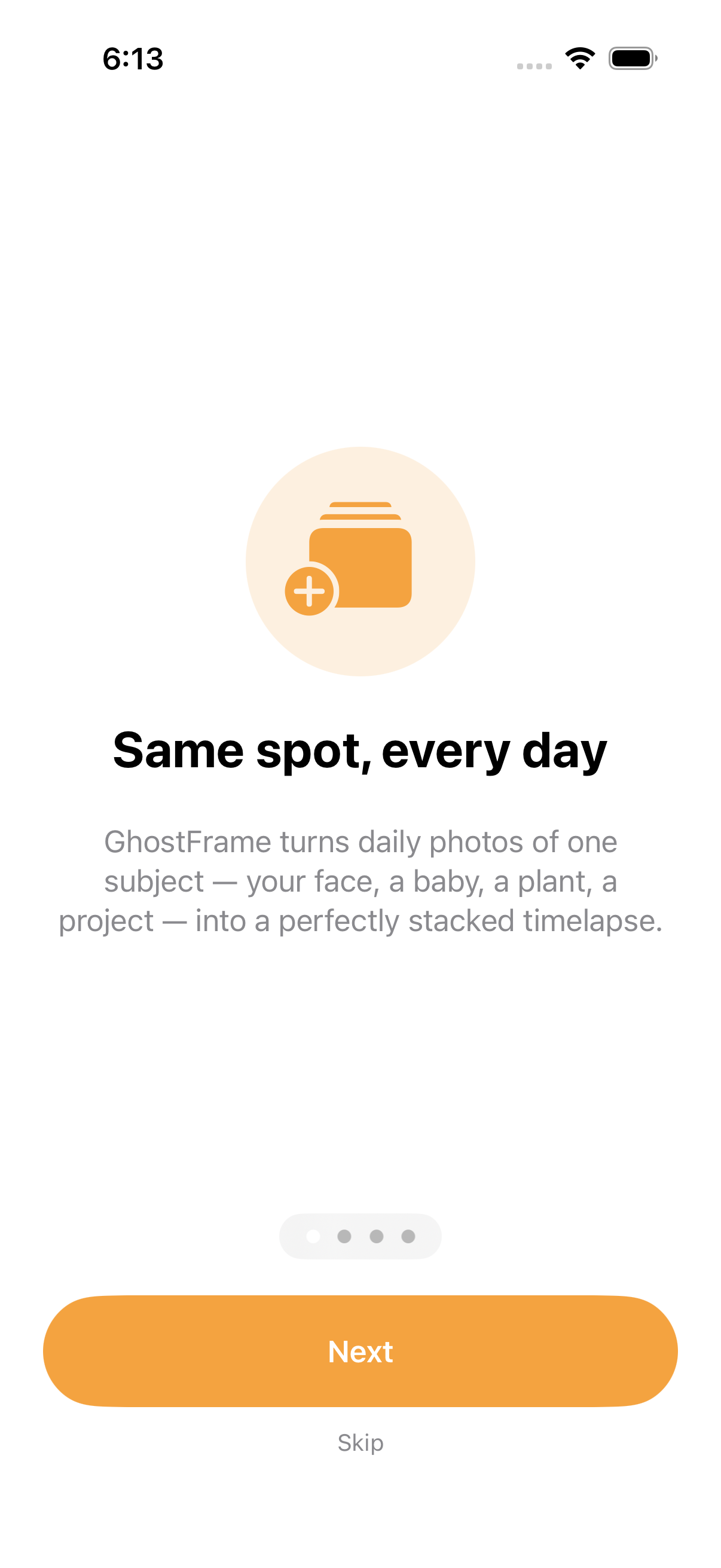
Echo Frame turns one photo a day into a film of your life. Pick a subject — your face, your kitchen renovation, the apple tree out back, your toddler — and shoot it from the same angle every day. Echo Frame fades yesterday's photo over the live camera so you nail the alignment in seconds, then stitches every shot into a smooth timelapse you can share.
Why it's different: • Ghost-frame alignment — yesterday's shot is faintly overlaid on the live viewfinder, so the framing matches without measuring or guessing • Multiple projects — track your face, your plant, and your renovation as separate films, side by side • Instant timelapse — composed on-device at 4 to 60 fps with optional bundled music; no upload, no waiting, no account • Local-first by design — every photo stays on your phone, nothing uploads, nothing is tracked, the app works on airplane mode • Gentle daily reminder — pick a time, get one nudge, never see a streak shamer
Free forever for one project and a seven-day film. Unlock Pro once for unlimited projects, unlimited film length, four bundled instrumental tracks, 1080p export, and watermark removal.
A year from now you won't remember today. Start a frame, and your future self will press play.
A look inside


Tap any screenshot to open the full-resolution version.
What's inside
- Project list — Home screen showing all of the user's photo projects as cards with the latest thumbnail, day count, and a giant tap-to-shoot button.
- New project sheet — Create a project with a name, a reminder time, and (optionally) an initial photo. Stored via SwiftData.
- Ghost-overlay camera — Custom AVCaptureSession preview with the previous day's photo composited above the live feed at adjustable opacity (10-60%). Tap shutter, photo saves to disk, project entry appended.
- Project timeline — Scrollable grid of all photos in the project, with day-number labels. Tap a photo to see it full-screen with swipe between days.
- On-device timelapse export — AVAssetWriter composes the project's photos into an MP4 at user-selected fps. Optional bundled music track. Saves to Photos library via PHPhotoLibrary.
- Daily reminder — Local UNUserNotification scheduled per project at the user's chosen time. No server, no push token.
Why we built it
People want to make same-spot timelapses (face, baby, plant, project) but their daily photos drift in framing, the result looks jittery, and existing apps either require an account, sync to a server, or skip alignment entirely.
What makes it different
Live ghost-overlay of the previous day's photo on the camera preview means frames actually line up — most competitors only stack what you shot, they don't help you shoot. Multiple parallel projects, fully offline, one-time unlock instead of a $30/yr subscription.
Who it's for
Visual journalers, the time-lapse curious, and anyone trying to remember what last spring actually looked like.
In one line: Photo-a-day, perfectly stacked
Try it
See the Same-Spot Timelapse App for the full feature list, the info table, and support links.
Use GhostFrame, found a bug, or have a feature request? Comments are open below — anonymous is fine.
0 comments
No comments yet — be the first.
Leave a reply
Sign in with Google to join the conversation. We require a quick sign-in to keep comments spam-free.
Sign in with Google to comment