Meet CropJar — Every jar, dated & counted
CropJar is the canning notebook that lives in your apron pocket.

Food And Drink
CropJar
Every jar, dated & counted
Every feature, from the first launch.
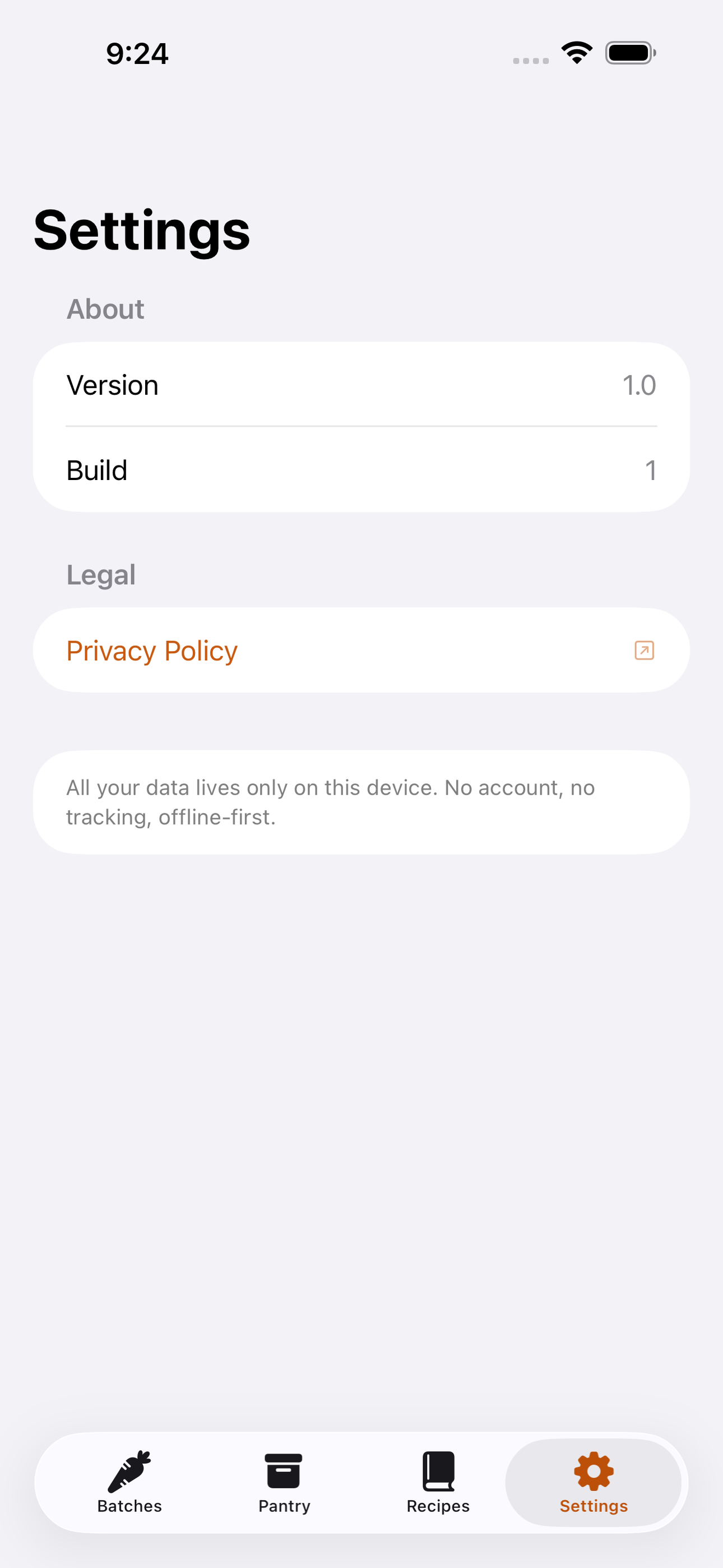
No account, no login, no cloud. Everything runs on your device and works fully offline — nothing in this post is hidden behind a wall.
What CropJar does
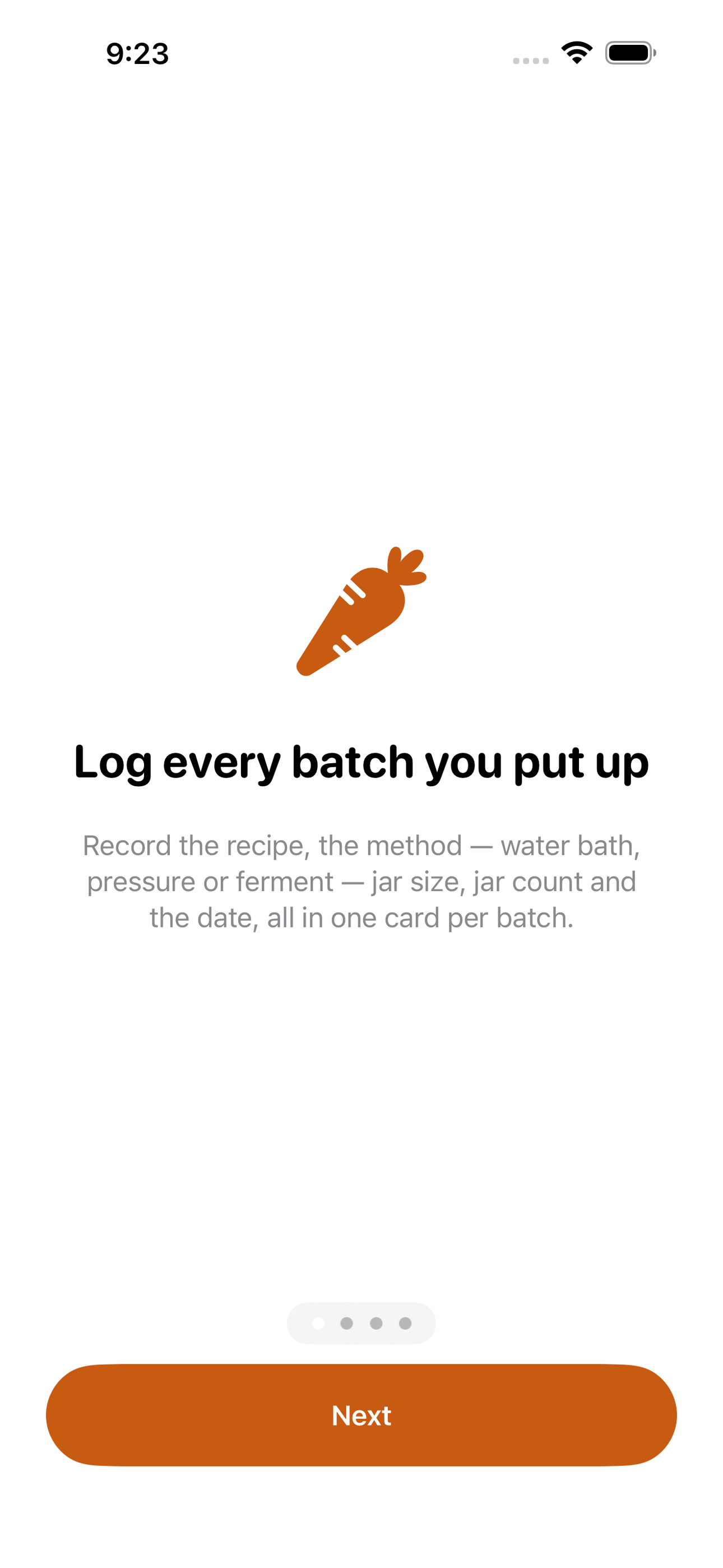
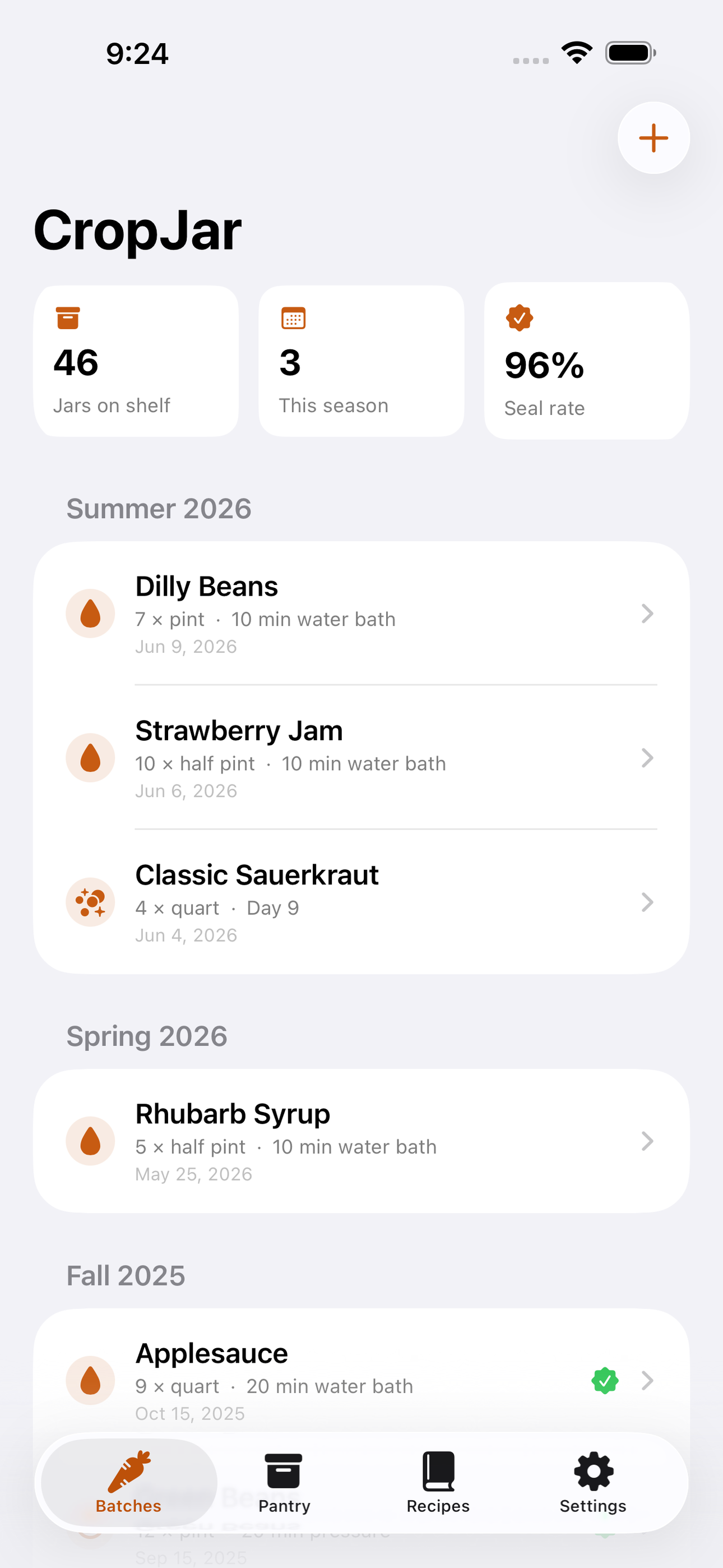
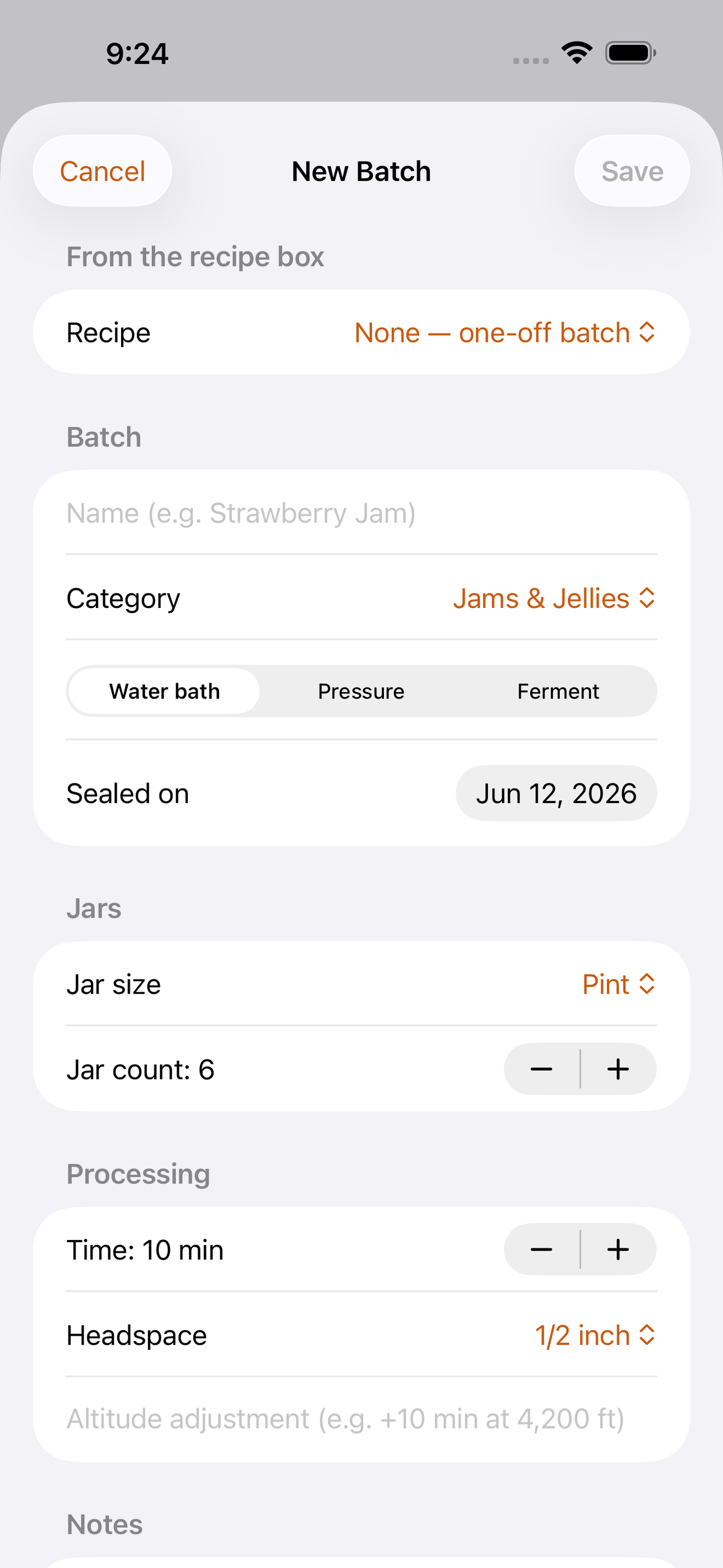
CropJar is the canning notebook that lives in your apron pocket. Every time you put up a batch — strawberry jam in June, dilly beans in August, a crock of kraut in October — you log it once: the recipe, the method (water bath, pressure canner or fermentation), the jar size, how many jars you got, the processing time you used and the date you sealed them. No more flipping through a grease-stained spiral notebook trying to remember whether the 2024 tomatoes got 35 or 45 minutes.
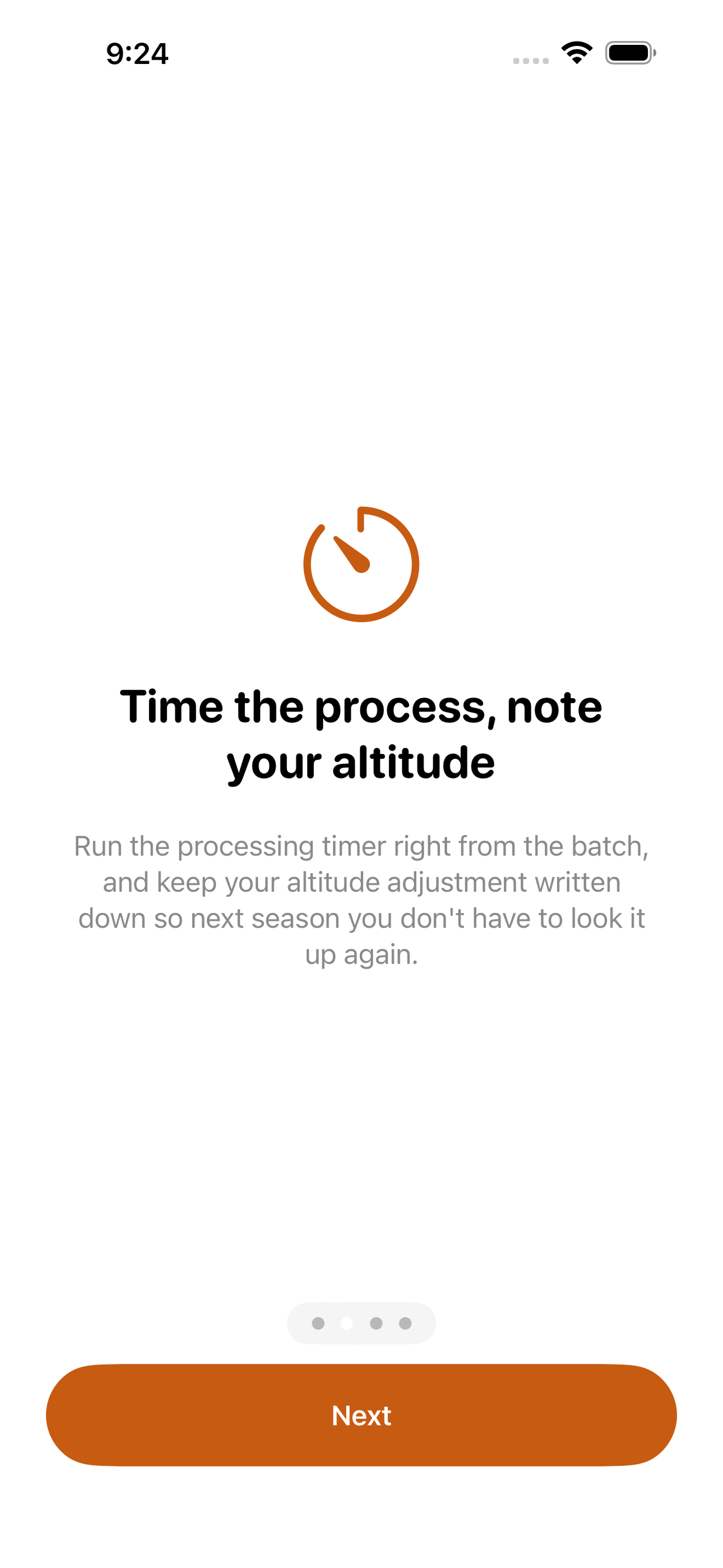
Each batch comes with a built-in processing timer, and CropJar keeps your altitude adjustment notes attached to the recipe so the extra minutes you add at 4,200 feet are written down once and remembered forever. Fermentation batches get day counters instead, with check-in notes for brine level, smell and taste along the way.
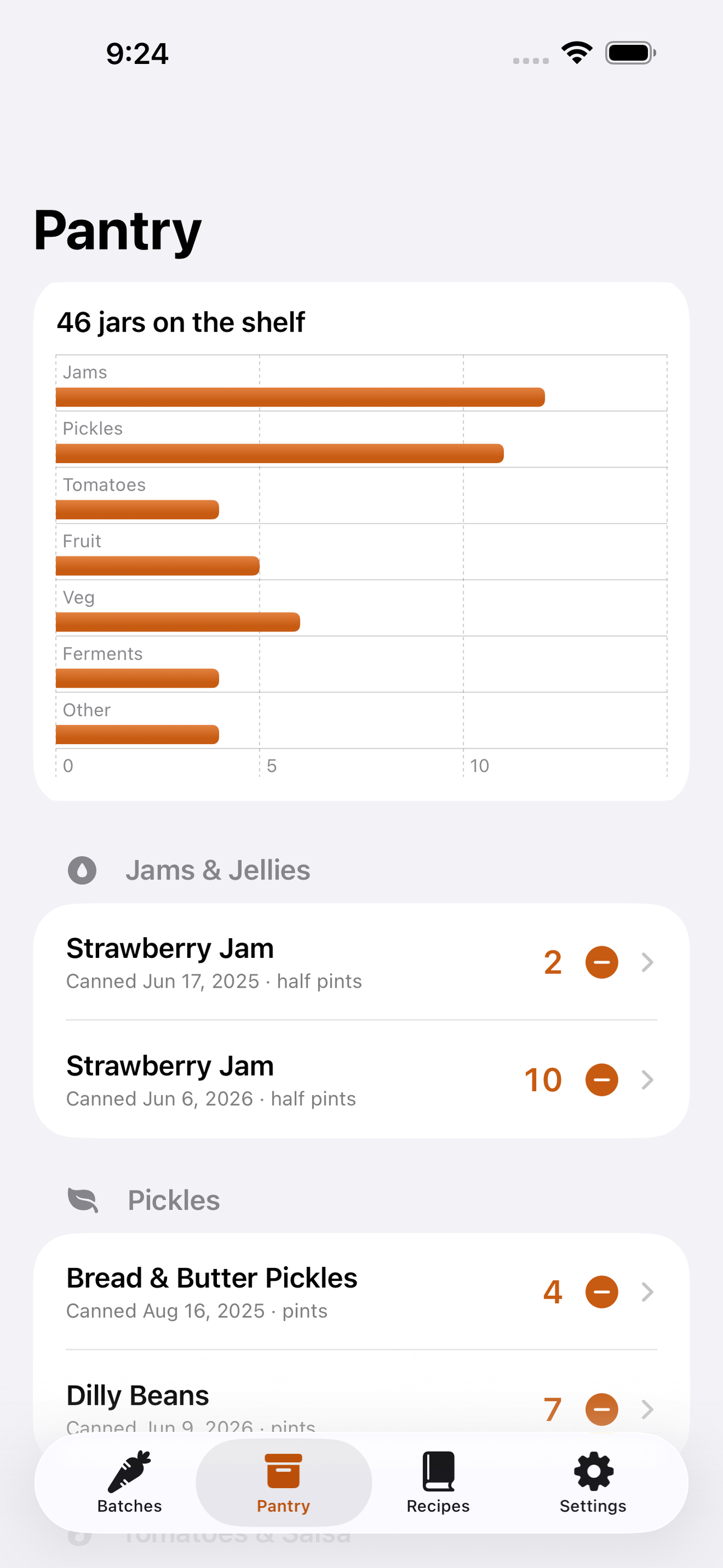
Everything you seal flows into a pantry shelf view: jars grouped by category with their canned-on dates, oldest first. Open a jar, tap to use it, and your counts stay honest — so February-you knows exactly how many quarts of tomatoes are really left and which shelf year to pull from first. When a batch is gone or cured, record the outcome: how many seals held, what you'd change, and whether it earned a spot in next year's plan.
CropJar is completely free, works 100% offline with no account and no sign-up, and stores everything locally on your device with SwiftData. Your pantry is nobody's business but yours.
• One card per batch: recipe, method, jar count, processing time, date • Built-in processing timer + your saved altitude adjustments • Ferment day counters with brine and taste check-ins • Pantry inventory by category, oldest jars surfaced first • Use-a-jar tap to keep counts true • Batch outcomes: seal rate, verdict, notes for next season • Free, offline, no account — data never leaves your phone
Put up the harvest. Write it down once. Download CropJar before the next batch hits the water.
A look inside
Tap any screenshot to open the full-resolution version.
What's inside
- Batch log — Create a batch with recipe, method (water bath, pressure, ferment), jar size, jar count, processing time, headspace and sealed-on date; browse past batches grouped by season.
- Processing timer & ferment days — A countdown timer for water-bath and pressure processing with the batch's saved altitude adjustment shown inline; fermentation batches instead get a day counter with dated check-in notes for brine, smell and taste.
- Pantry shelf — All sealed jars in one inventory grouped by category (jams, pickles, tomatoes, ferments, etc.) with canned-on dates, oldest-first sorting, and a one-tap 'use a jar' button that decrements the count.
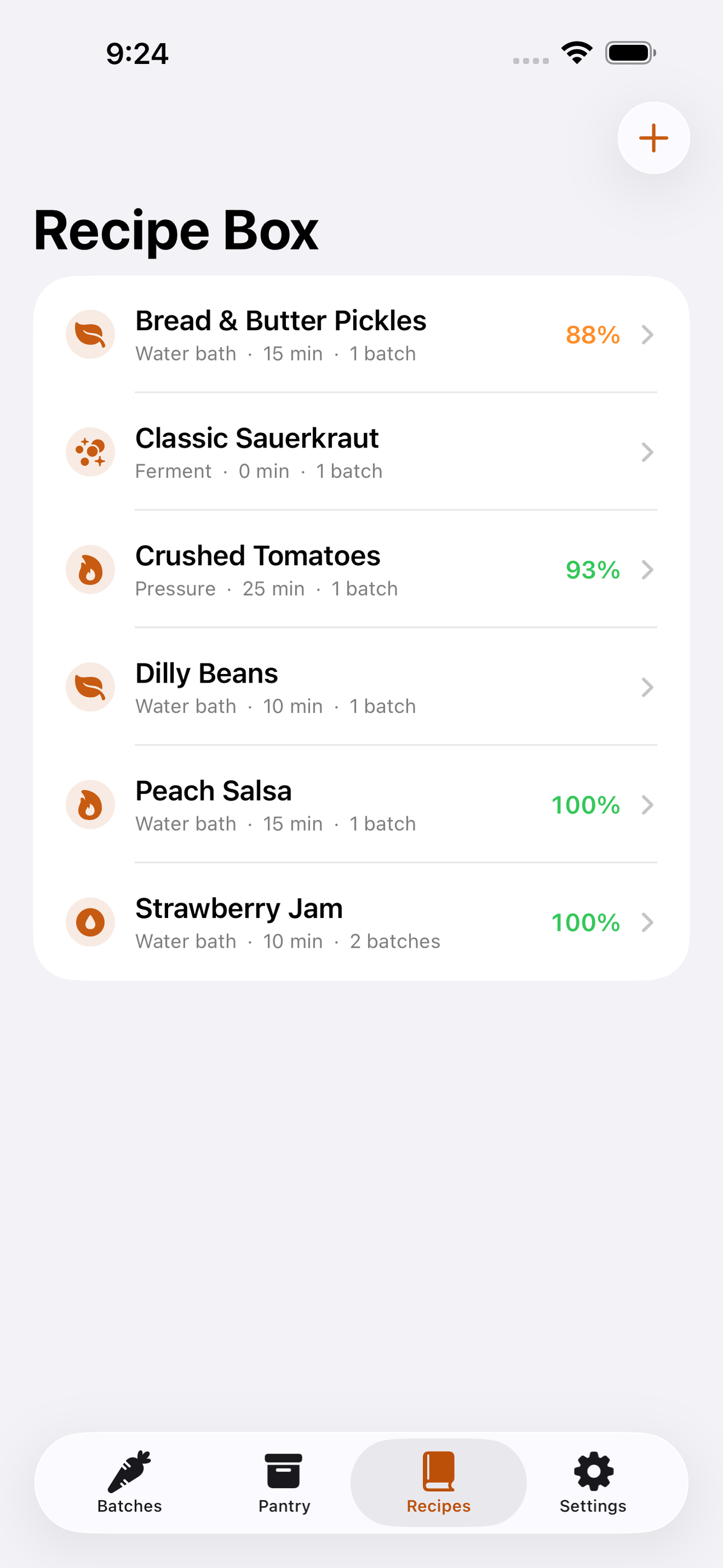
- Recipe box & outcomes — Reusable recipe cards storing yield, processing time and altitude notes; after a batch cures, log seal successes vs. failures and a taste verdict, building a seal-rate and keeper history per recipe.
Why we built it
Home canners have no reliable record connecting a batch (recipe, processing time, altitude adjustment, date) to the jars sitting on the shelf: they forget which year a jar is from, lose the tweak that made last summer's pickles crisp, re-look-up altitude adjustments every season, and discover in February that the spre…
What makes it different
Unlike levain (a sourdough starter and bake log), brewlog (beverage fermentation and homebrew batches) and hotsauce (a finished-sauce shelf catalog), CropJar is built around the put-it-up-and-draw-it-down cycle of food preservation: a batch produces N dated jars, those jars live in a category-organized pantry inventor…
Who it's for
Built for anyone who values fast, private, on-device software with a calm, focused UX.
In one line: Every jar, dated & counted
Try it
See the Every jar, dated & counted for the full feature list, the info table, and support links.
Use CropJar, found a bug, or have a feature request? Comments are open below — anonymous is fine.
0 comments
No comments yet — be the first.
Leave a reply
Sign in with Google to join the conversation. We require a quick sign-in to keep comments spam-free.
Sign in with Google to comment