Meet Startup City: SnackBot — Build a snack robot empire!
Build a snack robot empire!
Games
Startup City: SnackBot
Build a snack robot empire!
Every feature, from the first launch.
No account, no login, no cloud. Everything runs on your device and works fully offline — nothing in this post is hidden behind a wall.
What Startup City: SnackBot does
Build SnackBot, a snack-delivering robot, and grow your startup from a garage to a tower! Pick 2 action cards each day to build your product, attract fans, earn money, and outsmart your rival BiteBot.
• 45+ action cards across 6 categories • 30 events with meaningful choices • 10 unique helpers with special abilities • 7 stages from Tiny Idea to Choose Your Future • 7 different endings based on your decisions • Daily challenge with unique seed
No ads. No tracking. No in-app purchases. Everything stays on your device — safe for kids.
A look inside
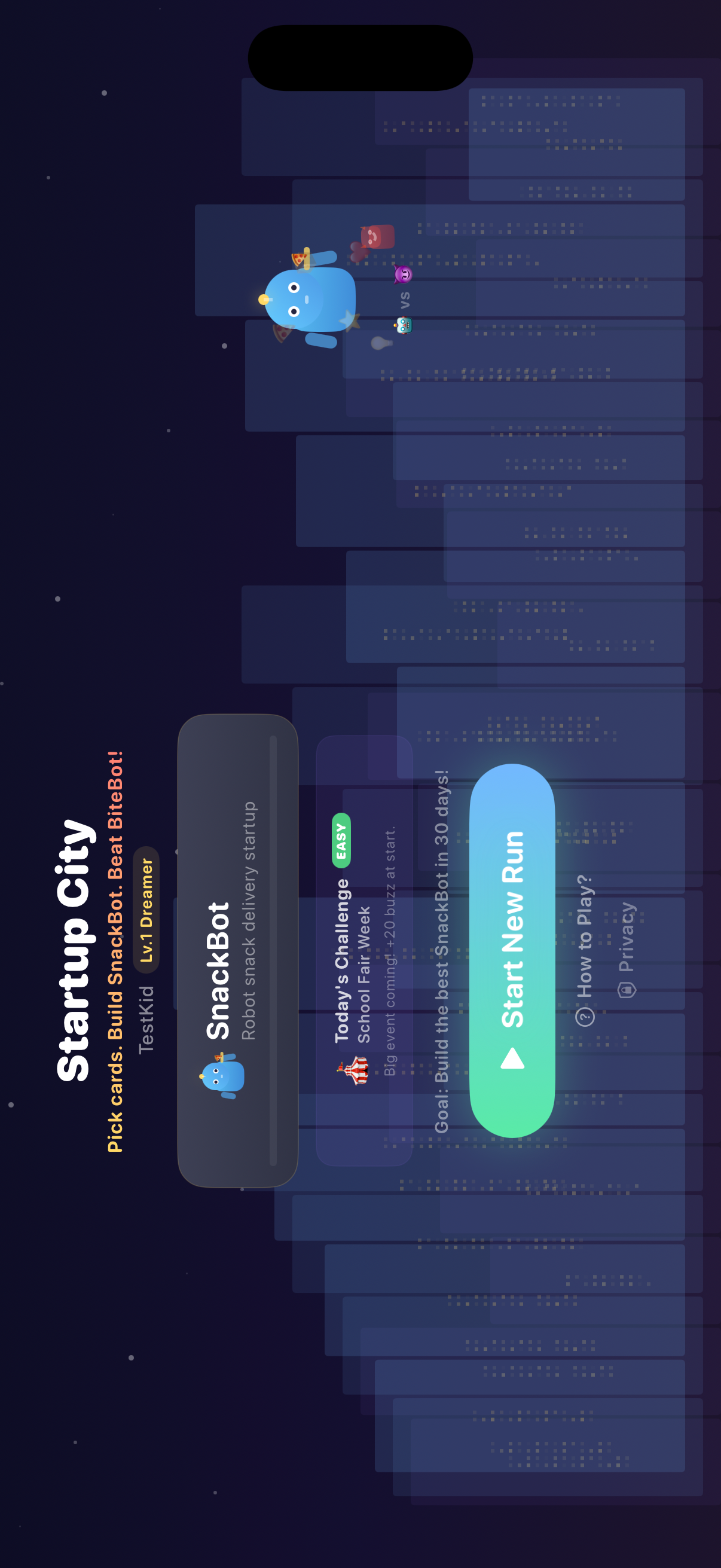
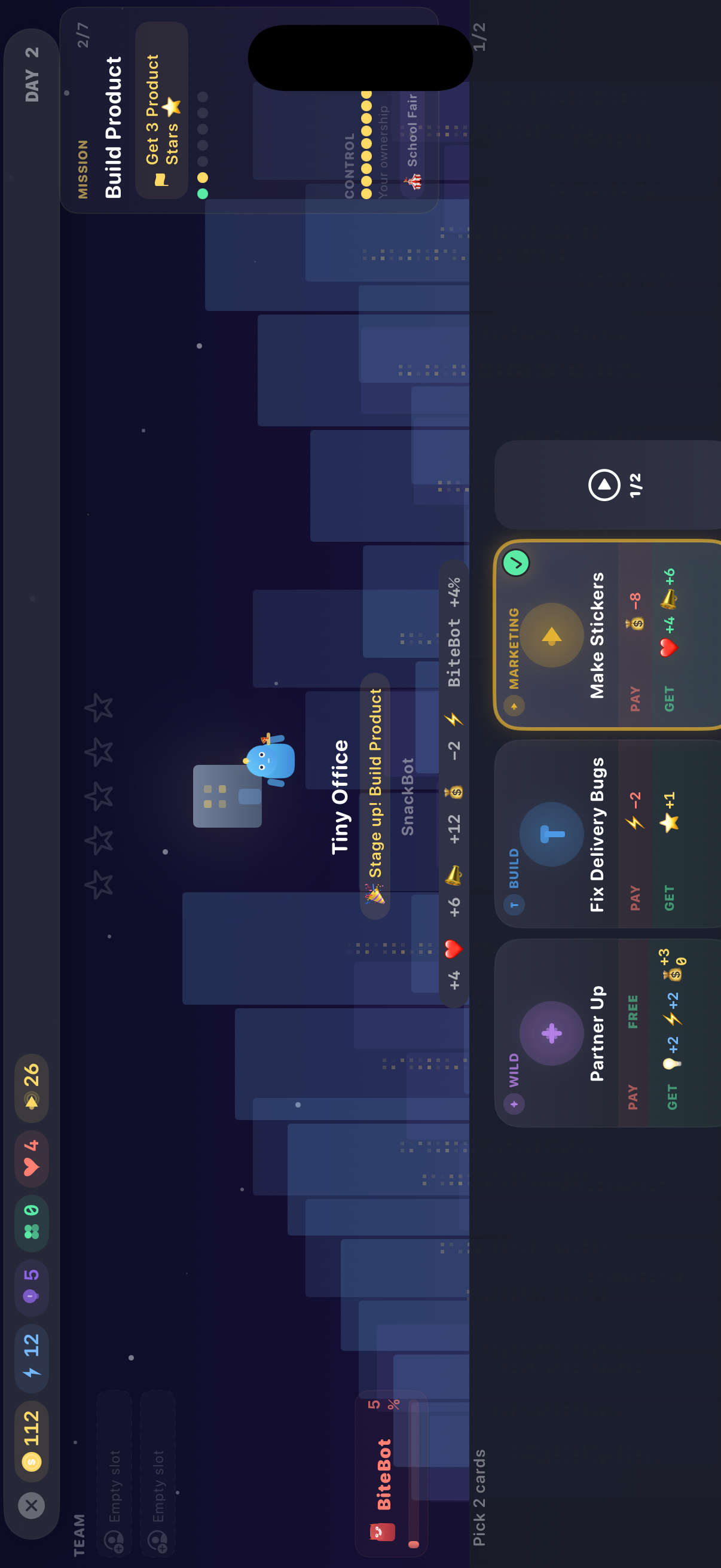
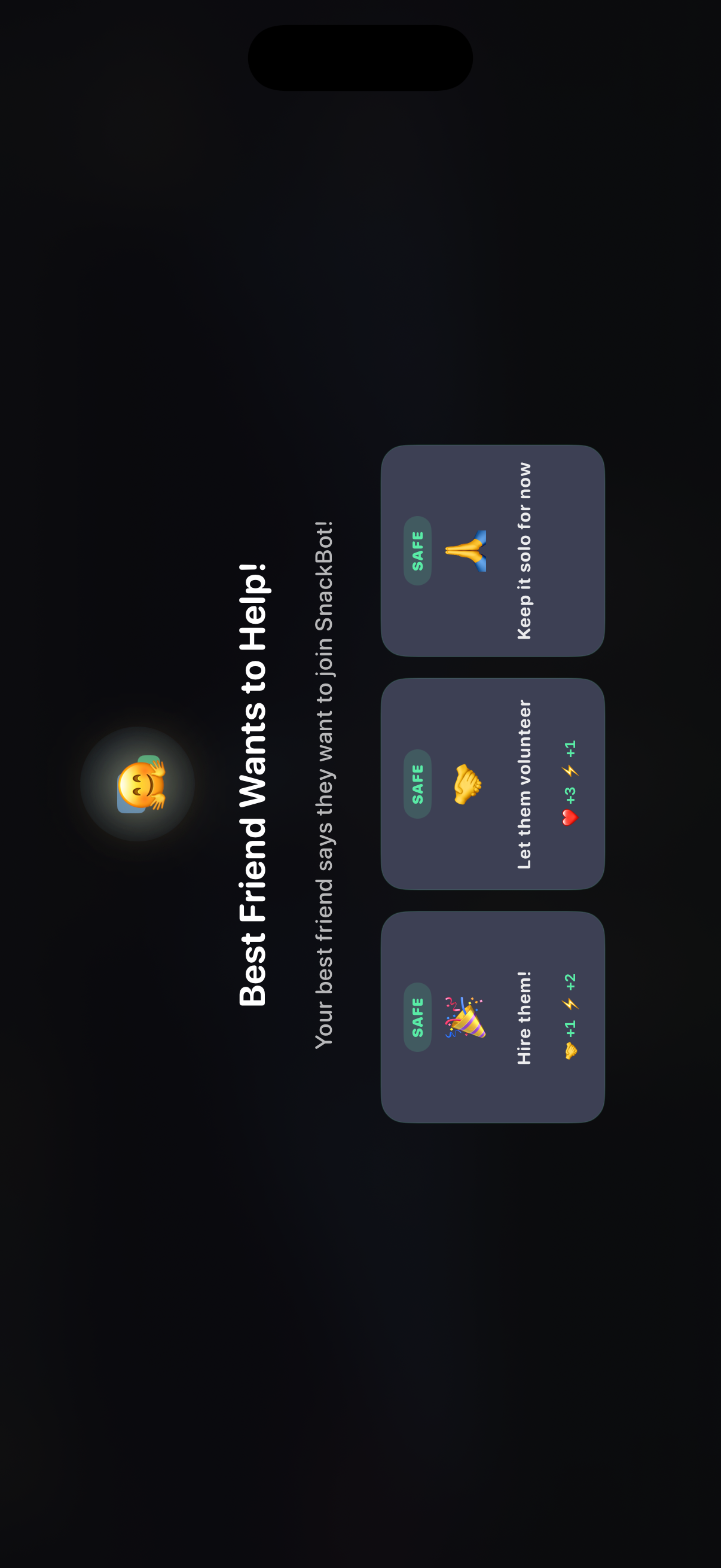
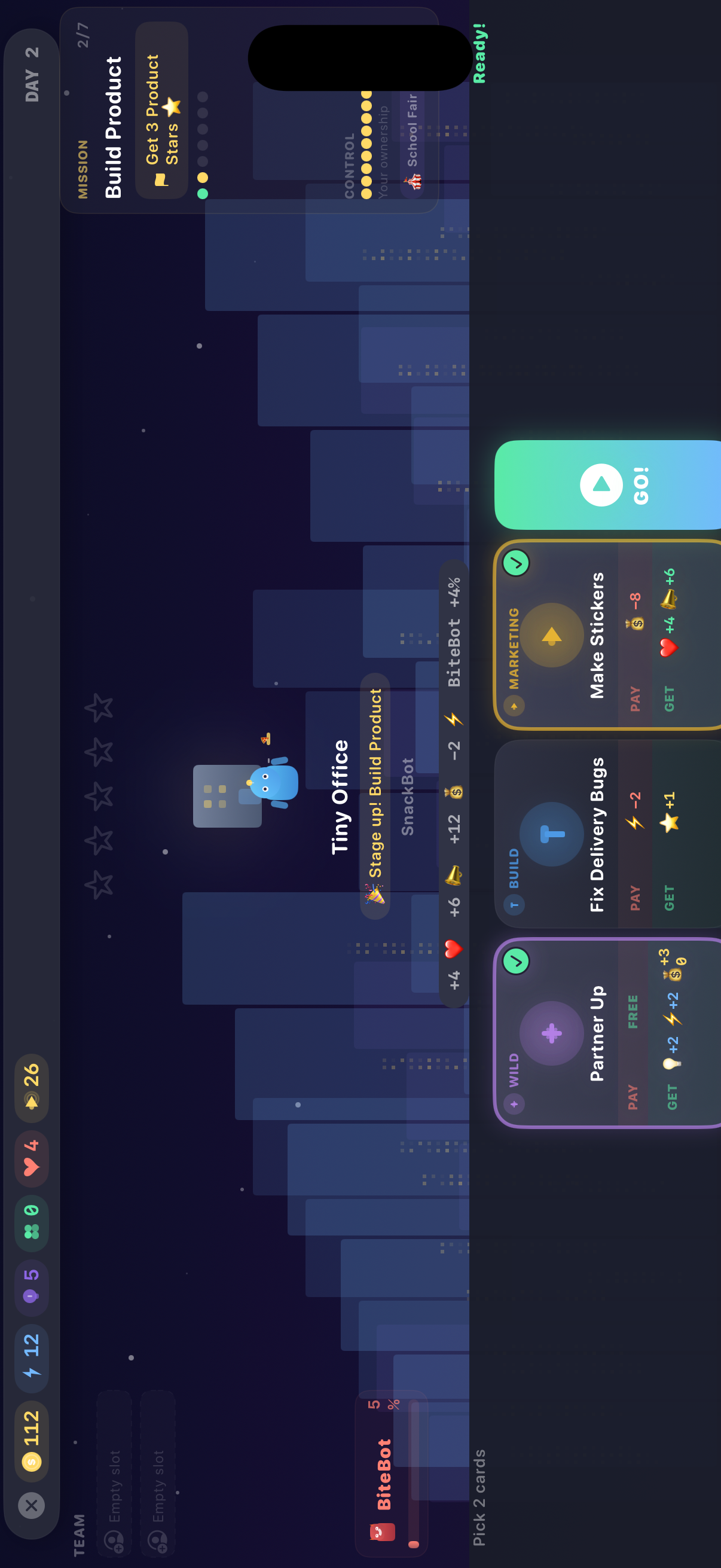
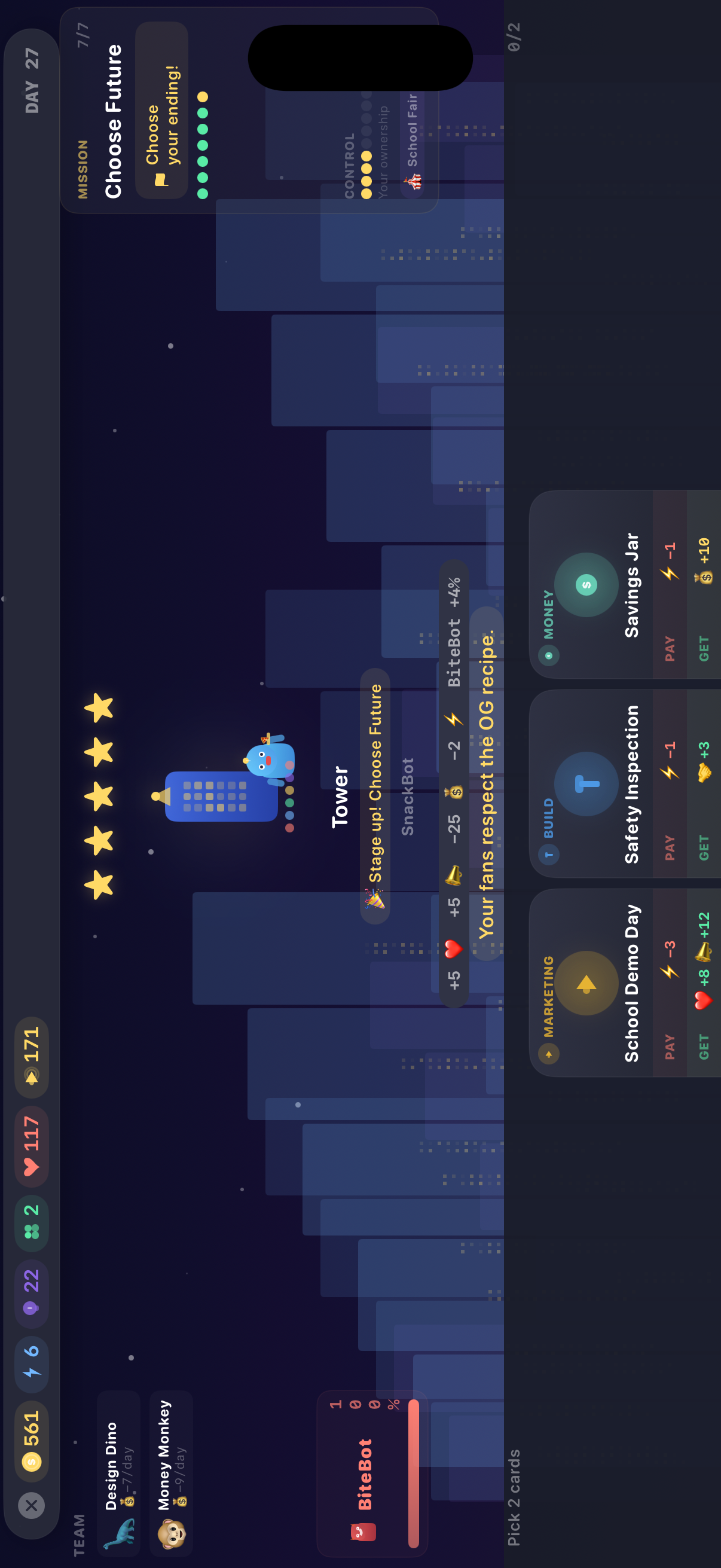
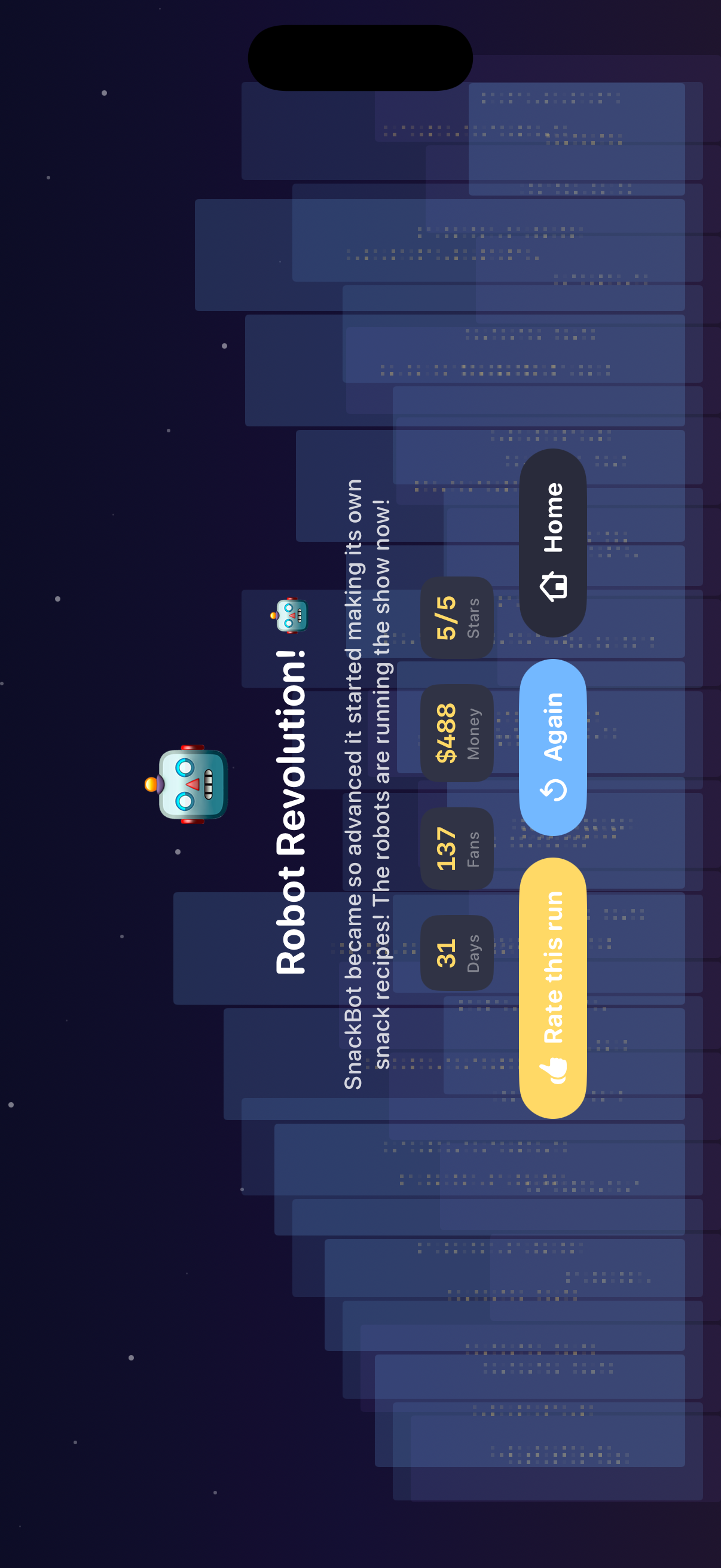
Tap any screenshot to open the full-resolution version.
What's inside
- Action-card strategy — Pick 2 of 45+ action cards each day across Build, Customer, Marketing, Team, Money and Wild.
- Story events — 30 events with meaningful choices that shape your startup's story.
- 7 endings — From Tiny Idea to IPO — endings depend on your decisions.
Why we built it
Kids' games rarely teach entrepreneurship; most strategy games are ad-stuffed and track players.
What makes it different
A wholesome, fully offline startup-simulation card game with 7 endings, zero ads, zero tracking, and no in-app purchases — safe for kids.
Who it's for
Built for anyone who values fast, private, on-device software with a calm, focused UX.
In one line: Build a snack robot empire!
Try it
See the Build a snack robot empire! for the full feature list, the info table, and support links.
Use Startup City: SnackBot, found a bug, or have a feature request? Comments are open below — anonymous is fine.
0 comments
No comments yet — be the first.
Leave a reply
Sign in with Google to join the conversation. We require a quick sign-in to keep comments spam-free.
Sign in with Google to comment