Meet Cancellr — Find and cancel the subscriptions you forgot you had
The average American spends $219/month on subscriptions across roughly eight services — and 42% are paying for at least one they've forgotten.

Finance
Cancellr
Find and cancel the subscriptions you forgot you had.
Every feature, from the first launch.
No account, no login, no cloud. Everything runs on your device and works fully offline — nothing in this post is hidden behind a wall.
What Cancellr does
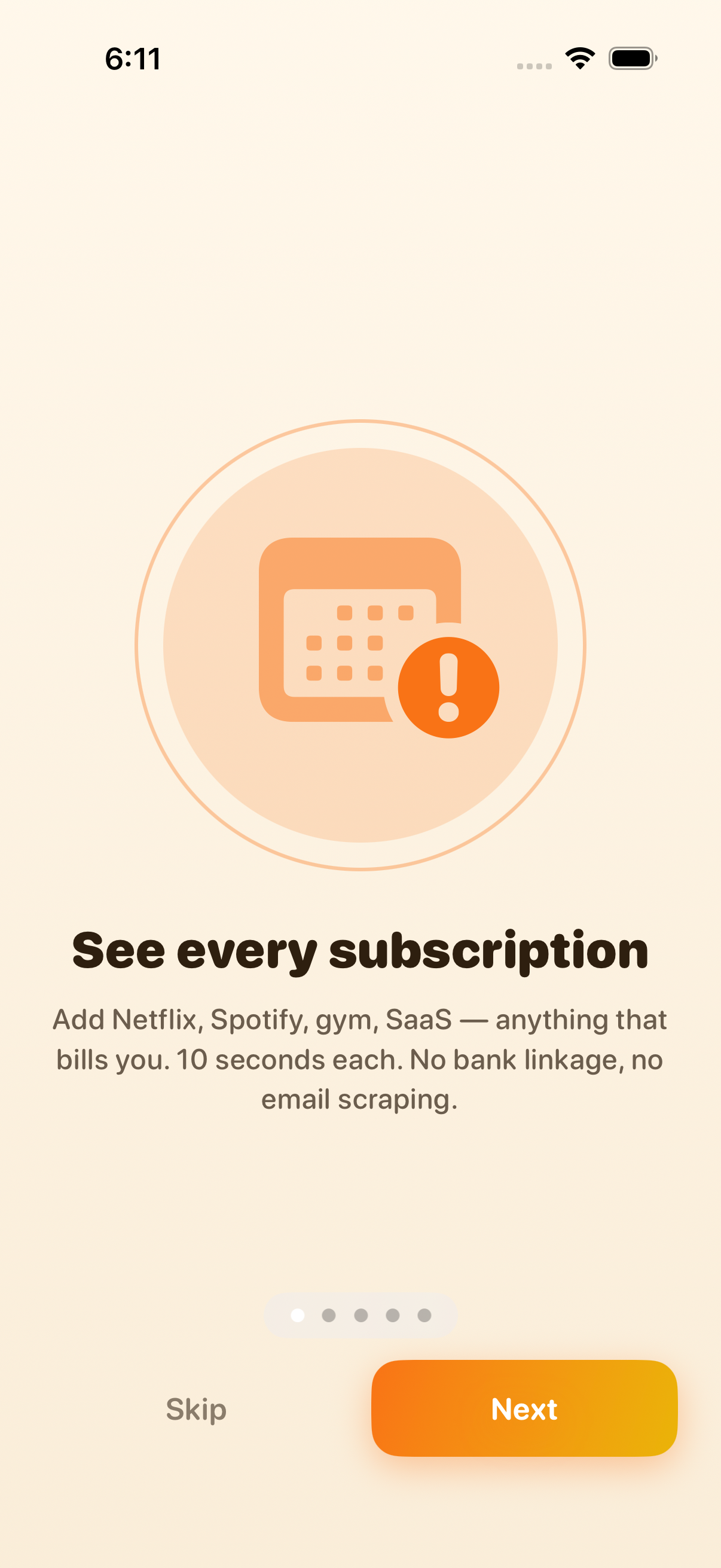
The average American spends $219/month on subscriptions across roughly eight services — and 42% are paying for at least one they've forgotten. Cancellation is intentionally hostile. The leading tracker app (Rocket Money) charges its own $7-14/month subscription, scrapes your bank, and has 200+ BBB complaints about hostile cancellation.
Cancellr fixes that.
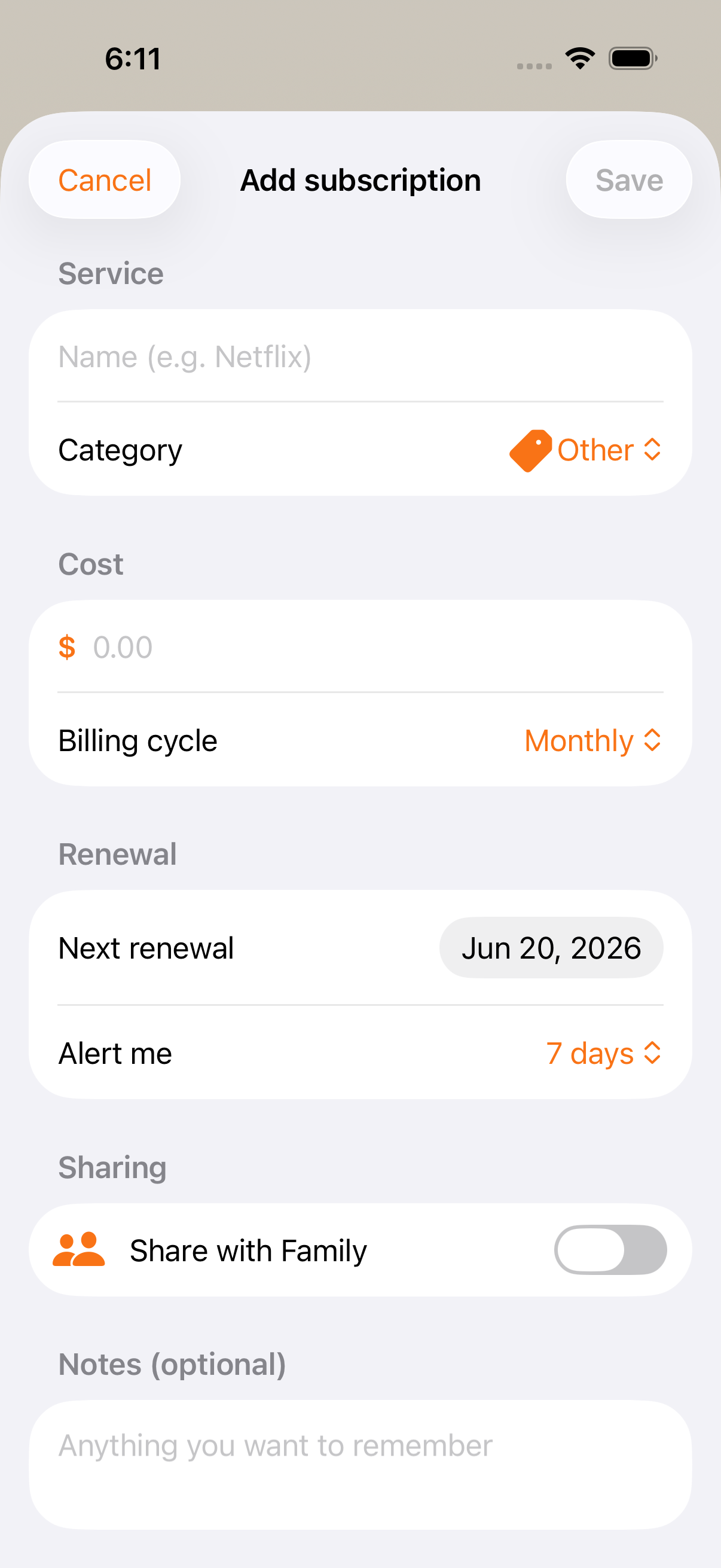
— Add a subscription manually: name, amount, billing cycle, renewal date. Auto-categorize. Most entries take 10 seconds. — Smart renewal alerts at 14, 7, 3, or 1 day(s) before renewal. Configurable. Calm, not nag. — Built-in 'cancel link' directory for the top 200+ services: Netflix, Spotify, Disney+, Hulu, Max, Apple Music, YouTube Premium, Audible, Dropbox, iCloud+, Adobe, Notion, ChatGPT, Claude, Linear, GitHub, NYT, WSJ, Strava, and 180 more. Tap 'Cancel Netflix' → opens Netflix's official cancellation page in Safari. We don't impersonate you; we just save the click. — 'Forgotten?' flag: if you haven't tapped 'I used this' for 60+ days on a subscription, Cancellr flags it as a cancel candidate.
A look inside



Tap any screenshot to open the full-resolution version.
What's inside
- Add subscription — Enter a subscription in 10 seconds: name, amount, billing cycle (weekly/monthly/quarterly/yearly), next renewal date, category (auto-suggested from the service name). Optional notes.
- Cancel-link directory — 200+ pre-loaded services with their official cancellation URLs. Tap 'Cancel Netflix' on the subscription detail screen → opens Netflix's cancellation page in Safari. We don't impersonate you or process anything; we just save the 'where is the cancel button' Google search.
- Smart renewal alerts — Configurable per-subscription alert windows (14/7/3/1 days, or off). Single calm notification per day at a time you choose ('You have 2 renewals this week').
- 'Forgotten?' detection — Tap 'I used this' on a subscription's row to mark recent use. Subscriptions you haven't tapped in 60+ days get a soft amber flag suggesting you consider cancelling.
- Yearly + category breakdown — Stats tab: annualized spend, monthly average, breakdown by category (Streaming, Software, Fitness, News, Other) as a clean Swift Charts donut. Spot the runaway category.
Why we built it
$219/mo on subs is documented (CNBC Select 2026), 42% have forgotten ones (CNBC Select), but the dominant tracker (Rocket Money) is itself a $7-14/mo subscription with 200+ BBB cancellation complaints, requires bank-account scraping, and aggressively upsells bill-negotiation that takes 35-60% commission. iOS Settings…
What makes it different
Cancellr is the only subscription tracker that combines all of: (a) one-time $4.99 (vs Rocket Money $7-14/mo and Renewly $3.99/mo), (b) no bank access, no email scraping, no account — manual entry only, (c) built-in 200+ service cancel-link directory (tap → Safari opens that service's official cancellation URL — we do…
Who it's for
Freelancers, contractors, and small-business owners who want their numbers right at tax time without renting a SaaS to do it.
In one line: Find and cancel the subscriptions you forgot you had.
Try it
See the Subscription Tracker for the full feature list, the info table, and support links.
Use Cancellr, found a bug, or have a feature request? Comments are open below — anonymous is fine.
0 comments
No comments yet — be the first.
Leave a reply
Sign in with Google to join the conversation. We require a quick sign-in to keep comments spam-free.
Sign in with Google to comment