Meet Brewlog — Ferment & brew, beautifully logged
Brewlog is the offline fermentation journal that serious home brewers and fermenters have been waiting for.

Food And Drink
Brewlog
Ferment & brew, beautifully logged
Every feature, from the first launch.
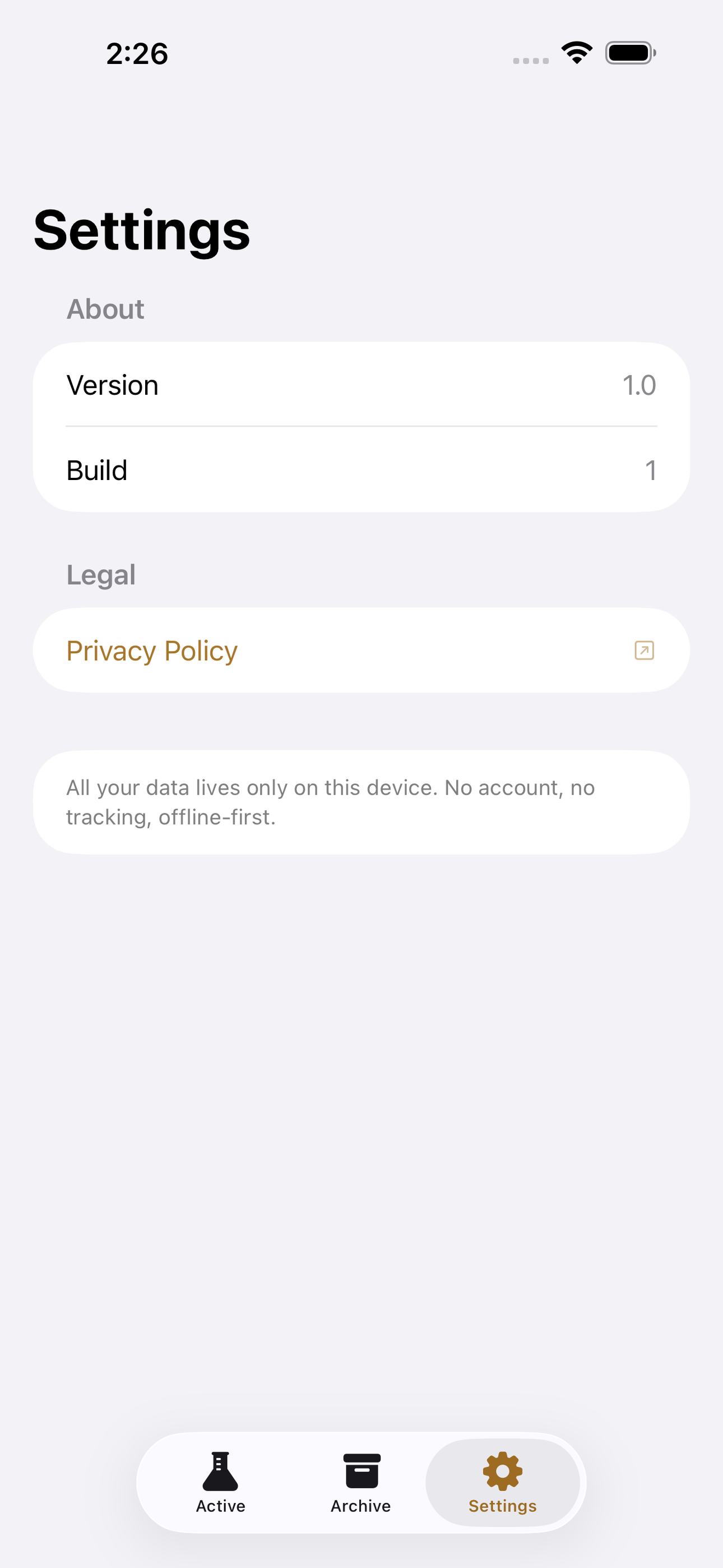
No account, no login, no cloud. Everything runs on your device and works fully offline — nothing in this post is hidden behind a wall.
What Brewlog does
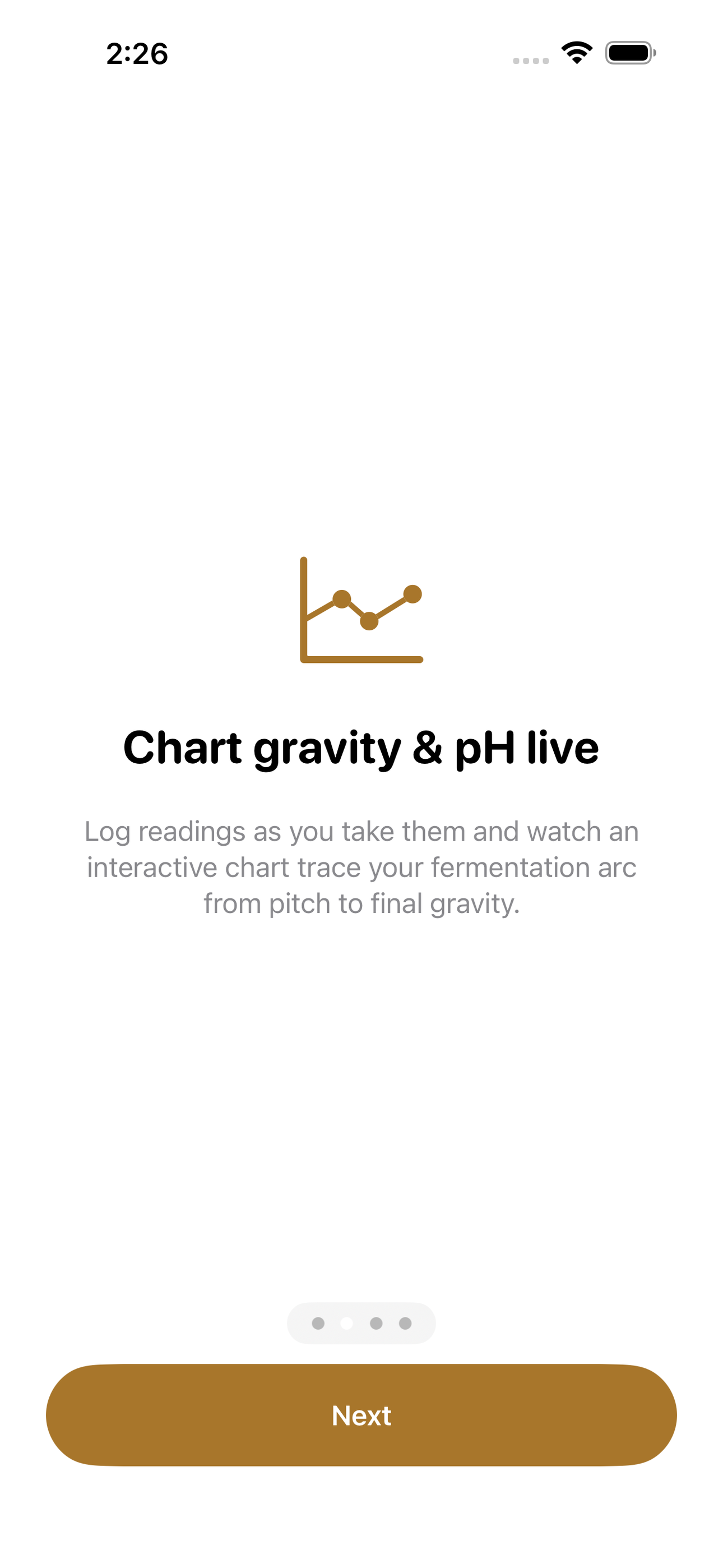
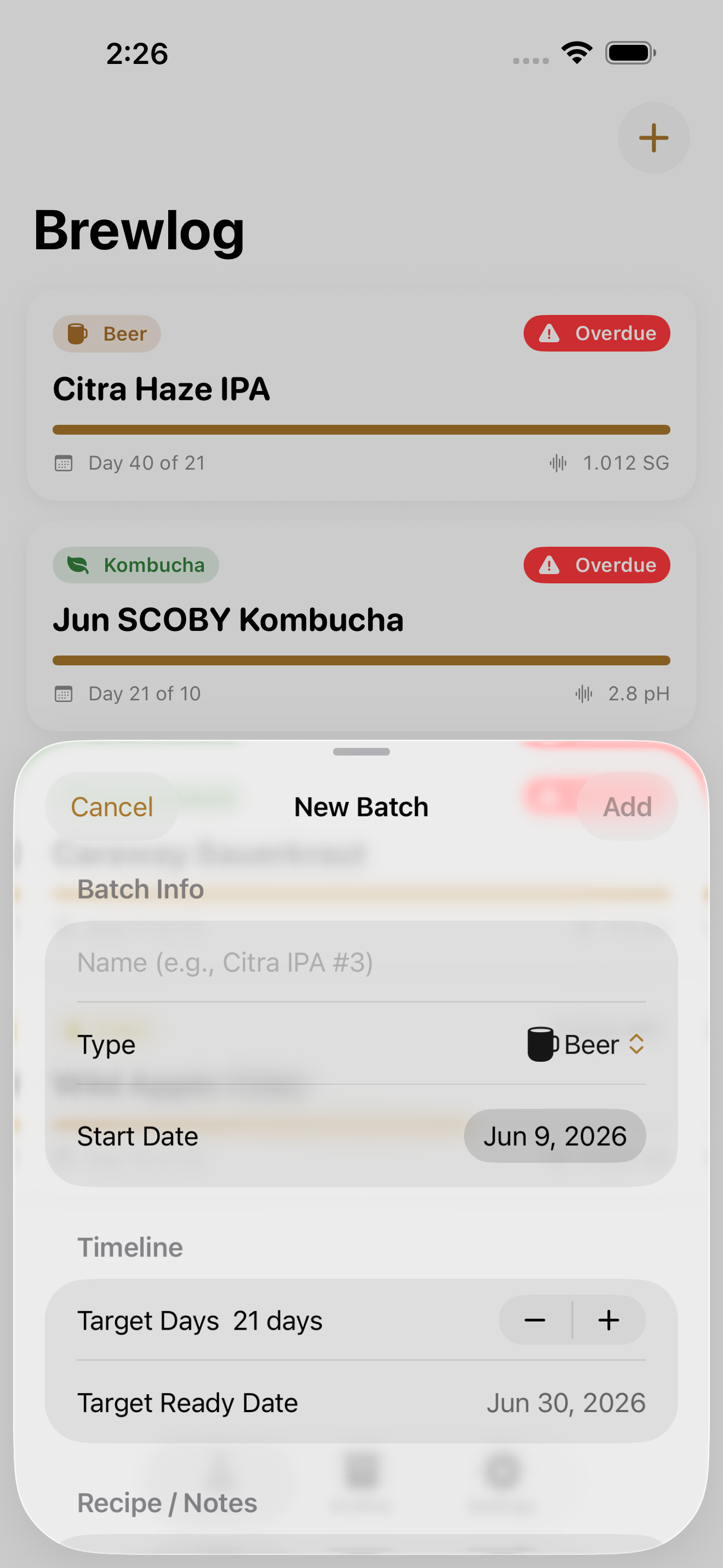
Brewlog is the offline fermentation journal that serious home brewers and fermenters have been waiting for. Start a batch in seconds — give it a name, choose beer, cider, kombucha, or lacto-ferment (kraut, kimchi), paste in your recipe, and set a target-ready day. From there, log gravity or pH readings as often as you like and watch an interactive timeline chart trace the arc of fermentation. When you’re ready to drink, add a tasting note with a star rating so future-you knows exactly what worked.
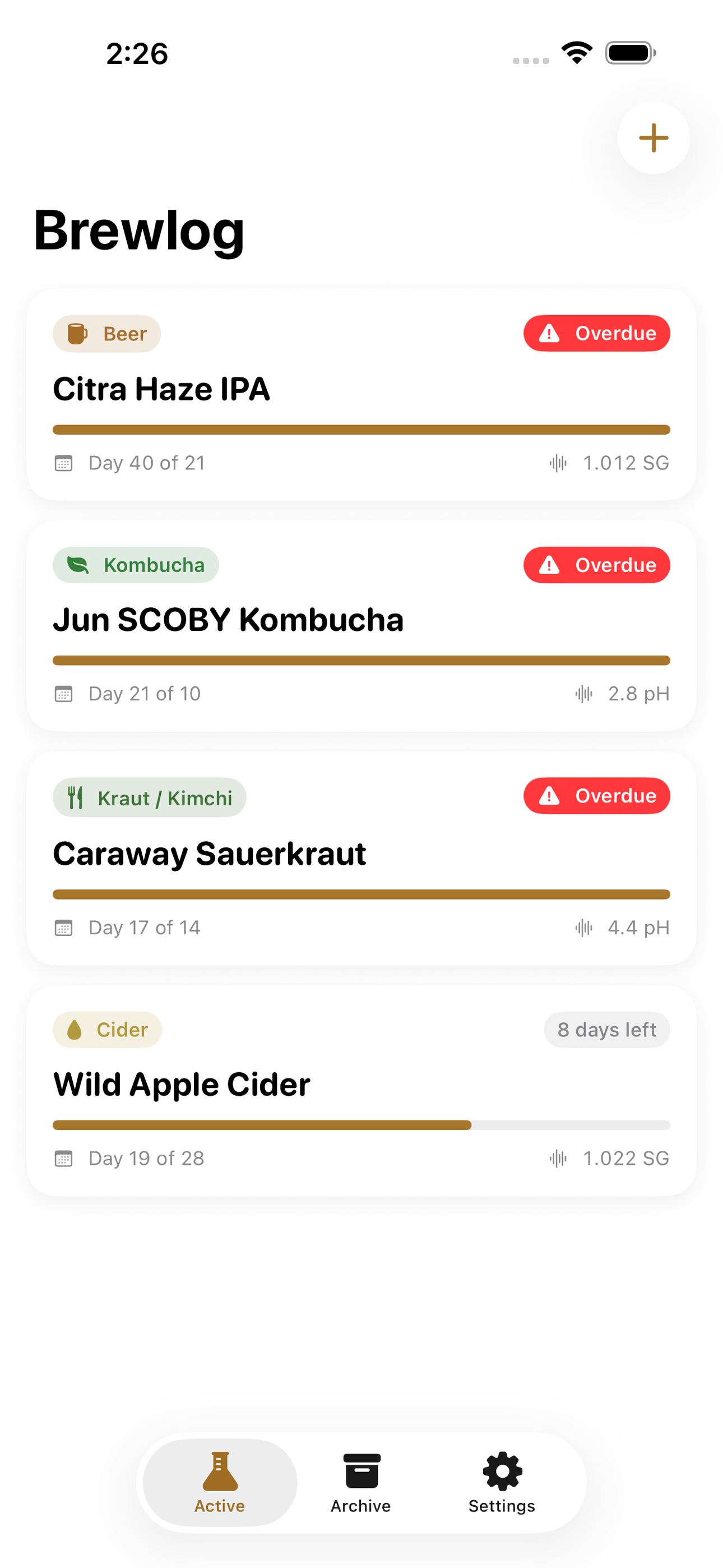
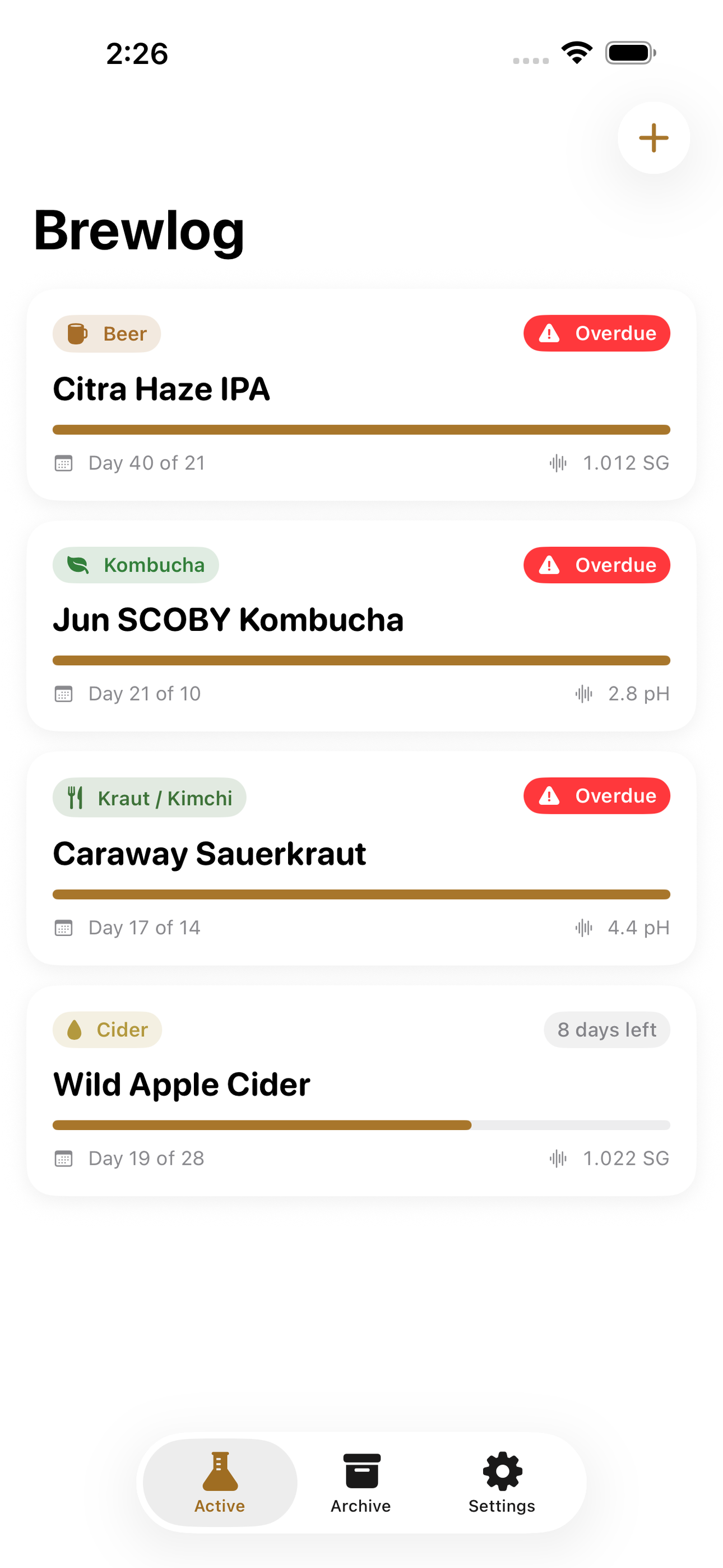
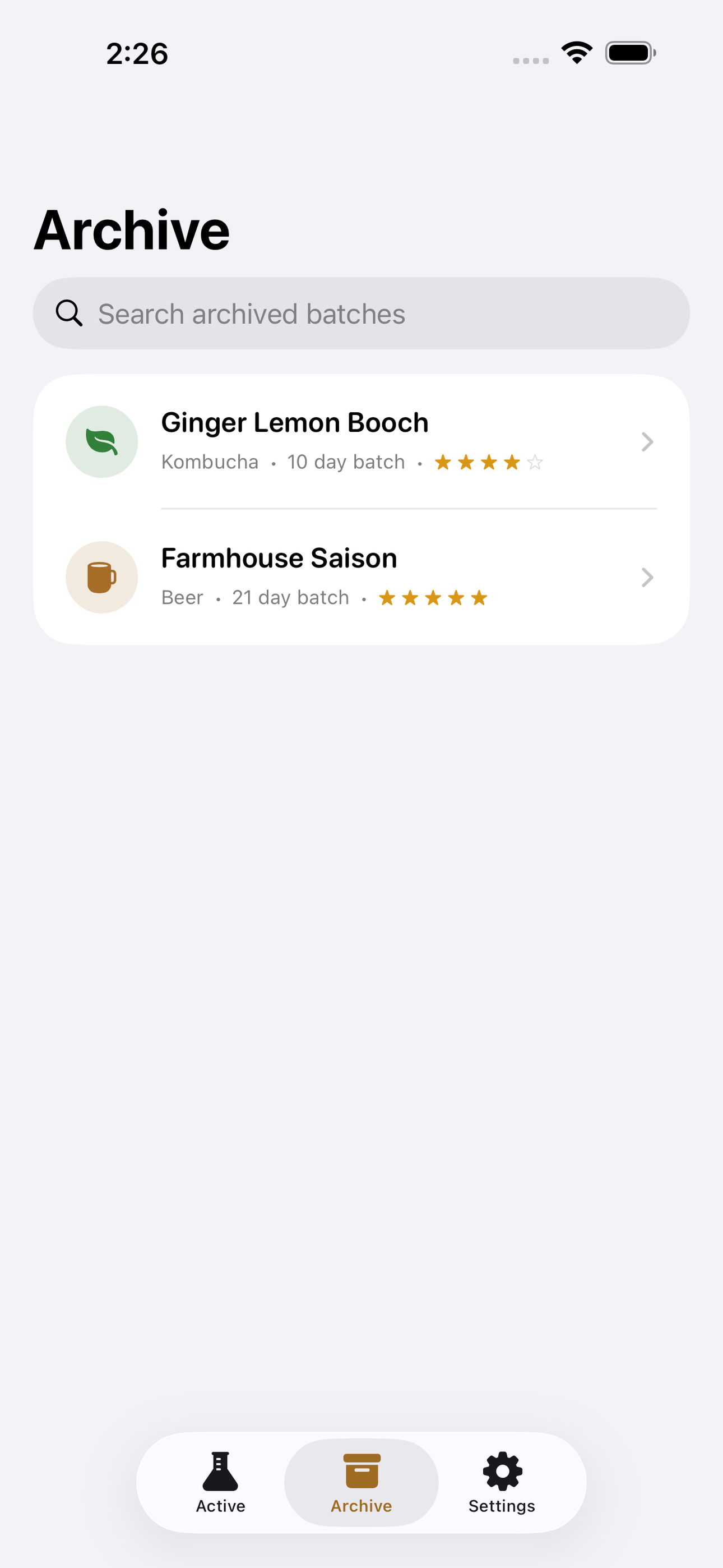
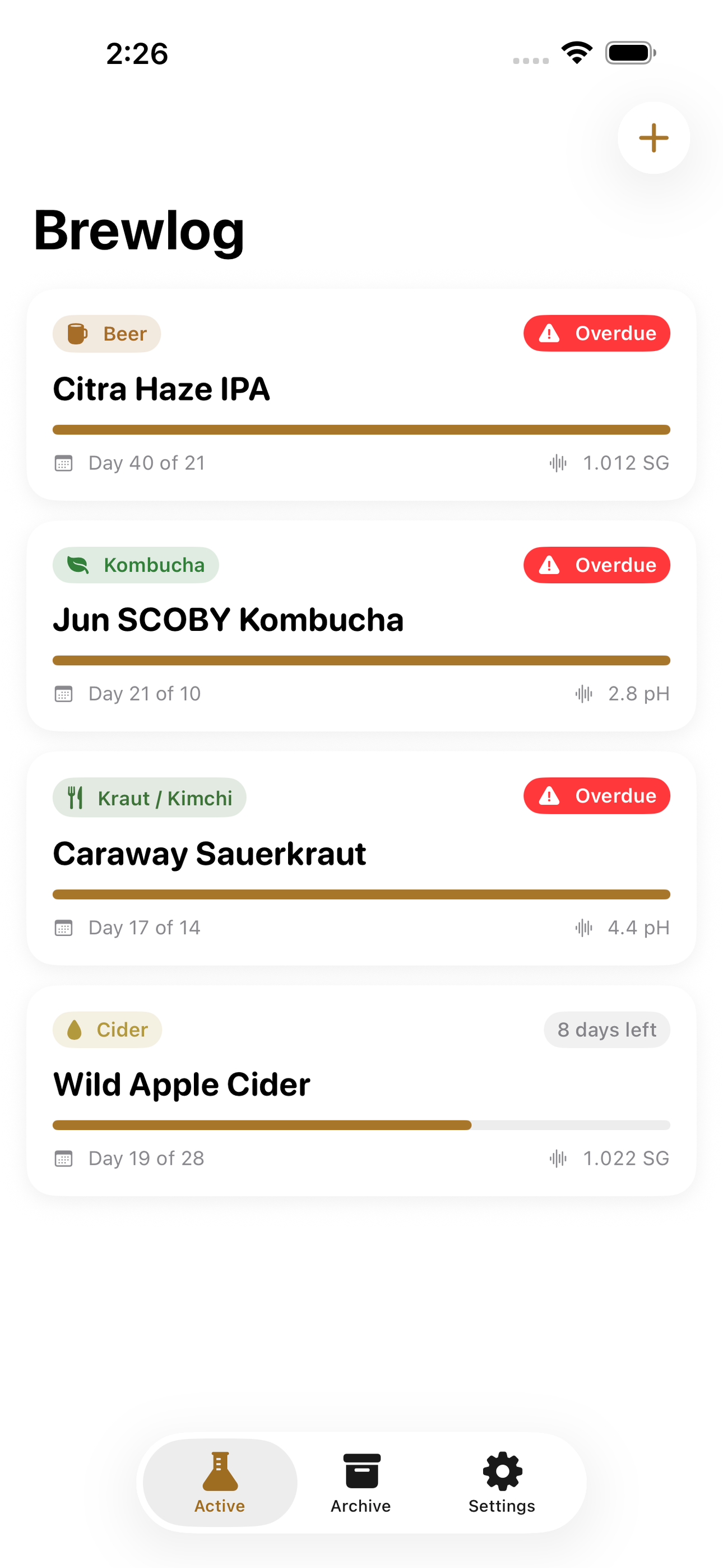
Brewlog surfaces active batches by urgency, flagging anything that’s past its target date or close to it. Archive finished batches to a searchable vault you can revisit when you brew that recipe again.
No account. No internet. No subscription. Just you, your cultures, and your data.
• Active ferment dashboard with ready-soon alerts • Per-batch timeline of gravity / pH readings + interactive chart • Recipe field and target-day countdown • Tasting notes with star ratings • Searchable archive of finished batches • Entirely offline — SwiftData, nothing leaves your device
A look inside
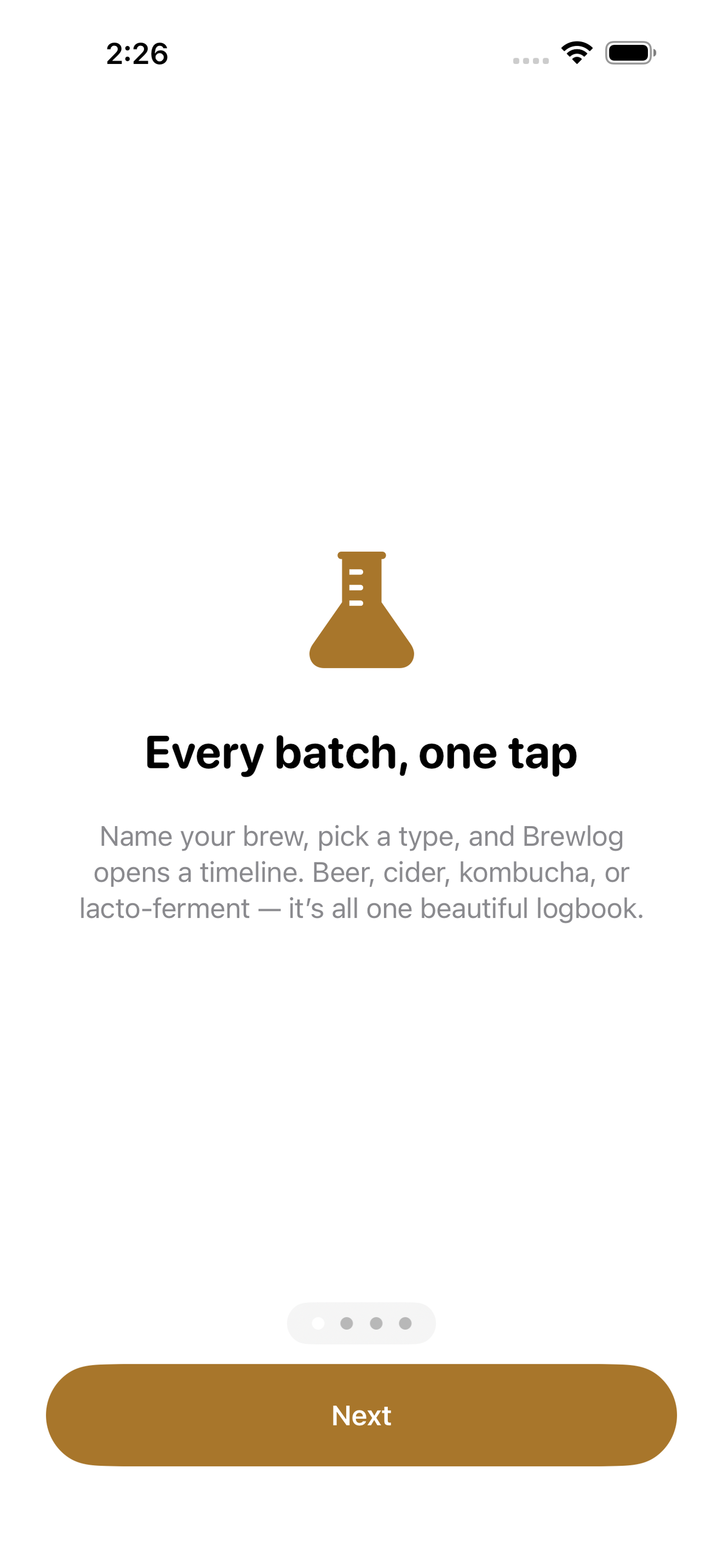
Tap any screenshot to open the full-resolution version.
What's inside
- Active ferment dashboard — Home screen listing all in-progress batches sorted by urgency: overdue batches first, then ready-soon (within 3 days), then active. Each card shows type badge, days remaining, and last reading.
- Batch timeline & readings chart — Per-batch detail screen with a scrollable timeline of gravity or pH readings and an interactive line chart. Users add readings via a quick bottom sheet specifying date, value, and an optional note.
- Add & edit batch — Sheet for creating or editing a batch: name, type picker (Beer / Cider / Kombucha / Kraut–Kimchi), start date, target days, and a multiline recipe / notes field.
- Tasting notes & archive — When a batch is finished, the user logs a tasting note with 1–5 star rating and free-text observations, then archives it. ArchiveView is a searchable list of all completed batches for future reference.
Why we built it
Home fermenters cobble together notebooks, spreadsheets, and generic note apps to track gravity readings, pH dips, recipe versions, and tasting notes across multiple simultaneous batches, with no timeline view, no ready-soon alerts, and no single searchable archive to learn from previous brews.
What makes it different
A fully offline, no-subscription fermentation log that covers all batch types (beer, cider, kombucha, lacto-ferments) in one app, pairs an interactive reading chart with a countdown-to-ready indicator, and stores tasting notes alongside recipes — unlike Brewfather or BrewPal, which require accounts, internet, or subsc…
Who it's for
Built for anyone who values fast, private, on-device software with a calm, focused UX.
In one line: Ferment & brew, beautifully logged
Try it
See the Ferment & brew, beautifully logged for the full feature list, the info table, and support links.
Use Brewlog, found a bug, or have a feature request? Comments are open below — anonymous is fine.
0 comments
No comments yet — be the first.
Leave a reply
Sign in with Google to join the conversation. We require a quick sign-in to keep comments spam-free.
Sign in with Google to comment